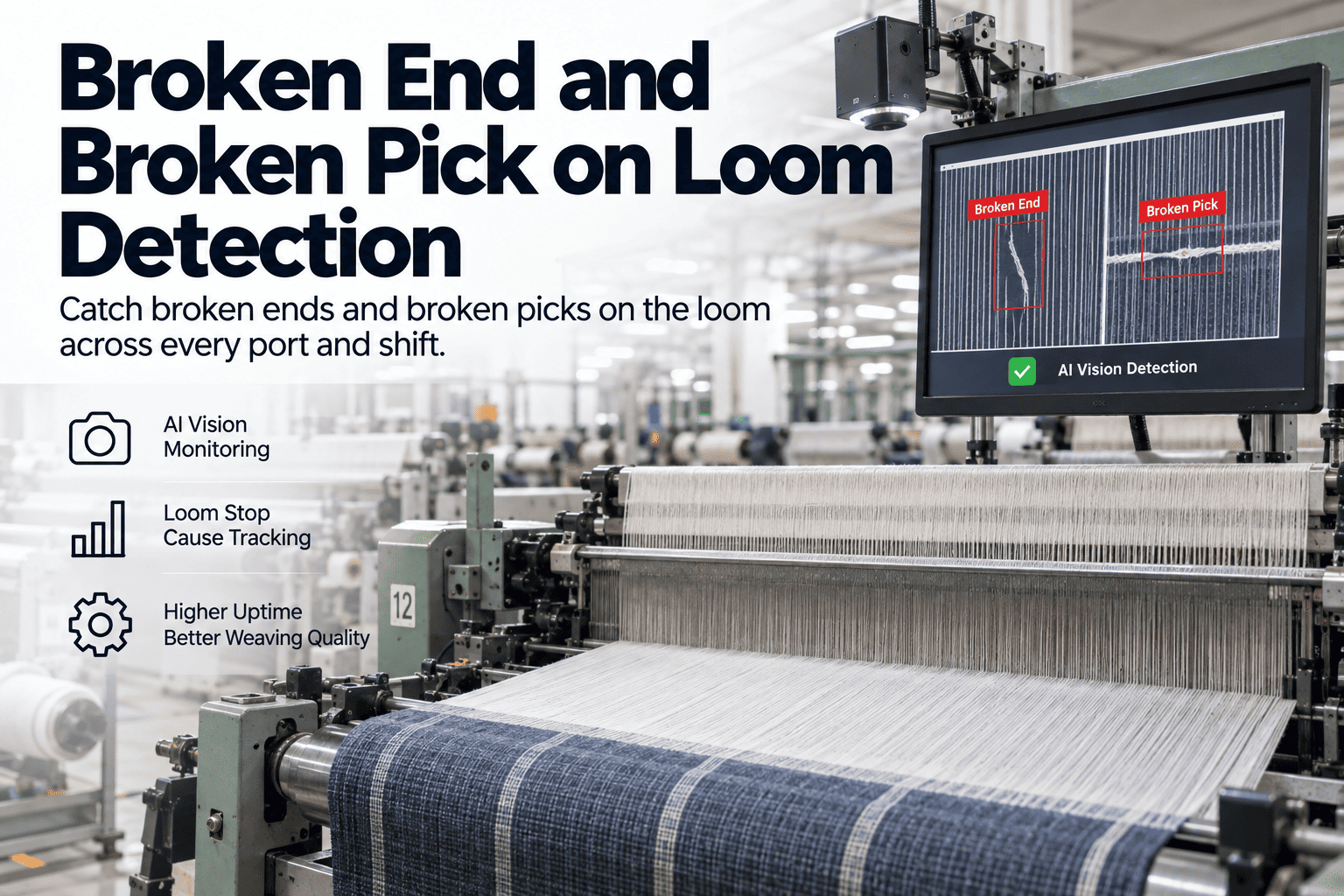
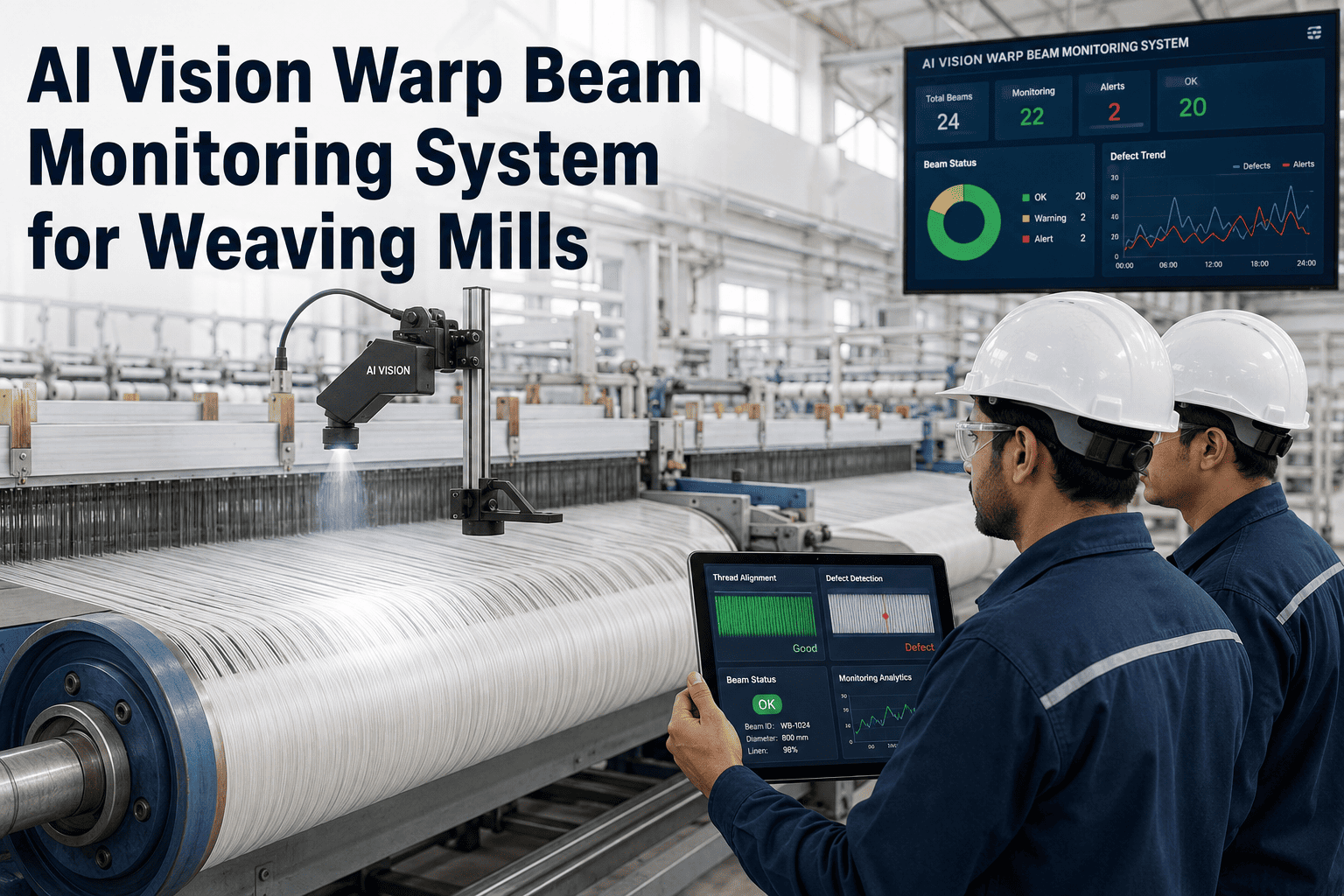
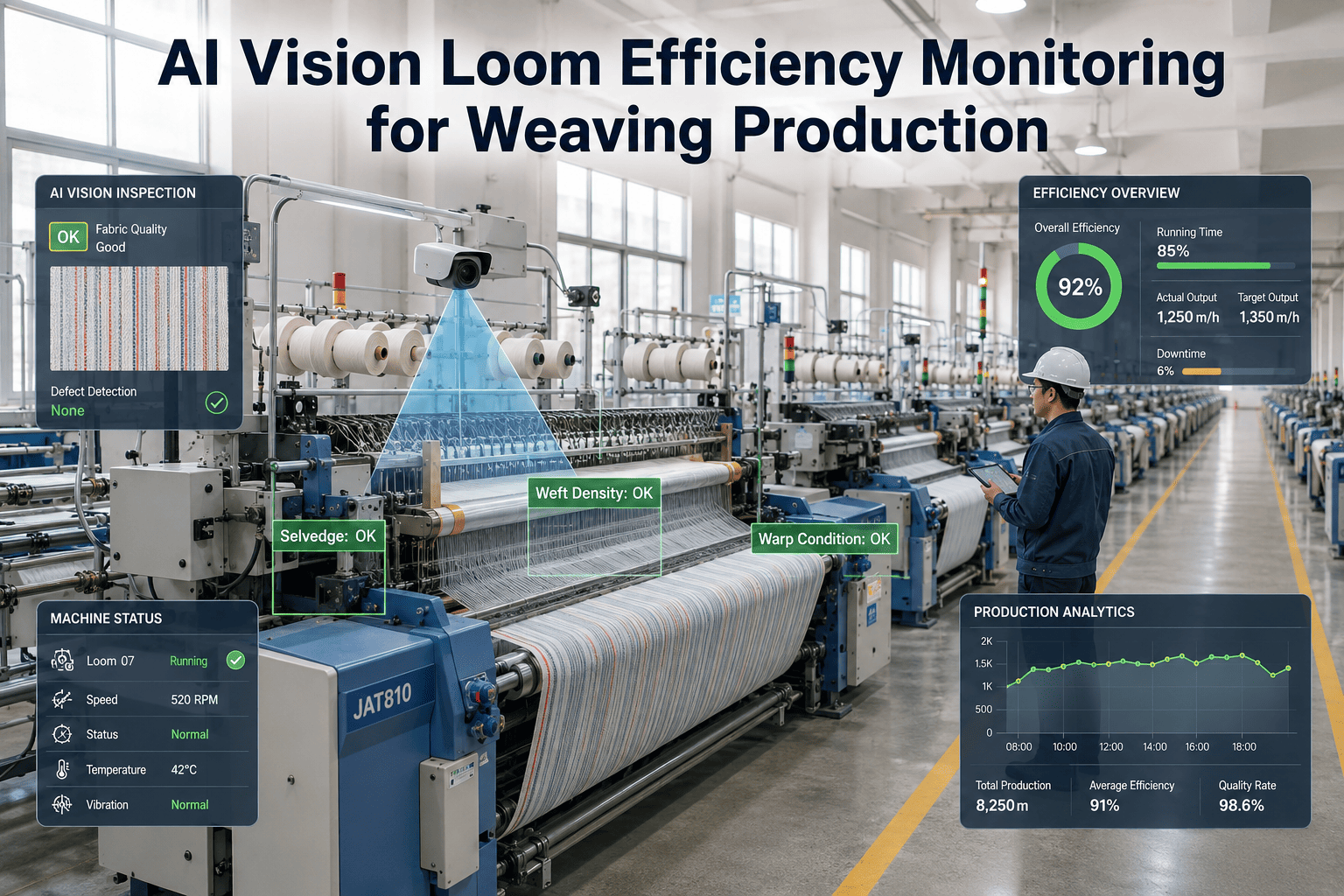
A weaving shed with 200-800 looms live at any moment is a running scoreboard of broken ends and broken picks — the two most common loom stop causes. Every loom stop is either quickly cleared or slowly cleared (operator was on the far side, mend took longer than the stop clock allowed, loom sat idle 5-10 minutes racking up OEE loss). Traditional weaving OEE captures loom uptime but rarely attributes stops to specific causes — operator notes cause on a card at end of shift, improvement effort scatters. Vision AI at every loom port reads the stop cause the moment the loom halts.
iFactory / Broken end & broken pick vision
Attribute Every Loom Stop to Broken End, Broken Pick, or Other — Automatically
Loom-level vision at every port reading broken ends, broken picks, and other stop causes the moment the loom halts — cutting loom stop time through faster operator response and posting stop-cause data to the weaving OEE record instead of operator cards.
L-14
2.3 min
Broken end · position 340
L-27
0.8 min
Broken pick · shuttle A
L-31
4.1 min
Broken end · position 812
L-08
7.2 min
Chronic · reed section 12
Stop cause
auto-attributed
OEE record
live, not carded
The Problem in Loom Stop Attribution
A typical weaving shed with 300 shuttleless looms sees each loom stop 15-40 times per shift for broken ends, broken picks, weft change, and other causes. Operator coverage of 8-12 looms per weaver means each stop competes for attention, and stop-clearance time varies from 30 seconds to 10 minutes. Stop cause is captured on paper at end of shift — approximate, coarsely categorised, disconnected from the specific event. Weaving OEE shows loom uptime but attributes cause loosely; improvement effort scatters because the data doesn't say whether last shift's OEE gap came from broken ends, broken picks, or reed problems.
Where Loom OEE Actually Bleeds
Loom stop failure modes are consistent across air-jet, rapier, and projectile weaving. Each traces to a specific cause that vision AI attributes distinctly.
Broken ends (warp)
Warp yarn breaks account for 40-60% of loom stops in typical weaving. Root causes vary — poor sizing, aged warp beam, high tension. Without automatic attribution, root cause analysis has no data.
Broken picks (weft)
Weft yarn breaks account for 20-35% of stops. Root causes include weft package winding, shuttle path, or feeder issue. Attribution needed to target the right root cause.
Reed / temple / other
Reed marks, temple wear, mechanical faults account for 10-20% of stops. Often mis-attributed as broken end because that's the immediate symptom. Vision distinguishes.
Operator response lag
Operator on far side of shed responds to alarm 3-5 minutes after stop. Loom sits idle. Vision-driven priority dispatch cuts response time to under 1 minute for the highest-idle looms.
What Good Looks Like in Loom Vision
A working loom vision system holds four disciplines together — port-level capture, automatic cause attribution, priority-driven operator dispatch, and OEE integration.
Port-Level Capture
Vision at each loom port captures stop events with visual context — warp break position, weft supply state, shuttle behaviour. Every port, every shift, no operator card.
Every port, always
Auto Attribution
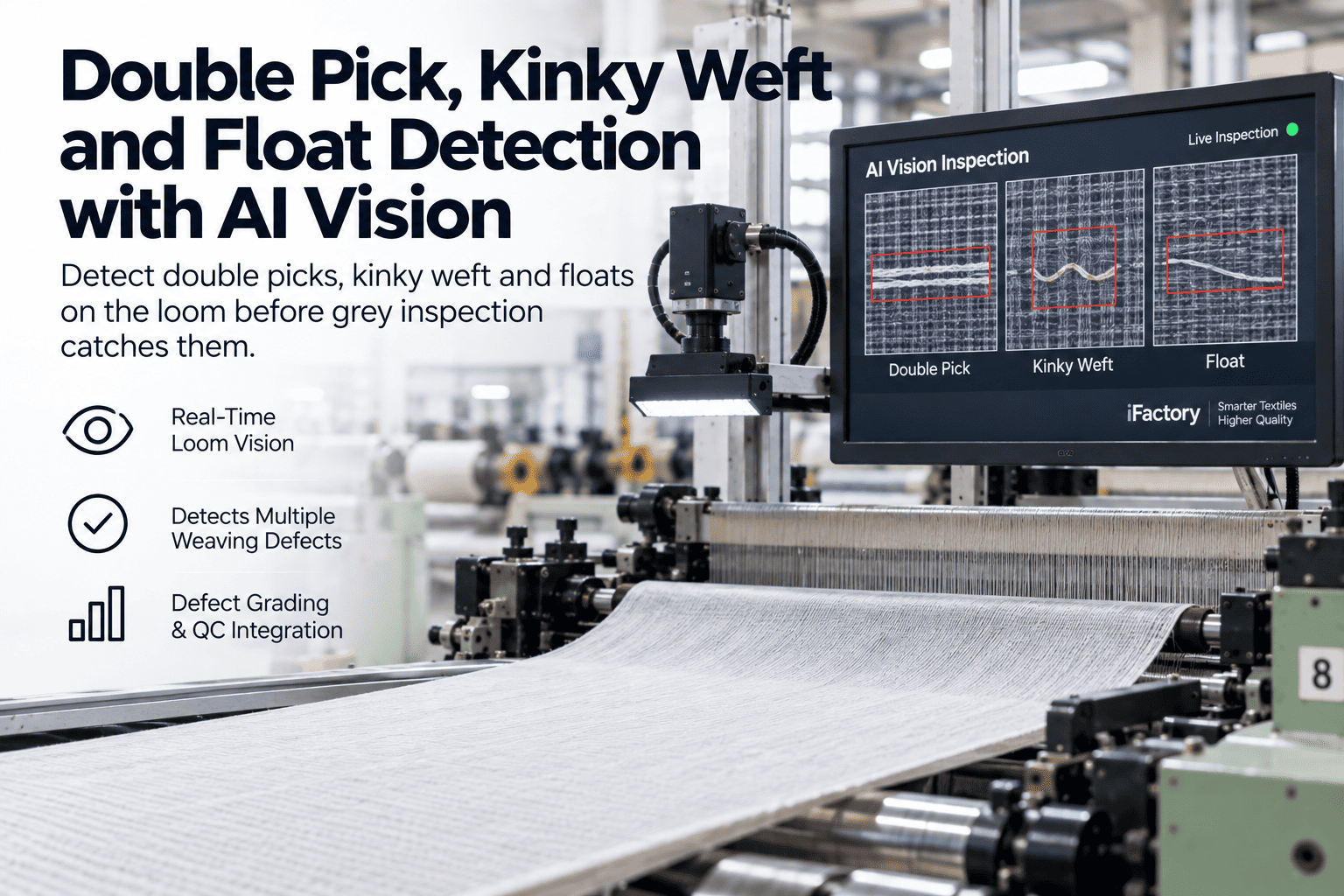
Stop cause auto-attributed from vision — broken end (with warp position), broken pick (with shuttle position), reed mark, temple, mechanical. Not "operator noted" but observed.
Observed, not noted
Priority Dispatch
Operator mobile app or shed display prioritises stops by idle time and clearance ease. Operator goes to the highest-idle loom next, not the closest.
Priority, not proximity
OEE Integration
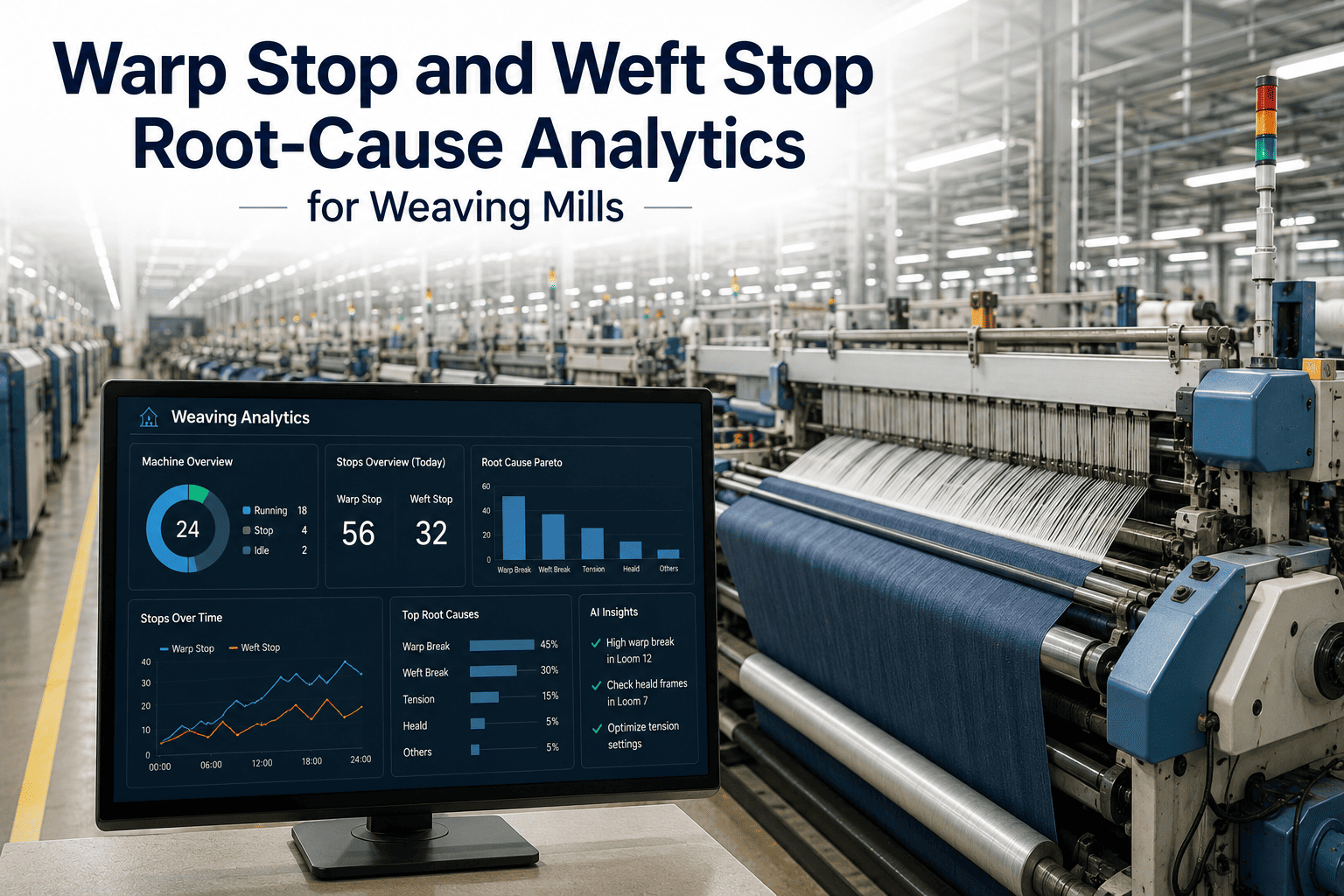
Every stop event with cause and duration written to weaving OEE record. Reports show loom-level, port-level, shift-level, cause-level breakdown. Improvement targets specific.
OEE reflects reality
How iFactory AI Fits
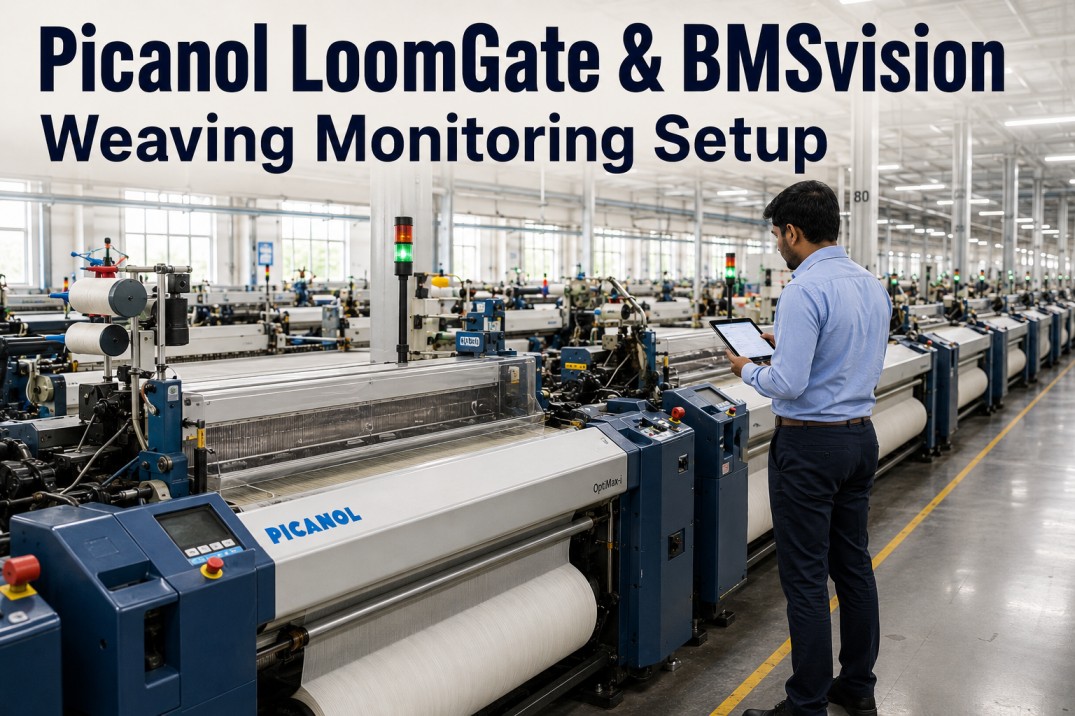
iFactory AI overlays your looms (Toyota JAT, Picanol OptiMax, Itema Rapier, Tsudakoma, Sulzer legacy), shed dispatch app, and weaving OEE reporting — providing the vision layer at every port that turns operator-carded cause into observed attribution.
Port Vision
Vision Layer
Vision cameras at each loom port capturing stop events with visual context. Warp position, weft state, shuttle behaviour recorded. Distributed edge processing for real-time attribution.
Cause Classifier
Vision + AI
Stop cause classification — broken end, broken pick, reed mark, temple mark, mechanical, weft change, other. Confidence scored; low-confidence events flagged for operator confirmation.
Dispatch App
Vision + Mobile
Operator mobile app or shed display shows stop queue by priority (idle time × clearance difficulty). Operator dispatched to highest-value stop, not closest.
OEE Writer
Vision + MES/OEE
Every stop event with cause and duration written to weaving OEE system. Loom-, port-, shift-, cause-level reports. Baseline for targeted improvement effort.
Ask your weaving section head to break last week's loom OEE loss into broken end, broken pick, reed/temple, weft change, and other. If the split is "operator cards, not really tracked," the improvement work has no target — and every shift repeats the pattern. Book a loom vision review.
12-Week Loom Vision Pilot on One Shed Section
One shed section (30-60 looms), twelve weeks. The pilot mounts vision at every port, activates cause classification and dispatch, and closes the first month of OEE data reflecting actual stop attribution.
Weeks 1–3
Vision Deploy
Vision cameras mounted at every loom port in the pilot section. Edge processing configured. Baseline current-state OEE from existing carded data.
Weeks 4–7
Classification Live
Cause classification live per port. Operator confirmation workflow for low-confidence events. Classification accuracy tracked and models refined against operator ground truth.
Weeks 8–10
Dispatch Active
Operator dispatch app or shed display live. Operators respond by priority. Loom-response time measured against baseline.
Weeks 11–12
OEE Baseline
Full month of OEE data with cause attribution. Loss categorisation shows where improvement effort belongs. Rollout to remaining shed sections scoped.
Who Owns the KPI
Loom vision crosses weaving production, operators, quality, and maintenance. Each function owns a specific KPI or attribution stays coarse and improvement scatters.
Weaving Section Head
Loom OEE by cause
Owns the section outcome — loom OEE loss broken by cause. Improvement targets specific cause categories rather than aggregate uptime.
Shed Operators
Stop response time
Owns the response velocity — median stop response time via priority dispatch. Below 90 seconds is the working target for major stop types.
Weaving QA
Grey inspection defect trend by loom
Owns the quality outcome — grey inspection defect rate per loom trend. Vision-attributed causes trace to specific loom root causes.
Weaving Maintenance
Chronic-loom intervention rate
Owns the reliability outcome — chronic-loom identification via cause pattern. Planned intervention on worst-performing looms instead of firefighting.
FAQ
How does this integrate with existing loom monitoring (Uster, Loepfe, Picanol PIW)?
Existing loom monitoring systems capture machine data — stop signal, speed, weft feeder state, pick count — through the loom controller interface. Vision layer adds what the loom controller doesn't see: visual attribution of the stop cause (which loom controllers can only infer indirectly), warp-break position (which controllers report by drop-wire position but not visually), and reed/temple condition (which controllers don't detect at all). Where Uster Quantum, Loepfe YarnMaster, or Picanol Insight is already running, the vision layer complements rather than replaces — machine data plus visual attribution gives the fullest picture. Where the shed runs older looms without modern monitoring, the vision provides the primary attribution.
What about weft insertion vision — do we need separate coverage for air-jet vs rapier?
Yes and no. Air-jet, rapier, and projectile looms each present differently at the port — air-jet has weft-tension traces the vision can read at insertion, rapier has shuttle-carrier visibility that shows weft handover, projectile has projectile-return timing. The classification models train per loom type so the same vision infrastructure covers all three, but the specific stop-cause signatures differ. Where the shed runs mixed loom types (common in tier-1 mills with Toyota air-jet, Picanol OptiMax, and Itema rapier lines), the vision configures per loom family without requiring different hardware per port.
Book a demo to see the multi-loom-type handling.
How does the classification handle rare or complex stop causes the AI hasn't seen much of?
Classification confidence is scored per event. High-confidence classifications (common broken end, common broken pick) auto-write to OEE without operator involvement. Low-confidence classifications (rare mechanical faults, ambiguous cases) surface to the operator for confirmation — operator confirms or corrects, and the correction feeds model retraining. Over the first months of operation, model accuracy on the specific shed's mix of loom types and defect patterns increases substantially. Truly rare events (mechanical faults specific to one loom design) get captured with visual evidence for maintenance investigation regardless of classification confidence — vision provides the raw evidence the operator card never did.
Stop losing OEE improvement to "operator noted" cause data.
Vision at Every Port on One Shed Section — Live
Bring one shed section's last month of OEE data with current cause attribution, the loom types running, and the operator dispatch protocol. We'll walk what port-level vision would have surfaced, and demonstrate the priority dispatch that recovers response time.