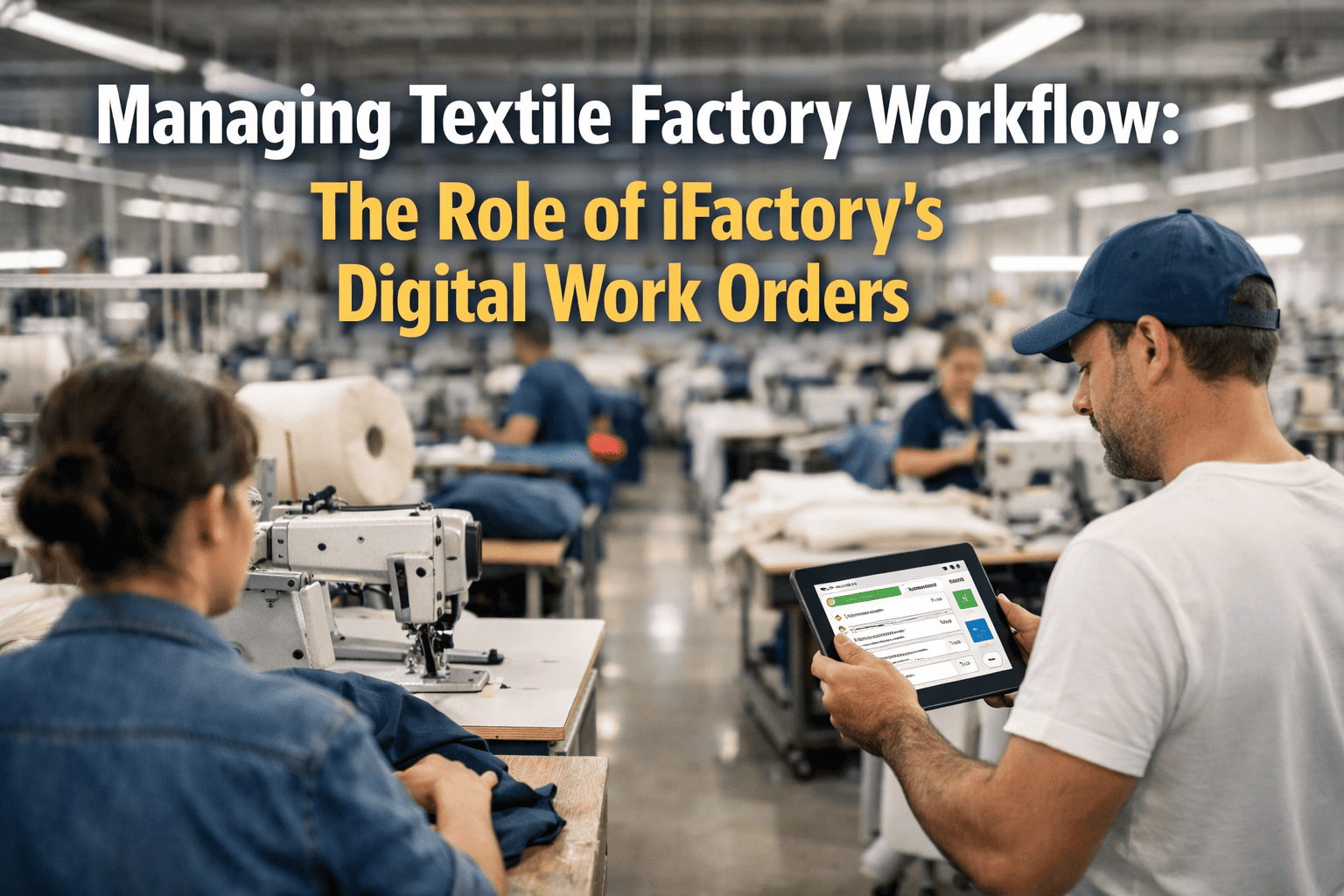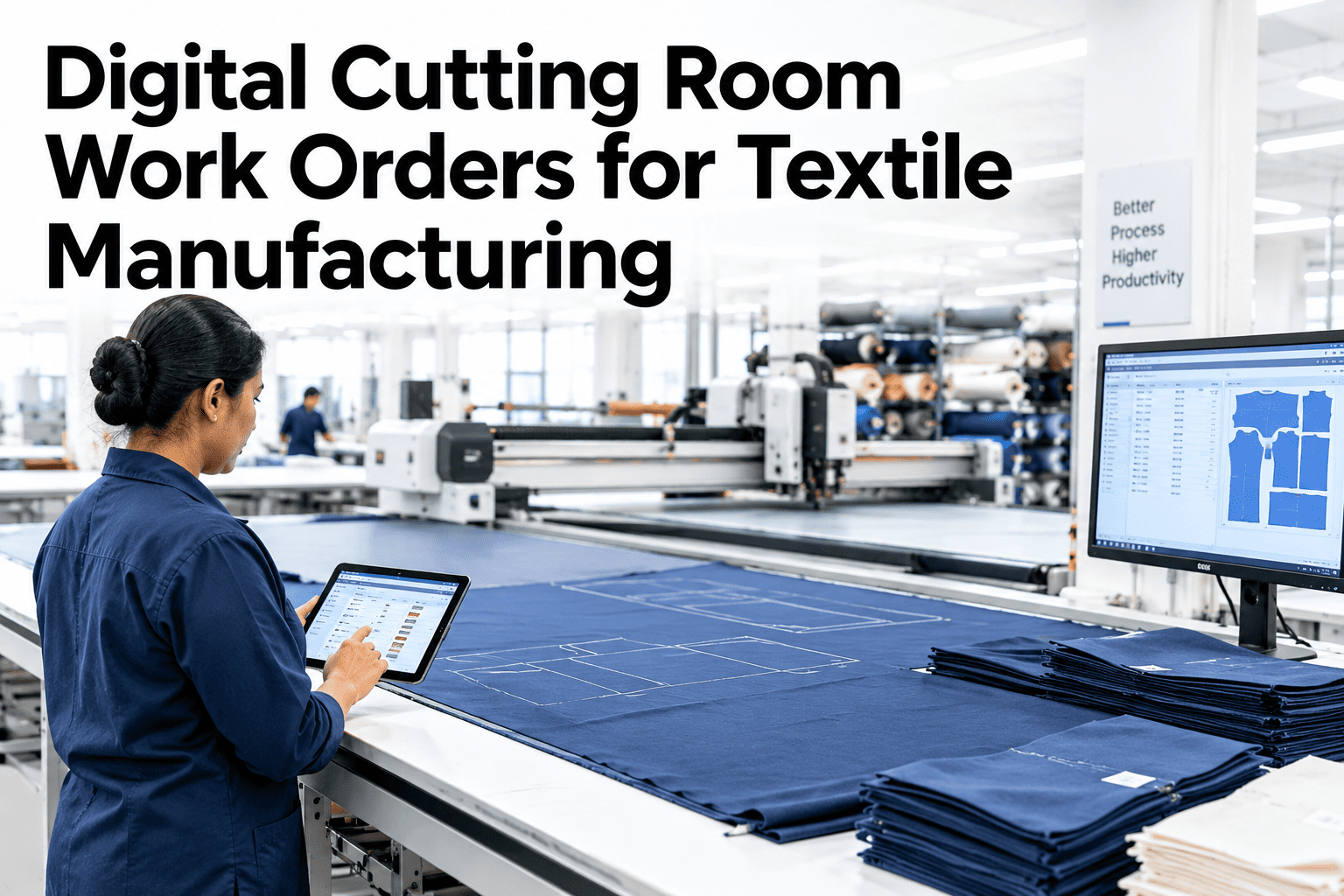
A paper work order traveling through a cutting room picks up delays the moment it leaves the planning office, waiting in a tray for the next available spreader, getting hand-copied onto a second sheet for the cutter, and occasionally going missing entirely during a shift change. None of that is anyone's fault specifically, it is just what happens when a process depends on a physical sheet of paper moving between stations. A digital work order removes the physical handoff and gives every station the same live version of the instructions at once, and if you want to see what that looks like running against your own cutting schedule, you can walk through a digital work order flow with our team.
Replace the Paper Trail Slowing Down Your Cutting Room
Digital work orders that move instantly from planning to spreading to cutting, with every station seeing the same live status instead of a paper sheet that can get lost, delayed, or copied wrong.
Where Paper Work Orders Quietly Slow Everything Down
None of these delays show up as a single dramatic failure. They show up as a cutting room that always seems to run a little behind, without anyone able to point to exactly why.
What Changes When the Work Order Goes Digital
The underlying cutting process does not change, but how the instructions move between stations changes completely.
What a Digital Work Order Actually Carries
A digital work order is more than a PDF on a screen, it carries structured fields that each station can act on directly.
| Field | Used by | Why it matters |
|---|---|---|
| Marker file and ply count | Spreading station | Confirms the exact spread matches the planned marker before cutting starts |
| Fabric lot and width | Spreading station | Flags a mismatch against the marker spec before fabric is wasted |
| Cut sequence and quantities | Cutting station | Keeps size ratios accurate without manual counting |
| Order deadline | Planning office | Surfaces at-risk orders before the deadline is actually missed |
Because every field is structured rather than handwritten, the same data can also feed directly into waste tracking and consumption variance reporting without a separate manual entry step.
See a Digital Work Order on Your Own Floor Layout
Walk through how an order would move from planning to spreading to cutting using your current stations and shift structure.
Rolling Out Digital Work Orders Without Disrupting Production
A full switch to digital work orders does not need to happen in one disruptive cutover. Most cutting rooms move through it in stages.
What iFactory Textile Specialists Recommend on Rollout
iFactory textile specialists who have supported cutting room digitization projects consistently recommend starting on the line with the most order volume rather than the simplest line, since that is where the paper delays are costing the most time and where the improvement is most visible to the rest of the floor.
They also note that keeping a printed backup available during the first full season, even once digital is the default, reduces resistance from operators who are still building trust in the new screens.
What Cutting Room Managers Ask Before Going Digital
Bring Digital Work Orders Into Your Cutting Room
Book a session with iFactory AI to see how digital work orders would move through your planning, spreading, and cutting stations.