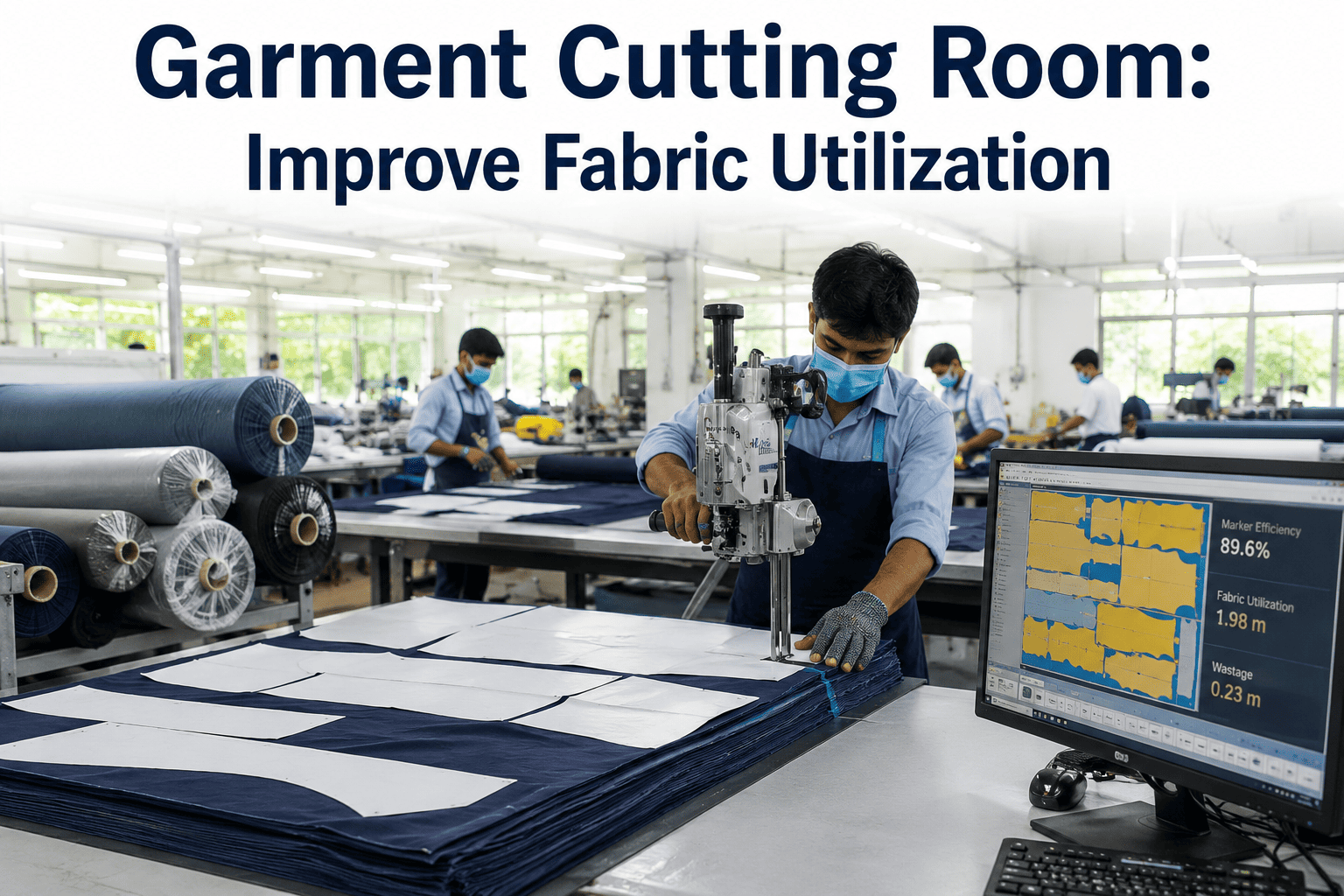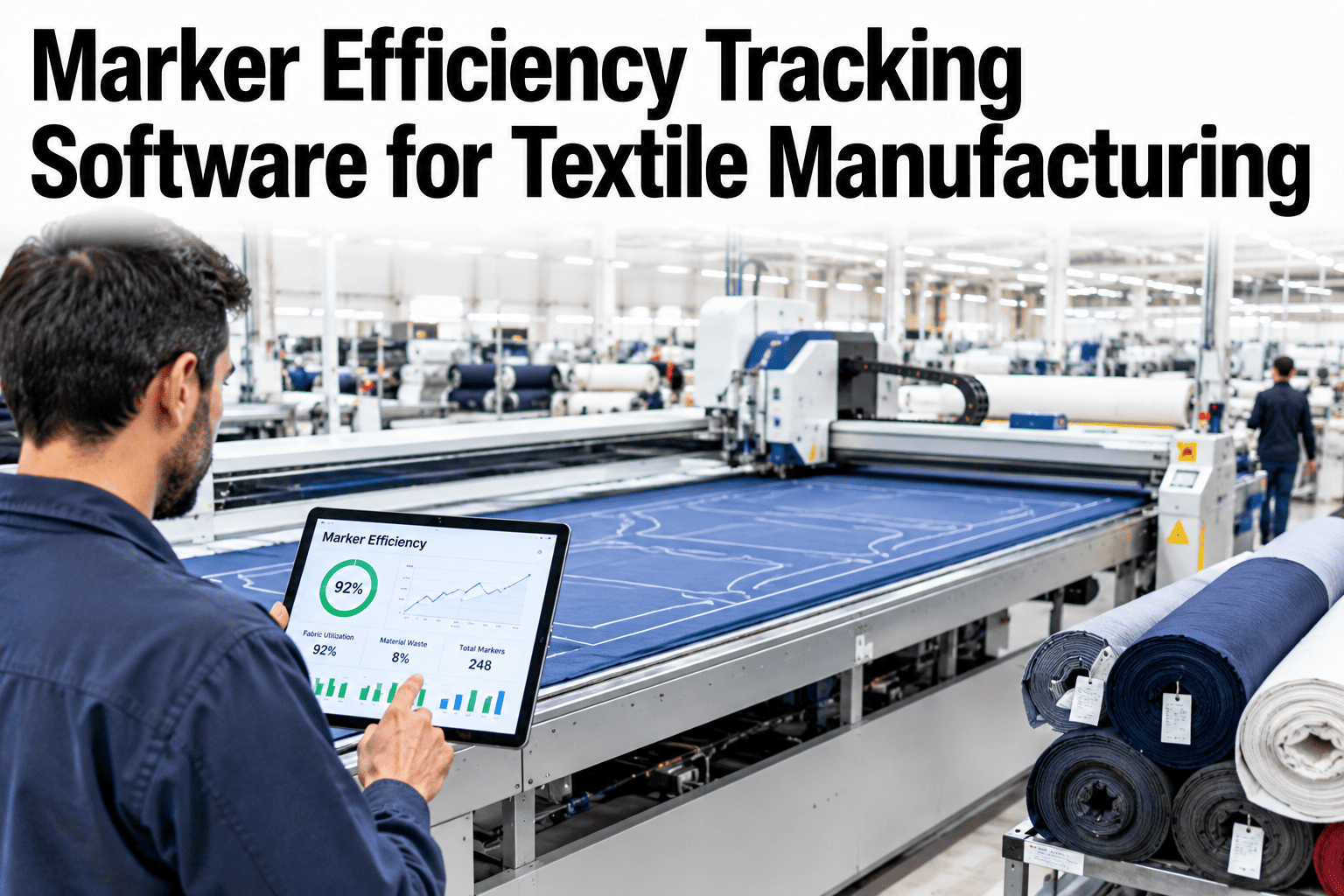
A cutting room pays for fabric twice, once when it is bought and again when a marker uses it badly. Marker efficiency measures how well the pattern pieces fill the marker, and planned consumption sets what each garment should use, but the number that decides the bill is actual consumption on the table. The gap between planned and actual is where fabric disappears, through width variation, end loss, splices and wrong markers. Tracking the gap closely lets teams close it. Cutting room managers can ask iFactory AI how marker efficiency and consumption are tracked per order.
Track Marker Efficiency From Plan to Table and Close the Fabric Gap
iFactory AI compares planned and actual fabric consumption by order, marker and lay, so lost fabric is traced to its cause before the next order is cut.
What Marker Efficiency Actually Measures
Marker efficiency compares the area of the pattern pieces to the area of the marker. It is a planning figure, not a result. This is illustrative arithmetic.
| Item | Basis | Result |
|---|---|---|
| Marker length | Planned lay length for the marker | 8.00 metres |
| Marker width | Usable fabric width planned | 1.50 metres |
| Marker area | 8.00 times 1.50 | 12.0 square metres |
| Pattern piece area | Total area of pieces in the marker | 10.2 square metres |
| Marker efficiency | 10.2 divided by 12.0 | 85 percent |
Planned Consumption Versus Actual Consumption
The marker sets a plan. The cutting table delivers a result. The difference shows what really happened. This is illustrative arithmetic.
| Item | Basis | Result |
|---|---|---|
| Planned consumption per garment | From the approved marker | 1.20 metres |
| Actual consumption per garment | Fabric used divided by garments cut | 1.28 metres |
| Excess per garment | 1.28 minus 1.20 | 0.08 metres |
| Variance | 0.08 divided by 1.20 | About 6.7 percent |
| Impact on an order of 10,000 garments | 10,000 times 0.08 | 800 extra metres |
Where the Fabric Gap Comes From
The gap is rarely one cause. The chart shows an illustrative ranking of reasons actual consumption exceeds the plan.
From Marker Plan to Cut Order
Every order passes through the same chain. A gap can open at any link.
Find Out How Many Metres Your Cutting Room Loses Beyond the Plan
Book a 30-minute session and iFactory AI will review your markers, lays and consumption records to show where fabric disappears between plan and table.
Which Cause Affects Which Part of the Lay
The matrix, shown as an illustration, links causes to where they hit on the lay.
| Cause | Lay Ends | Across the Width | Along the Lay |
|---|---|---|---|
| Width narrower than planned | Low | High | Moderate |
| Splices and joins | High | Low | Moderate |
| End loss from spreading | High | Low | Low |
| Defect removal | Moderate | Moderate | High |
| Relaxation and shrinkage | Moderate | Moderate | High |
Paper Cut Reports or Tracked Consumption
The way consumption is recorded decides whether the gap can be explained.
Why Marker Efficiency Alone Is Not Enough
A high marker efficiency can still produce a poor result. Four numbers together tell the whole story.
Closing the Gap in Five Steps
A cutting room can tighten consumption without new equipment.
Capture actual fabric used per lay and order.
Match it with the planned consumption.
Link the gap to width, ends, defects and splices.
Change markers, spreading or roll sorting accordingly.
Check the gap on the next orders.
Cutting Room Consumption Checklist
Use this list on every order. Each box should be answerable from records.
A Composite Scenario: The Marker That Never Fit
This is a composite example, not a named factory. It shows how tracking explains a gap.
Mistakes in Marker and Consumption Tracking
These habits hide the gap.
Planning on nominal width
Real usable width is almost always narrower.
Not recording actuals
The gap cannot be explained.
Judging only on marker efficiency
A good plan is not a good result.
Ignoring shrinkage and relaxation
Pieces cut from relaxed fabric come out wrong.
What Cutting Room Data Should Be Reviewed Together
Marker and consumption data are strongest with other records beside them. Four data sets matter most.
Roll width records
Usable width per roll sets the real marker width.
Defect and splice records
Show how much fabric is removed from each lay.
Shrinkage and relaxation tests
Explain size problems and consumption changes.
Order and style data
Link consumption to the style, size ratio and customer.
What iFactory AI Adds to Marker Efficiency Tracking
iFactory AI is smart manufacturing and industrial software for textile and apparel operations. Explore marker tracking in a live product tour on realistic cutting room data.
A 30-Day Plan to Start
A month is enough to build a first plan-versus-actual picture for a few orders.
Review of Marker Efficiency Tracking
A practical review of what makes consumption tracking useful, written as editorial guidance rather than a named expert quote.
Track the result, not just the plan
A marker is a promise, and the table shows whether it was kept.
Plan on real width
Nominal width overstates what the fabric can deliver.
Explain every gap
An unexplained variance cannot be fixed.
Frequently Asked Questions
What is marker efficiency?
It is the area of the pattern pieces divided by the area of the marker, shown as a percentage. A marker of 12.0 square metres holding 10.2 square metres of pieces is 85 percent efficient. See marker efficiency calculated in a live demo with a sample order. It is a planning figure, not the final result.
Why does actual consumption exceed the plan?
Common reasons are narrower fabric than planned, end loss and splices, shrinkage, removed defects and wrong or late-changed markers. Recording actuals shows which applies. Width is often the biggest.
How do I track planned versus actual?
Record fabric used per lay and divide by garments cut, then compare with the marker plan. Ask support how consumption is captured per lay and order in the system. Link it to roll widths for explanation.
Does higher marker efficiency always save fabric?
Not always, because poor spreading, wrong width and defect removal can erase the gain. Plan and actual need to be read together. A realistic plan matters more than a high number.
How soon can we see results?
Many cutting rooms find their biggest gap within weeks of recording actual consumption. Book time to scope a marker tracking pilot on a few orders. One closed gap makes the case clear.
Stop Fabric Disappearing Between the Marker and the Table
iFactory AI compares planned and actual consumption and explains the gap by cause. Book a walkthrough to see it on your own orders.