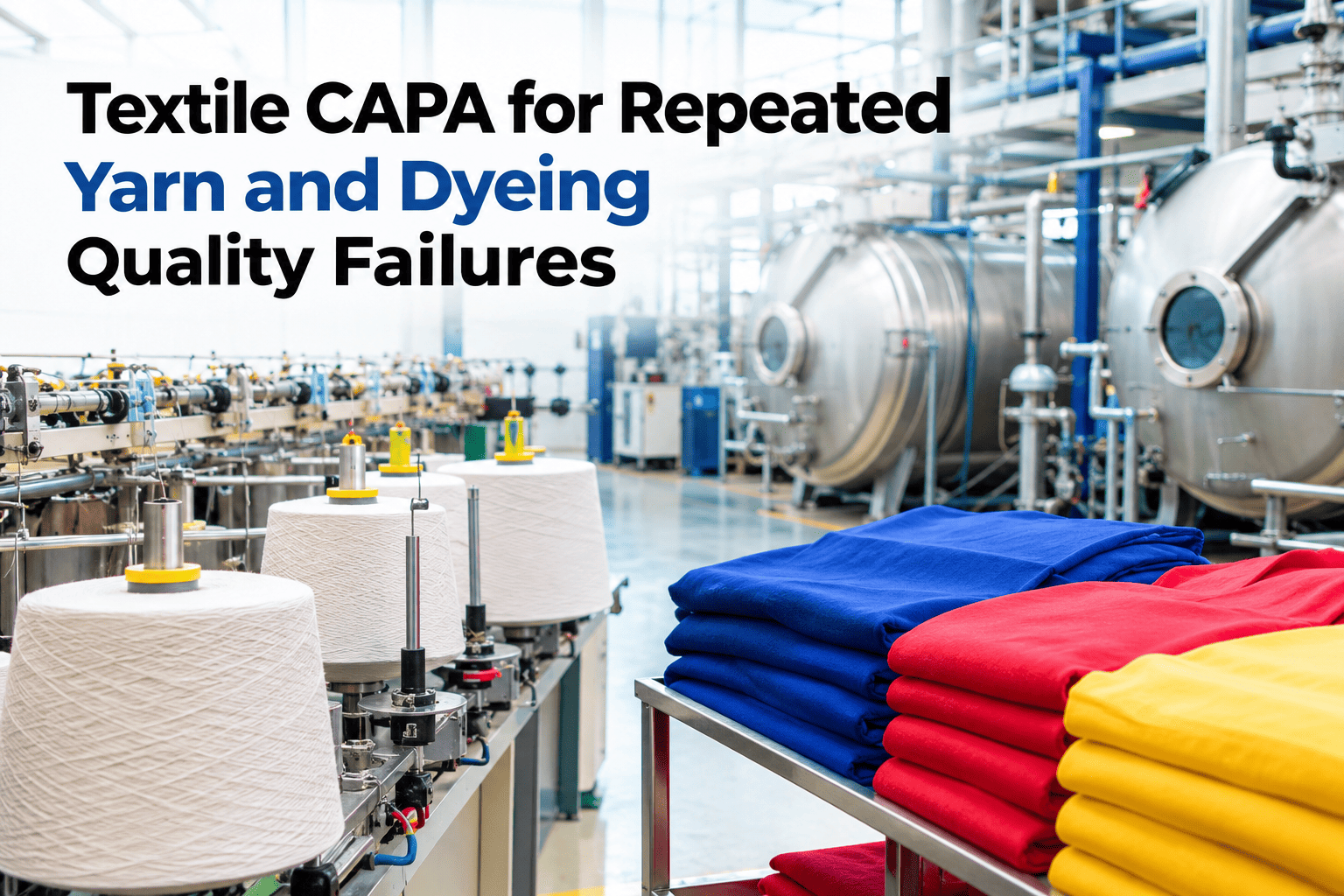
A corrective action that gets filed and never checked again is not a closed loop — it is a hope. Many textile mills write up a root cause and a corrective action for every yarn or dyeing failure, but without a verification step and recurrence tracking, nobody actually confirms the fix held, and the same failure quietly returns a few months later under a slightly different nonconformance number. A true closed-loop CAPA connects nonconformance, root cause, corrective action, verification and recurrence tracking into one continuous chain. Textile quality teams who want their own CAPA process checked for gaps can review a closed-loop CAPA workflow with iFactory AI.
A Corrective Action Nobody Verifies Is Just a Hope, Not a Fix
iFactory AI connects nonconformance, root cause, corrective action, verification and recurrence tracking into one closed loop for repeated yarn and dyeing failures.
The Five Stages of a CAPA Loop That Actually Closes
Most CAPA processes do the first three stages reasonably well. It is the last two — verification and recurrence tracking — that most often get skipped, which is exactly where a "fixed" problem quietly comes back.
Why Verification Gets Skipped More Than Any Other Step
Check How Many of Your Past CAPAs Were Ever Verified
Review a sample of recent corrective actions to see how many actually closed with a confirmed verification step.
How Recurrence Tracking Connects Separate Nonconformances
A Composite Scenario: The Dyeing Defect That Came Back Under a New Name
A mill closed a CAPA for a shade inconsistency defect after adjusting a dye recipe parameter, with the corrective action filed and the nonconformance marked resolved. Four months later, a very similar shade inconsistency appeared on a different order and was logged as a brand new nonconformance, since nothing connected it back to the earlier case. Only a manual review by an experienced quality manager eventually recognized the similarity. With recurrence tracking in place, the second instance would have been automatically flagged against the first CAPA the moment it was logged, prompting a review of why the original fix had not held — a connection iFactory AI's team can help build into your own CAPA system.
Why Root Cause Quality Matters More Than CAPA Volume
A mill that closes many CAPAs quickly is not necessarily doing well if the root cause analysis behind each one is shallow. A corrective action built on a superficial root cause — "operator error" instead of the actual process gap that made the error likely — tends to produce exactly the kind of recurrence a deeper analysis would have prevented.
Frequently Asked Questions
Stop Letting the Same Defect Reopen Under a New Name
iFactory AI connects nonconformance, root cause, corrective action, verification and recurrence into one closed CAPA loop. Book a walkthrough with your own records.