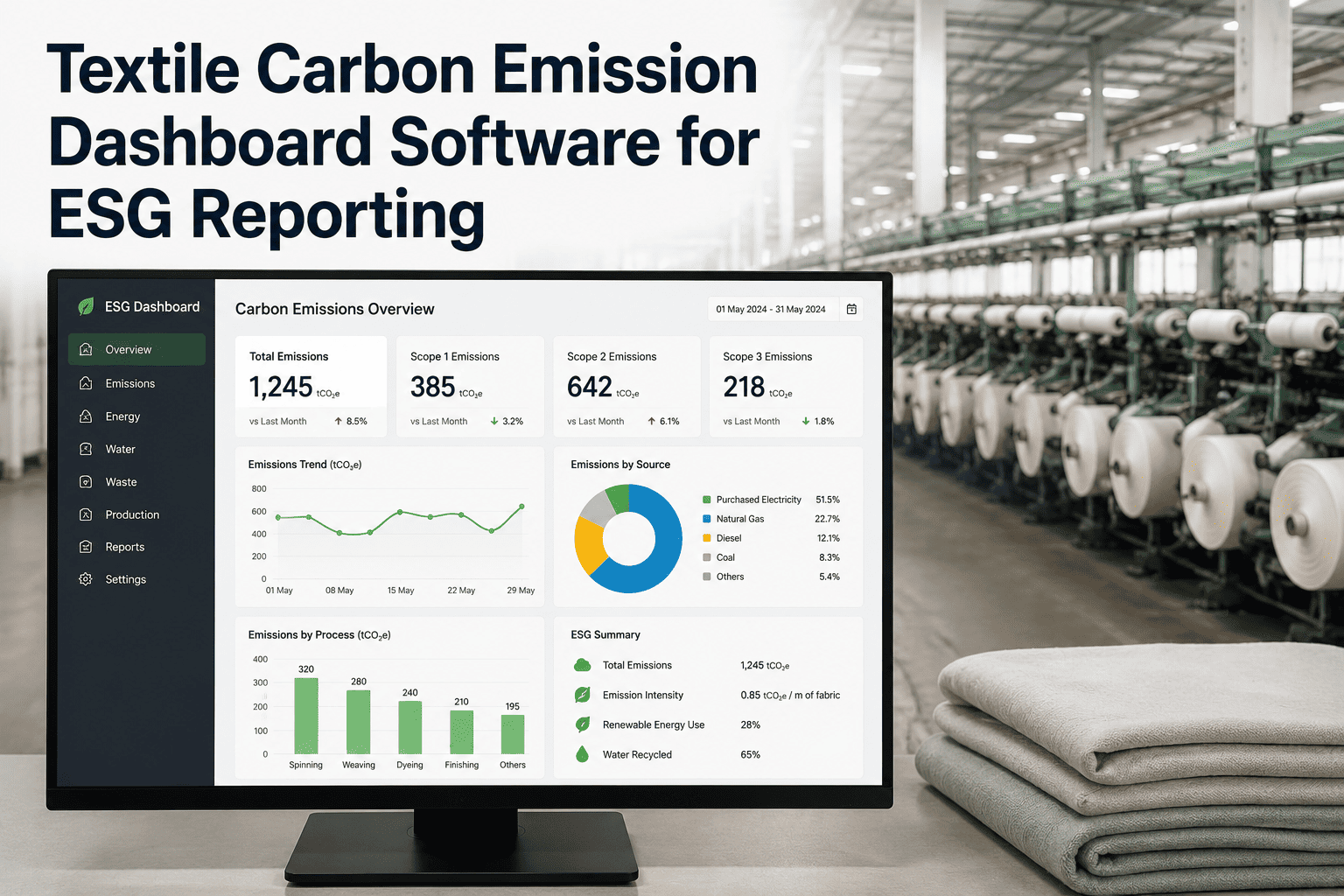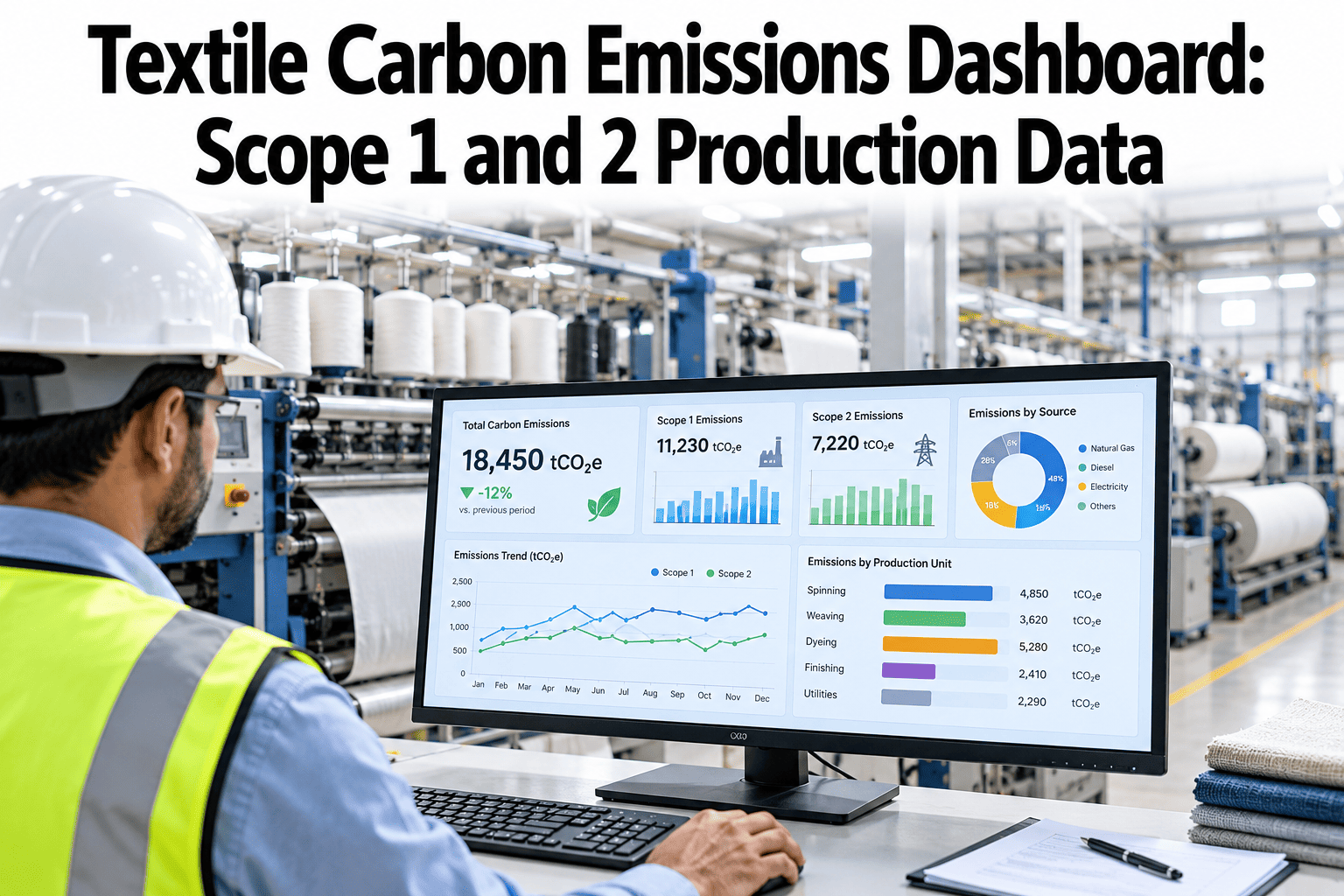
Every kilogram of fabric carries a carbon cost set by the fuel burned in the boiler and the power bought for the mill. A dashboard can show both in near real time, by department and by kilogram of fabric. Mills can see a Scope 1 and 2 view built on their own meters with iFactory AI.
One Carbon Number for Every Kilogram of Fabric
iFactory AI turns boiler fuel, grid power and purchased steam into a figure that traces back to a meter and a record.
Why Scope 1 and 2 Come First
Buyers, banks and regulators increasingly ask mills for carbon data. Scope 1 and 2 are the part a mill controls and can measure with its own meters, so they are the natural place to start.
Customers ask
Brand and retail buyers ask suppliers for site-level emissions and reduction plans.
Reports follow
Frameworks such as GRI, SASB and CSRD expect traceable, consistent figures.
Costs link up
Fuel and power are also major cost lines, so carbon data and savings data overlap.
Meters are ready
Most mills already meter power and fuel, even if nobody joins the records.
What Counts as Scope 1 and Scope 2 in a Mill
The GHG Protocol defines Scope 1 as direct emissions at sources the company owns or controls, and Scope 2 as indirect emissions linked to the electricity, steam, heat or cooling it buys and uses.
How the Emissions Split, Illustrative
A mill with its own boiler and a wet processing unit often finds that heat is the largest single source. A mill that buys all its steam shifts that share into Scope 2.
The Core Calculation
Every figure on the dashboard follows one pattern: activity data multiplied by an emission factor. The work is in getting the activity data right and keeping the factors honest.
Measure the activity
Fuel burned in kg or liters, electricity in kWh, steam in tonnes or GJ.
Pick the factor
Use a documented factor for each fuel and each grid, and record its year and source.
Multiply and sum
Activity times factor gives kg CO2e for each source, then totals by scope and site.
Normalize
Divide by kg of fabric, meters or pieces, so months and mills can be compared.
| Source | Activity data | Data source | Best frequency |
|---|---|---|---|
| Boiler fuel | Fuel mass, volume or gas flow | Flow meter, tank gauge, purchase records | Daily or continuous |
| Thermal oil heater and stenter | Gas or oil burned | Sub-meter on each burner line | Daily |
| Grid electricity | kWh by feeder and department | Utility meter and plant sub-meters | 15-minute to hourly |
| Purchased steam | Tonnes or GJ delivered | Steam flow meter at the boundary | Hourly to daily |
| Generators and vehicles | Liters of diesel or gas | Fuel logs and card records | Monthly |
| Refrigerants | Kg topped up after leaks | Maintenance records | Per service |
| Fabric output | Kg or meters finished | Production system or batch cards | Per batch |
Two Ways to Report Scope 2
The GHG Protocol Scope 2 Guidance asks companies that operate in markets with supplier-specific or contractual data to report Scope 2 in two ways and label each. Teams can ask support how both methods can sit on one dashboard without double entry.
| Method | What it reflects | Factor used | Good to know |
|---|---|---|---|
| Location-based | The average emissions of the grid in the area the mill operates | Grid average for the region | Applies to all grids and is the simpler view |
| Market-based | Electricity the company has chosen through contracts and certificates | Supplier rate, contract rate or residual mix | Instruments must meet the Scope 2 quality criteria |
Set the Boundary Before the Dashboard
A dashboard cannot decide what belongs in the inventory. Settle the boundary in writing first, and keep it the same year after year.
See Your Own Meters Turn Into Carbon Figures
Book a 30-minute session and iFactory AI will walk through Scope 1 and 2 calculations using your fuel, power and production sources.
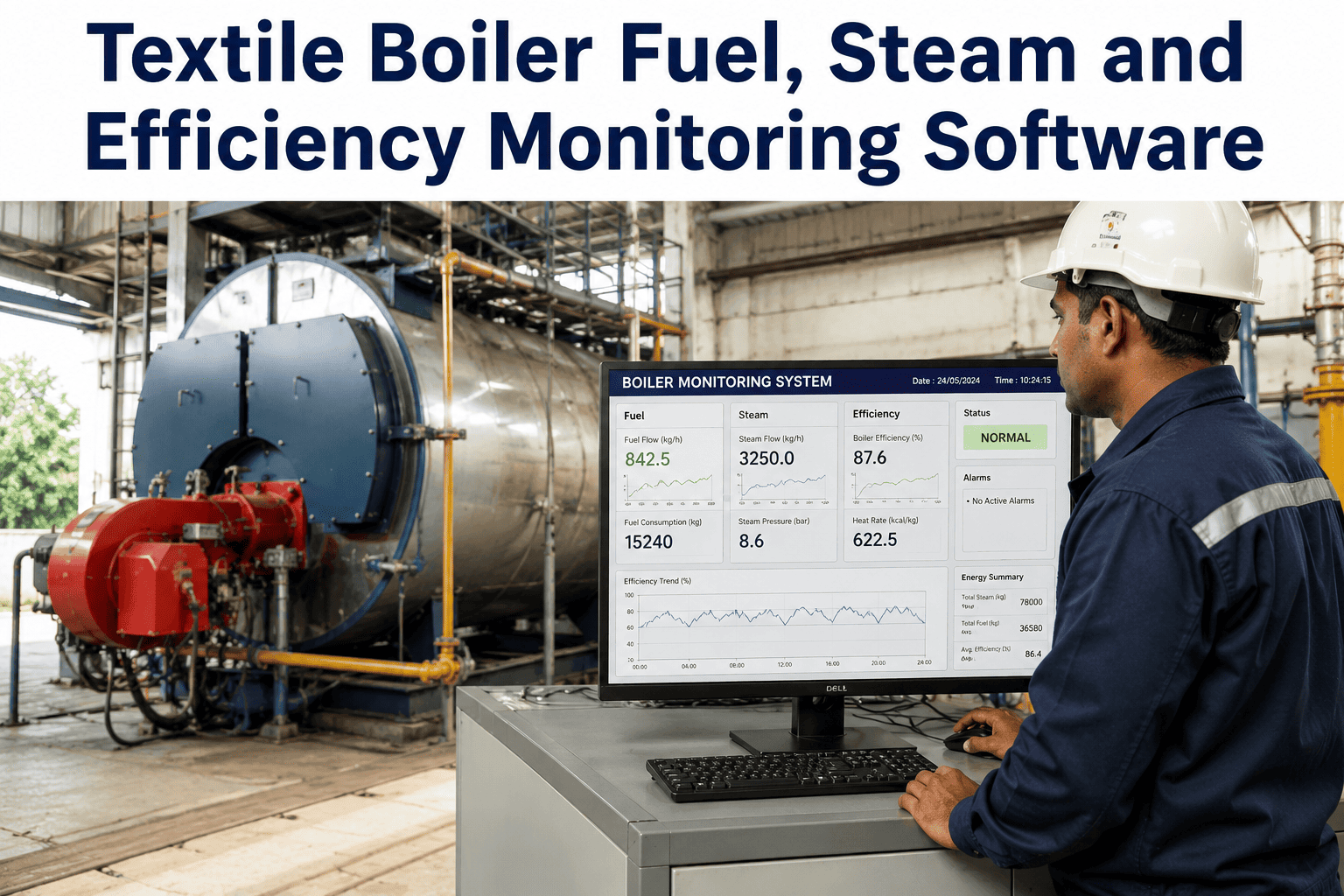
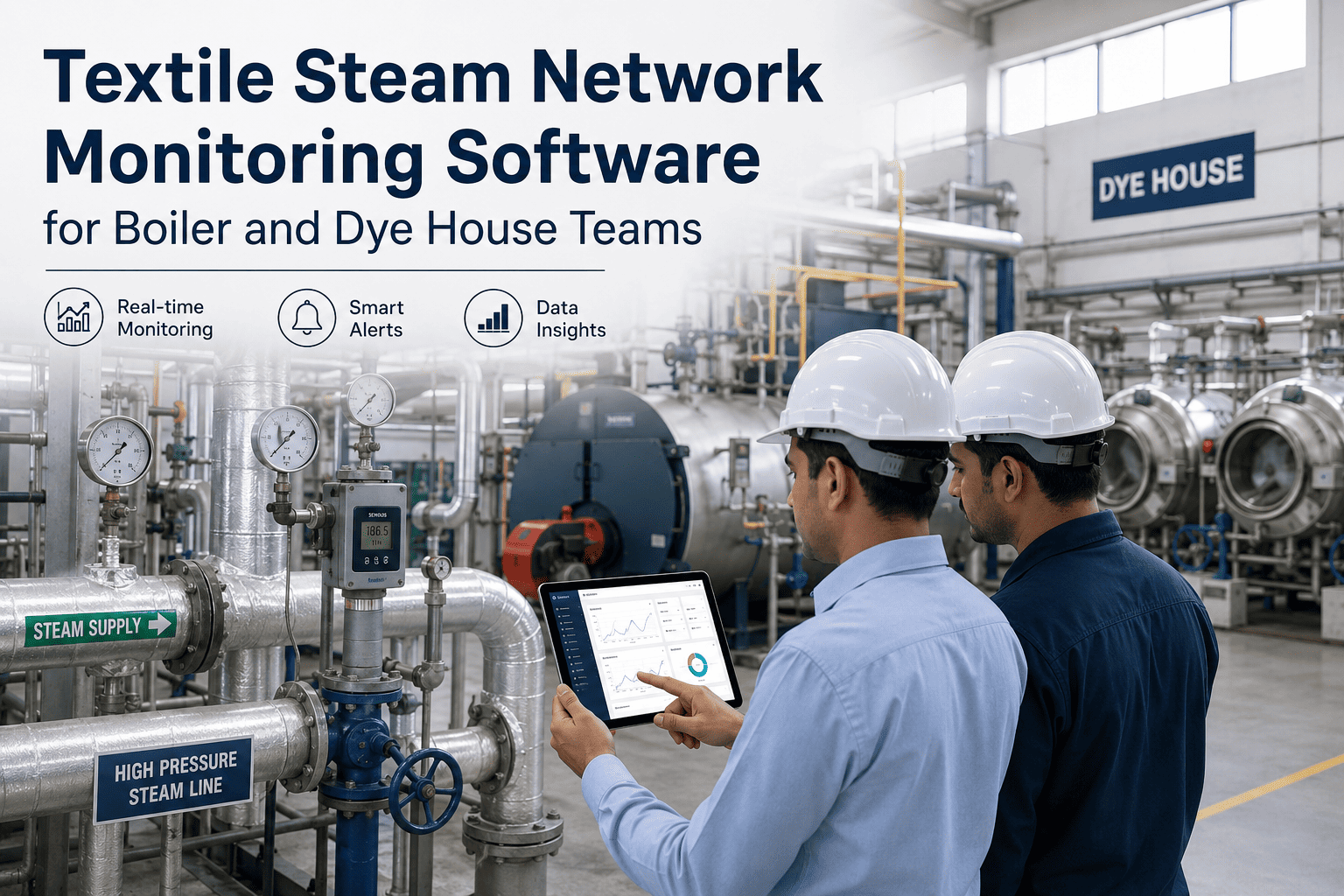
Steam and Boilers Hide the Biggest Gains
A 2024 multi-country energy audit of wet processing units in South Asia, reported by TexSpace Today, put steam at 30 to 40% of total energy use. The audit itself is not named in the article, so treat its figures as indicative, not as a benchmark for your own mill.
| Measure | Observed in the audit | Best practice cited |
|---|---|---|
| Boiler efficiency | 63 to 72% | About 85% |
| Condensate recovery | Under 45% | Above 80% |
| Flue gas temperature | Above 200°C | Below 150°C with an economizer |
| Steam distribution losses | 12 to 20% | Below 5% |
Condensate return
The audit claims 15 to 25% fuel savings and payback under a year. Verify on your own steam system.
Flash steam recovery
Captures latent heat that otherwise vents away, with claimed paybacks of 6 to 10 months.
Boiler sequencing
Running fewer boilers at a better load is claimed to cut fuel use by 5 to 8%.
Economizer
Recovers flue gas heat, with a claimed 6 to 10% efficiency gain at around 18 months.
Reduction Levers Beyond the Boiler
Once the baseline is trusted, the dashboard shows which lever to pull first. These are the usual candidates in a textile mill, ranked by your own data, not by a generic list.
Drives and idle loads
Variable speed drives and shutdown rules for idle machines cut power in spinning and weaving.
Compressed air
Leaks and over-pressure waste power around the clock, and they show clearly in sub-meter trends.
Dryers and stenters
Exhaust heat recovery and burner tuning reduce fuel per kilogram of finished fabric.
Clean electricity
On-site solar or qualifying certificates lower the market-based Scope 2 figure.
Fuel switching
Changing boiler fuel or adding an electric option changes Scope 1, and the factor library shows the effect.
Recipes and loading
Shorter cycles, fuller loads and fewer re-dyes save steam, water and power together.
Water and Waste Share the Same Data Path
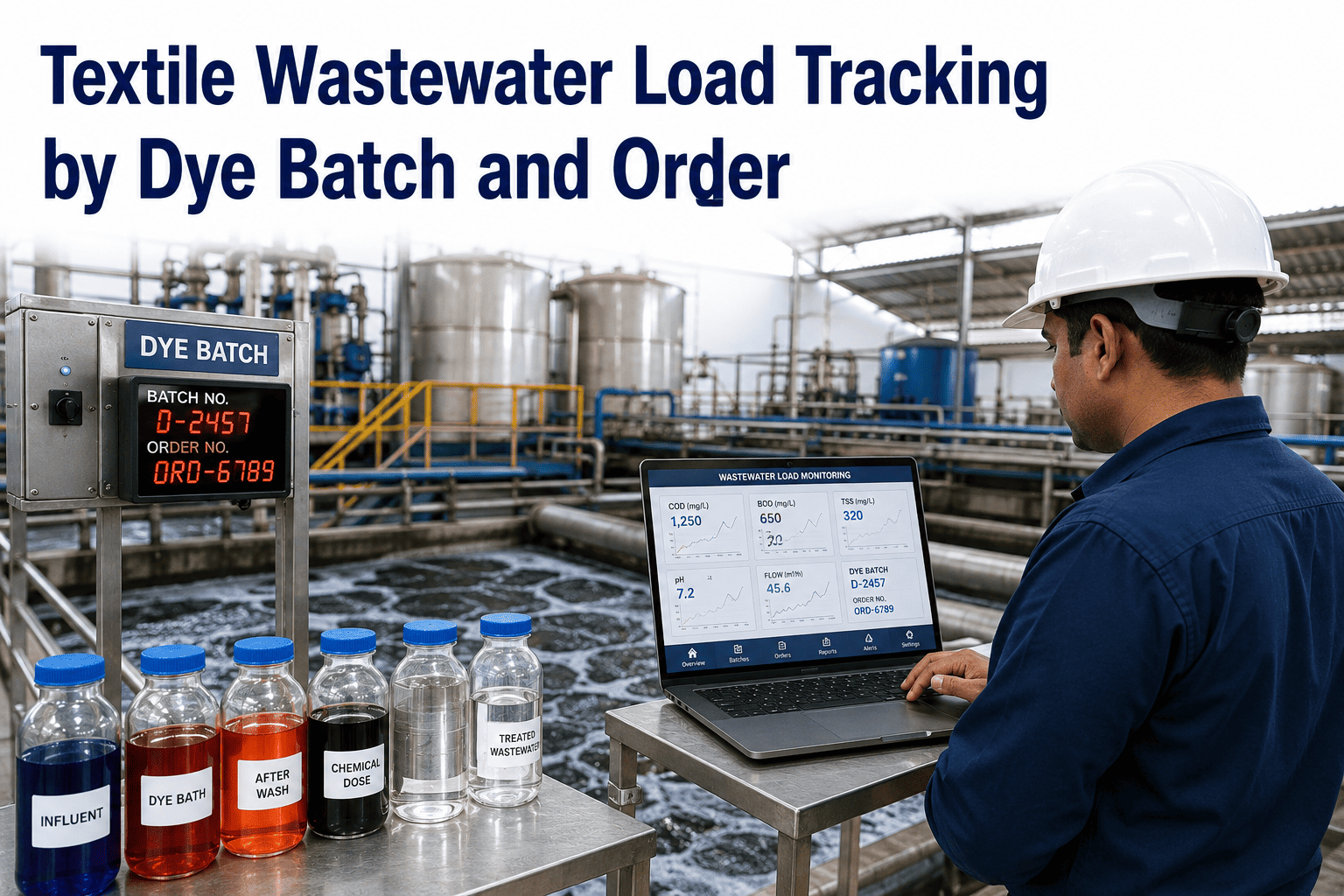
Water per kilogram of fabric moves with steam, pumping and effluent treatment energy. A re-dye batch wastes dye, water, steam and time at once, so quality problems show up as carbon problems too. Linking batch records to energy and water meters lets the dashboard price each re-dye in kilograms of CO2e as well as in rupees or dollars.
Reading the Trend
The shape of a trend often points to its cause. Use this decoder before anyone starts changing machines.
Designing the Dashboard
A good carbon dashboard answers four questions in seconds: how much, which source, compared with what, and how sure are we. Six panels cover most of it.
Intensity Tile
kg CO2e per kg of fabric, this month against last month and the base year.
Scope Split
Scope 1 and Scope 2 shown side by side, with location and market views for Scope 2.
Department View
Spinning, weaving, dyeing and finishing ranked by emissions and by intensity.
Boiler Health
Efficiency, condensate return and flue gas temperature next to fuel use.
Shift and Batch Drill-Down
Find the batches, recipes and shifts with the highest energy per kg.
Data Confidence
Share of figures that are metered, invoiced or estimated, shown plainly.
Metrics That Travel With Carbon
Carbon rarely stands alone. The same meters that feed the carbon figure also feed the cost and resource KPIs plant teams act on every day.
The core energy intensity for each department, and the best day-to-day lever.
Litres of water per kg of fabric, which also sets effluent and pumping energy.
Tonnes of steam per tonne of fabric, which shows the real heat cost of a recipe.
Data Traps That Break Carbon Reports
The Audit Trail Checklist
Buyers and verifiers ask the same questions. Each tick below is an answer you can hand over without hunting through folders.
Frameworks Buyers May Ask About
Different customers point to different frameworks. The same Scope 1 and 2 data usually feeds them all, but the format and the level of proof differ, so confirm which ones apply to your mill.
| Framework | What it asks of a mill | Data to keep ready |
|---|---|---|
| GHG Protocol | A common method for scopes, boundaries and factors | Boundary note, factor sources, both Scope 2 views |
| GRI 305 | Emissions disclosure in a sustainability report | Scope totals, intensity ratio, base year |
| SASB for textiles | Industry-specific metrics for investors | Energy use, fuel mix, water use |
| CSRD and similar rules | Detailed, assured reporting for covered companies and their chains | Traceable source records and reviewer sign-off |
A Simple Business Case
Carbon projects pay back through fuel and power savings first, and through buyer confidence second. Finance teams can request a worksheet through support to test their own figures.
Measures to Track Every Month
| Measure | What it shows | Owner | Review rhythm |
|---|---|---|---|
| kg CO2e per kg of fabric | Total carbon intensity of production | Sustainability lead | Monthly |
| kWh per kg by department | Which process uses the most power per unit | Energy manager | Weekly |
| Boiler efficiency | Fuel turned into useful steam | Utilities manager | Daily |
| Condensate return rate | Share of steam heat recovered | Utilities manager | Weekly |
| Measured share of data | How much of the inventory is metered, not estimated | Data owner | Monthly |
How iFactory AI Fits
iFactory AI brings meters, production records and manual entries into one place. It connects to energy and flow meters through common industrial protocols, to ERP and production systems, and to mobile forms in places with no digital data. Emission factors are set per site, and calculation steps stay visible. Scope and timing are confirmed in a line review.
Meter and ERP Connections
Pull energy, fuel and water data without retyping it.
Factor Library
Store site-level factors with source and year beside each figure.
Intensity by Department
Show kWh and CO2e per kg for spinning, weaving, dyeing and finishing.
Boiler and Steam Views
Track efficiency, condensate return and fuel next to carbon.
Audit Trail
Keep time stamps, source records and calculation steps for reviewers.
Multi-Site Roll-Up
Combine mills with role-based access and one shared method.
A 90-Day Starting Plan
Agree the boundary
List sites, sources, meters and the base year, and name an owner in sustainability and utilities.
Connect the data
Link boiler, power and production data, and fill gaps with marked estimates.
Reconcile and test
Match dashboard totals to invoices and run a trial review with finance.
Act and report
Pick the first two reduction projects and publish the first monthly carbon report.
Frequently Asked Questions
Which emissions does a Scope 1 and 2 dashboard cover?
Scope 1 covers fuel burned on site, plus refrigerant leaks and fleet fuel. Scope 2 covers purchased electricity, steam, heat and cooling. Scope 3 needs supplier and material data and follows a separate method. Most mills start with Scopes 1 and 2 because their own meters supply the data.
Do we need to report both location-based and market-based figures?
The GHG Protocol asks companies in markets with contractual data to report both and label them. Mills in other markets may report location-based only. Check your own rules and buyers' requests. Book a session to see both methods side by side on one view.
How accurate can the figures be without new meters?
Invoices give a good monthly total, but they hide daily spikes and cannot split departments. Sub-meters on boilers, stenters and large motor groups close most of that gap. Start with the biggest loads and mark any estimate clearly until a meter replaces it.
What is a good intensity target for our mill?
Targets depend on fabric type, process route, fuel and grid. Compare first with your own history and base year, then with peers of a similar process. Public benchmarks vary widely and are often unsourced, so treat them as a rough guide. Support can help set a fair baseline for your own mill.
Who should own the carbon data in the plant?
Share it. A sustainability lead owns the method and reports, utilities owns the boiler and meter data, and finance checks totals against invoices. A short monthly review with all three keeps data gaps visible and makes sure reduction projects move off the dashboard and onto the plant floor.
Turn Meter Data Into Carbon You Can Defend
iFactory AI gives textile mills one traceable view of Scope 1 and 2 emissions per kilogram of fabric. Book a walkthrough on your own data.