A mill's maintenance manager evaluates six CMMS vendors, sits through six nearly identical demos, and still can't say which one will actually work on the shop floor six months from now. Most CMMS selection processes fail not because the software is bad, but because the evaluation never tests the features that matter for a textile mill specifically — humid dye-house environments, three-shift handovers, and equipment classes generic manufacturing templates don't even list. Getting selection and rollout right the first time is worth the extra weeks it takes to do properly, since a failed CMMS rollout costs a plant far more than the software license ever did.
Choosing a CMMS for a Textile Mill Isn't the Same as Choosing One for a Generic Factory
A computerized maintenance management system built for discrete manufacturing rarely fits a textile mill's asset structure out of the box — spinning frames, looms, and dyeing machines need equipment hierarchies, PM logic, and shift workflows that most generic CMMS templates weren't designed around.
The Feature Checklist Most Textile Mills Get Wrong
Vendor demos are built to impress in forty-five minutes, which means they lean heavily on the features that look good on a screen — clean dashboards, drag-and-drop scheduling, a mobile app with a polished icon set. What actually determines whether a CMMS survives contact with a real mill floor is a narrower, less visually exciting list of requirements that only surfaces when someone asks the right questions during evaluation.
Multi-level equipment hierarchy
Supports plant → line → machine → component structure matching spinning, weaving, and dyeing asset trees, not a flat equipment list.
Offline-capable mobile access
Dye houses and weaving sheds often have poor wireless coverage, so technicians need to log work orders that sync once connectivity returns.
Shift-based handover logging
Three-shift operation needs a clear record of what the outgoing shift observed and what the incoming shift should watch for.
Batch and lot traceability linkage
Connects maintenance events to the specific dye lot or production batch running at the time, useful for quality investigations later.
Condition-based PM triggers
Goes beyond fixed calendar intervals to trigger tasks from runtime hours or sensor thresholds where available.
A CMMS That Already Understands Spinning, Weaving, and Dyeing
iFactory ships with equipment hierarchies and PM templates built around textile operations, so the setup phase starts from a structure that already matches a mill floor.
Six Questions to Ask Every Vendor Before Signing
Can the equipment hierarchy be customized to match our actual production line layout, or only the vendor's default template?
Does the mobile app function fully offline, and how does it handle sync conflicts if two technicians edit the same work order?
What does data migration from our current spreadsheet or legacy system actually involve, and who does that work?
Can PM schedules be triggered by both calendar intervals and runtime hours within the same asset record?
How is technician training structured, and is there a regional-language option for shop-floor staff?
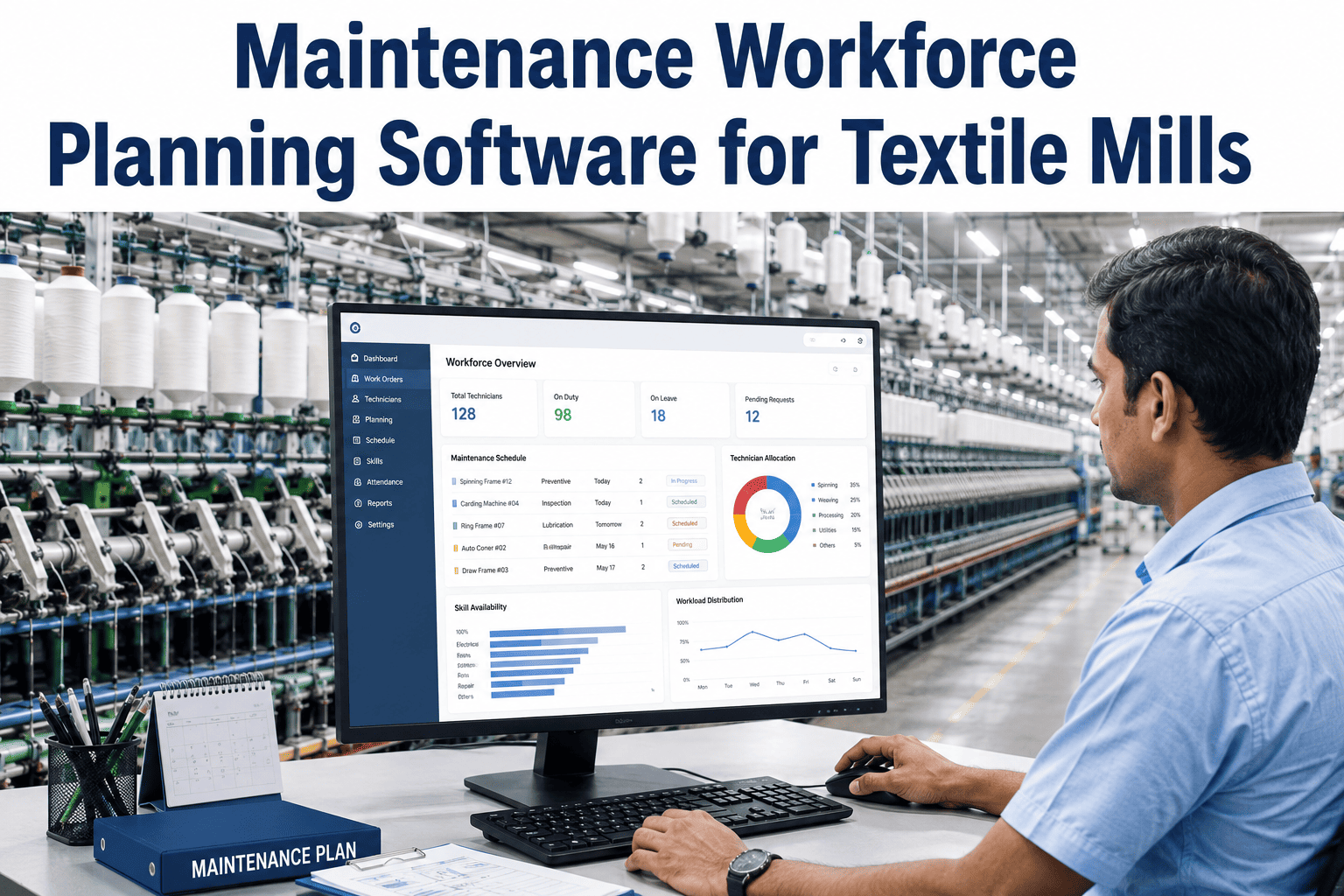
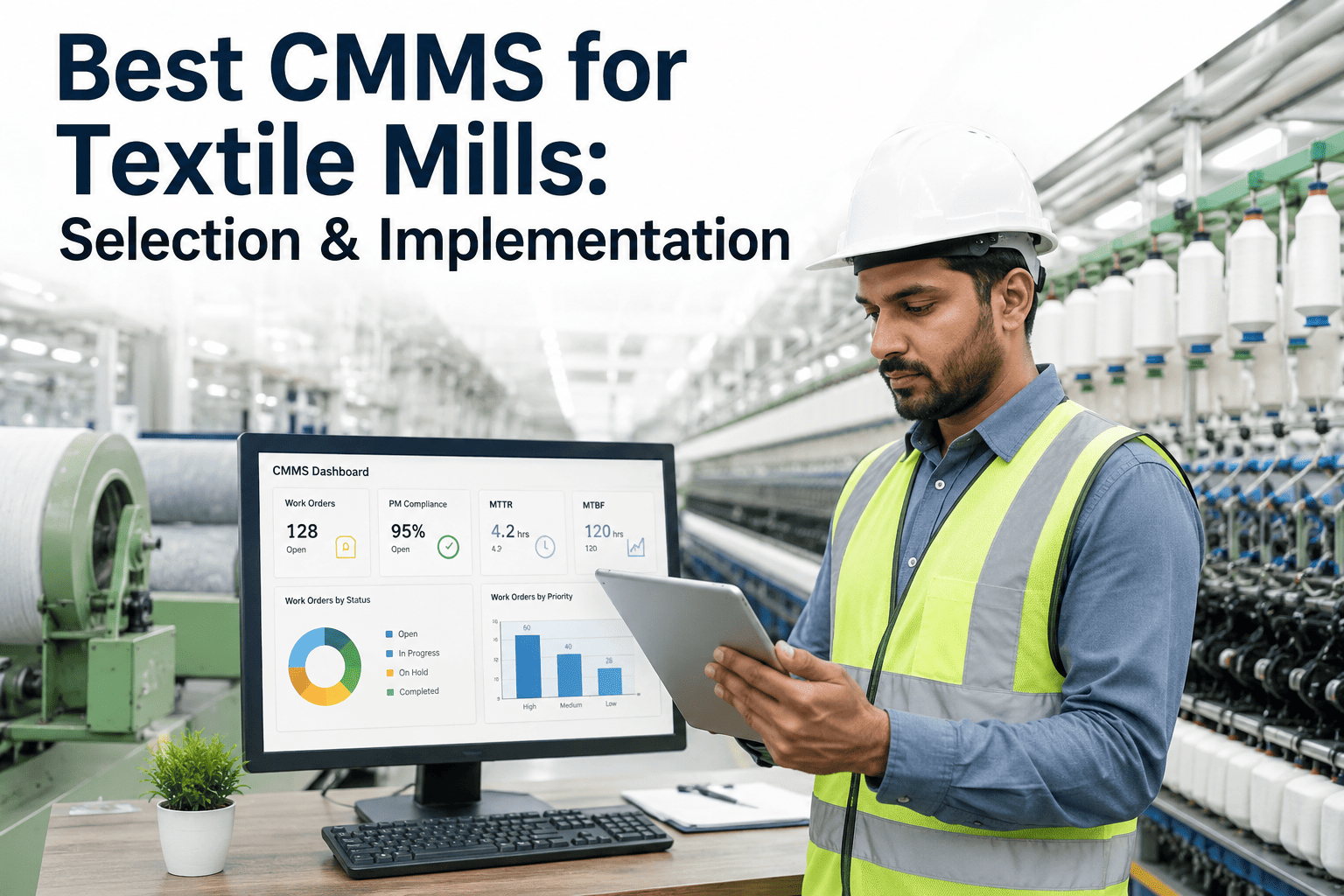
What reporting exists out of the box for MTTR, MTBF, and PM compliance without requiring a custom report to be built first?
Implementation Timeline: What a Realistic Rollout Looks Like
Weeks 1-2: Asset Hierarchy Build
Map every spinning frame, loom, and dyeing machine into the system with correct parent-child relationships before any work order data enters the system.
Weeks 3-4: PM Schedule Migration
Transfer existing preventive maintenance tasks from whatever system or spreadsheet was used before, correcting intervals that were never actually accurate.
Weeks 5-6: Pilot on One Line
Run the system live on a single production line before a full-plant switch, surfacing workflow gaps while the blast radius of any issue stays small.
Weeks 7-8: Technician Training
Hands-on training for every shift, not just a single session, since three-shift operations mean the third of the workforce trained last often gets the least support.
Weeks 9-12: Full Plant Rollout
Expand to every line with the old paper or spreadsheet process fully retired, avoiding the common trap of running both systems in parallel indefinitely.
Why Parallel Systems Are the Most Common Rollout Failure
The single most common way a CMMS implementation quietly fails isn't a software bug or a missing feature — it's a plant that never fully retires its old process. Technicians keep a paper logbook "just in case" alongside the new digital work orders, supervisors keep their personal spreadsheet running for another quarter to be safe, and within a few months the CMMS becomes a partial record that nobody fully trusts because half the real activity is happening somewhere else. The data that made the KPI dashboard useful in the first place — consistent, complete, timestamped — quietly falls apart the moment two systems are tracking the same reality differently.
The fix is less about technology and more about discipline during the pilot phase: pick a hard cutover date for the paper or spreadsheet process on the pilot line, communicate it clearly, and hold to it even when the first two weeks feel clumsier than the old familiar system. Plants that set this expectation from day one, rather than treating parallel operation as a safety net, get to a trustworthy single source of truth months faster than plants that let the transition drag on indefinitely.
Leadership visibility during this cutover period matters more than most plants expect. When a plant manager or maintenance director is visibly using the new system's reports in daily conversations — asking about a specific work order by its digital record rather than a verbal update — it signals to the floor that the paper habit genuinely isn't coming back. The opposite is just as visible: if leadership keeps asking for the old-format summary out of habit during the transition, technicians read that as permission to keep maintaining both systems, and the parallel-tracking problem re-establishes itself even after a clean pilot cutover.
Why Generic Templates Fail on a Textile Equipment Hierarchy
Most CMMS platforms originate in discrete manufacturing or facilities management, industries where a typical asset hierarchy is a production line with a handful of distinct machine types feeding into each other in sequence. A textile mill's hierarchy looks nothing like that. A single spinning department might contain forty identical ring frames, each needing its own maintenance history despite sharing an identical bill of materials, while a dyeing department mixes jet, winch, and package machines that share almost nothing in terms of failure modes, PM intervals, or spare parts. A generic template that assumes a linear, sequential production flow forces a mill to either flatten this structure into something the software can handle, losing the granularity that made tracking useful in the first place, or spend weeks in custom configuration just to represent what the floor actually looks like.
This matters most in the reporting layer, further downstream. A dashboard filtered by "equipment class" is only as useful as the hierarchy underneath it — if forty ring frames are lumped into one generic "spinning" category because the software couldn't represent them individually, a maintenance manager loses the ability to see that three specific frames are driving the majority of the department's downtime. Testing whether a vendor's hierarchy can represent a mill's actual structure, not just a simplified stand-in for it, is one of the highest-leverage checks in the entire evaluation process, precisely because it's invisible in a polished demo unless someone specifically asks to see it built live.
Budgeting for the Real Cost of a CMMS, Not Just the License
The license or subscription fee quoted during vendor negotiations is rarely the full cost of getting a CMMS running well in a textile mill. Implementation services, data migration labor, technician training time pulled from productive shifts, and often a period of reduced maintenance efficiency during the transition all belong in an honest budget, even though most of them never appear on the vendor's price sheet. Mills that budget only for the license fee are frequently surprised months into the process when these secondary costs, spread across a rollout that's taking longer than planned, add up to a meaningful multiple of what the software itself costs.
License or Subscription Fee
The visible, quoted cost — usually per-user or per-asset pricing, and the easiest line item to compare across vendors.
Data Migration and Cleanup
Labor to clean and structure historical spreadsheet or paper records into a format the new system can actually use.
Technician Training Time
Hours pulled from productive shifts across all three rotations, not just a single daytime session.
Transition-Period Efficiency Dip
A temporary slowdown as technicians adjust to new workflows, typically resolving within four to six weeks of a well-run pilot.
Vendor Evaluation Comparison Framework
| Evaluation Area | What to Test in the Demo | Red Flag |
|---|---|---|
| Equipment Hierarchy | Ask them to build your actual line structure live | Only shows their pre-built demo template |
| Mobile Offline Mode | Turn off wifi mid-demo and log a work order | App freezes or loses data without connectivity |
| Reporting | Ask for an MTTR report filtered by equipment class | Requires a paid add-on or custom development |
| Data Migration | Ask for a written scope of what migration includes | Vague answer or "we'll figure it out later" |
A Composite Rollout: What Went Right at a Mid-Size Weaving Mill
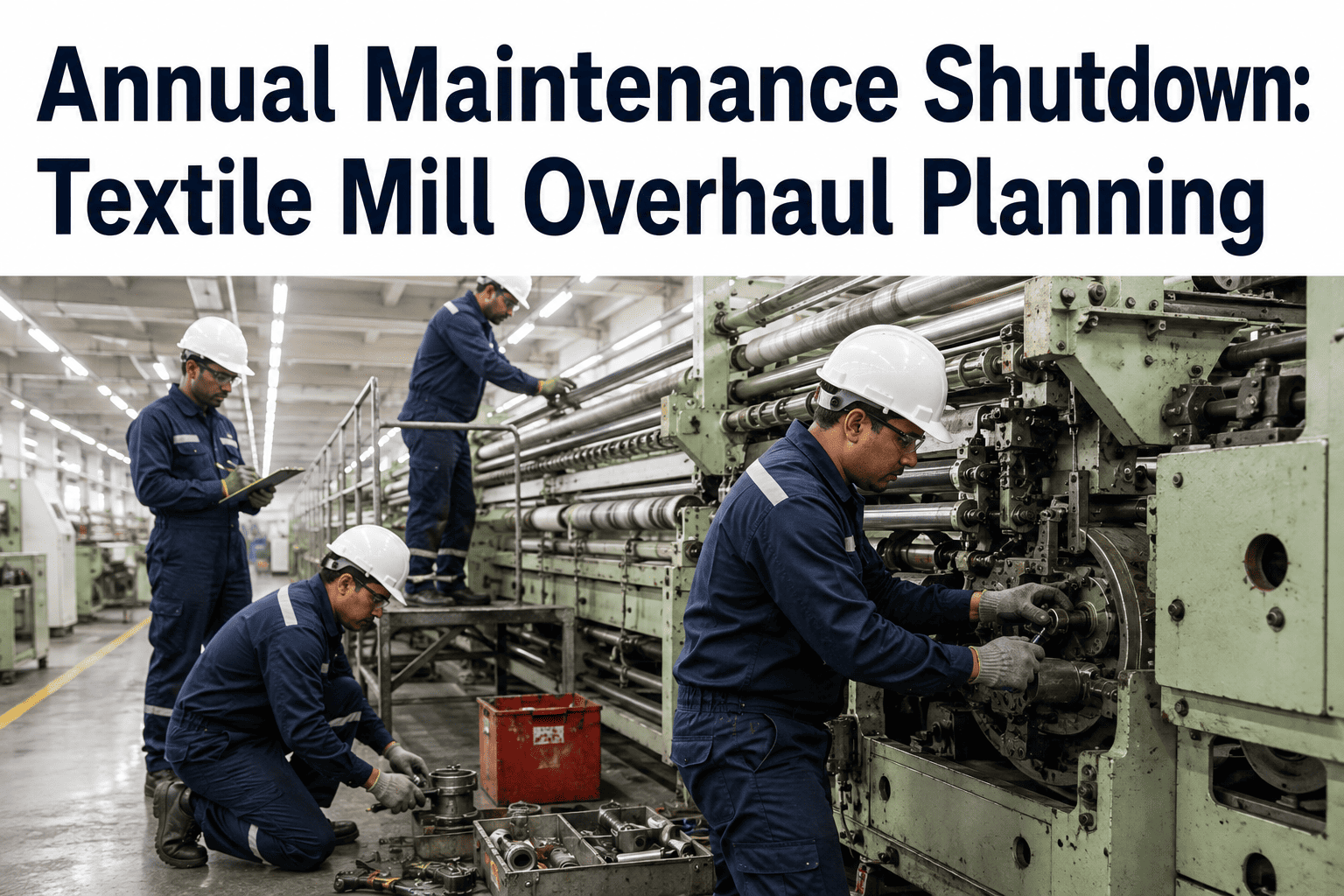
A weaving mill running 42 rapier looms across two sheds had relied on a paper-based PM log for over a decade, with maintenance history scattered across handwritten notebooks that made any trend analysis effectively impossible. The plant selected a CMMS after a structured evaluation against the six vendor questions above, prioritizing offline mobile capability given the shed's known wireless dead zones over dashboard aesthetics that had impressed the team in earlier demos of a different product.
The rollout followed the phased timeline closely, piloting on one shed of 18 looms for six weeks before expanding. The hardest part, by the maintenance manager's own account afterward, wasn't the software — it was enforcing the hard cutover from the paper logbook on the pilot shed, which took visible pushback from technicians used to the old system for the first two weeks before adoption became automatic. By the end of the full rollout, PM compliance reporting that had previously taken a full day to manually reconstruct each month was available instantly, and the plant caught its first genuinely useful cross-loom failure pattern — a shared bearing supplier issue — within the first quarter of having searchable, structured data to look across.
The plant's own retrospective, conducted about six months after go-live, credited the phased structure with most of the success. Running the pilot on a single shed rather than the whole mill meant that early mistakes — an incorrectly mapped hierarchy branch, a PM interval carried over from paper records that had never actually been accurate — surfaced and got corrected while affecting only eighteen looms instead of all forty-two. The maintenance manager's summary was blunt: the software vendor mattered less than expected, and the discipline of the rollout plan mattered considerably more than anyone on the team had anticipated going in.
Training Across Three Shifts Without Leaving One Behind
A recurring implementation mistake is treating training as a single event rather than a rolling process that has to reach every shift with equal quality. It's tempting to schedule the main training session during the day shift, when trainers and management are naturally present, and then hand the night shift a shorter recap or rely on day-shift technicians to informally pass along what they learned. In practice, this consistently produces a night shift that's less confident with the system, more likely to fall back on old habits under pressure, and more likely to be the source of the inconsistent data entry that undermines a dashboard's reliability months later.
Mills that avoid this problem run the same structured training session, with the same materials and the same hands-on practice time, for all three shifts individually rather than treating any one as the primary audience. It costs more coordination effort upfront, since it means trainers or a designated internal champion need to be available across unusual hours, but it prevents the two-tier adoption pattern where one shift becomes the system's power users while another quietly reverts to paper the moment nobody's watching closely.
Signs Your Mill Is Ready to Move Off Spreadsheets
Maintenance history takes more than a few minutes to find
If pulling failure history on a specific machine means searching multiple notebooks or files, the data structure is actively working against the team.
PM compliance numbers are self-reported and rarely questioned
Unverified compliance figures tend to look better than reality, hiding a backlog that only surfaces once a failure exposes it.
Spare parts stockouts happen without warning
A CMMS with inventory linkage flags low stock against upcoming PM demand before a technician discovers the shelf empty mid-repair.
Measuring Whether the Rollout Actually Worked
A CMMS implementation that's technically complete — every asset entered, every technician trained, the paper log retired — hasn't necessarily succeeded in the way that matters. The real test is whether the data flowing through the system is actually trustworthy enough to drive decisions, and that's worth checking deliberately rather than assuming. A useful practice is running a data quality audit roughly ninety days after full rollout: sampling a set of work orders and checking whether timestamps look plausible, whether PM tasks are being closed with genuine detail rather than a single generic note, and whether the equipment hierarchy still matches the actual floor layout after any equipment changes since go-live.
This audit often surfaces smaller issues that are easy to fix once identified but would otherwise erode data quality slowly and invisibly — a shift consistently logging work orders hours after the actual event, a technician using a single catch-all failure code instead of the specific one that matches what happened, or an equipment category that was set up correctly at launch but never updated after a machine was moved between lines. Catching these patterns within the first few months, while the habits are still forming rather than fully entrenched, is far easier than trying to correct a year of inconsistent data entry after the fact. Plants that build this checkpoint into their rollout plan from the start, rather than treating go-live as the finish line, get meaningfully more value out of every KPI the system eventually produces.
Frequently Asked Questions
How long should a textile mill budget for a full CMMS implementation?
A realistic timeline for a mid-size mill runs eight to twelve weeks from initial asset hierarchy setup through full-plant rollout, assuming a single-line pilot phase is included rather than skipped. Mills that try to compress this into two or three weeks by rolling out to every line simultaneously tend to surface workflow problems at a scale that's much harder to fix than the same problem caught during a contained pilot. Visit support to see a sample implementation timeline for a mill your size.
What's the biggest hidden cost in a CMMS rollout beyond the license fee?
Data migration and technician training time consistently exceed initial estimates, particularly when a mill's existing maintenance history lives in handwritten logs or inconsistent spreadsheets that need substantial cleanup before they're usable in a structured system. Budgeting real hours for someone to own this cleanup work, rather than assuming it happens automatically during setup, prevents the rollout from stalling in its first month.
Should a mill migrate all historical maintenance data or start fresh?
A hybrid approach usually works best — migrate the equipment hierarchy and PM schedules in full, since rebuilding those from scratch wastes real time, but treat historical failure records selectively, importing only what's clean enough to trust for trend analysis. Importing years of inconsistent, poorly documented historical failures often does more harm than starting the failure log fresh from the go-live date.
How do you get technician buy-in during the transition from paper to digital?
Involving technicians in the pilot phase design, rather than presenting the new system as a finished mandate from management, consistently produces smoother adoption. Technicians who flag a workflow gap during the pilot and see it actually addressed before full rollout become advocates for the system on the floor, which does more for adoption than any training session alone.
Can a CMMS integrate with existing dye-house process control systems?
Many modern CMMS platforms support integration with process control and SCADA systems common in dye houses, allowing runtime hours and process alarms to feed directly into maintenance triggers rather than requiring manual entry. The depth of this integration varies significantly by vendor, so it's worth confirming during evaluation exactly which process control systems are supported and what the integration actually covers. Book a demo to see how this integration works in practice.
Choose a CMMS That Was Actually Built for a Mill Floor
iFactory's equipment hierarchies, offline mobile logging, and PM scheduling are structured around textile operations from the start, so the rollout doesn't begin with months of custom configuration.