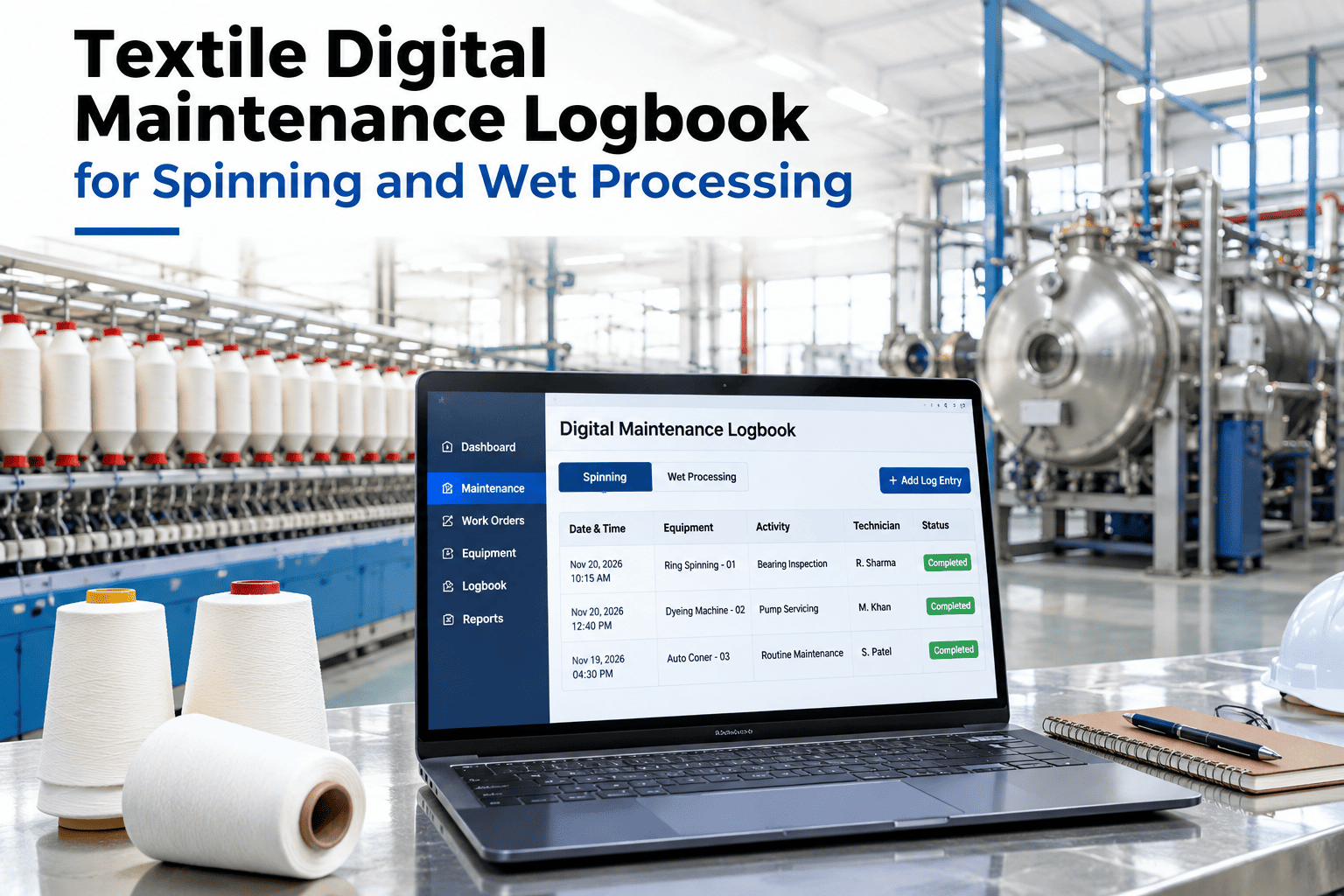
A spinning mill running spindles, drafting systems, dyeing machines, stenters and boilers under one roof usually ends up with five different paper logbooks, each kept in its own corner of the plant and read by almost nobody outside the shift that wrote it. A digital maintenance logbook replaces all five with one searchable record, so a drafting roller's last inspection and a boiler's last pressure check live in the same place a reliability engineer can actually query. iFactory AI, an on-premise AI platform for manufacturing, builds that unified logbook around a mill's existing machine list, and maintenance leaders can see their own spinning and wet processing logs combined into one digital record with our team.
One Searchable Record for Spindles, Dyeing, Stenters and Boilers
A textile digital maintenance logbook replaces separate paper logs for spinning and wet processing with one connected, searchable record of inspections and corrective actions.
Why Five Separate Paper Logs Never Add Up to One Picture
Each department in a textile mill tends to keep its own logbook because that is simply how the habit started, not because the information genuinely belongs apart. A spindle inspection, a stenter heat zone check and a boiler pressure reading are all evidence of the same underlying question, whether the mill's equipment is in a state that will keep producing good yarn and fabric, but kept in five separate books, nobody can see that question answered as a whole.
Five Machine Categories, One Shared Structure
Each category keeps its own specific checklist, since a boiler check and a spindle check are genuinely different tasks, but all of them close into the same underlying record structure, which is what makes the data comparable and searchable across the whole mill.
A Recurring Fault That Only a Shared Log Could Catch
Picture a mill where a particular stenter kept drifting out of its heat zone target every few weeks, always blamed on the weather or the fabric batch. Separately, the boiler log showed a small, recurring dip in steam pressure around the same time each month, noted by the utilities team but never connected to anything on the production side because the two logs lived in different books, kept by different people. Once both logs sat in the same searchable record, the pattern became obvious within a single query, the stenter heat zone issue tracked almost exactly with the boiler pressure dip, pointing to a shared steam supply constraint rather than two unrelated problems.
Neither team had done anything wrong keeping their own log carefully. The gap was that carefully kept separate records still could not answer a question that only made sense across both of them at once.
How an Inspection Becomes Part of the Shared Logbook
See Your Machine List Mapped Into One Logbook
Share which machine categories your mill currently logs separately, and iFactory AI will show how they would combine into one record.
What Changes Once the Logs Are Connected
The Same Record, Useful to Different Roles
Why This Needs to Work From the Floor, Not Just a Desk
A logbook that only gets filled in back at an office desk tends to drift away from what actually happened on the floor, because details fade between the inspection and the write-up. A mobile-first entry point, where a technician logs a stenter reading or a spindle check from the machine itself, keeps the record close to the actual moment of inspection, which is where its accuracy comes from.
This also matters for adoption. A technician who already carries a phone or tablet for other tasks is far more likely to log an inspection on the spot than to walk back to a shared terminal and remember to do it later.
What a Mill Needs Before the First Digital Entry
Standing up a shared logbook starts with a simple asset list, every spindle frame, dyeing machine, stenter and boiler the mill runs, matched to whichever checklist already governs its inspection today. Most mills already have these checklists somewhere, often in the same paper logbooks being replaced, so the early work is largely transcription and light standardization rather than designing new procedures from scratch.
Starting with the department generating the most paperwork or the most missed inspections gives the clearest early win and the fastest proof that the shared structure is worth extending to the rest of the mill.
What a Shared Logbook Makes Possible for a Multi-Mill Group
A single mill benefits from connecting its own five departments, but a group running several mills gets a second layer of value once the same structure is used everywhere. Comparing a spindle inspection pattern or a boiler issue across sister mills becomes a straightforward query instead of a round of phone calls between plant managers, and a fix proven at one site can be checked against the same data at another before anyone assumes it will transfer cleanly.
That cross-mill comparison only works, though, if every site logs the same categories the same way, which is another reason to settle on one shared structure early rather than letting each mill's digitization effort drift into its own format.
Mistakes That Undercut a Digital Logbook Rollout
What a Reliability Engineer Would Check First
What Mills Ask About Digital Maintenance Logbooks
Stop Reading Five Logbooks to Answer One Question
Book a session with iFactory AI to build a unified digital maintenance logbook around your mill's own spinning and wet processing equipment.