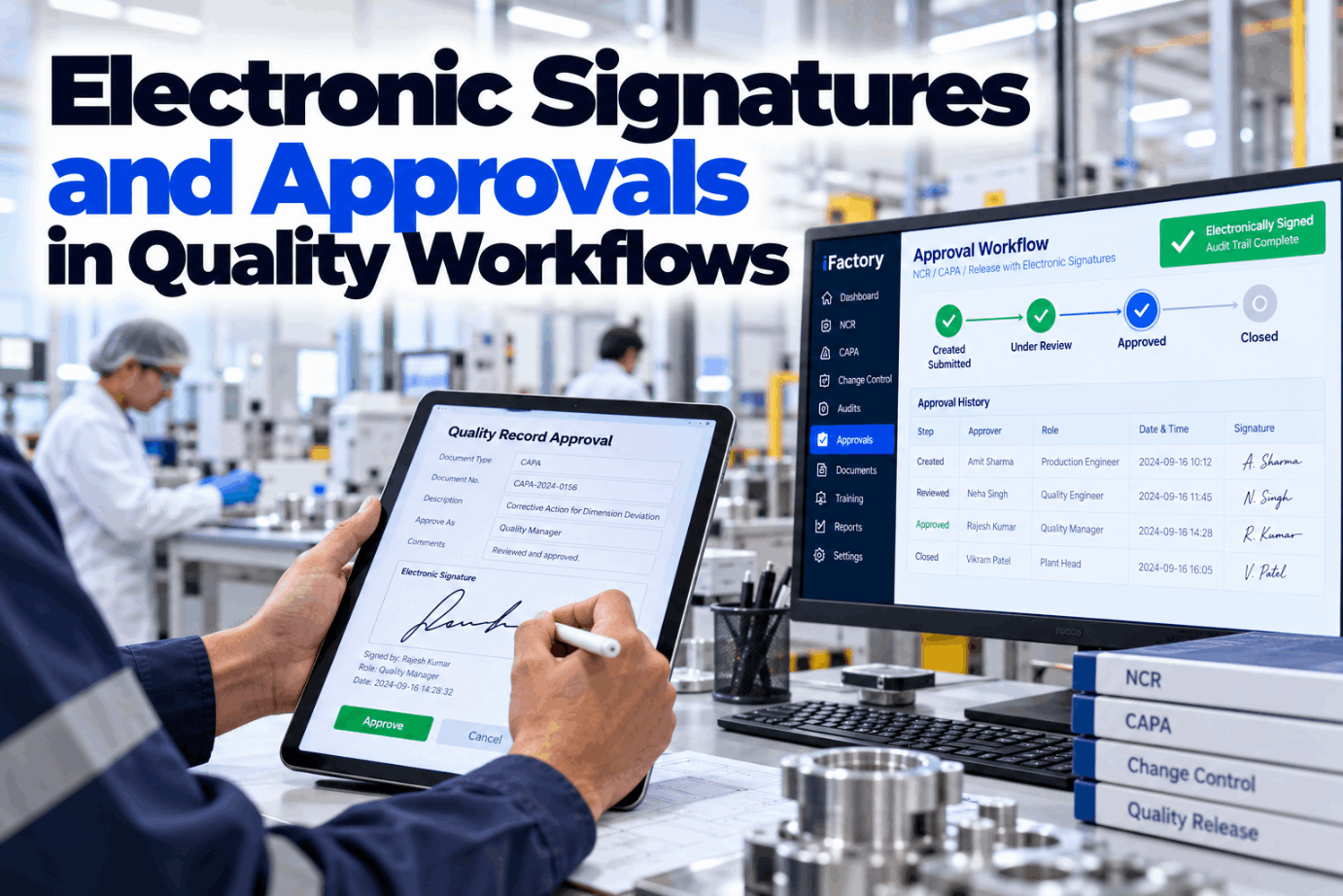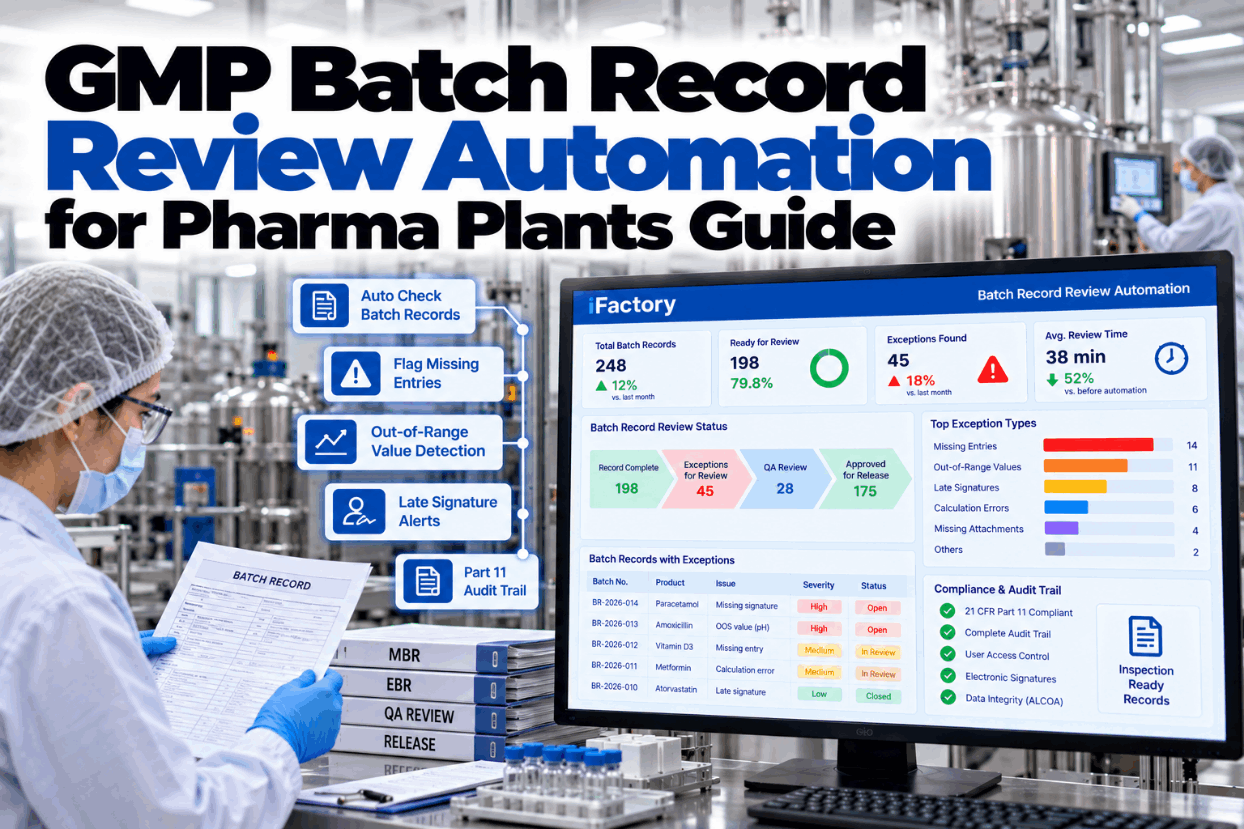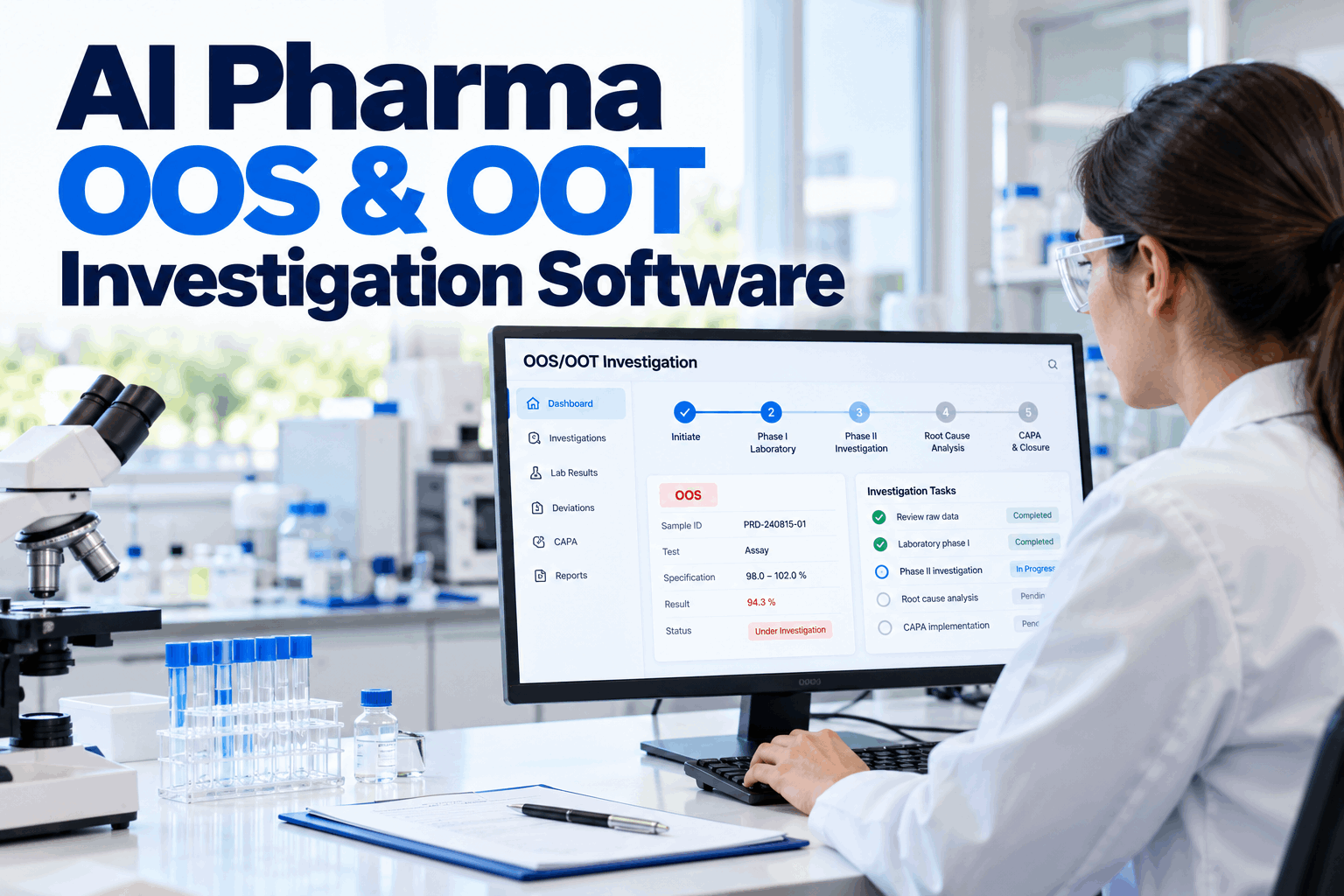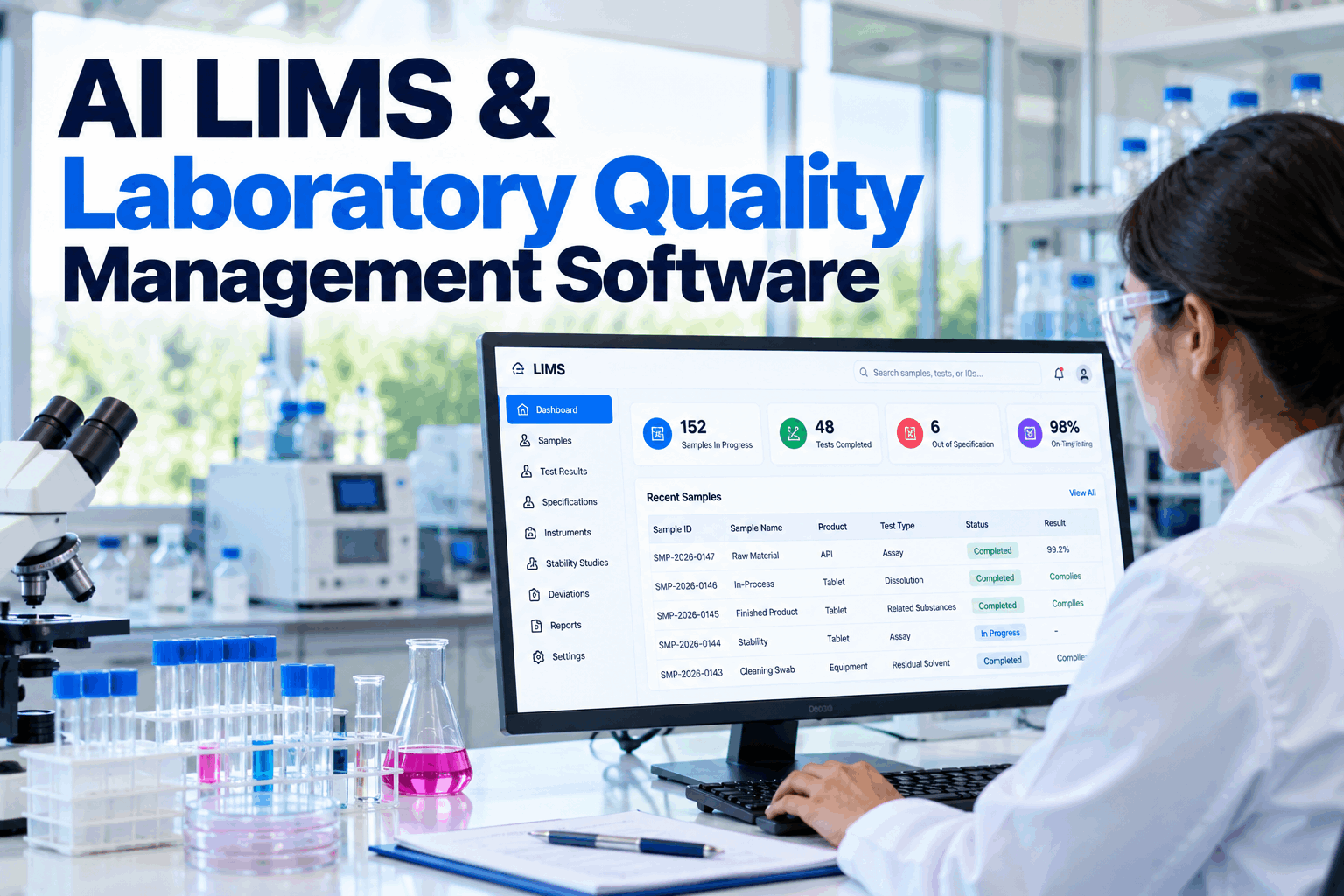
An out-of-specification result is a question the lab has to answer, not just a number to retest. Answer it badly and auditors will find the gaps: a result invalidated without proof, a retest count set after the fact, or other batches that were never checked. A clear OOS investigation workflow gives every case the same phases, the same evidence and the same closure. See how the phased workflow runs in a short OOS workflow demo.
Run Every OOS Result Through the Same Phased Investigation
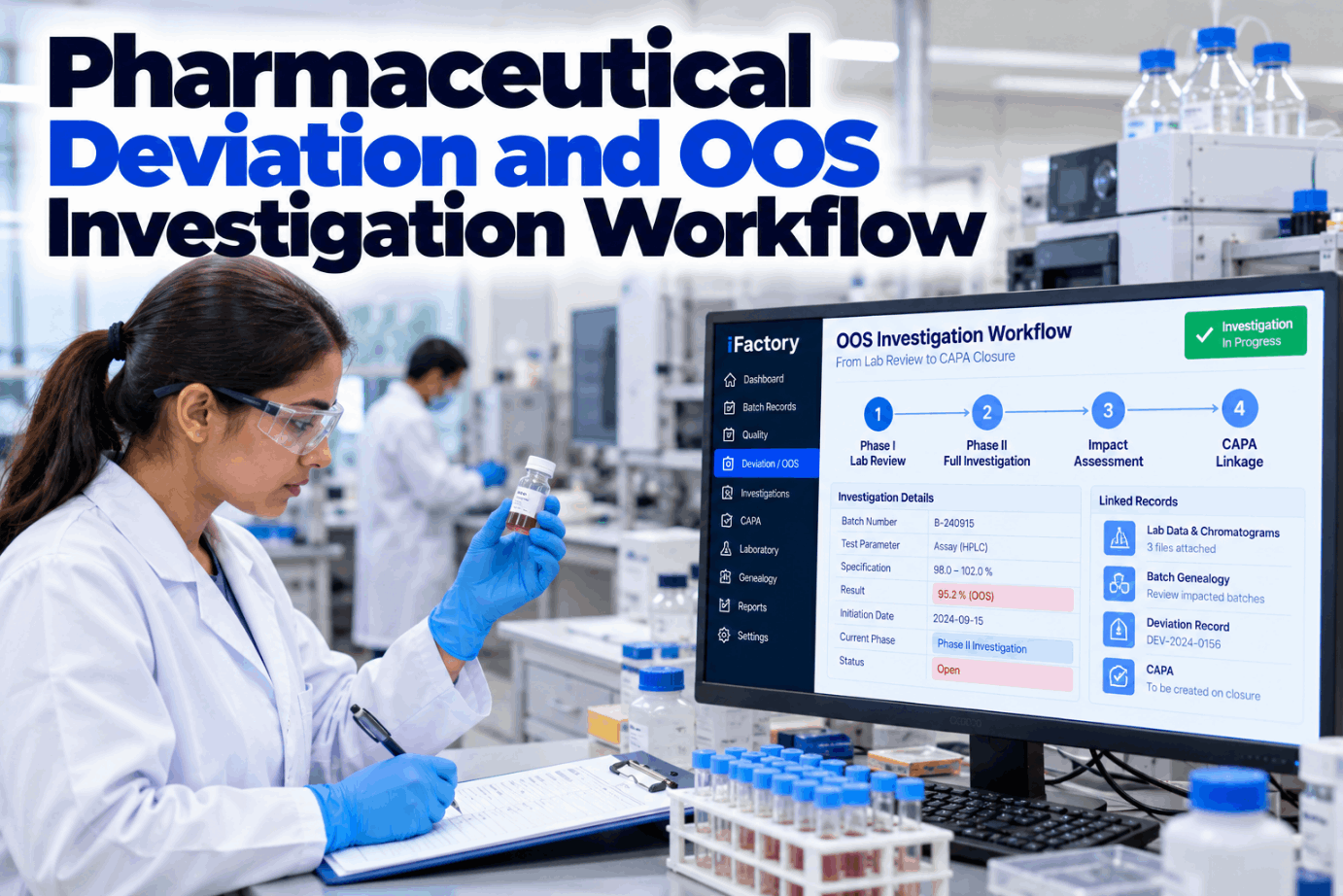
iFactory OOS Workflow opens a phased investigation template the moment a result fails, attaches the lab data, and assesses batch impact through genealogy. When the case closes, the CAPAs it raised stay linked to it.
Three Signals, Three Different Starting Points
Teams often lump these together, but each one opens a different path. A deviation is about how the work was done. An OOS is about a result that fails. An OOT result still passes but breaks the expected pattern. Getting the label right on day one decides who investigates and what evidence is needed. Talk through your own triage rules with our quality team.
What the 2006 Guidance and Its 2022 Revision Set Out
FDA first issued "Investigating Out-of-Specification (OOS) Test Results for Pharmaceutical Production" in October 2006 and published Revision 1 in May 2022. The definition of OOS did not change. The guidance covers traditional lab testing and release, not process analytical technology (PAT) approaches. It sets out a phased path from the first failing number to a final batch decision. Map your current SOP against it in a guided workflow review.
Minor wording edits, the term quality control unit (QCU) replaced by quality unit (QU), outlier tests limited to an informational role, and a new subsection on averaging replicate results from the same final sample preparation.
Analyst and Supervisor: Who Checks What
Phase I is a lab investigation, done quickly and without assumptions. The guidance is clear that a result can be invalidated only when a test event is observed and documented. It also says laboratory error should be relatively rare, and frequent errors point to problems such as analyst training or equipment upkeep. Get a sample Phase I checklist from our support team.
- Use only calibrated instruments that meet performance specifications
- Check data against the specification before throwing away test preparations
- Keep the preparations, if stable, and tell the supervisor at once
- Never knowingly continue an analysis expected to be invalidated later
- Confirm the correct method and procedure were followed
- Examine raw data, such as chromatograms and spectra
- Verify all calculations and instrument performance
- Confirm standards, reagents and method performance against validation data
- Document and preserve every record of the assessment
Only clear, documented evidence of a lab error, such as a wrong dilution or an instrument fault, supports invalidating the original result. If no error is found, the case moves to Phase II.
No Lab Error Found? The Production Floor Gets Reviewed
A full-scale investigation is led by the quality unit, with production, engineering and the lab contributing. It reviews how the batch was made and sampled, and the written record should state the reason for the investigation, the likely causes, whether the problem has happened before and the actions taken. The MHRA's OOS guidance, first published in August 2013, describes the same step as a manufacturing investigation. Plan the hand-off between lab and production in a Phase II design session.
One Case File From First Result to Closure
iFactory keeps the failing result, raw data, Phase I checks, production review and batch decision in one investigation. Linked lots surface through genealogy, and CAPAs stay attached when the case closes.
The Rules for Retesting, Resampling, Averaging and Outliers
Extra testing is where most OOS findings start. The guidance calls "testing into compliance" unscientific and objectionable, and says all results, passing and suspect, should be reported and considered in the batch decision. The matrix shows what each rule allows and how a workflow can hold the line. Check your own retest SOP with our QA specialists.
Four Ways an OOS Case Can End
The quality unit interprets the findings and makes the batch decision. A confirmed OOS means the batch does not meet its specification and should be rejected. When the outcome is inconclusive, the guidance says the QU should always err on the side of caution. Rehearse your closure criteria in an investigation closure demo.
Batch Impact Through Genealogy
21 CFR 211.192 requires a thorough investigation of any batch failure, whether or not the batch has been distributed, and says it must extend to other batches of the same product and other products that may be associated with the failure. Genealogy turns that from a search through paper into a query. Ask our support team how lot links are built from your ERP and batch records.
Close the Loop With Corrective and Preventive Action
ICH Q10 expects a CAPA system that takes in deviations, non-conformances, product rejections and trends, uses a structured approach to find the root cause and scales the effort to the level of risk. An OOS that closes without a linked action, or with a CAPA that is never checked, is a gap. Plan your CAPA links in a CAPA linkage session.
The Fields Every Investigation Record Should Hold
Whatever system you use, the record should let a reviewer follow the case without asking anyone. These are the fields iFactory's template carries by default, and your SOP can add more. Ask our QA specialists for a blank version.
Size the Hours Spent Assembling Each Case
The biggest risk of a weak OOS process is a regulatory finding, which is hard to price and should not be guessed. What you can size is the time spent pulling raw data, batch records and lot histories together by hand. The figures below are assumed inputs to show the arithmetic only. Build the case with your own numbers in a sizing call.
Add the value of fewer late cases, faster batch decisions and cleaner inspection records, but only where your own data supports a figure.
Implementation Guide: OOS Workflow and AI Server in One Package
iFactory delivers OOS Workflow as a turnkey package. A pre-configured NVIDIA AI server ships racked and ready, so investigation records, lab data and genealogy stay on your site and the AI can flag linked lots and repeat failures locally. You rack it, plug in power and Ethernet, and the AI is live. Scope the rollout with our implementation team.
- Pre-configured NVIDIA AI server, racked and ready
- Phase I and Phase II investigation templates
- LIMS and instrument data links for raw results
- Batch genealogy from ERP and batch records
- CAPA module linked to each investigation
- Audit trails and e-signatures on every decision
- 24×7 remote monitoring of platform and hardware
OOS SOP mapped to templates, server installed, LIMS and ERP links set up.
Workflow validated and piloted on one lab and product family.
All labs live, analysts and QA trained, trend reviews started.
An OOS Workflow That Follows the Guidance
iFactory is built so the phased approach is the easy path, not an extra burden on the lab. See it on your own SOP in a workflow demo.
OOS Investigation Workflow for Plant Managers and QA
Make Every OOS Case Defensible
Phased templates, attached lab data, genealogy-based impact review and linked CAPAs, delivered turnkey and live in 6 to 12 weeks.