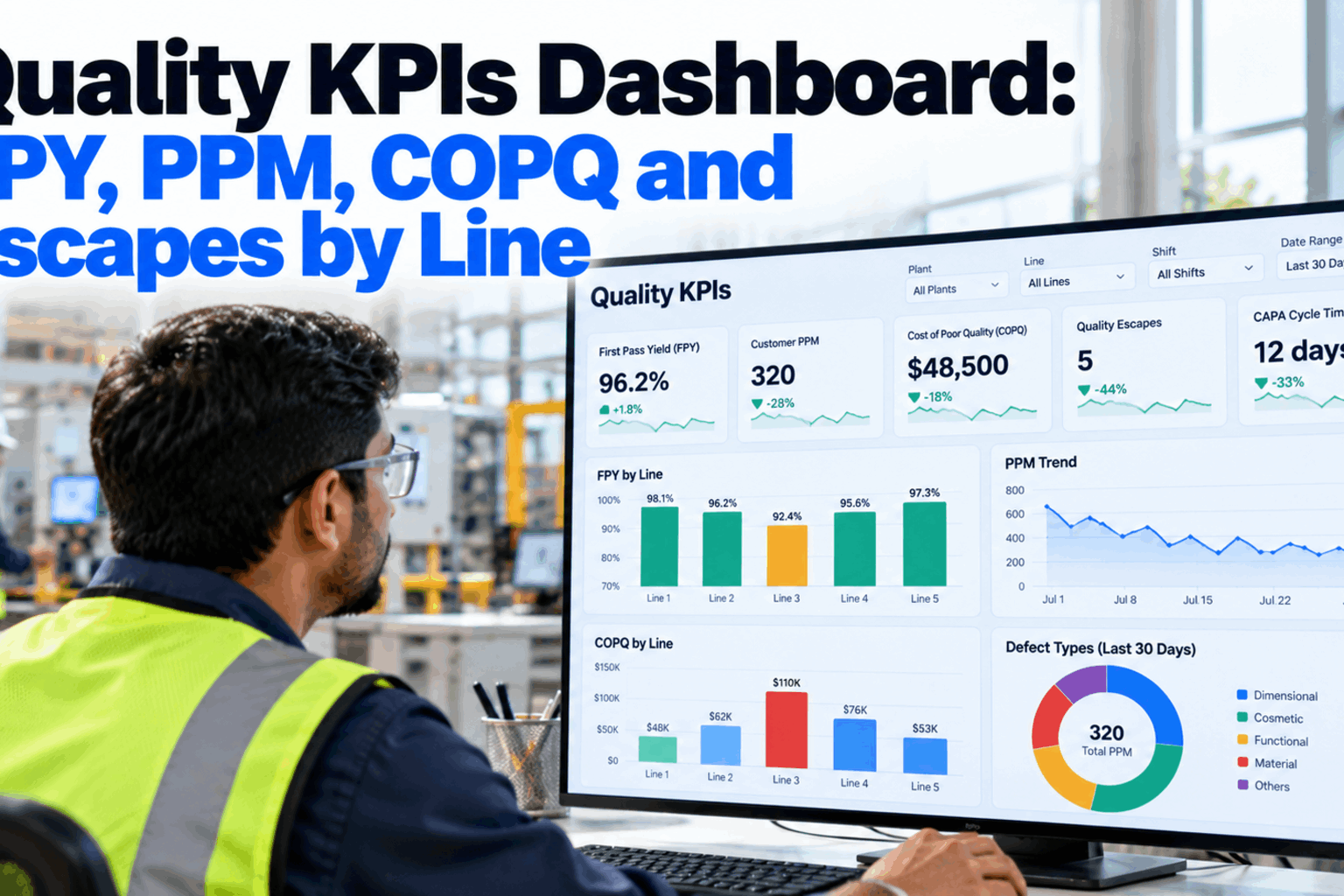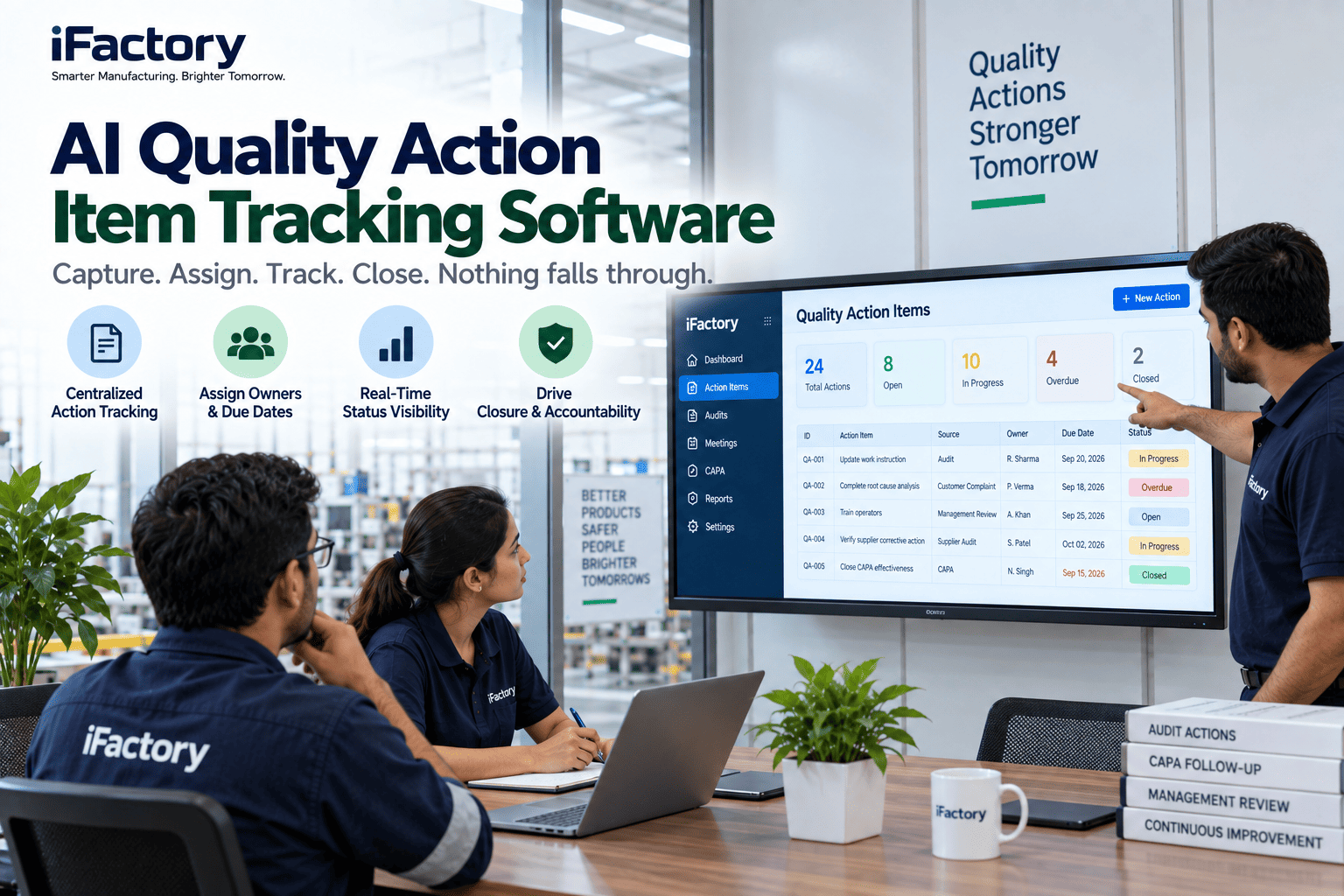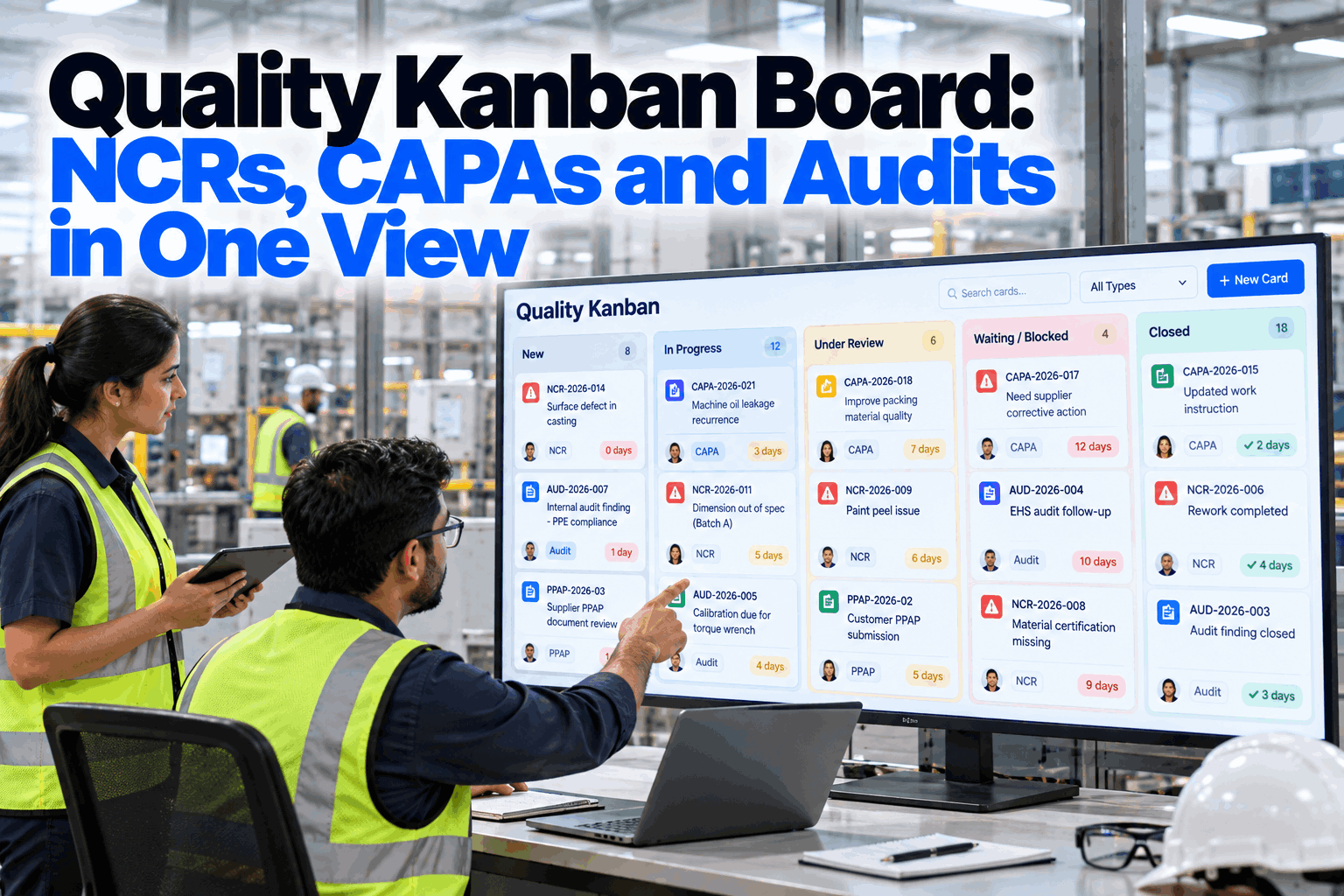
Most plants do not lose quality actions because people ignore them. They lose them because NCRs sit in one spreadsheet, CAPAs in another system, audit findings in a report and PPAP tasks in someone's inbox. Nobody sees the whole load, so a containment action waits nine days and an audit finding misses its closure date. A quality kanban board puts every open action in one view, with an owner, a stage, a WIP limit and an age. This guide covers board design, limits, aging alerts and stand-ups. Plan yours in a board design session.
Quality Kanban Board: NCRs, CAPAs and Audits in One View
Every nonconformance, corrective action, audit finding and PPAP task on one board, with owners, WIP limits and aging alerts. Stuck cards are flagged and escalated before a customer or auditor finds them.
- Cards open automatically from NCRs, CAPAs and audits
- WIP limits per column and per person
- AI escalation of cards stuck past target days
Why Quality Actions Stall
The work is not hidden on purpose. It is scattered.
A typical quality team runs several lists at once. Nonconformance reports live in a spreadsheet or ERP screen, corrective actions in a CAPA tool, internal audit findings in a report, supplier SCARs in email and PPAP tasks in a project tracker. Each list looks under control on its own. Together, they hide the real load on each engineer and the actions that have quietly stopped moving. ISO 9001 clause 10.2 expects a plant to react to nonconformities, act on causes and review whether corrective actions worked, and clause 9.2.2 expects audit findings to be acted on without undue delay. Our quality specialists can map where your actions sit today.
Scattered lists
- Each system shows only its own items
- No view of total load per engineer
- Stalled actions found at audit time
- Weekly meetings spent finding status
One quality board
- Every open action as a card
- Load per person visible at a glance
- Aging cards flagged the day they slip
- Meetings spent on blockers, not status
Designing the Board Columns
Columns should mirror your procedure, not a generic to-do list.
The most useful quality boards follow the stages already written into the NCR and CAPA procedures. Each column needs an entry rule and an exit rule, so everyone agrees when a card can move. A clear exit rule is what stops a CAPA moving to Verify while the root cause is still a guess. Keep the number of columns small. Five or six stages cover most plants, and every extra column is one more place for a card to wait. Review your column rules in a working session.
NCRs, CAPAs, audit findings and PPAP tasks move through similar stages. Horizontal lanes for each type keep them on one board without multiplying columns, and the board still shows the total load per stage.
Card Types and Target Ages
Every card carries a type, an owner, a severity and an age.
Different actions need different speeds. Containment for a customer escape may need to finish within a day, while effectiveness checks on a CAPA can run for weeks by design. Setting a target age for each card type, taken from your own procedures and customer requirements, lets the board judge which cards are late. The examples below are illustrative. Your procedures set the real targets. Ask our team how targets are configured.
Nonconformance
Opened from an inspection result or operator report. Containment target in hours or days.
Corrective action
Linked to one or more NCRs. Separate targets for root cause, action and verification.
Audit finding
From internal, customer or registrar audits. Due date set by the audit programme.
Supplier action
Sent to a supplier, tracked here so the open response is never forgotten.
Approval task
Capability reruns, gauge studies and document gaps before submission.
Customer complaint
Tied to the customer's response dates, often the tightest on the board.
Setting WIP Limits for a Quality Team
Starting fewer actions gets each one finished sooner.
A work-in-progress limit caps how many cards can sit in a column, or with one person, at the same time. When the limit is reached, the team finishes or unblocks a card before pulling a new one. The reason it works is Little's Law, which says that for a system in steady state, average lead time equals average work in progress divided by average throughput. If a team holds 40 open CAPAs and closes 10 a week, the average CAPA takes about four weeks. Halve the open work to 20 at the same closing rate and the average falls to about two weeks. These figures are illustrative. Set your first limits with our kanban coaches.
Count today
Set first limits close to current open work.
Per engineer
Three investigations each is a common start.
Per stage
Tightest on Investigate, where work piles up.
Every month
Lower limits slowly as flow improves.
Customer escapes and safety issues can bypass limits through an expedite lane, but that lane should hold one or two cards at most.
See Every Open Quality Action on One Board
NCRs, CAPAs, audit findings and PPAP tasks as cards, with WIP limits, aging alerts and AI escalation running on your own network.
Aging Alerts and Escalation
A card that has not moved is a question someone needs to answer.
Aging is the number of days a card has spent in its current column or on the board as a whole. Showing age on every card turns a static list into an early warning. The board colours a card as it approaches its target, flags it when it passes, and escalates it to a named person when it stays stuck. Escalation should go to someone who can remove the blocker, such as a production manager for a missing trial slot or a buyer for a slow supplier, not just to the card owner again. Agree your escalation paths with our quality team.
Tier thresholds are examples. Each plant sets its own.
Voice Entries from the Shop Floor
The people doing the work should not have to walk to a PC to move a card.
Containment and verification usually happen on the floor, while the card sits in an office system. Supervisors and inspectors can speak a short message on a phone or headset instead. The system matches the card number, records the note with a name and time, attaches photos if taken and moves the card when the exit rule is met. A spoken message such as "NCR 2231, containment done, 48 brackets on hold in bay 3, sort starts second shift" becomes a timestamped entry on the right card. See it working in a short demo.
Speak
Card number and what was done.
Match
AI finds the card and the field.
Record
Name, time, photo and note saved.
Check
Exit rule tested before any move.
Move
Card moves, owner is told.
Running the Daily Quality Stand-Up
Fifteen minutes at the board, right to left, oldest first.
A board works only if the team looks at it together. A short daily stand-up reviews the board from the right-hand columns to the left, because cards closest to done are the cheapest to finish. Late and escalated cards come first, then blockers, then any column over its limit. New cards are pulled only when there is room. Ask our kanban specialists for a stand-up agenda.
Quality Kanban Board Setup Checklist
Eight steps before the board goes live.
Use this checklist to set up the board for one quality team or one value stream first. Tick items as you finish them. Get help with any step from our setup team.
Quality Kanban Mistakes to Avoid
A board with no limits is just a prettier backlog.
These are the patterns that most often stop a quality board from working. Watch recurrence too, because a CAPA that closes on time but lets the same defect return has not really worked. A short board review can spot them.
What works
- Columns that follow your procedures
- Written entry and exit rules
- WIP limits that are actually kept
- Escalation to someone who can unblock
What fails
- A board kept by hand beside the real system
- Cards moved to Closed before verification
- No limits, so everything is in progress
- Aging shown but nobody acting on it
How iFactory Runs Quality Kanban
Quality Kanban, on your own network.
iFactory's Quality Kanban opens cards automatically from NCRs, CAPAs and audit findings, accepts voice entries from the floor and uses AI to escalate cards stuck past their target days. It runs on an on-prem AI server inside your plant.
One board
NCRs, CAPAs, audits, SCARs and PPAP tasks.
Auto cards
Opened from quality records, no re-typing.
Voice entries
Notes and moves spoken from the floor.
WIP limits
Per column and per person.
Aging alerts
Tiers set from your own targets.
AI escalation
Stuck cards raised with a suggested fix.
Closure, effectiveness and escalation decisions remain with your quality team. Figures on this page are worked examples.
Turnkey AI: Delivered, Connected and Live in 6–12 Weeks
You do not build this. It arrives ready.
iFactory ships as a pre-configured NVIDIA AI server with the software pre-loaded, racked and ready. Rack it, plug in power and Ethernet, and the AI is live on your network. Our team handles cabling, network setup, PLC, SCADA, DCS and CMMS integration, quality system and ERP links, operator training and 24×7 remote monitoring. Data stays on your network. For a scope matched to your plant, request a turnkey quote.
Ship, network and data
Server installed. NCR, CAPA and audit records connected. Columns and card types loaded.
Model training and pilot
WIP limits, target ages, aging tiers and voice entries configured for one quality team.
Go-live and training
Quality board live. Team trained on stand-ups. 24×7 monitoring begins.
Frequently Asked Questions
What is a quality kanban board?
A visual board that shows every open quality action, such as NCRs, CAPAs and audit findings, as a card moving through stages, with an owner, a WIP limit and an age on each card.
Does it replace our CAPA or QMS software?
No. It sits on top of your quality records and shows them as one flow. Records stay in your system of record, and cards open from them automatically.
Which columns should we use?
Follow your own procedure. Logged, Contain, Investigate, Act, Verify and Closed covers most plants, each with written entry and exit rules.
What WIP limit should a quality engineer have?
Start close to the current load, often about three investigations each, and lower it slowly as flow improves. Urgent customer issues can use an expedite lane.
How are aging alerts set?
Each card type gets a target age from your procedures or customer requirements. Cards are highlighted as they approach it and escalated when they stay late.
Can operators move cards by voice?
Yes. They speak the card number and what was done. The note is recorded with a name and time, and the card moves only if its exit rule is met.
Does the AI close or reassign cards on its own?
No. It flags stuck cards and suggests a fix, such as a reassignment, but a person approves every move that matters.
Will this help with ISO 9001 or IATF 16949 audits?
It makes it easier to show that nonconformities were acted on, that causes were addressed and that effectiveness was reviewed, with a dated history for every card.
How do we start?
Start with one quality team and its NCRs and CAPAs. A 6-week pilot connects records and sets up columns, limits and alerts. To plan it, contact our team.
Stop Losing Quality Actions Between Systems
In thirty minutes we map your open NCRs, CAPAs and audit findings onto one board and show which cards are stuck. You keep the map either way.
- 1An export of open NCRs and CAPAs
- 2Your NCR and CAPA procedures
- 3Recent audit findings still open
- 4Customer response deadlines
- 5One action that has been open too long