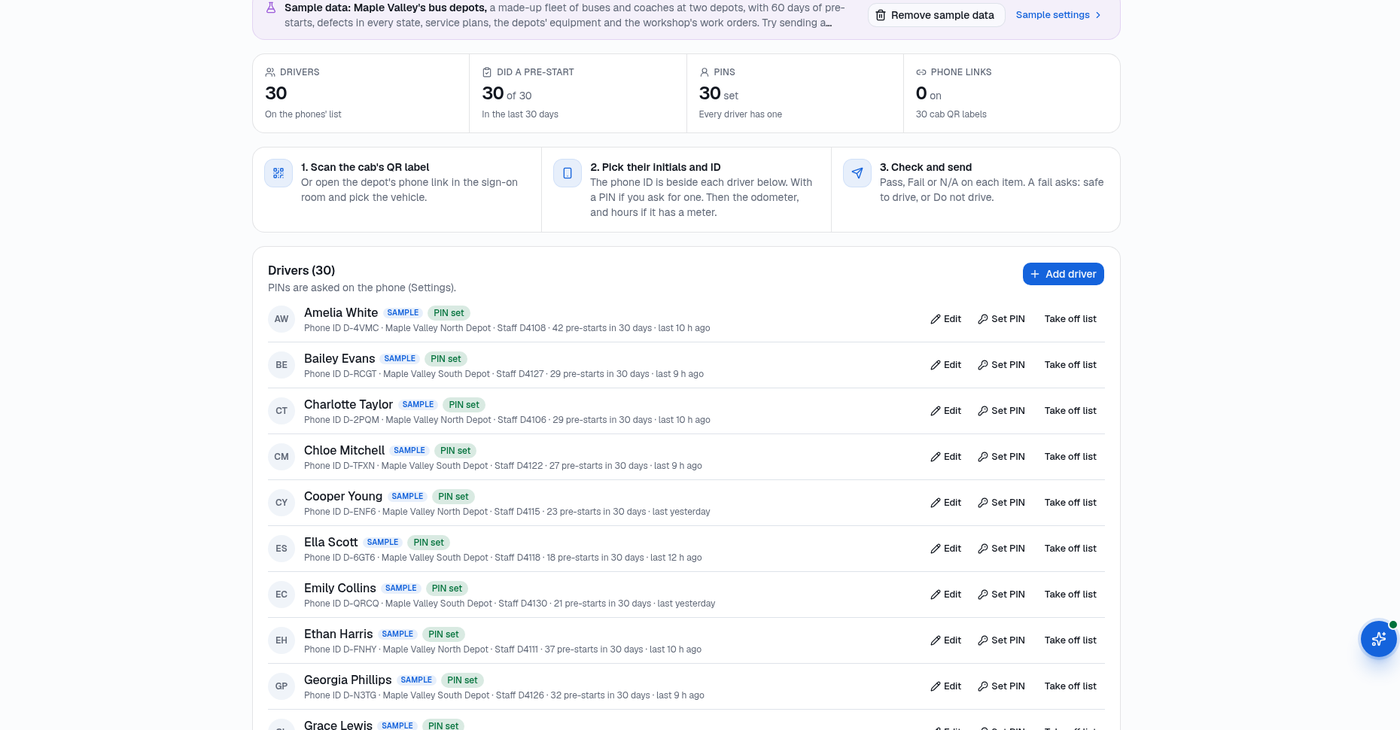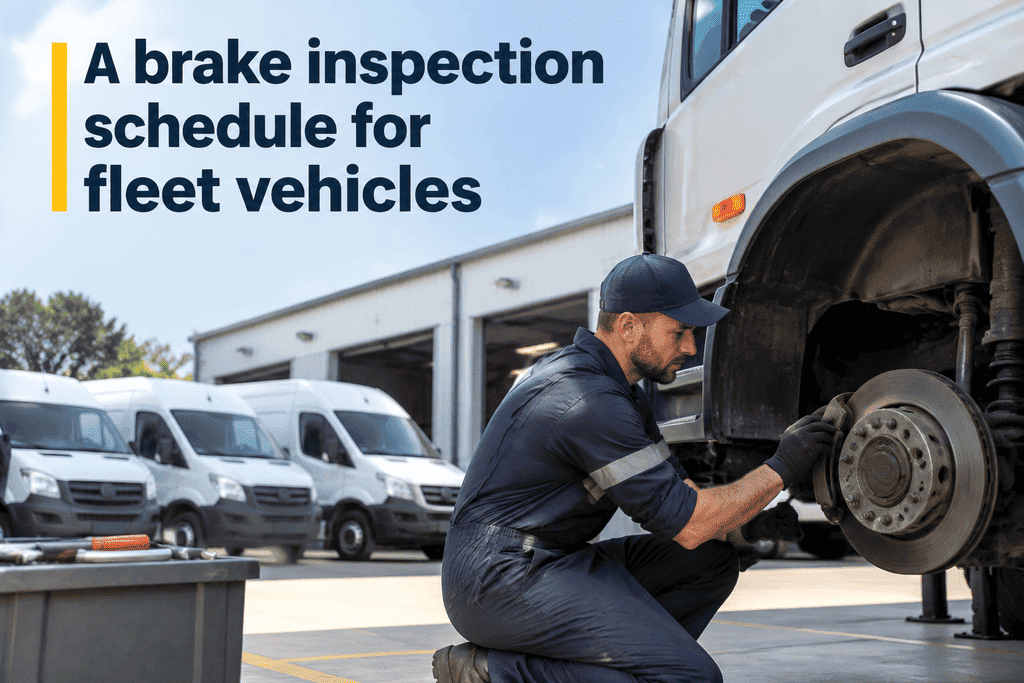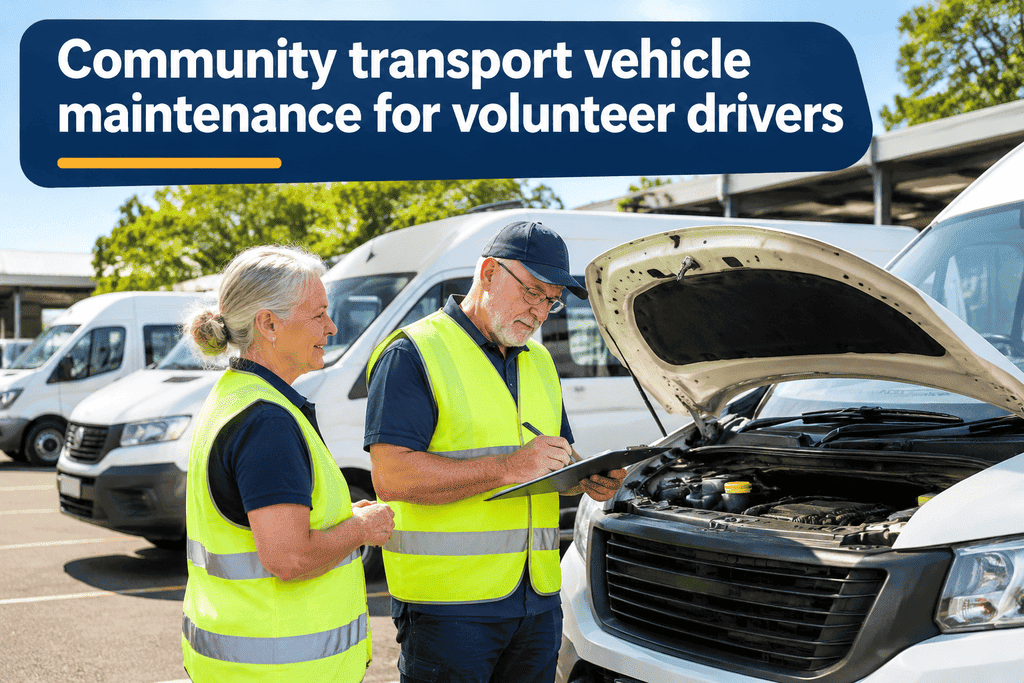
Community transport often relies on volunteer drivers who change every week, and a scheme that depends on one person's memory is fragile. Fleet Maintenance, the iFactory micro app, suits that: drivers need no account, they pick their name from your list and do the check on their own phone from the QR label in the vehicle. Read how community transport vehicle maintenance can run on one register.
Fleet Maintenance · Community transport · Volunteers
Community transport vehicle maintenance for volunteer drivers
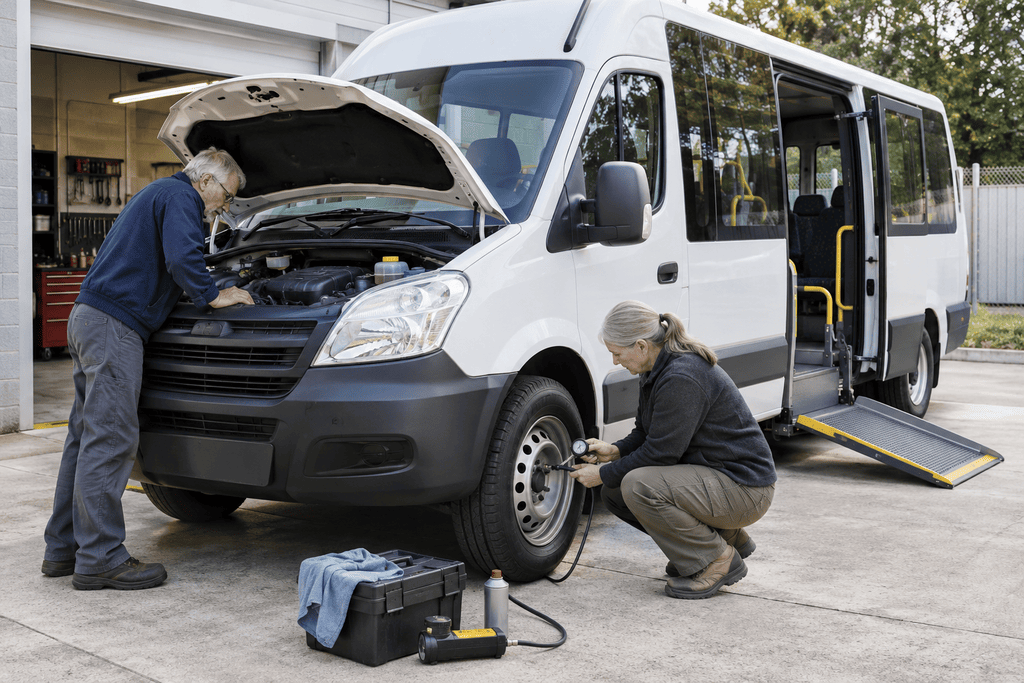
Cars and vans use the light vehicle list, while minibuses use the bus list with doors, emergency exits and the wheelchair ramp or lift. Volunteers pick a name, answer each item on their own phone, and report faults with photos for whoever does your repairs.
Three types of vehicle
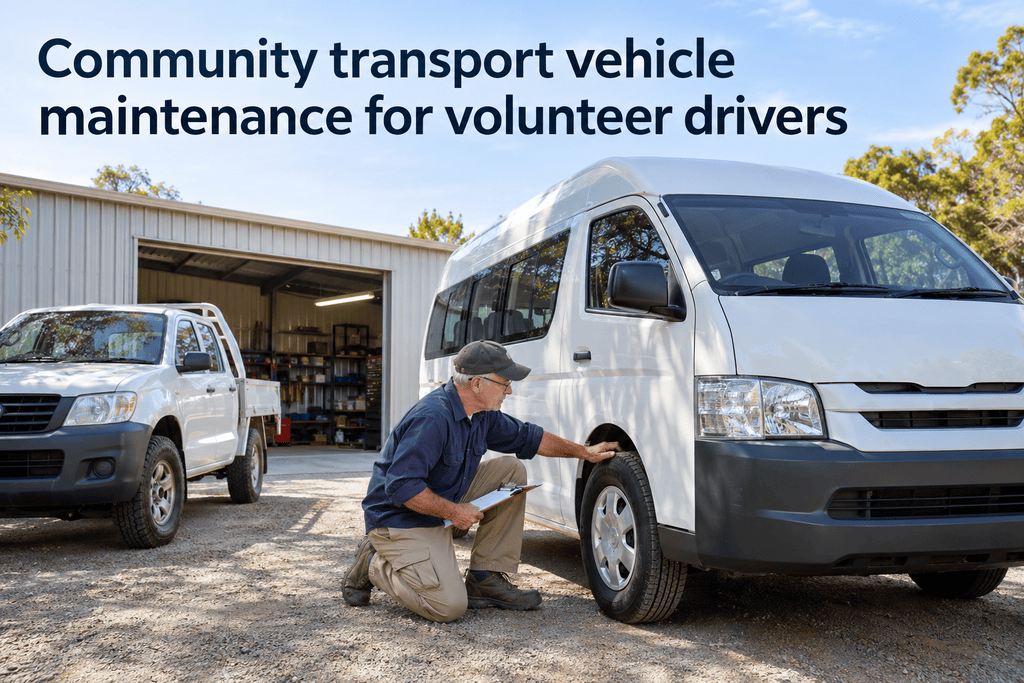
A scheme often runs a mixed fleet, and each type is checked against the list that suits it, so volunteers are never asked about equipment the vehicle does not have.
Cars
Cars use the light vehicle list, which covers the walk-around, the cab and the safety kit, and is answered Pass, Fail or N/A on the phone.
Vans
Vans use the same light vehicle list as cars, so a volunteer who drives both meets the same questions and the same way of reporting a fault.
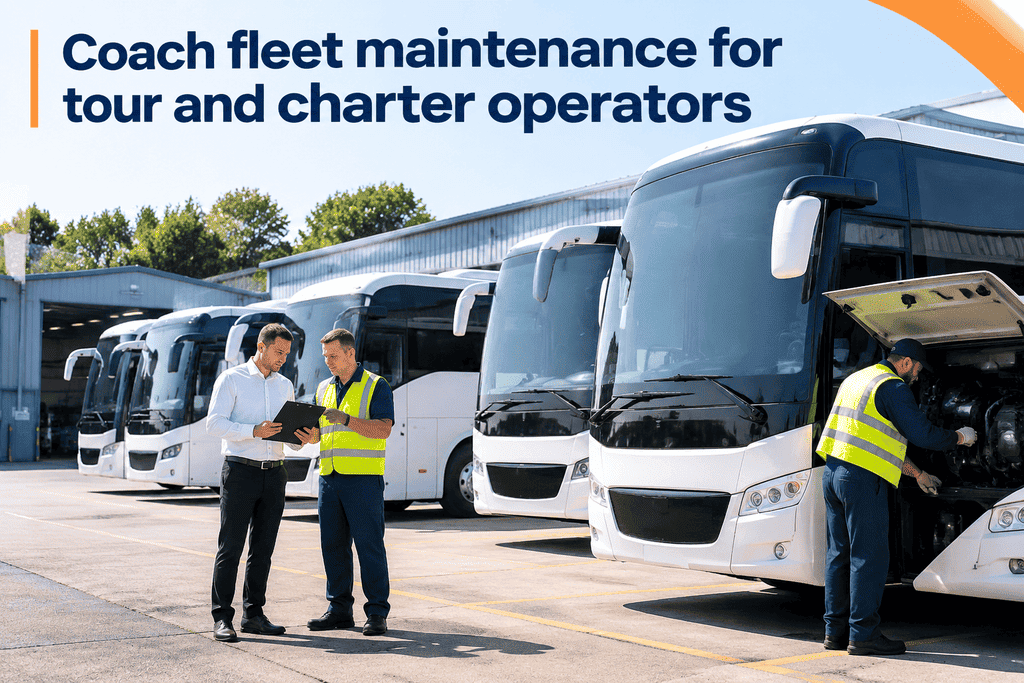
Minibuses
Minibuses use the bus list, which adds doors, emergency exits and the wheelchair ramp or lift, the items that passengers rely on most.
A volunteer shift
There is nothing to learn first, because the check is a short sequence that the phone leads the volunteer through.
Scan the label
The volunteer scans the QR label fixed in the vehicle. The check opens in the phone browser for that vehicle only, with nothing to install.
Pick your name
Names come from the list you maintain, so a new volunteer is added once by the coordinator and can then check any vehicle without an account.
Do the check
The volunteer answers each item Pass, Fail or N/A on their own phone, after entering the odometer and engine hours at the start.
Report any fault
A failed item takes a note, a severity and up to three photos, so whoever does your repairs can see the problem before the vehicle arrives.
Make the check the same every week
Volunteers change, but the label in the vehicle and the list on the phone stay the same, so every shift starts with the same questions. The sample scheme is ready to explore.
Between coordinators
A scheme often changes hands, so the record needs to carry the dates and the history that a person might otherwise keep in their head.
Habits for a volunteer scheme
Small routines keep a changing group of drivers reliable without adding paperwork.
Keep the name list current
Add new volunteers and remove those who have left, so the check always records a real person.
Label every vehicle
Fix the QR label where the volunteer sits, because a label that is hard to find is a check that is skipped.
Ask for a photo
A photo with the note helps a garage quote a repair from a distance, which matters when the scheme has no workshop of its own.
Frequently asked questions
Do volunteers need accounts?
No. Volunteers need no account and no seat. They scan the QR label in the vehicle, pick their name from the list you maintain and, if you have switched PINs on, enter one. The check opens in the phone browser, so a new volunteer can do it on their first shift without any setup.
Which list does a minibus use?
A minibus uses the bus list, which covers doors and interlocks, emergency exits and hammers, and the wheelchair ramp or lift, as well as tyres, wheel nuts and lights. Cars and vans use the light vehicle list, so each vehicle in the scheme is checked against questions that fit it.
Can faults go to an outside garage?
Yes. A failed item is recorded with a note, a severity and up to three photos, which gives whoever does your repairs a clear picture of the fault. The defect and its work order stay linked to the vehicle, so the history is kept even when the repair is done outside the scheme.
Are registration dates tracked?
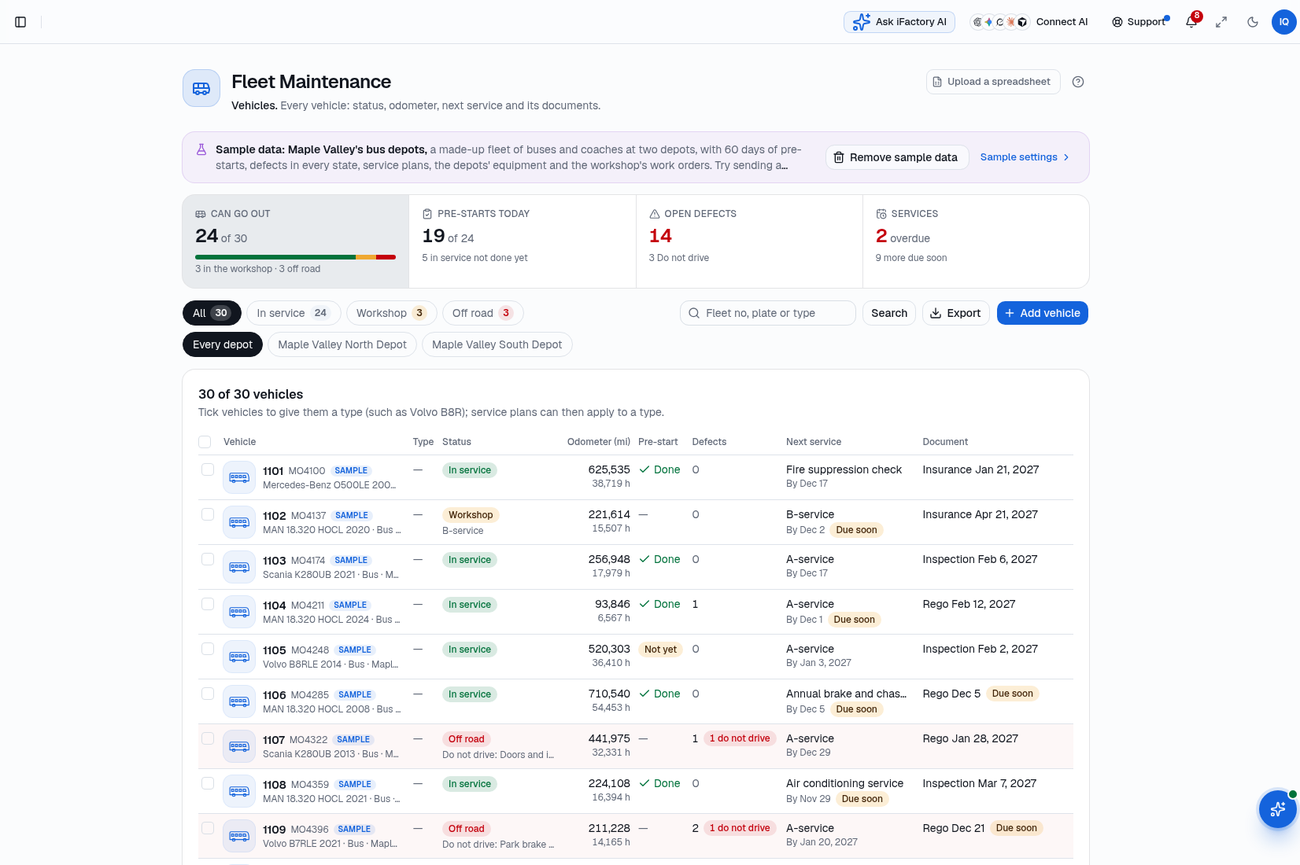
Yes. Registration, inspection and insurance dates are recorded on each vehicle and show as due soon 30 days before they lapse. They also appear on the dashboard action list when they are due or overdue, which helps when responsibility for the vehicles passes from one coordinator to another.
Where can I read about the daily check itself?
The daily vehicle check app page explains the pre-start grid and how missed checks are shown, and the Fleet Maintenance tool page lists every feature. Both use the same sample data, so you can follow what a coordinator would see each morning before the first volunteer leaves.
Make the check the same every week
The same check whoever drives, and dates that do not lapse between coordinators.
- Name list, no accounts
- Light and bus lists
- Dates tracked
14-day free trial