Electric cars and vans still need daily checks, tyres, brakes and scheduled services, even without oil changes. Fleet Maintenance, the iFactory micro app, treats them as light vehicles with the same QR pre-start and defect flow, and lists depot chargers as assets. Here is how EV fleet maintenance fits in the same register as the rest of the fleet.
Fleet Maintenance · EV · Cars, vans and chargers
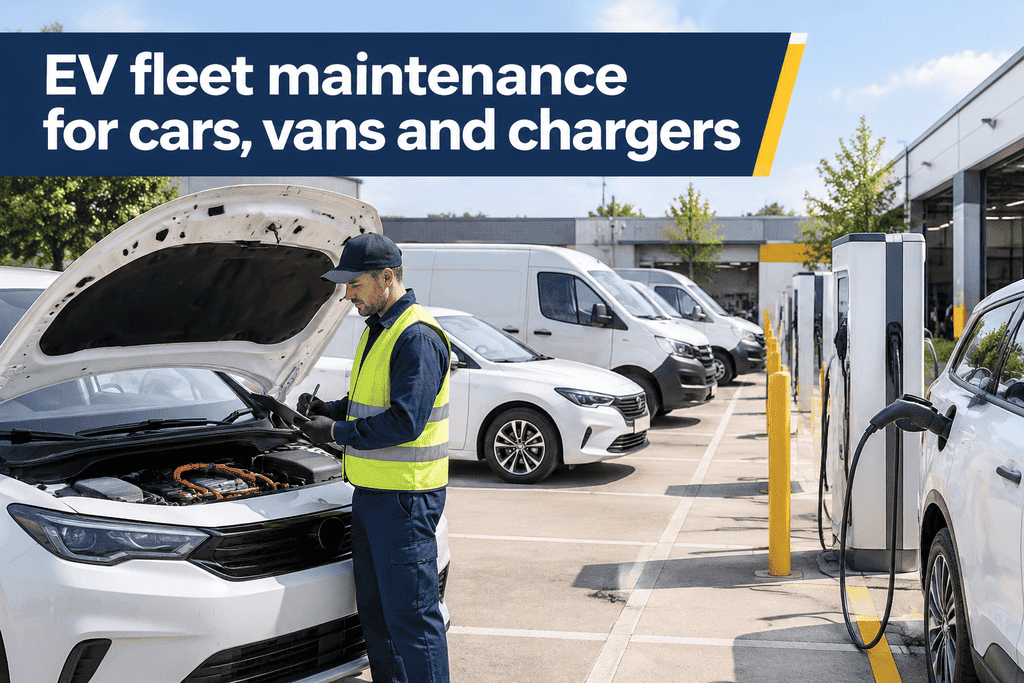
EV fleet maintenance for cars, vans and chargers
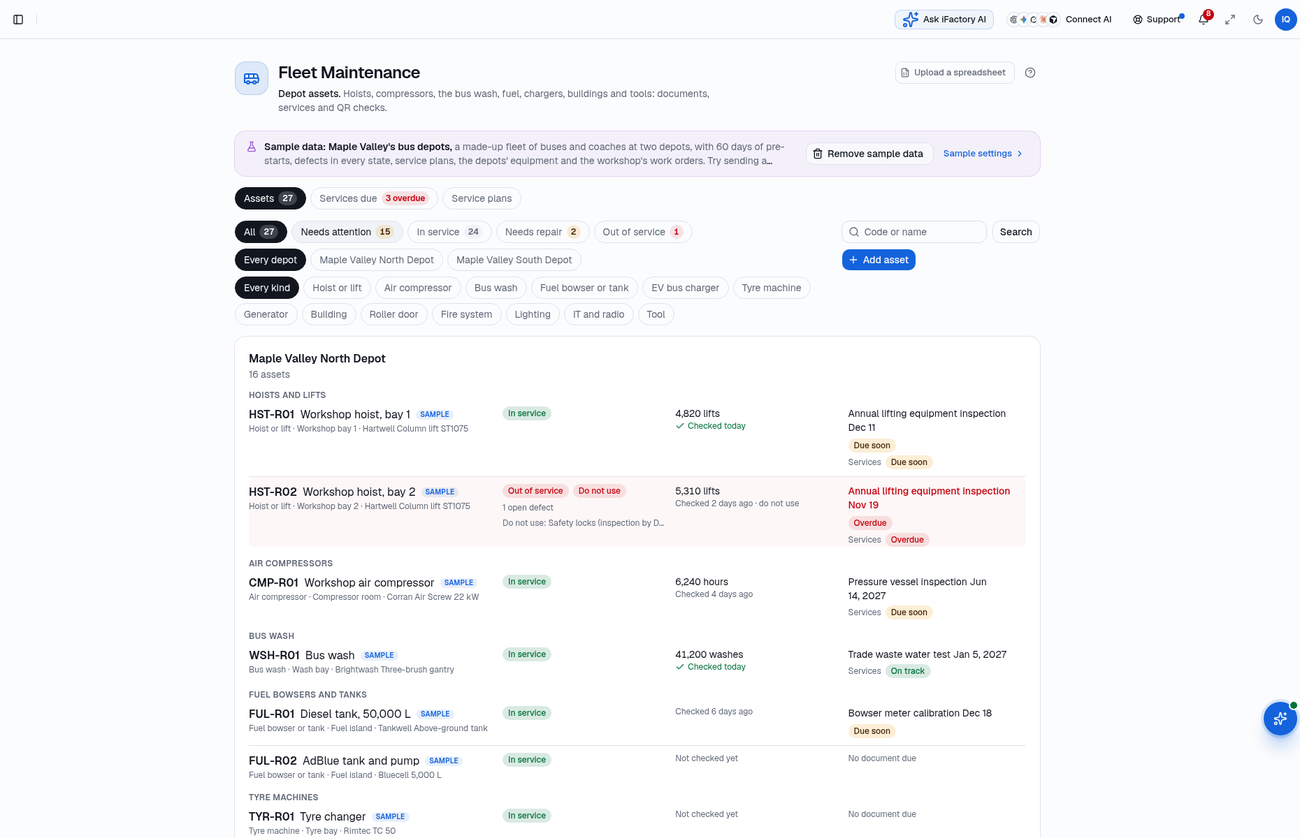
The light vehicle checks, service plans on distance and date, and depot chargers as assets with QR labels, service plans, documents and Do not use. There is no telemetry: readings come from people, a CSV file or the API.
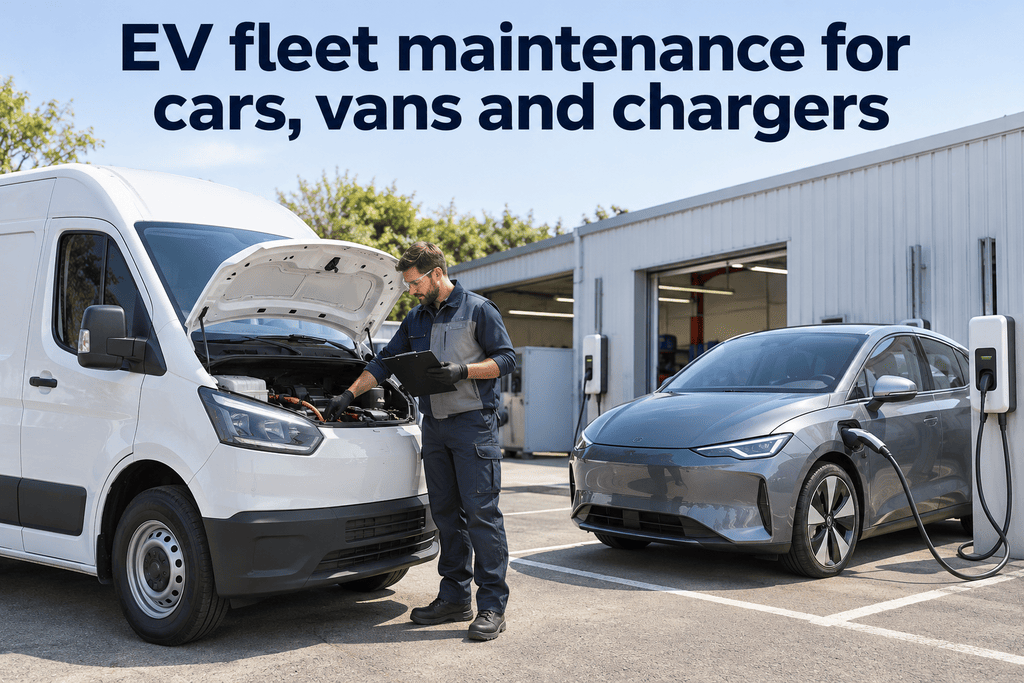
The vehicle and the charger
An EV fleet has two kinds of record, and each uses the tools that fit it.
Same checks, different drivetrain
The daily routine does not change much when the vehicle is electric, so drivers and the workshop keep the habits they already have.
Daily check
The driver scans the cab QR label, picks a name and answers the light vehicle items, such as tyres, lights, brakes and the safety kit.
Defect
A failed item becomes a defect with a note, a severity and up to three photos, and Do not drive takes the vehicle off the road.
Service
A plan counts distance and date, and a work order is raised once per cycle when the lead is reached, with the tasks and hours.
Keep electric vehicles on the list
An electric car is still a vehicle that needs a daily look and a regular service. Open the sample fleet to see how it sits beside the others.
What the app does not do
Stated plainly, so that expectations about electric vehicles are realistic.
No vehicle connection
The app does not connect to vehicles, so it does not see the car's own systems.
No charger connection
It does not connect to chargers either, so charger use is not read automatically.
No battery data
It does not read battery data, so any battery condition has to be reported by a person.
Readings
Readings come from drivers, CSV imports or the API when another system sends them.
Dates to keep
Documents lapse on electric vehicles as on any other, and the same dates apply.
Why EVs still need a register
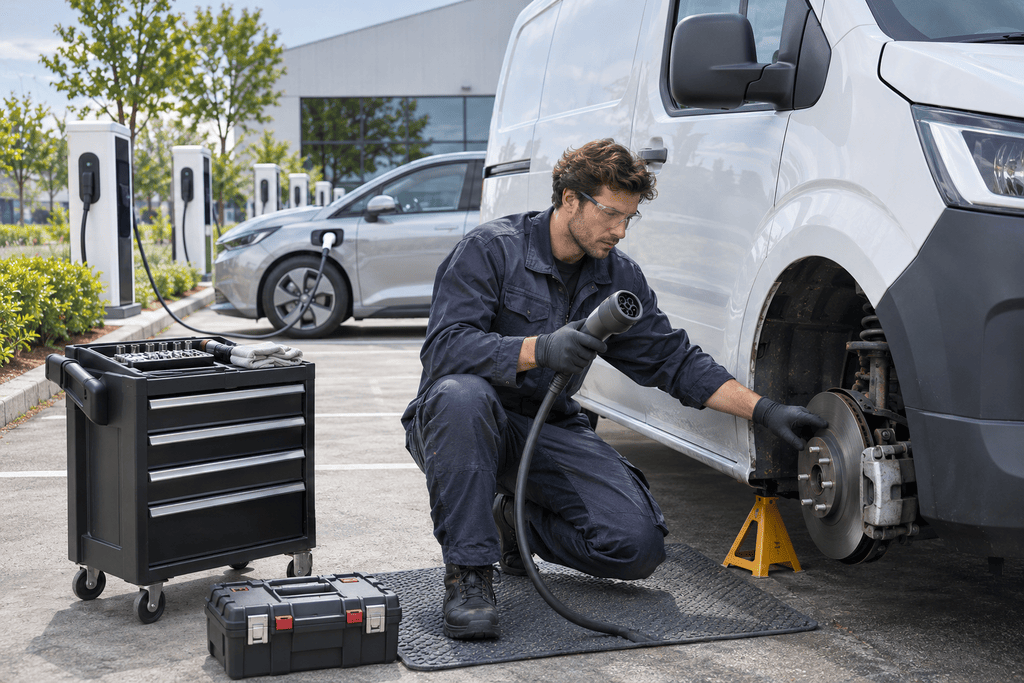
An electric drivetrain removes the oil change, but it does not remove the tyres, the brakes, the lights, the wipers or the daily look around the vehicle. Drivers still report faults, workshops still raise work orders, and registration and insurance dates still fall due. Keeping electric cars and vans in the same register as the rest of the fleet means one checklist routine, one defect list and one cost page, and the chargers at the depot can be kept on the same list of assets.
Frequently asked questions
Are EVs treated differently from other vehicles?
Electric cars and vans are light vehicles, so they use the same QR pre-start, the same defect flow and the same service plans as any other light vehicle. The difference is only in what you put on the plan: tyres, brakes and inspections still matter, while oil changes do not.
Does the app read battery data?
No. The app does not connect to vehicles, chargers or batteries. Any battery concern has to be reported by a person on the check, as a note on a failed item with photos, or entered by the workshop, so the register records what people report and not what the vehicle measures.
Can chargers be tracked?
Yes. Depot chargers are a depot asset category. Each one can have a QR label, service plans, documents such as inspection certificates, and Do not use, which takes it out of service until it is fixed. They appear in the same register as hoists, compressors and other depot equipment.
What if a vehicle has no hour meter?
Hour limits are skipped for it. Electric cars and vans normally have no hour meter, so their service plans count distance and date, and whichever limit is reached first makes the service due. Hours limits apply only to vehicles marked in the register as having an hour meter.
Where is the light vehicle list?
The light vehicle pre-start checklist page explains the list that cars and vans use, including the walk-around, the cab and the safety kit. The Fleet Maintenance tool page lists every feature, and both use the same sample fleet so that you can follow each step directly in the app.
Do chargers need their own checks?
Chargers are depot assets, so each one can have a QR label for a quick check or a fault report. An asset can also carry service plans and documents such as inspection certificates, with due soon warnings 30 days ahead. Check items for assets are generic and not specific to chargers, so notes and photos describe the fault.
Keep electric vehicles on the list
Daily checks and services without the oil, and chargers kept as assets.
- Light vehicle checks
- Chargers as assets
- Dates due soon
14-day free trial