A daily vehicle check only helps if someone can see which vehicles were checked and which were not. In Fleet Maintenance, the iFactory micro app for buses, coaches, light vehicles and trailers, every driver check lands on one Pre-starts page, grouped by depot. Here is how a daily vehicle check app turns those checks into a picture.
Fleet Maintenance · Daily checks · Depot view
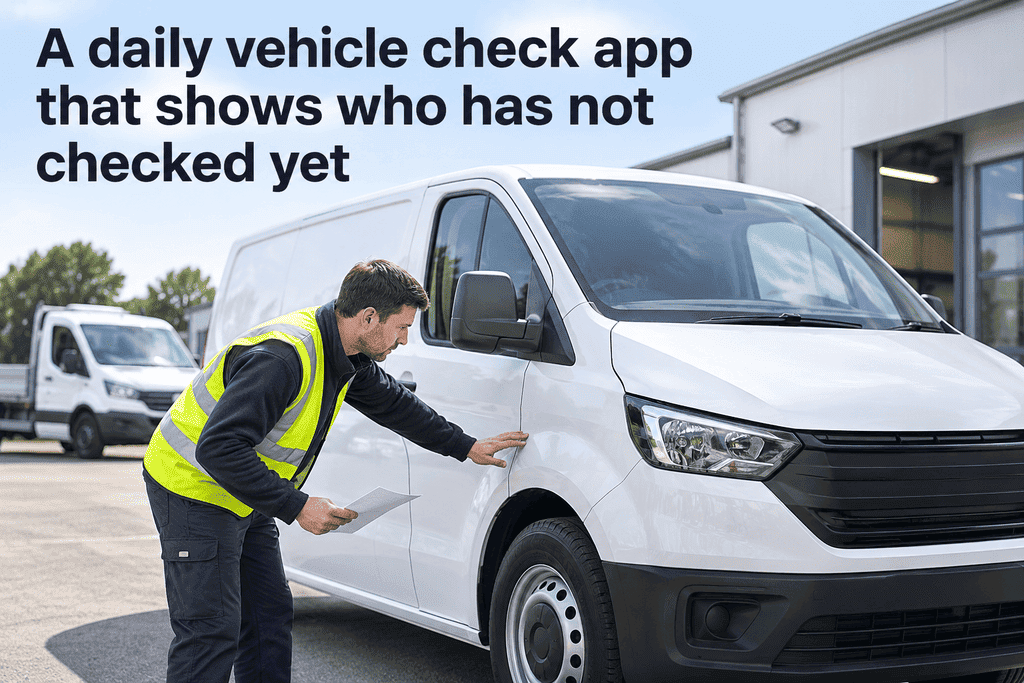
A daily vehicle check app that shows who has not checked yet
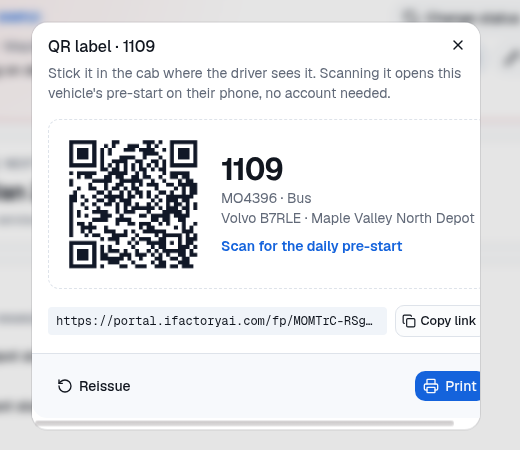
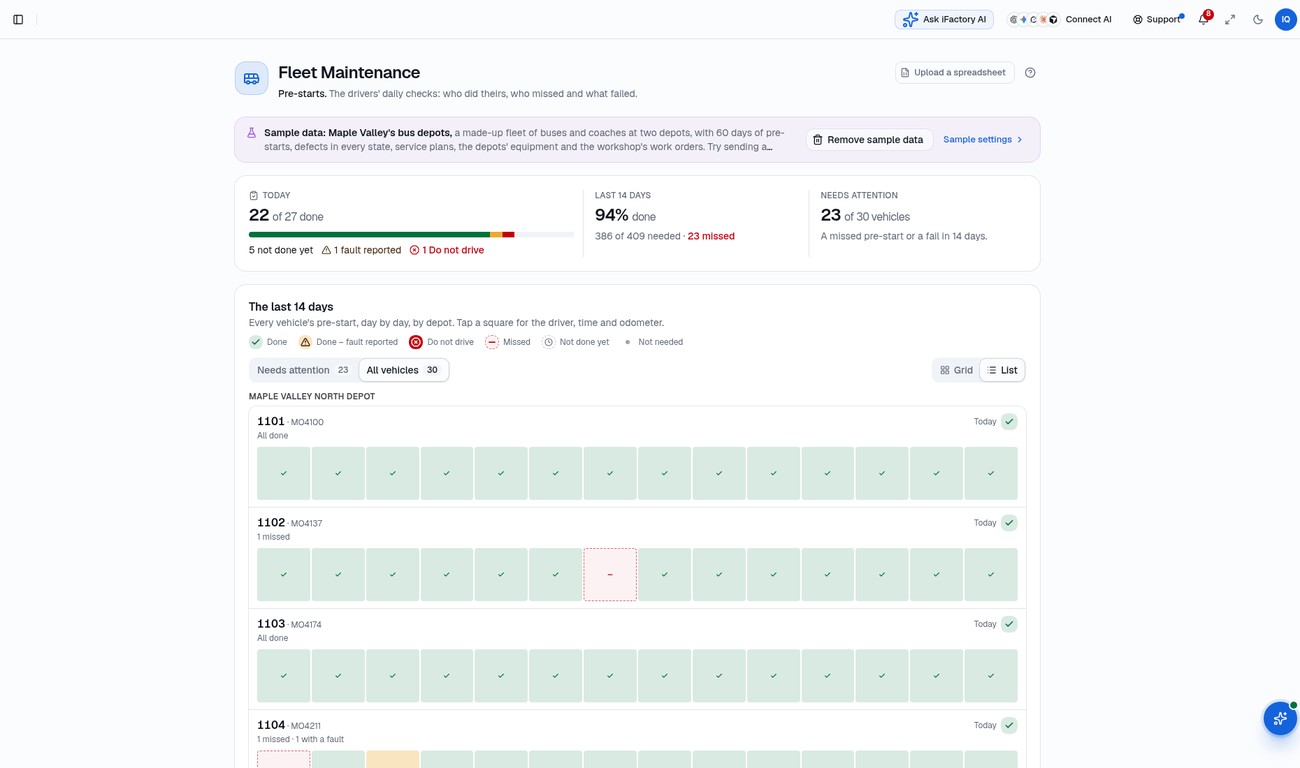
The driver checks on a phone from the QR label. The supervisor opens one page and sees done, fault, Do not drive, missed and not done yet, one cell per vehicle per day, in a grid or a list.
The six states a daily check can show
Each cell on the 14-day grid is one vehicle on one day, and its colour tells you what happened.

Grid or list: two views of the same checks
Both views sit on the Pre-starts page, so nobody needs a separate report to see the same checks.
Grid view
One row per vehicle and one cell per day, grouped by depot. It is best for spotting a gap or a run of faults, with counts at the top.
List view
The same checks shown as a list, which is best when you want to read what was recorded, and you can switch back to the grid with one toggle.
See the day before it starts
Open one page, read the colours and chase the missing checks while the vehicles are still in the yard. The sample fleet is loaded and ready.
What the dashboard adds to the daily check
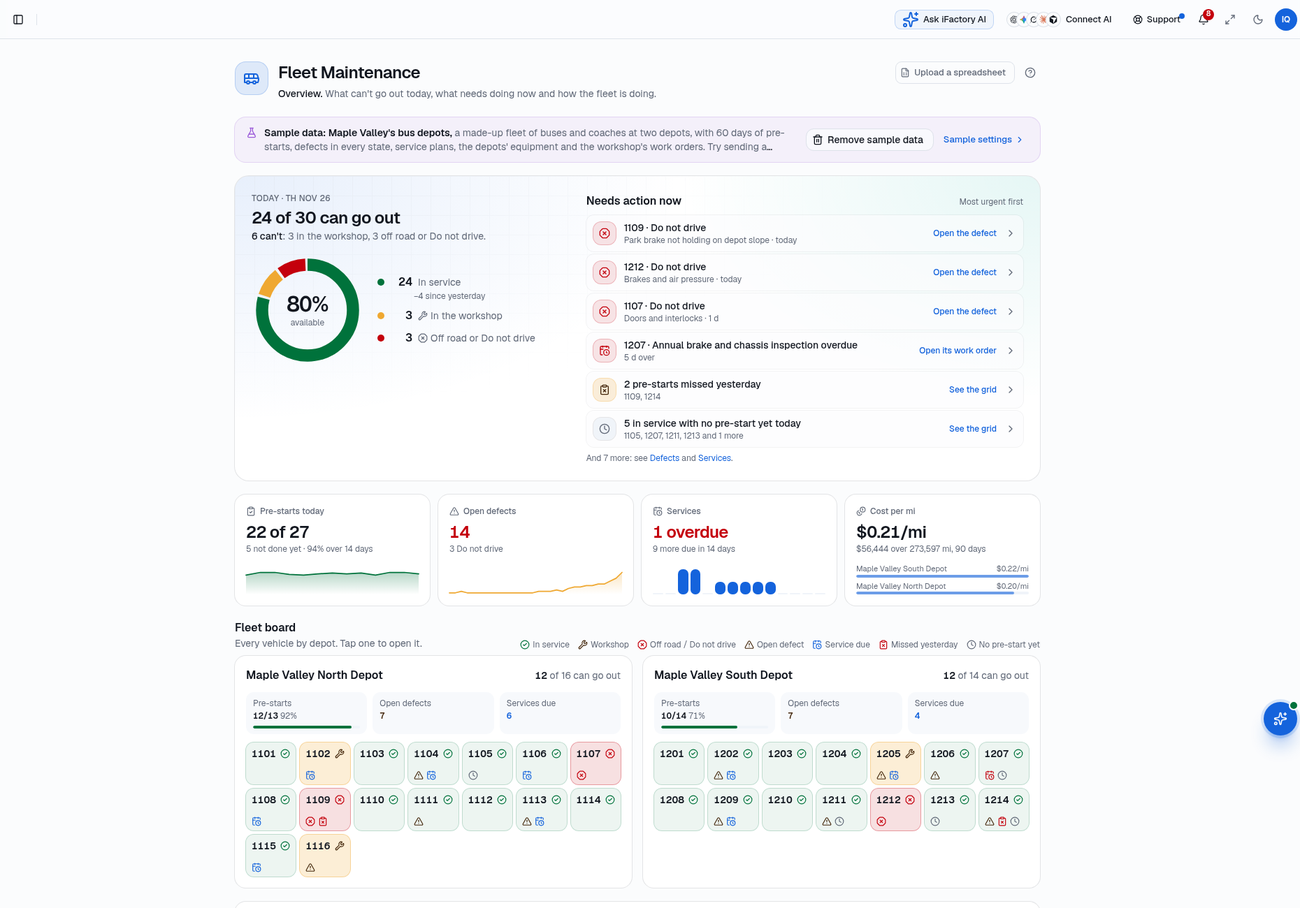
The dashboard turns the grid into a short to-do list for the morning, so a manager need not read every cell.
Done today
The sample fleet showed 22 of 27 vehicles done, with 5 in service and no pre-start yet, which tells you who to chase first.
Missed yesterday
Vehicles that missed yesterday are listed by fleet number. In the sample, they were 1109 and 1214.
Last 14 days
The sample showed 94% done over 14 days, with misses counted only against vehicles that were needed.
Available now
The dashboard also shows how many vehicles can go out and how many are off road at that moment.
Habits that make the grid useful
The grid is only as good as the names, labels and reading habits behind it.
Label every vehicle
A QR label in the cab is what makes the check quick, and a vehicle without one tends to show up as missed.
Use depots
Group vehicles by depot so each supervisor reads only their own rows, and chase gaps before the first departure.
Read faults the same day
A Fault cell already links to the defect, so the workshop can open it with the note and photos instead of asking the driver.
Frequently asked questions
Do drivers need an account to do the daily check?
No. Drivers need no account and no seat. They scan the QR label in the cab, pick their name from your list and answer the items in the phone browser. If you have switched PINs on, they enter one, but there is nothing to install and nothing to remember between shifts.
What is the difference between missed and not needed?
Missed is a day when the vehicle was needed and no check was made, so it counts against the share done. Not needed is a day when the vehicle was off duty, so it does not count. That keeps the 14-day figure fair for vehicles that are in the workshop or parked.
Can I see the checks as a list instead of a grid?
Yes. The Pre-starts page has a grid view and a list view of the same checks, and you can switch between them with a toggle. The grid is best for spotting gaps and runs of faults, while the list is best when you want to read exactly what was recorded.
Which vehicles can have a daily check?
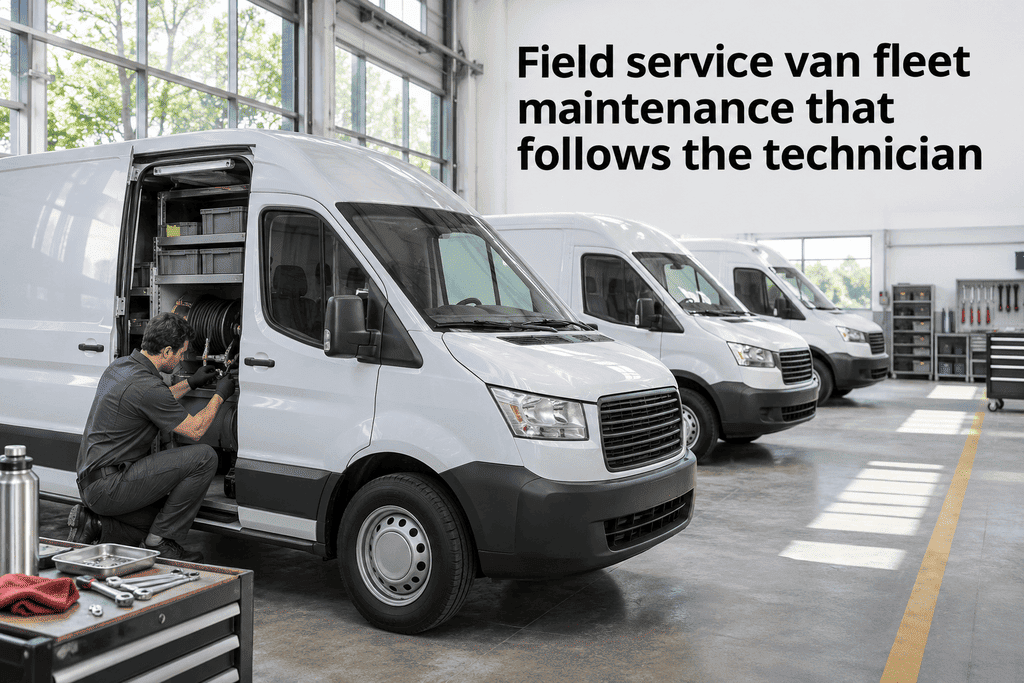
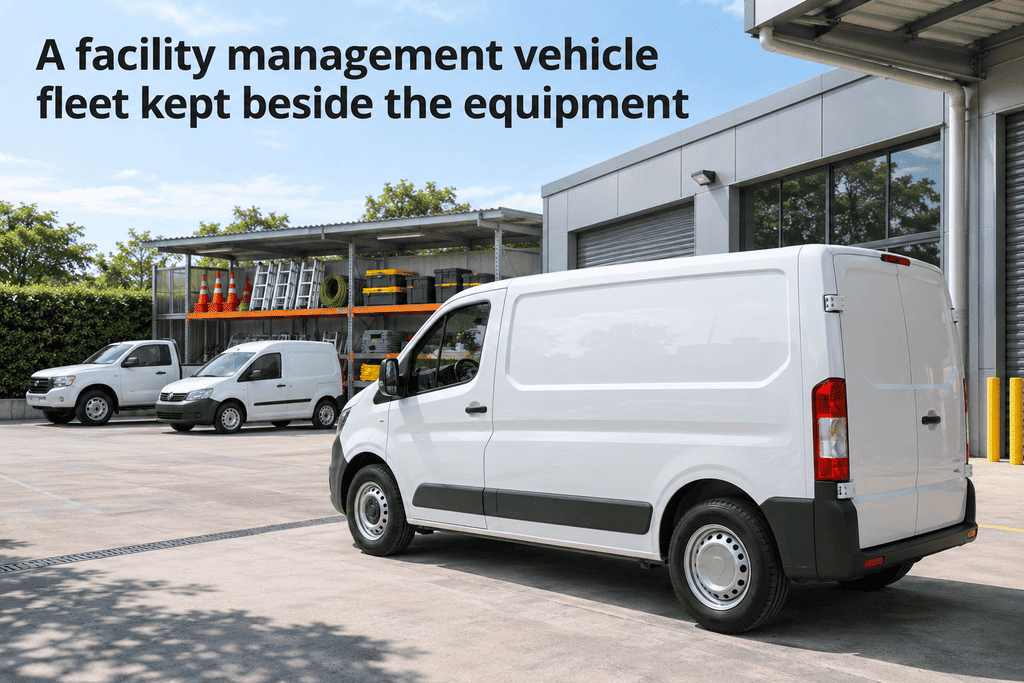
Buses, coaches, light vehicles such as utes and vans, and trailers can all have a daily check, and each kind has its own item list. A bus is asked about doors and exits, a trailer about its coupling and chains, and a van about the walk-around, the cab and the safety kit.
What happens when an item fails?
A failed item becomes a defect for the workshop, with a note, a severity and up to three photos. If the driver marks it Do not drive, the vehicle goes off the road and an urgent work order is raised. The vehicle defect reporting app page explains that side in more detail.
Run the daily check from one screen
Drivers check on their phones, and you read the result in one place.
- QR label in every cab
- Grid and list views by depot
- Missed checks that stay visible
14-day free trial