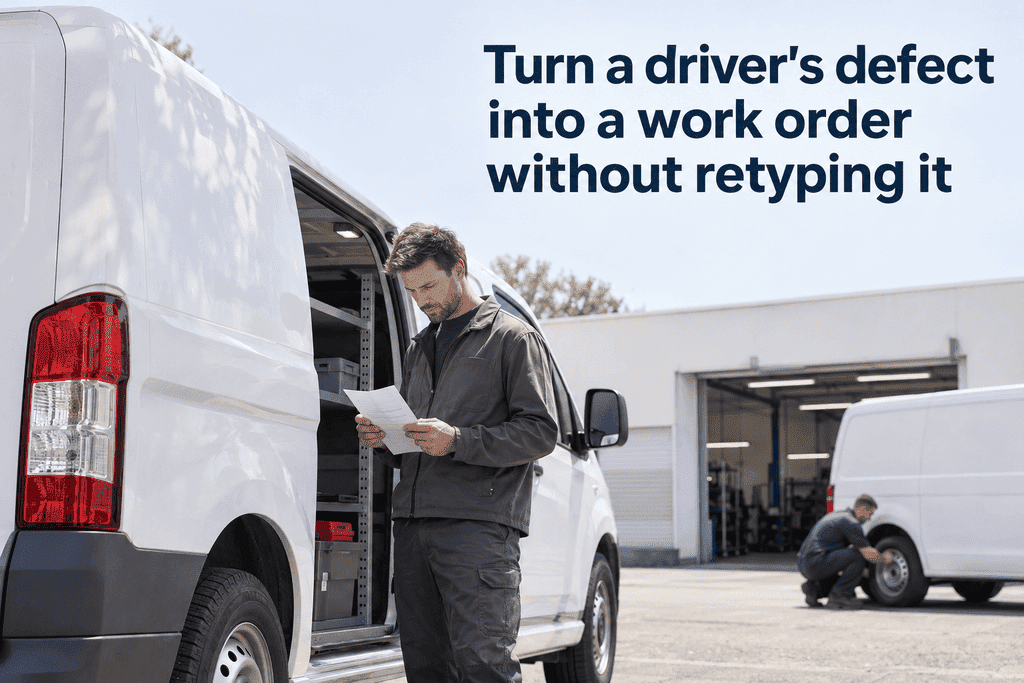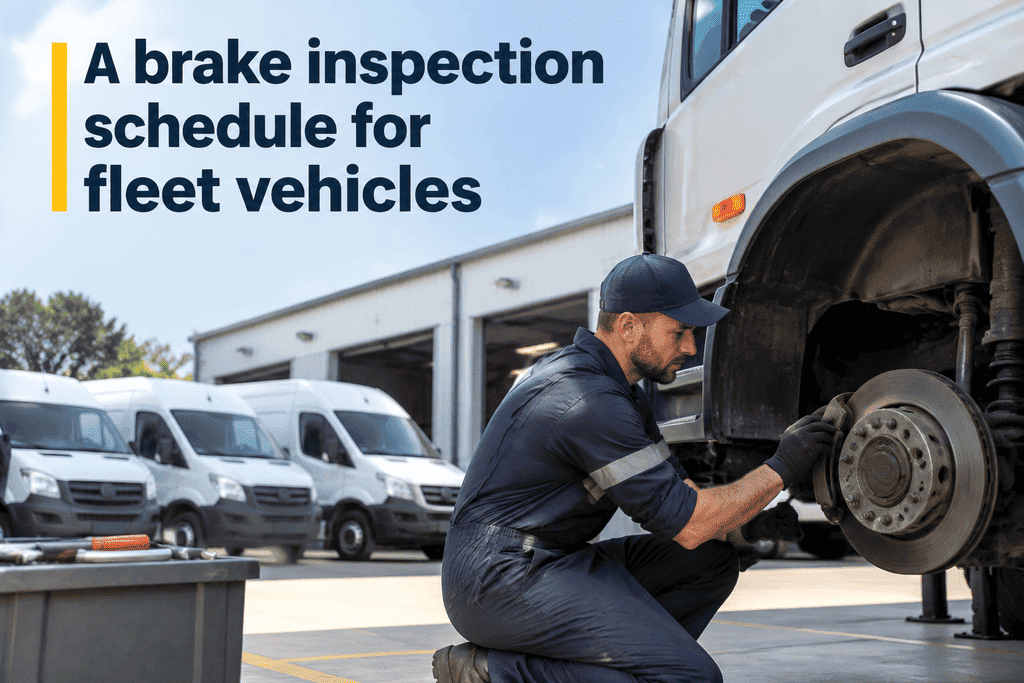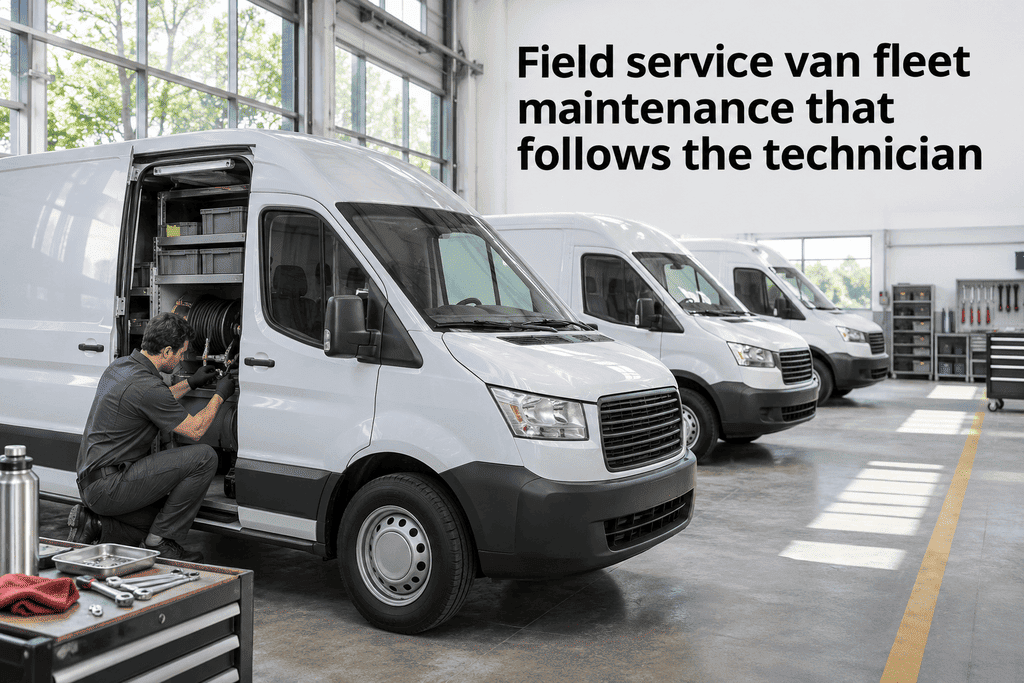
Field service technicians live in their vans, and a van that fails on the way to a job costs the whole visit. Fleet Maintenance, the iFactory micro app, gives each van a QR label so the technician does the check on their own phone, with no account to manage. Here is how field service van fleet maintenance follows the technician.
Fleet Maintenance · Field service · Technician vans
Field service van fleet maintenance that follows the technician
The check happens in the cab, faults arrive with photos so a garage can be booked early, and services come due by miles, engine hours or months. Take-home vans and depot vans use the same label, list and register.
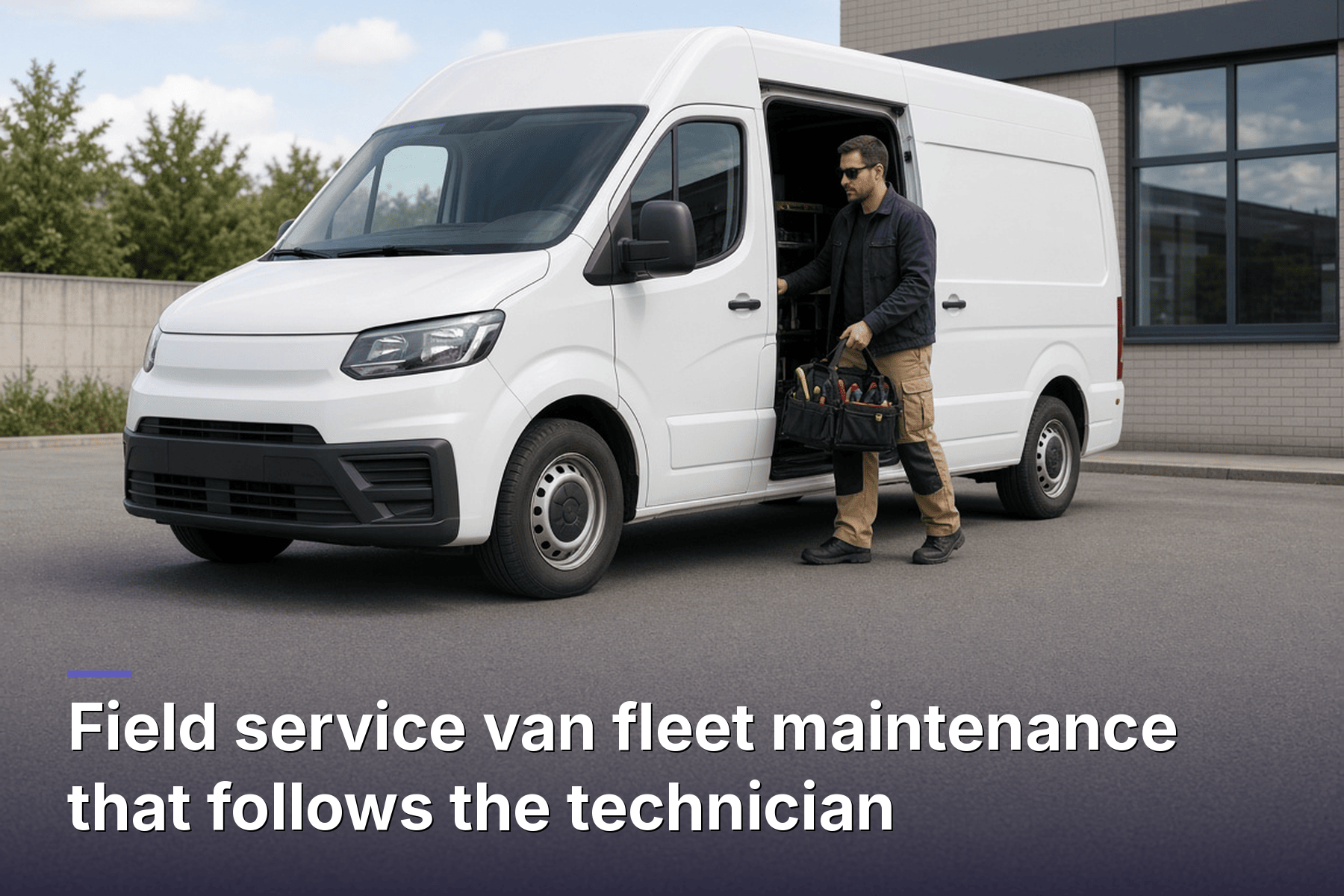
The technician and the office
Each has a view that suits them, and neither needs to phone the other to find the status.
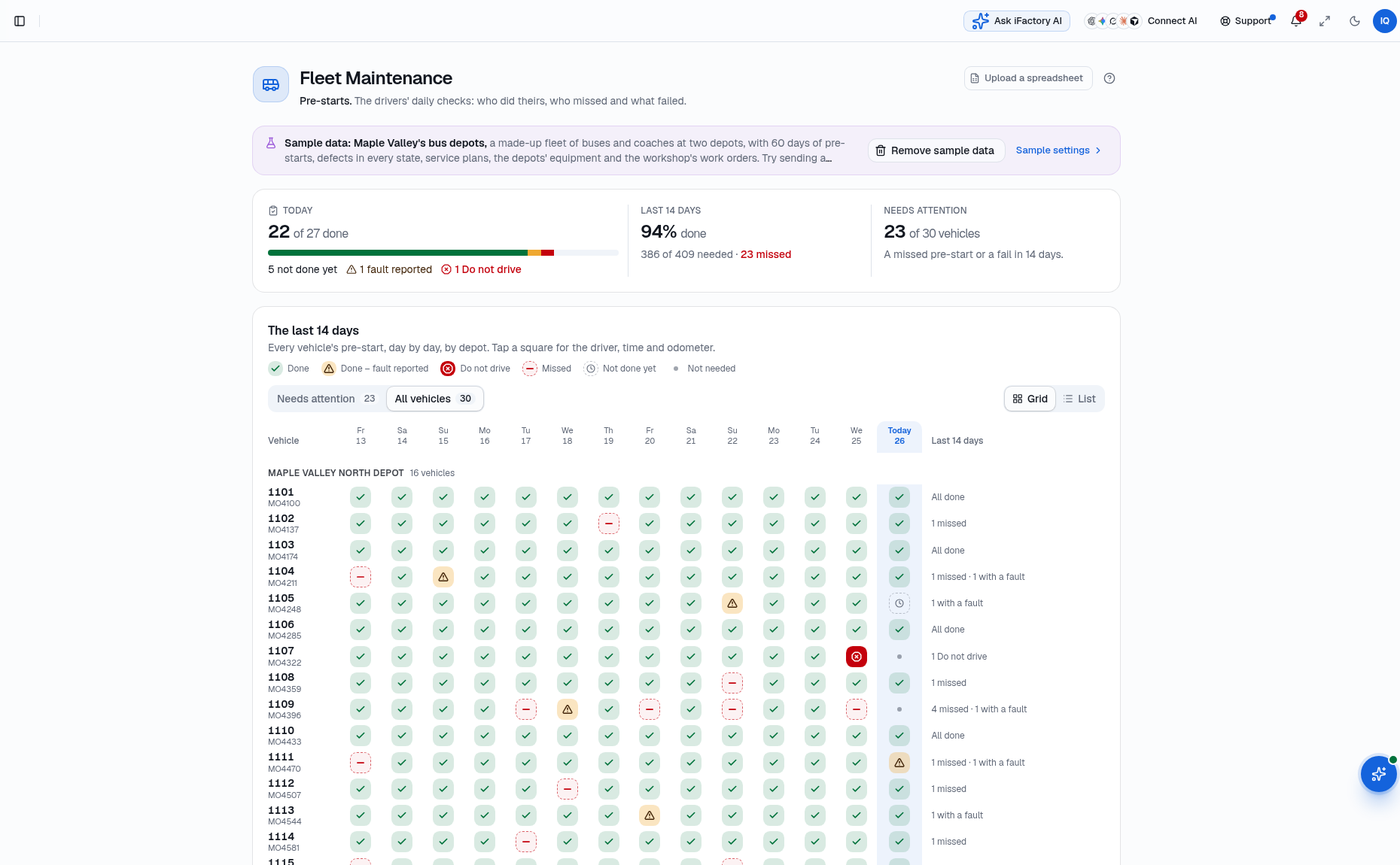
From a flat tyre to a repaired van
The record follows the van, so the story of a fault is never split across messages.
Reported
The technician fails the tyre item and adds photos, so the office sees the damage without a phone call.
Open
The defect waits on the list with its age showing, which reminds the office that it needs a decision.
Work order
The office raises one when the garage is booked, linked to the defect and the van.
Cost
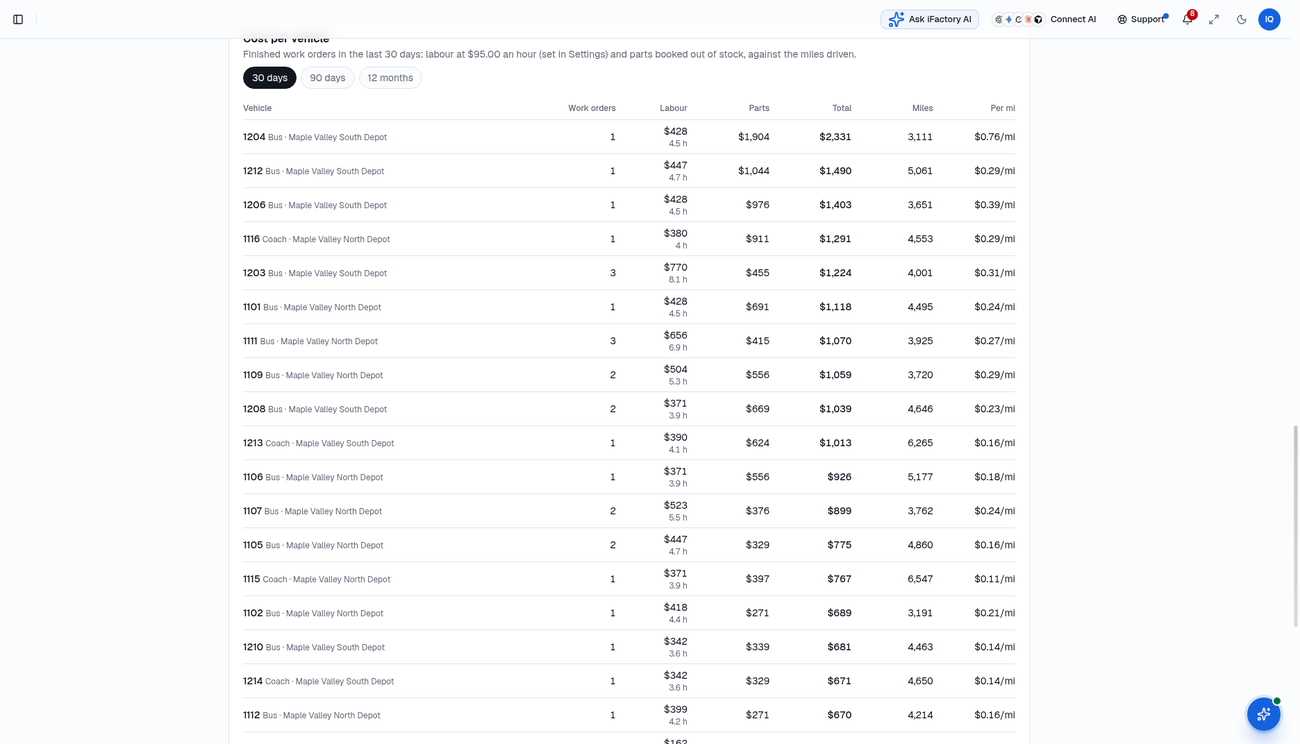
Labour and parts booked on the order add to the van's cost per mile, so the repair is counted once.
Keep technicians moving
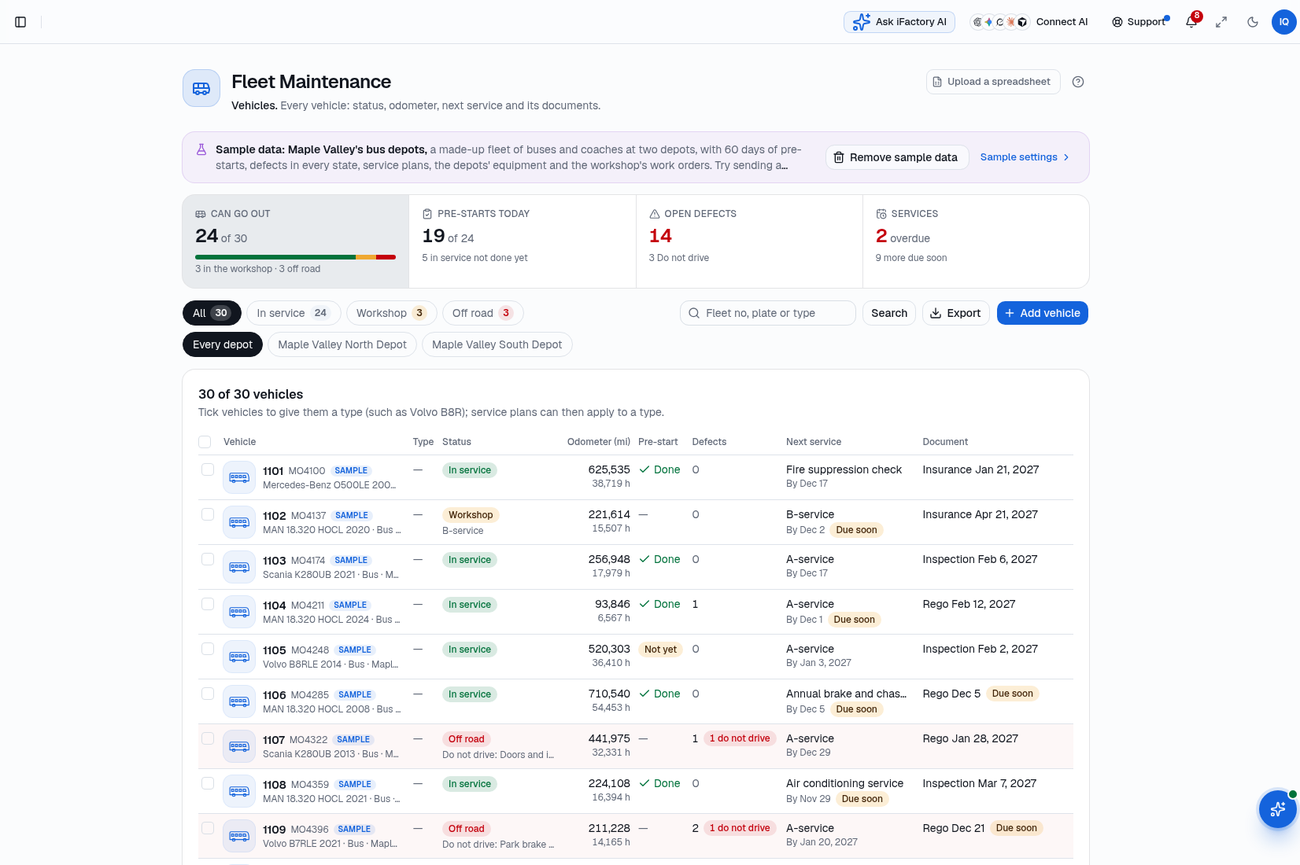
One register for every van and one list of what is wrong. The sample fleet shows how a flat tyre travels from the cab to the cost page.
Dates that catch a van out
Documents lapse as often as parts fail, so the app shows them early.
Registration
A date on the vehicle record, shown as due soon 30 days ahead.
Inspection
A date on the vehicle record, with the same 30-day warning.
Insurance
A date on the vehicle record, so renewal is not left to memory.
Services
Plans by miles or kilometres, hours and months, due at whichever limit comes first.
Habits for technician vans
A little discipline keeps the register useful when vans are spread across jobs.
Check before the first job
Do the check in the cab before leaving, since a fault found at home is cheaper than one found at a customer.
Add a photo
A photo with the note helps a garage quote and plan before the van arrives.
Keep readings current
Enter odometer and engine hours at every check so service dates are right.

Why a technician van needs a record
A technician who arrives late because of a flat tyre or a failed light costs more than the repair itself, because a customer visit is lost with it. A short check in the cab, a fault reported with photos and a work order raised for the garage turn that surprise into a planned job. Over time, the cost page shows which vans cost the most to keep running, and the defects page shows which faults keep coming back, so a decision about replacing a van can rest on what was recorded.
Frequently asked questions
Does each technician need an account?
No. Technicians do not need an account or a seat. They pick their name from the list you keep and, if you have switched PINs on, enter one. The check opens in the phone browser from the van's QR label, so a new starter can complete it on the first morning.
Can a take-home van be checked?
Yes. Each van has its own QR label, so the check opens for that vehicle only, wherever it is parked overnight. The technician can do the check at home before the first job, and the record reaches the office with the time it was done, even if the signal was poor.
How are service dates calculated?
From your plan limits, by distance, engine hours or months, whichever is reached first. You enter the intervals you already use, because the app does not ship manufacturer schedules. A work order is raised once per cycle when the lead is reached, and recording the service sets the next due point.
Can I use a local garage?
Yes, in the sense that you can raise a work order and record the work against the van, including labour and parts. The app does not book garages for you, so the call to the garage still happens outside it, but the defect, photos and costs stay with the van.
Where can I read about pre-starts?
The vehicle pre-start checklist app page explains the light vehicle list, the 14-day grid and how missed checks appear. The Fleet Maintenance tool page lists every feature, and both use the same sample fleet, so you can follow the examples directly in the app.
Can I see which vans cost the most?
Yes. The workshop cost page shows labour, parts, total, distance and cost per mile for each van over 30 days, 90 days or 12 months. Labour comes from hours booked on work orders at the rate you set in Setup, and parts come from stock booked onto the order, so the figures follow real work.
Keep technicians moving
One register for every van, and one list of what is wrong.
- QR checks with no accounts
- Defects with photos
- Services and dates in one place
14-day free trial