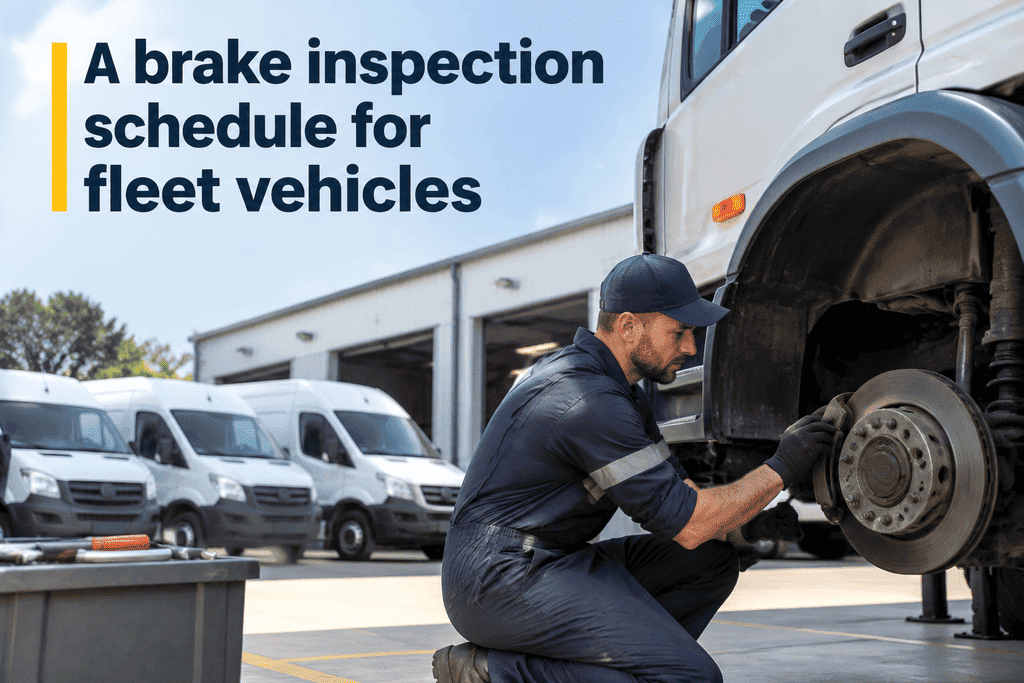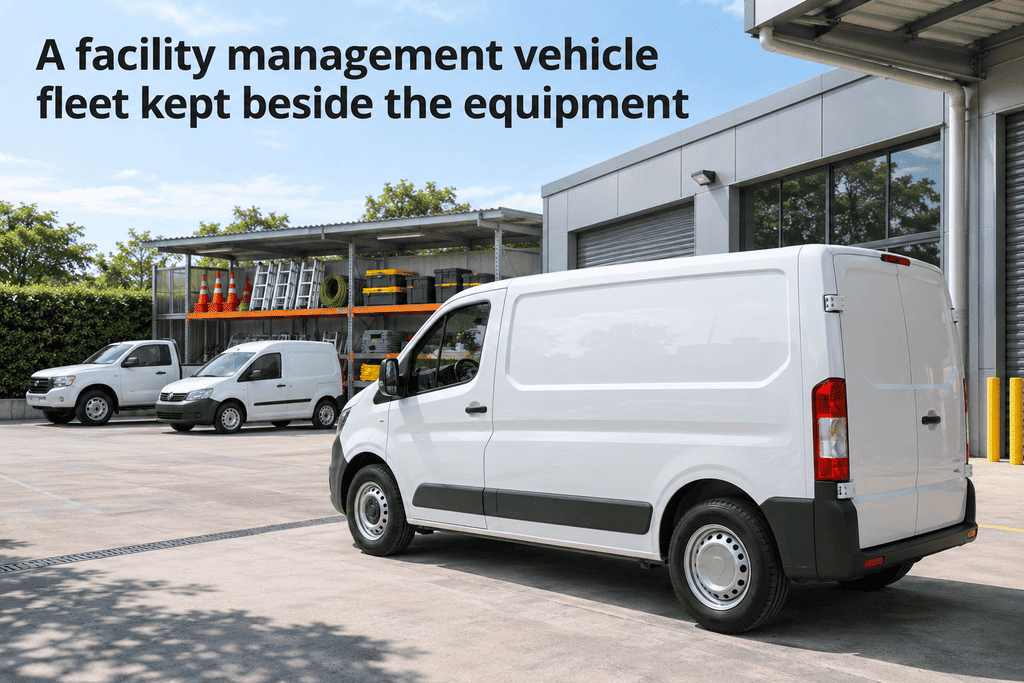
Facility management teams look after buildings and the vans that get them there. Fleet Maintenance, the iFactory micro app, keeps both in one place: service vans, utes and trailers in the vehicle register, and equipment such as roller doors, lighting and generators as depot assets. This page explains a facility management vehicle fleet kept beside the equipment.
Fleet Maintenance · Facilities · Vans and assets
A facility management vehicle fleet kept beside the equipment
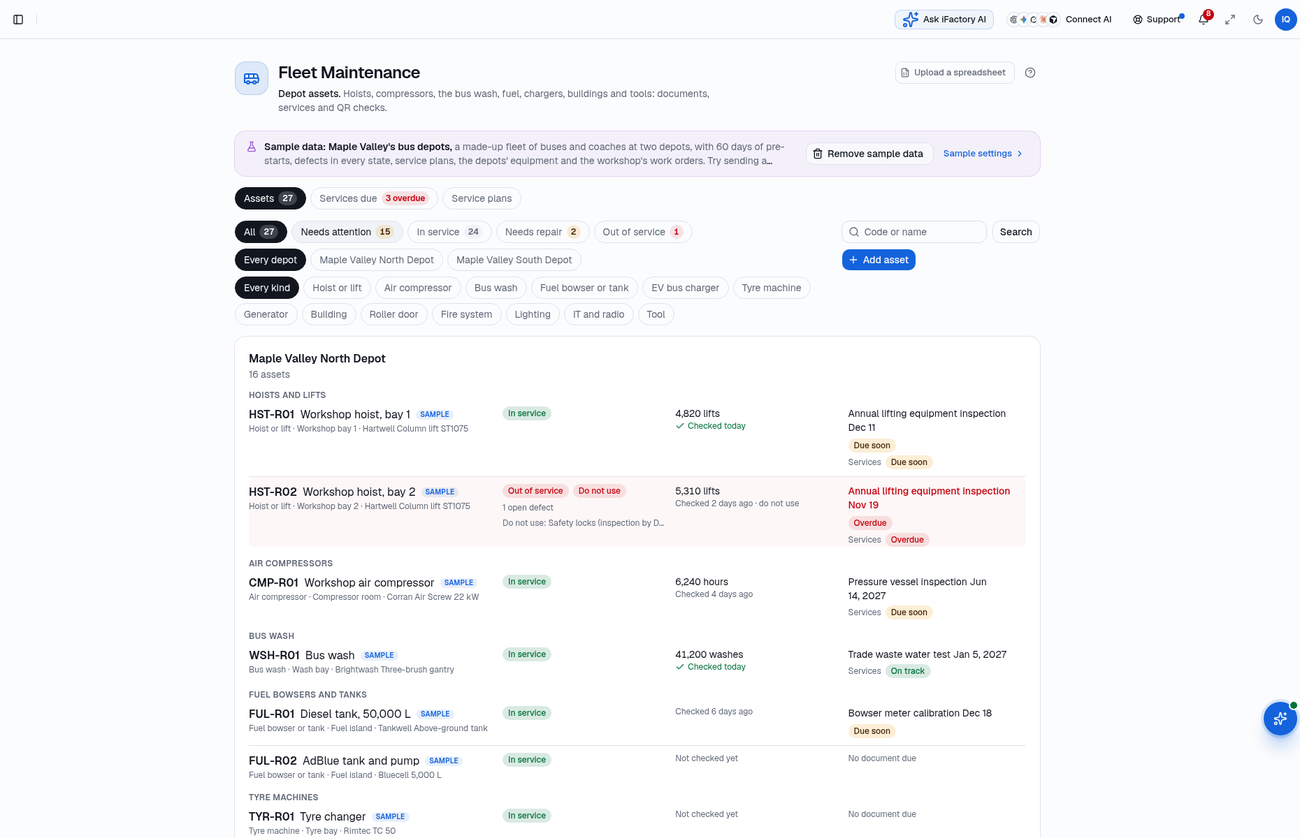
Vehicles get a QR label for daily checks and assets get a QR label for fault reports. Do not drive takes a vehicle off the road, and Do not use takes an asset out of service, with every job running on one Maintenance board.
Two registers, one workshop
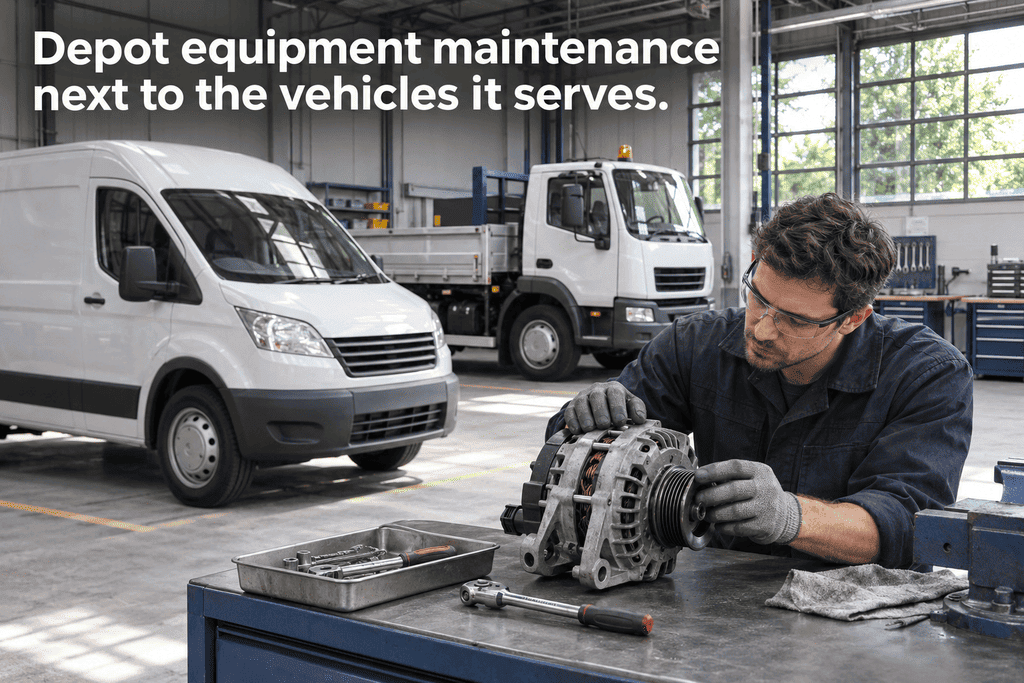
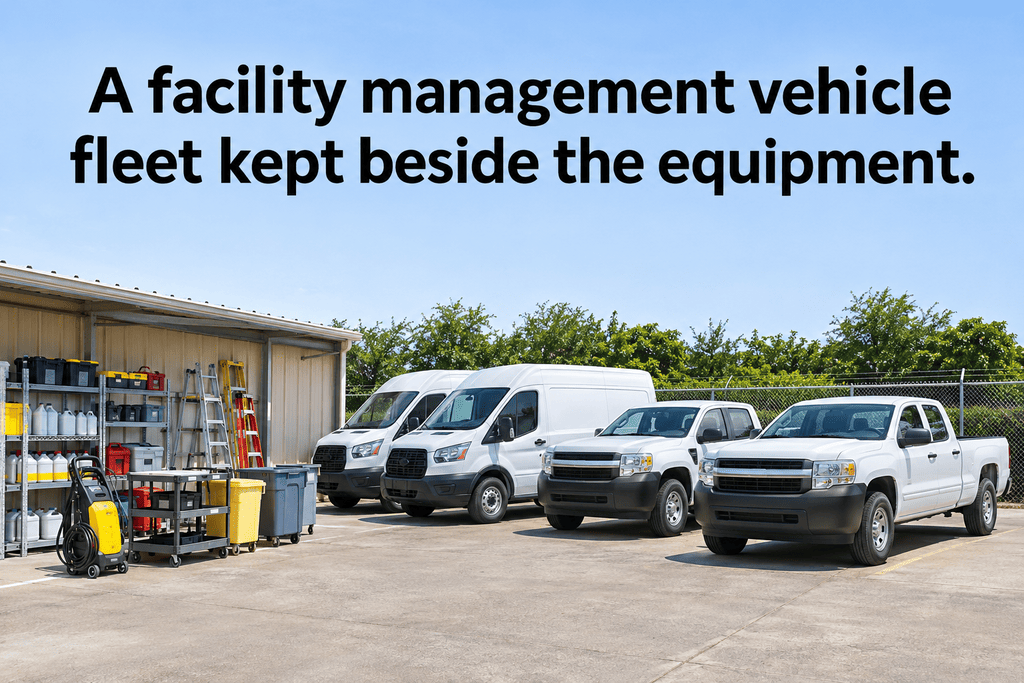
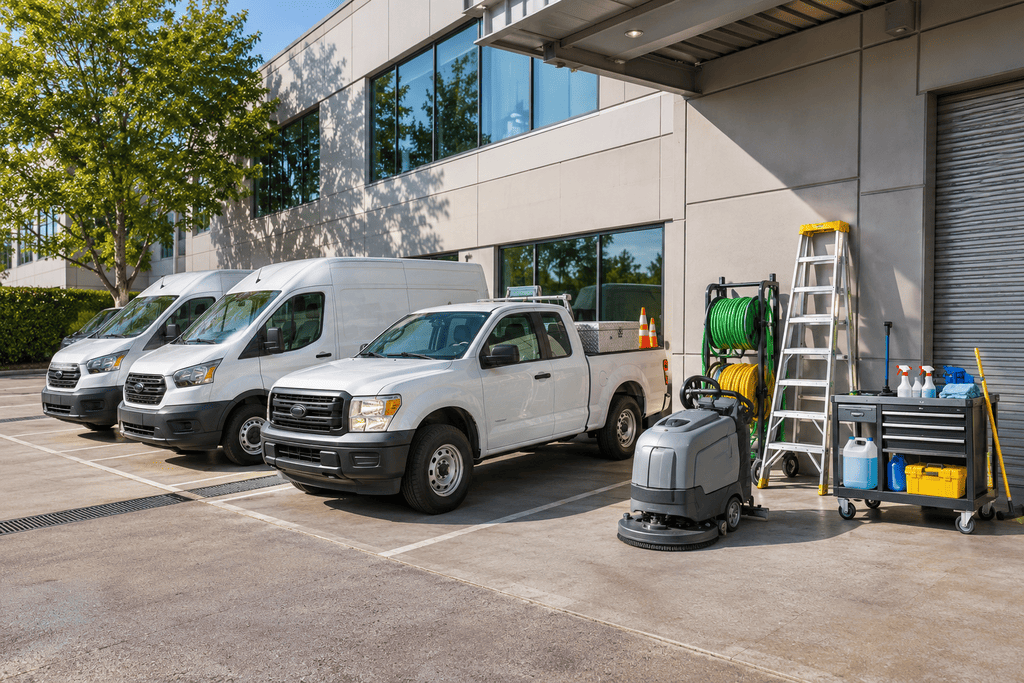
Vehicles and equipment sit side by side, each with the tools that suit it.
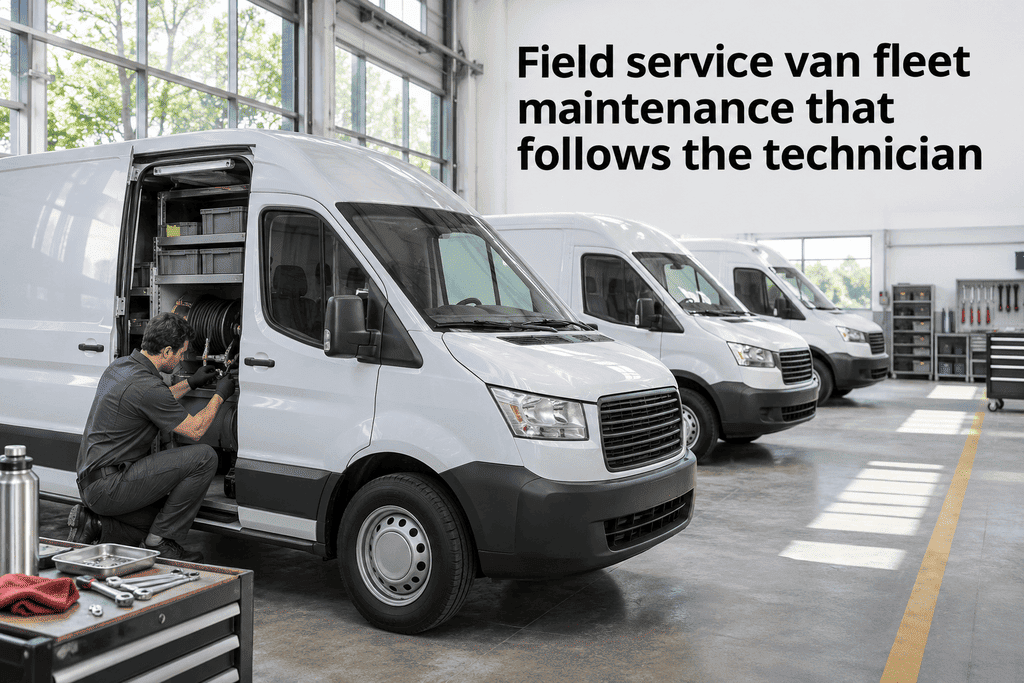
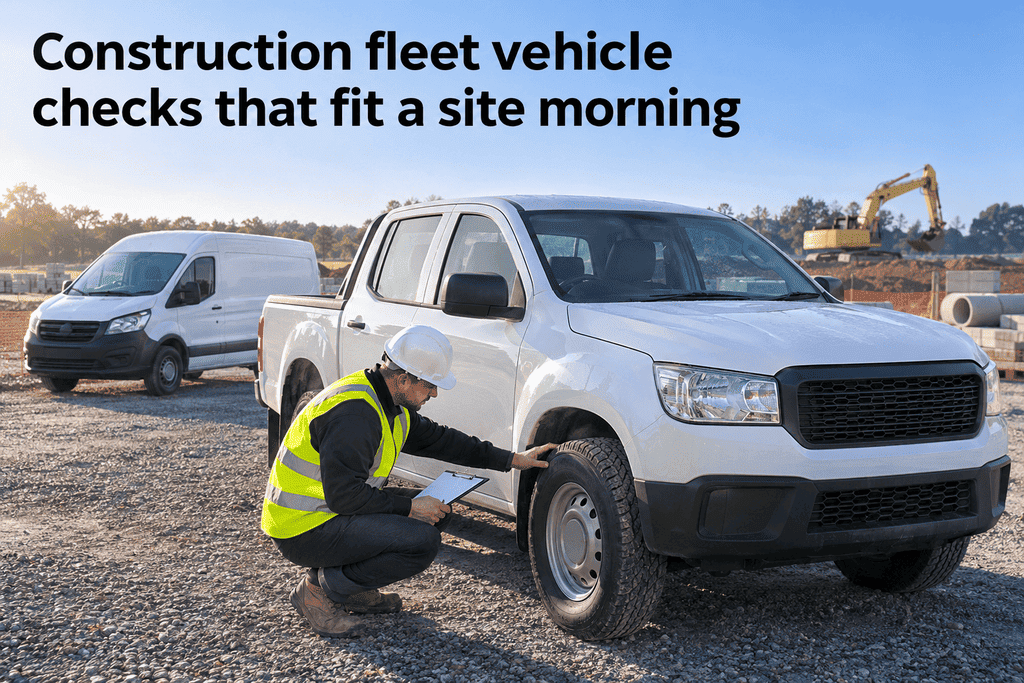
Service vans, utes and trailers get a QR label for the daily check, and Do not drive takes a failed one off the road.
Roller doors, lighting, generators and tools get a QR label for fault reports, and Do not use takes one out of service.
Look after the vans and the buildings
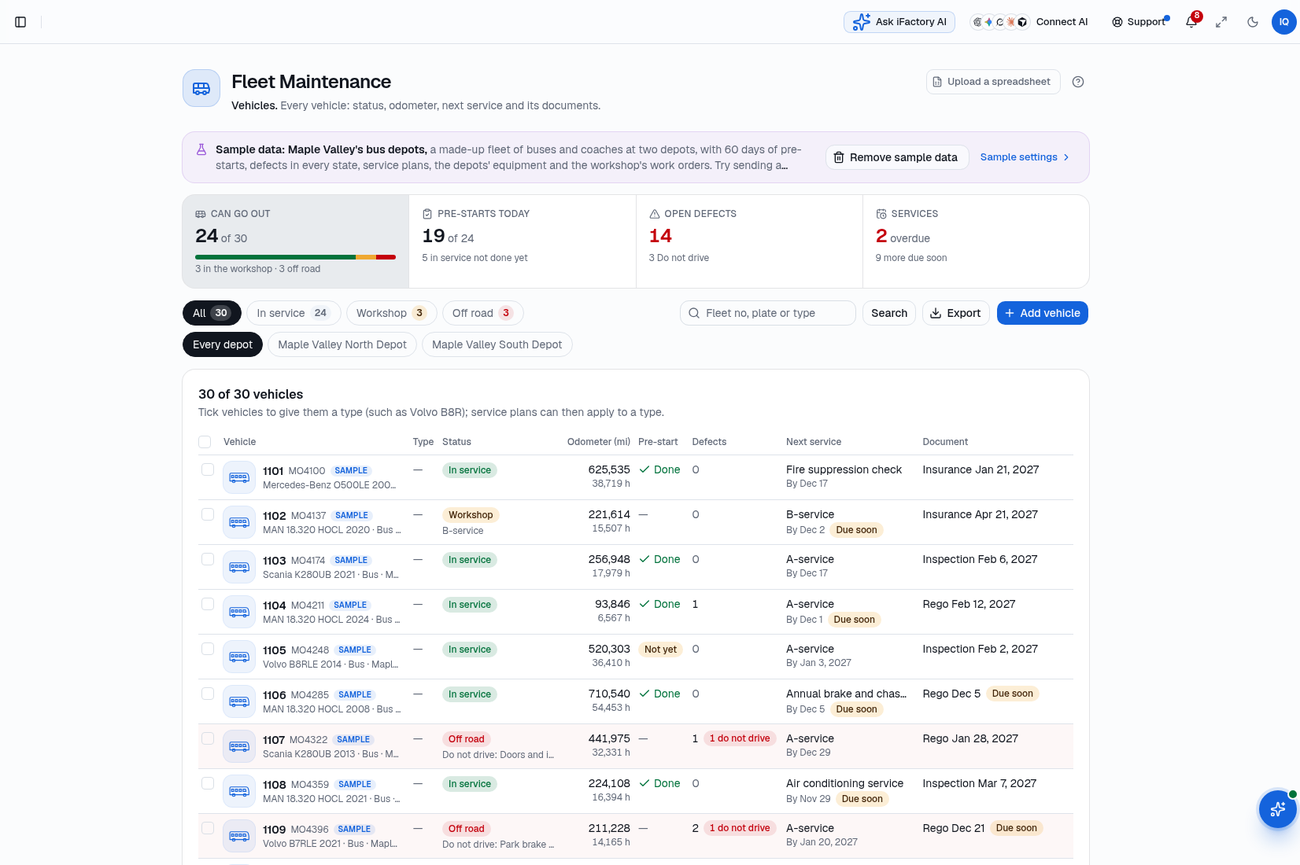
One app and one board means the same people can see what is wrong with a van and what is wrong with a plant room. The sample register shows both.
Work orders on the board you may already use
Facilities teams already know the board, so the jobs raised from checks and defects appear in a familiar place.
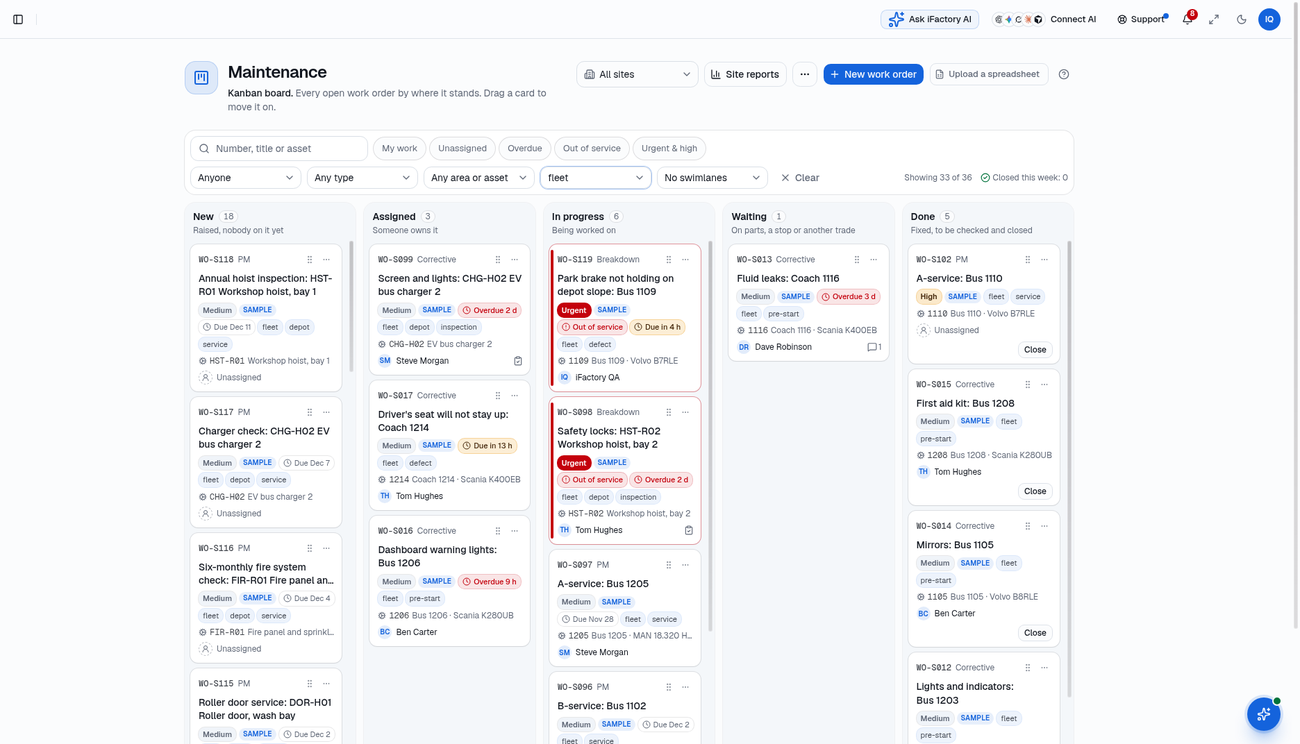
Same board
Work orders run on the iFactory Maintenance board, next to building jobs, so nobody has to open a second system to see them.
Fleet label
The fleet label filters fleet jobs from building jobs, so a supervisor can look at one or the other.
Defect link
Jobs raised from defects link back to the defect, so the history of the fault stays with the job.
Exports
Lists such as defects, the register and services export to Excel or PDF when a client or a manager wants a report.
What the app does not hold
Stated plainly, so that nobody expects it to cover every kind of equipment.
Habits for mixed fleets and buildings
Mixing vehicles and equipment works best when each is kept simple.
Label both
Put the QR label where the technician looks, whether that is the dashboard of a van or the door of a plant room.
Filter by fleet label
Use the label to keep fleet jobs from crowding out the building work on the board.
Keep dates visible
Certificates and registration dates show due soon 30 days ahead, which suits recurring statutory checks.
Why keep vans and equipment together
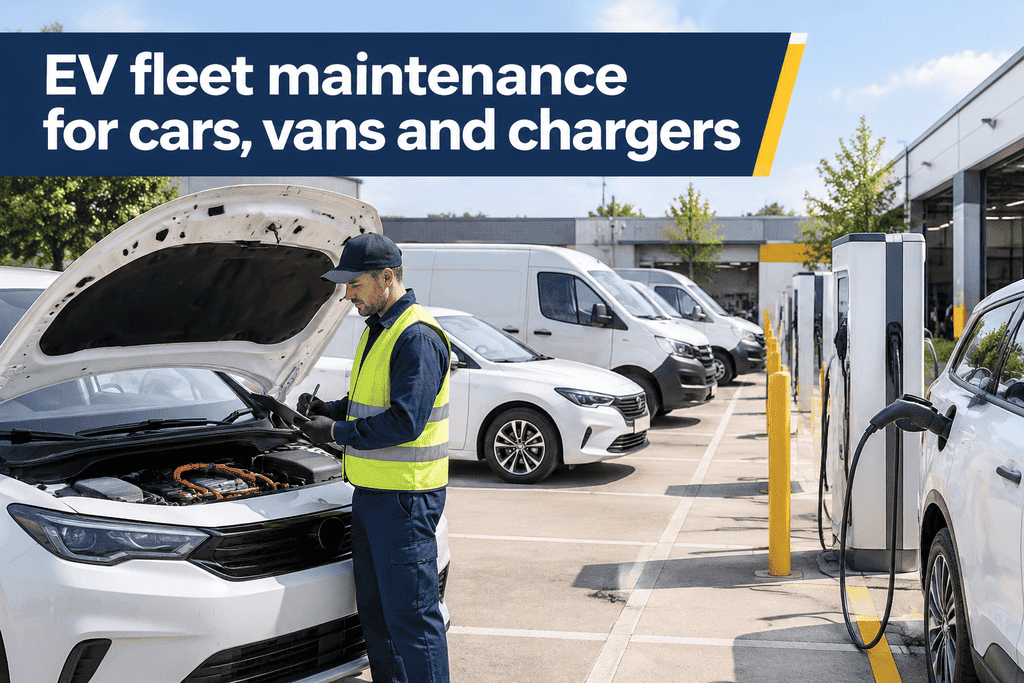
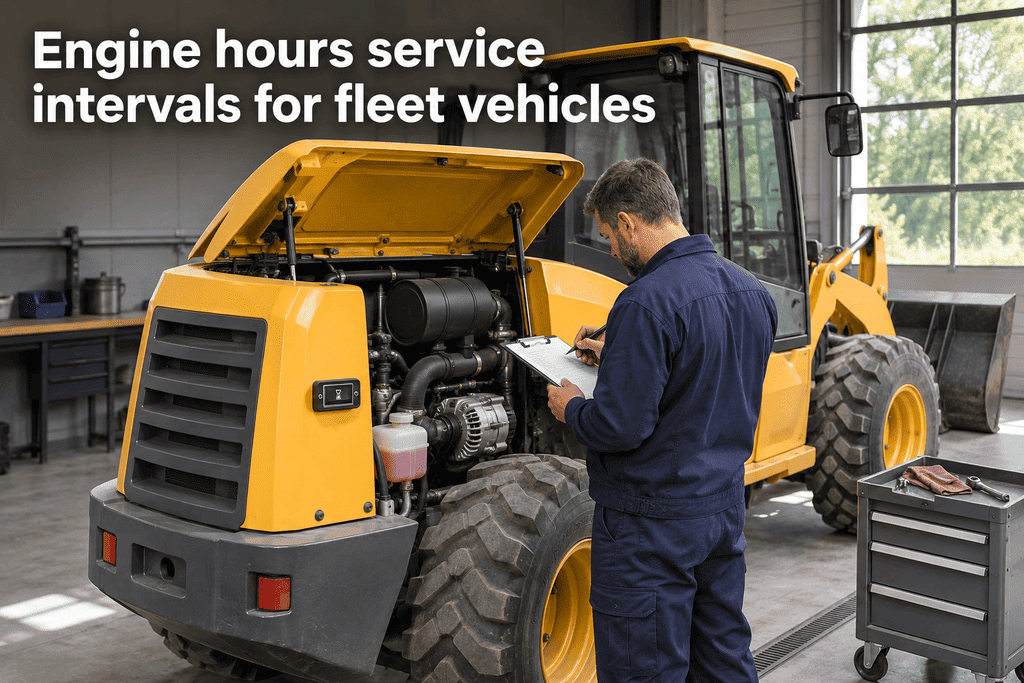
Facility management crews move between buildings, and the equipment inside those buildings often needs the same attention as the vans that carry the tools. A van that fails stops the day, and so does a generator or a roller door that has not been serviced. Keeping both registers in one app means a supervisor can read vehicle faults and equipment faults in the same queue, assign them on the same board and export either list to Excel or PDF when a client asks for a report.
Frequently asked questions
Can facilities equipment be tracked?
Yes. Equipment such as roller doors, lighting, generators and tools can be tracked as depot assets with their own QR labels. A fault is reported by scanning the label, an asset can have a meter and service plans, and Do not use takes it out of service until the problem has been fixed.
Do drivers need accounts?
No. Drivers need no account and no seat. They scan the QR label in the van, pick their name from your list and, if you have turned PINs on, enter one. The check opens in the phone browser, so a technician who moves between sites can do it anywhere without installing anything.
Is there a separate job system?
No. Work orders run on the iFactory Maintenance board that facilities teams may already use. Fleet jobs carry a fleet label so they can be filtered from building jobs, and jobs raised from defects link back to the defect, which keeps vehicle and building work in one queue.
What does Do not use do?
Do not use takes an asset out of service until it is fixed, in the same way that Do not drive takes a vehicle off the road. The asset's status changes at once, the workshop is told through the app, and the asset stays marked until the fault has been dealt with.
Where is the depot equipment page?
The depot equipment maintenance page explains the asset register, its categories, QR labels, meters, service plans and documents. The Fleet Maintenance tool page lists every feature, and both use the same sample data, so you can follow how vehicles and equipment appear side by side.
Can lists be exported for a client?
Yes. Lists such as defects, the vehicle register and the services list can be exported to Excel or PDF from a menu on the page, and the file follows the filters on screen. That makes it easy to send a client only the jobs for one site, or one depot, without extra work in a spreadsheet.
One app for vans and plant rooms
Checks, faults and jobs for vans and plant rooms in one queue.
- Vehicles and assets
- QR labels for both
- One Maintenance board
14-day free trial