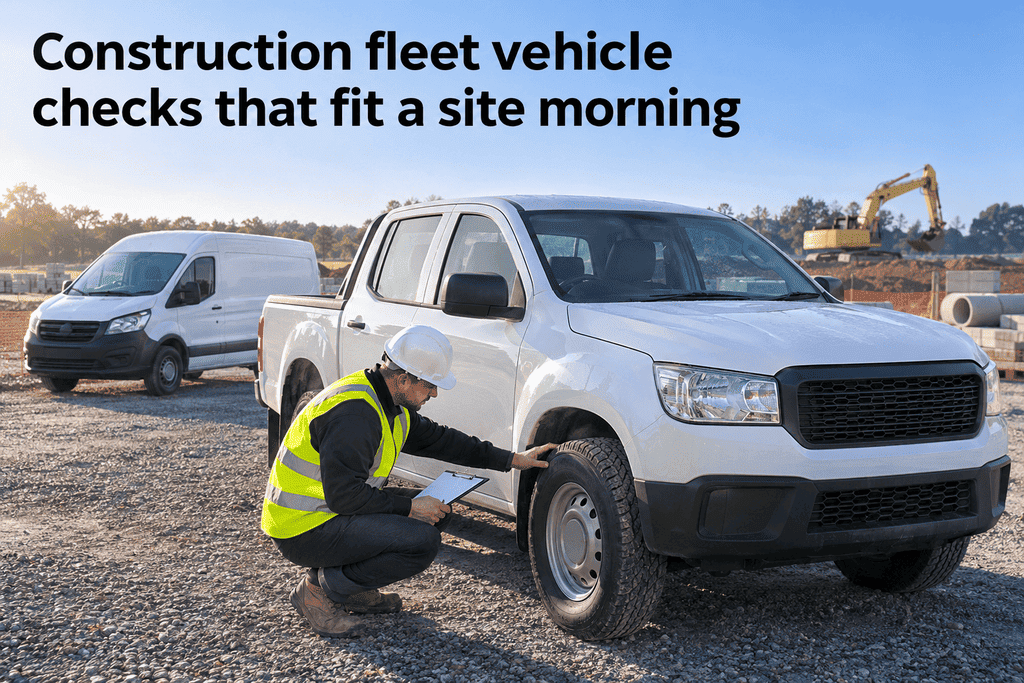
Construction crews drive utes and vans between sites and tow plant trailers behind them, and the first job of the day should not be finding out the vehicle is not fit to go. In Fleet Maintenance, the iFactory micro app, each vehicle has a QR label in the cab. This page explains how construction fleet vehicle checks fit a site morning.
Fleet Maintenance · Construction · Site vehicles
Construction fleet vehicle checks that fit a site morning
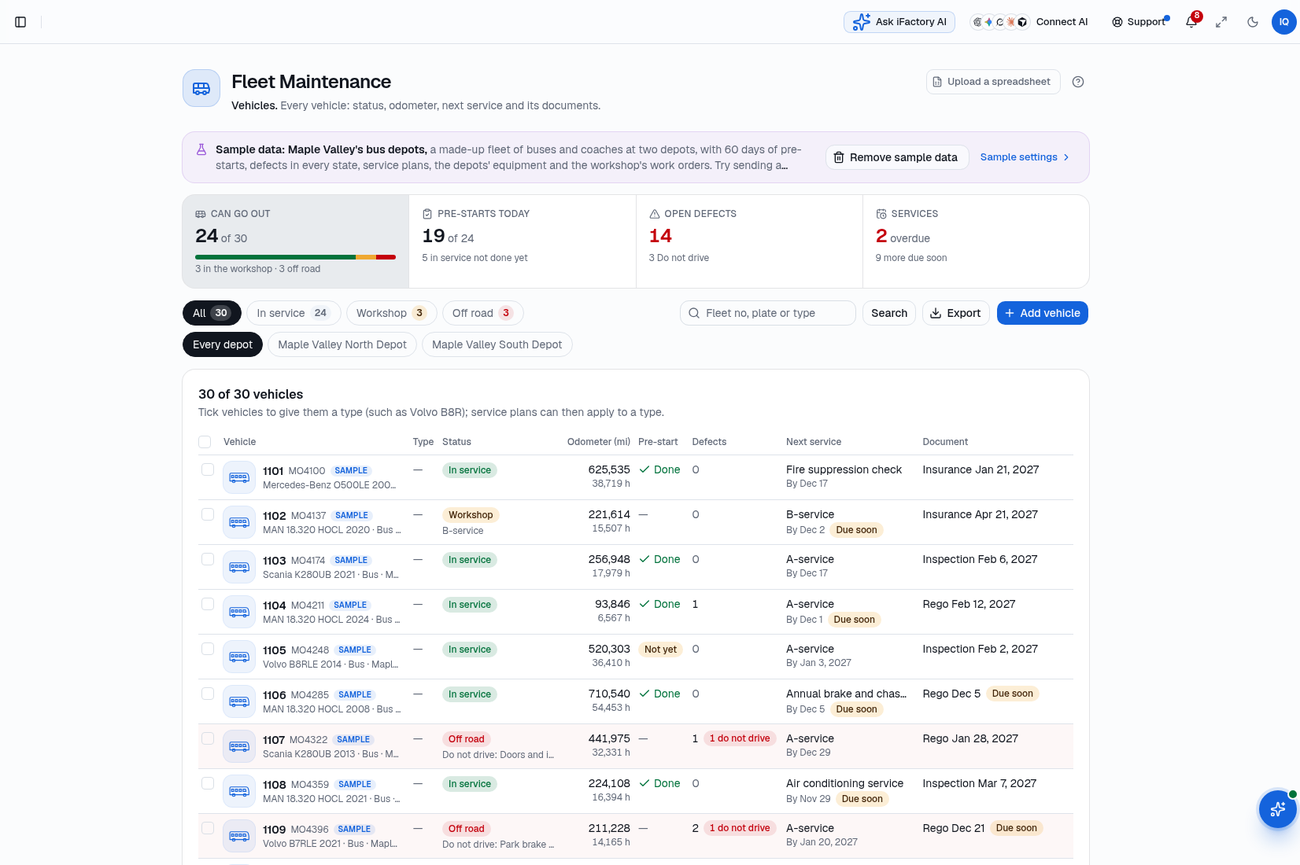
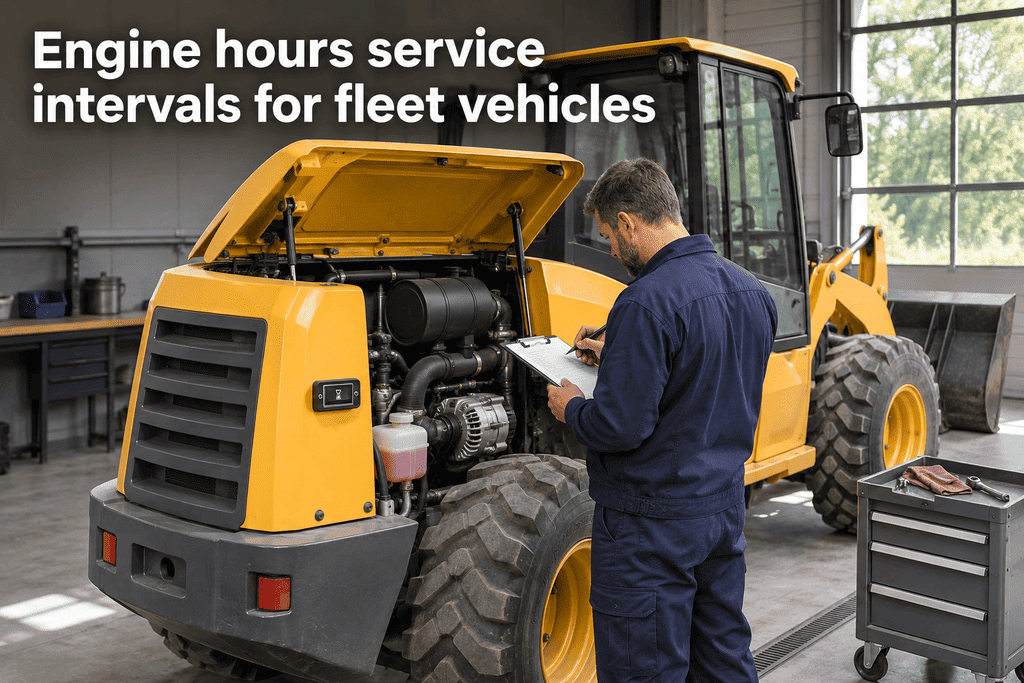
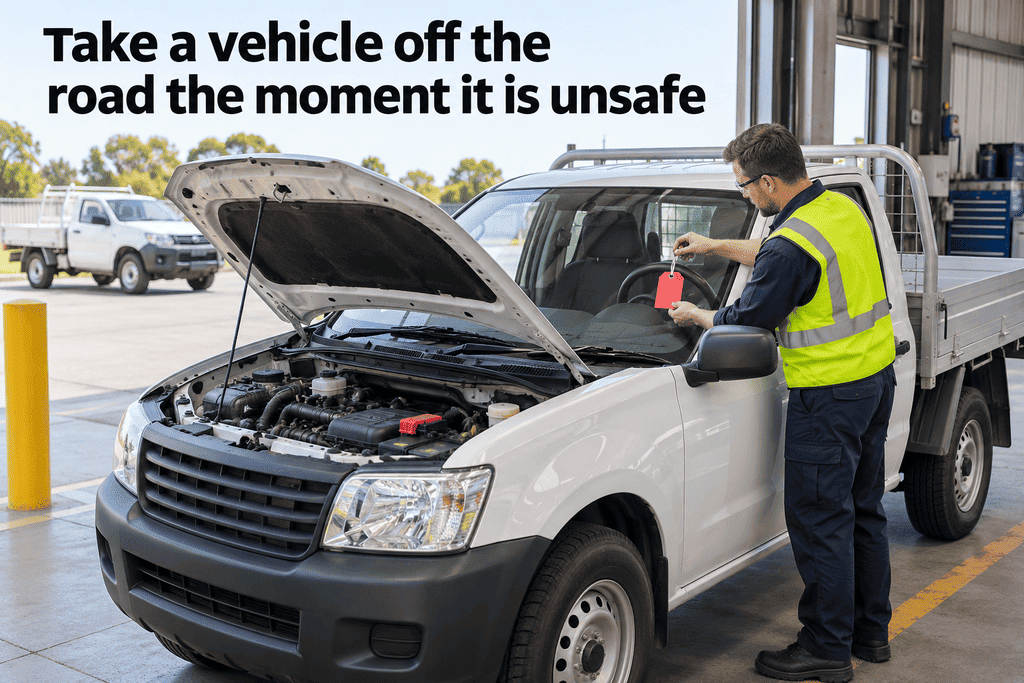
The driver scans the label, picks a name, checks the vehicle and goes. Failed items reach the workshop with photos, Do not drive takes the vehicle off the road, and services can run by kilometres, engine hours or date.
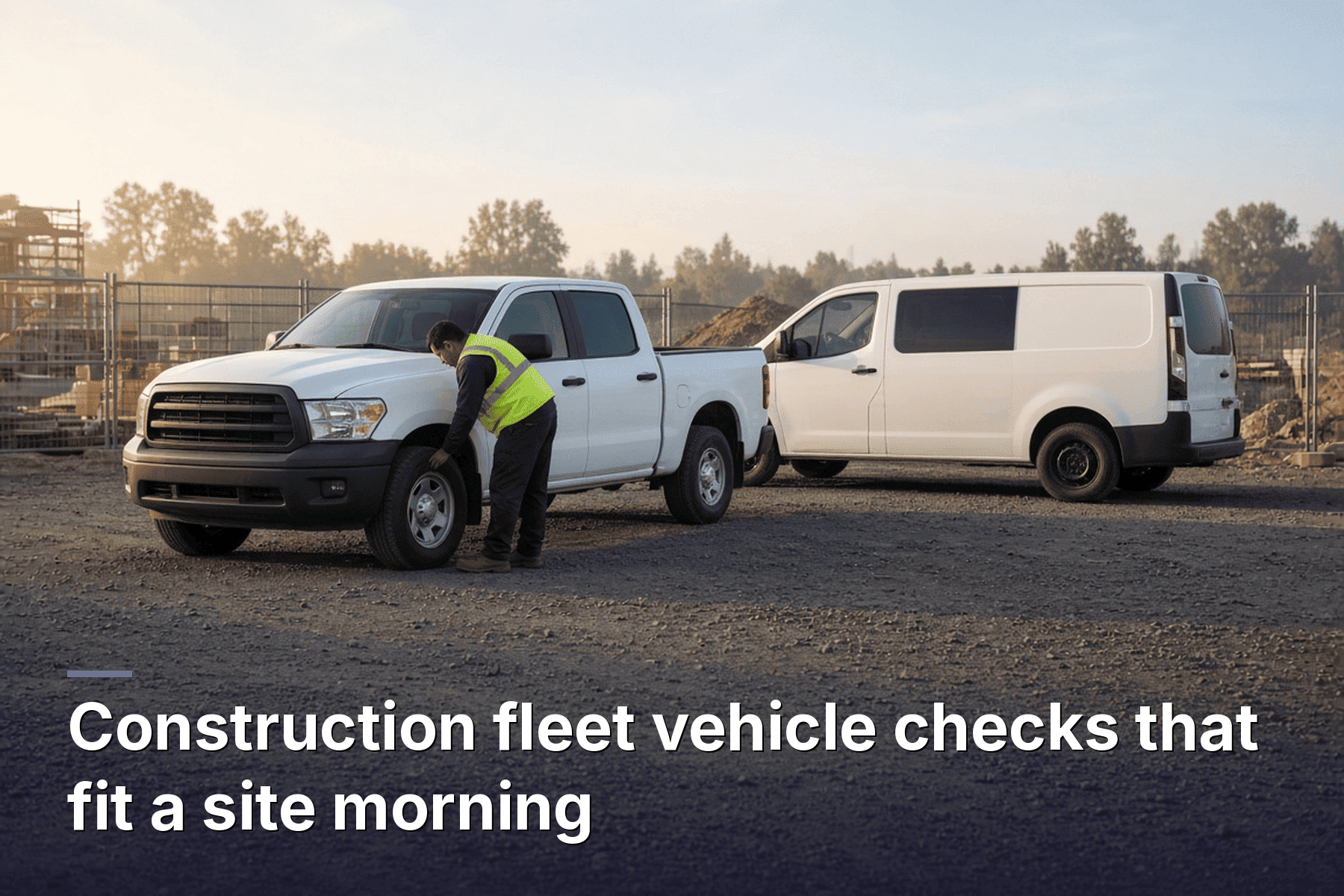
The morning check, start to finish
It runs on the driver's own phone, so a crew can check the vehicle while the others load the tools.
Scan the label in the cab
The check opens in the phone browser for that vehicle only, with nothing to install and no account for the driver to create.
Pick your name
Names come from the driver list you keep. A PIN is optional, and you can switch it on if you want each check tied to one person.
Enter the odometer and engine hours
A reading lower than the last one is kept but flagged, and it never lowers the meter, so service dates stay trustworthy.
Answer each item Pass, Fail or N/A
Failed items take a note and up to three photos, and the driver says whether the vehicle is safe to drive or marked Do not drive.
Make the first check count
A label in the cab is enough to start, and the driver's own phone does the rest. Open the sample fleet to see the check, the defect and the work order together.
Vehicles and site equipment, side by side
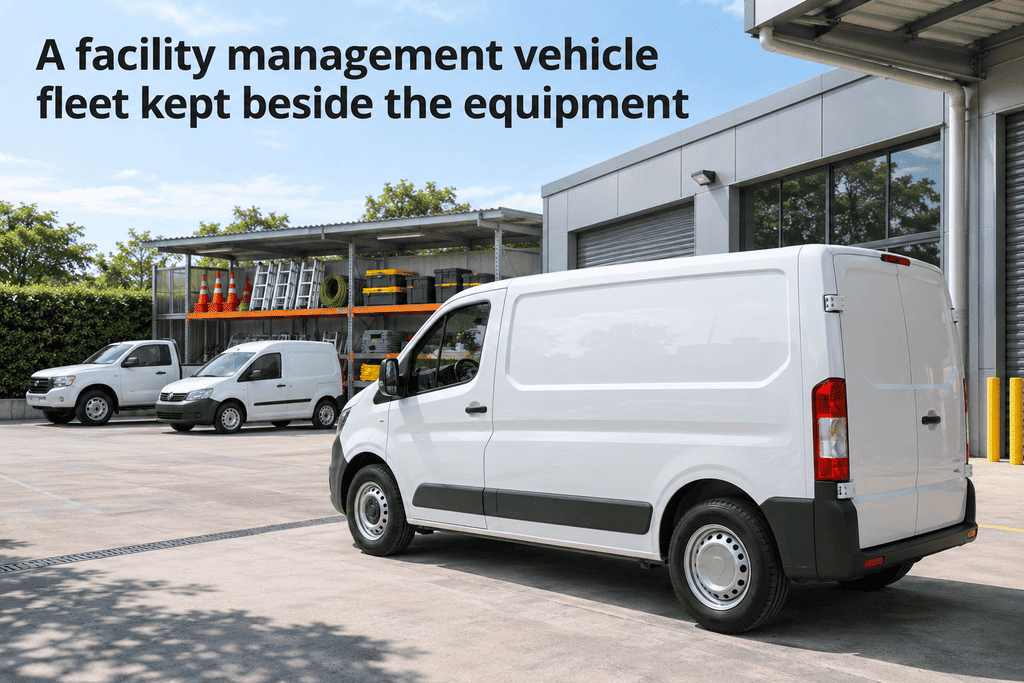
Both can be tracked in one register, with different tools for each kind of asset.

What the app does not cover
Be clear on the edges before you roll it out, so that crews and managers expect the right things from it.
Heavy plant
Excavators, loaders and heavy trucks are not vehicle kinds in the app, so they are not given a vehicle checklist of their own.
Site safety systems
The app records checks and repairs. It does not replace your site safety management system or your own procedures.
Vehicle data
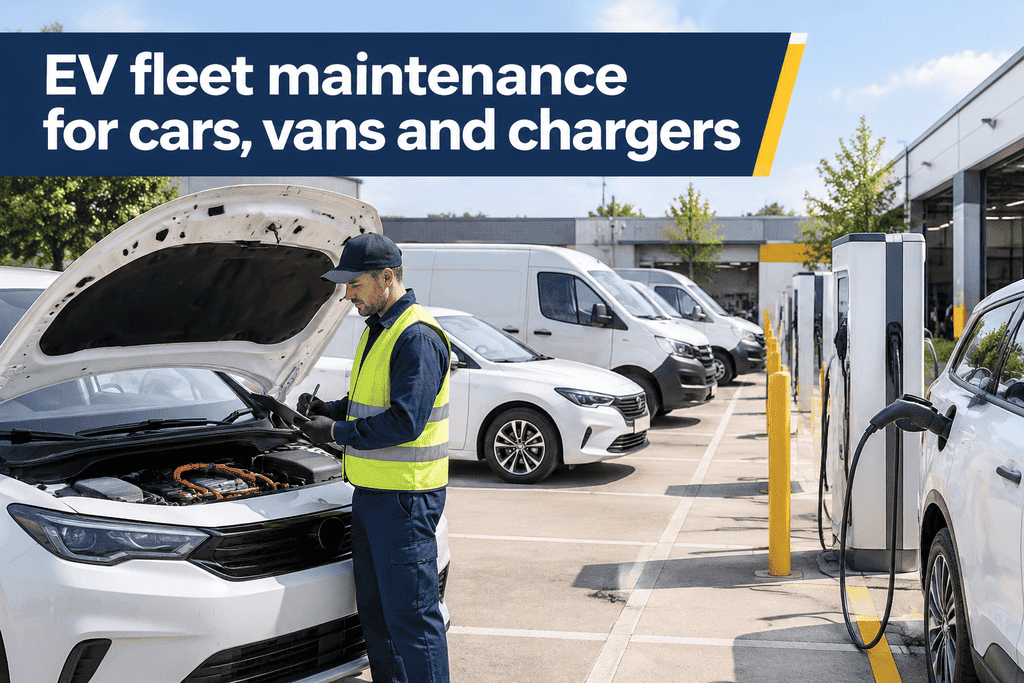
It does not read data from vehicles. Readings come from drivers, from CSV files or from the API when another system sends them.
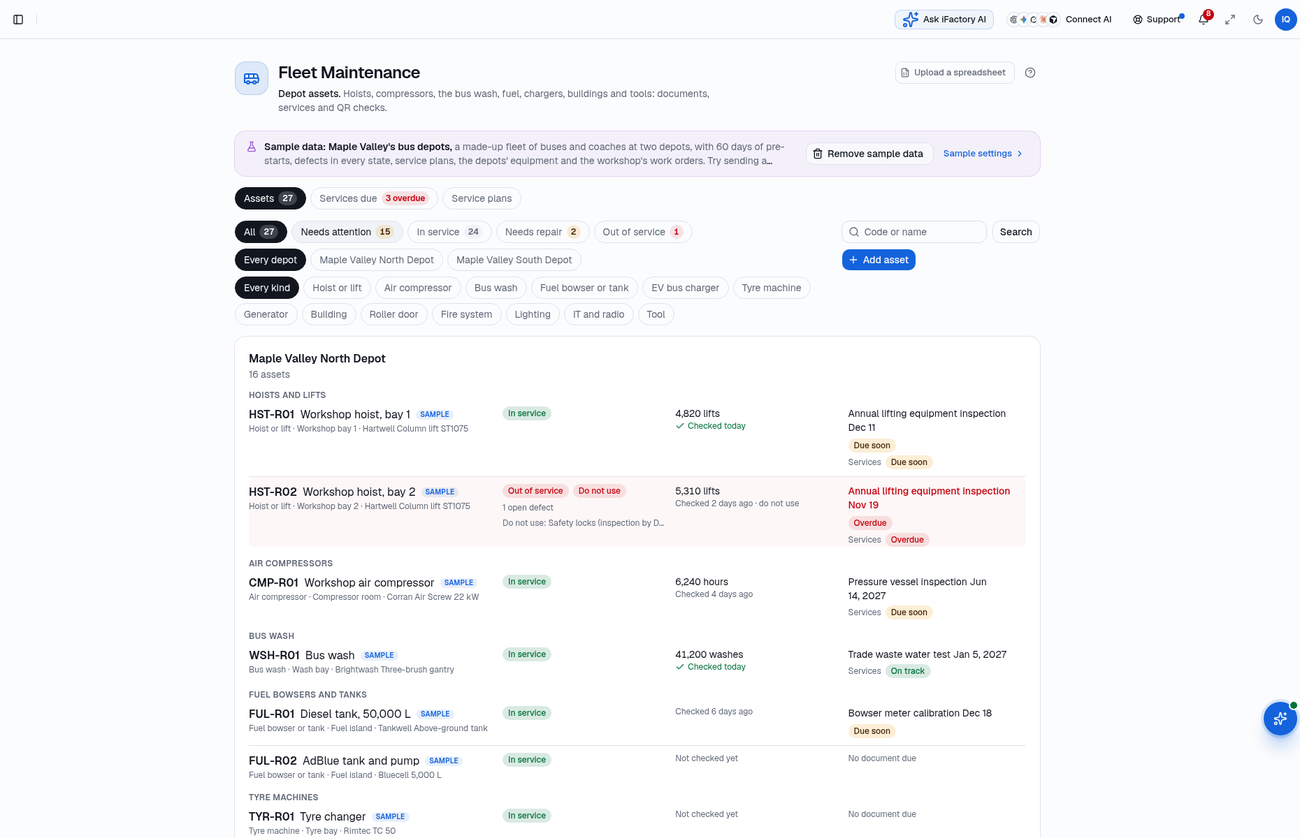
Habits for site crews
The check is quick, but a few routines keep it honest when everyone is in a hurry.
Check before loading
Scan and answer before the tools go on, because a fault found at the yard costs less than one found on the highway.
Photograph the fault
A photo with the note lets the workshop decide whether the vehicle needs a bay or can wait for the weekend.
Keep the trailer in the loop
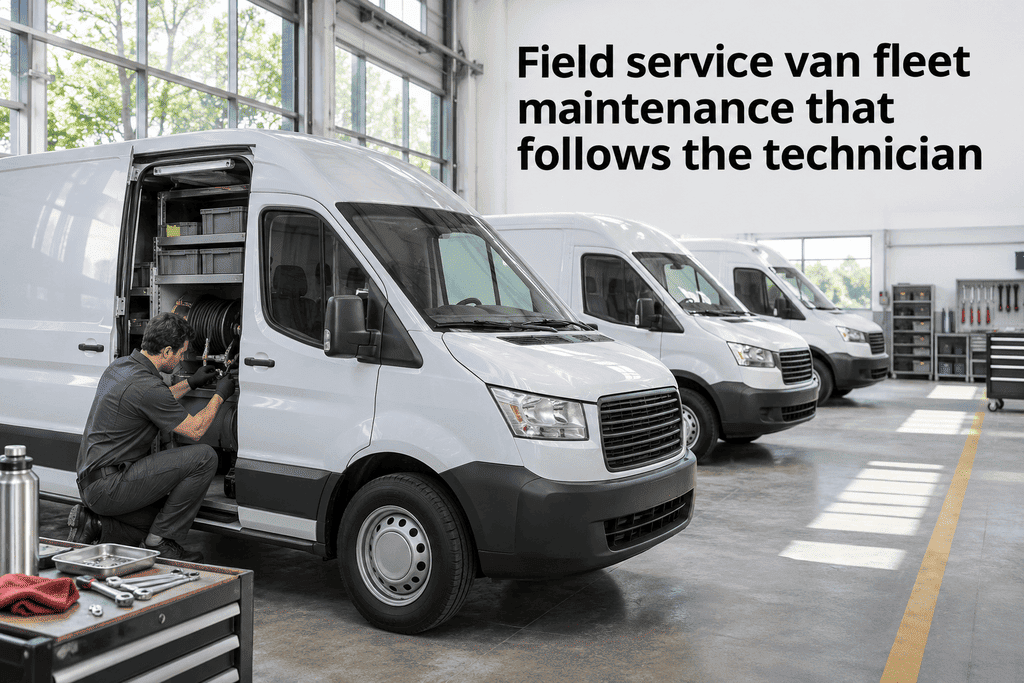
Trailers are checked from their own QR label, including the coupling and safety chains, and keep their own history across several utes.

Frequently asked questions
Do site crews need an account?
No. Crews need no account and no seat. They scan the QR label in the cab, pick their name from the list you keep and, if you have turned PINs on, enter one. The check opens in the phone browser, so a subcontractor or a new starter can do it on the first morning.
Can I track a site generator or hand tools?
Yes, as depot assets. Each one can have its own QR label for quick checks, a meter in hours or a counter, and service plans. Do not use takes the item out of service. Check items for assets are generic, so they are not written for one particular kind of equipment.
What if a ute fails a check?
The failed item becomes a defect with a note, a severity and up to three photos. If the driver marks it Do not drive, the vehicle goes Off road and an urgent work order is raised automatically, linked to the defect, so the workshop sees it before the crew has left the yard.
Does it work when the site has weak signal?
Yes. The phone can hold the check and send it later, keeping the time it was really done rather than the time signal returned. If the same check is sent twice it is saved once, and photos travel with it, so a fault found at a remote site still arrives complete.
Where can I read about the pre-start itself?
The vehicle pre-start checklist app page explains the checklist, the grid that shows missed checks and the way failed items become defects. The Fleet Maintenance tool page lists every feature, and both use the same sample data so you can follow the examples directly in the app.
Start site mornings with vehicles that are ready
Site mornings that start with vehicles that are ready, and a record when they are not.
- QR label in every cab
- Photos and notes on defects
- Plans by distance, hours or date
14-day free trial