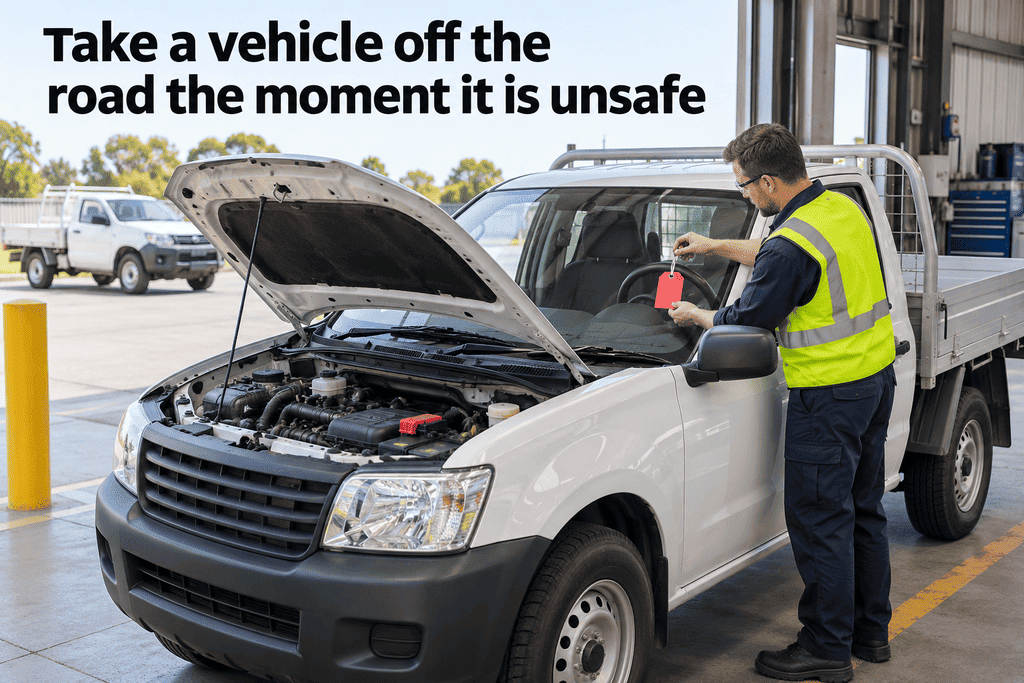
When a driver finds a fault that makes a vehicle unsafe, the next few minutes matter. In Fleet Maintenance, the iFactory micro app for buses, coaches, light vehicles and trailers, marking a defect Do not drive sets the vehicle Off road at once, and the workshop is told in the app. This page explains how to take a vehicle off the road cleanly.
Fleet Maintenance · Do not drive · Off road
Take a vehicle off the road the moment it is unsafe
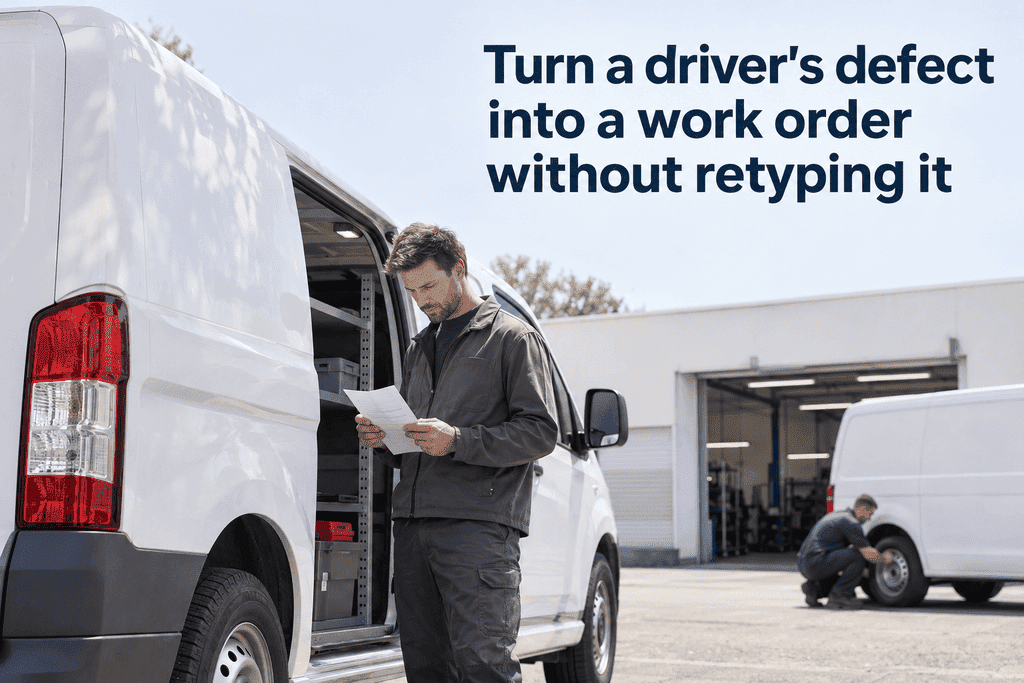
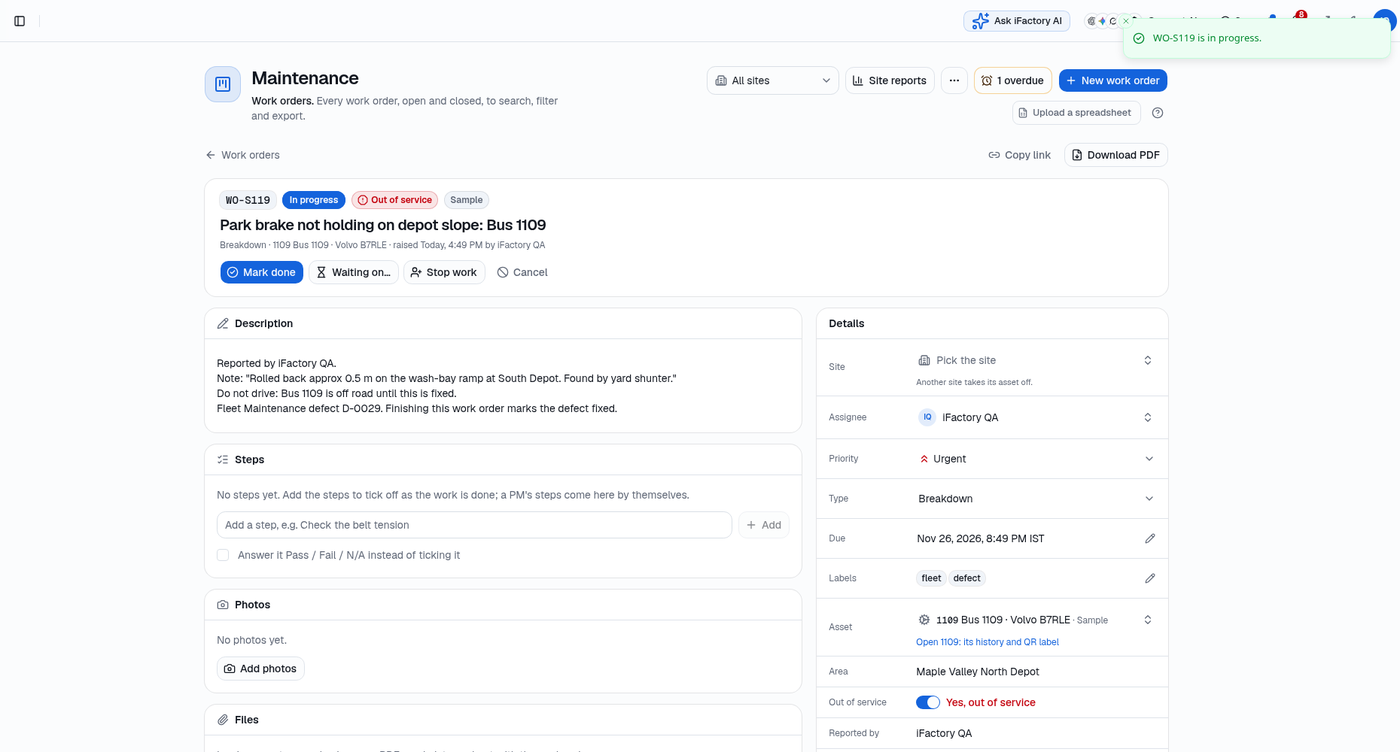
One choice by the driver does three things: the vehicle goes Off road, an urgent work order is raised, and the workshop is told in the app. Nothing waits for a supervisor to read an email or take a phone call.
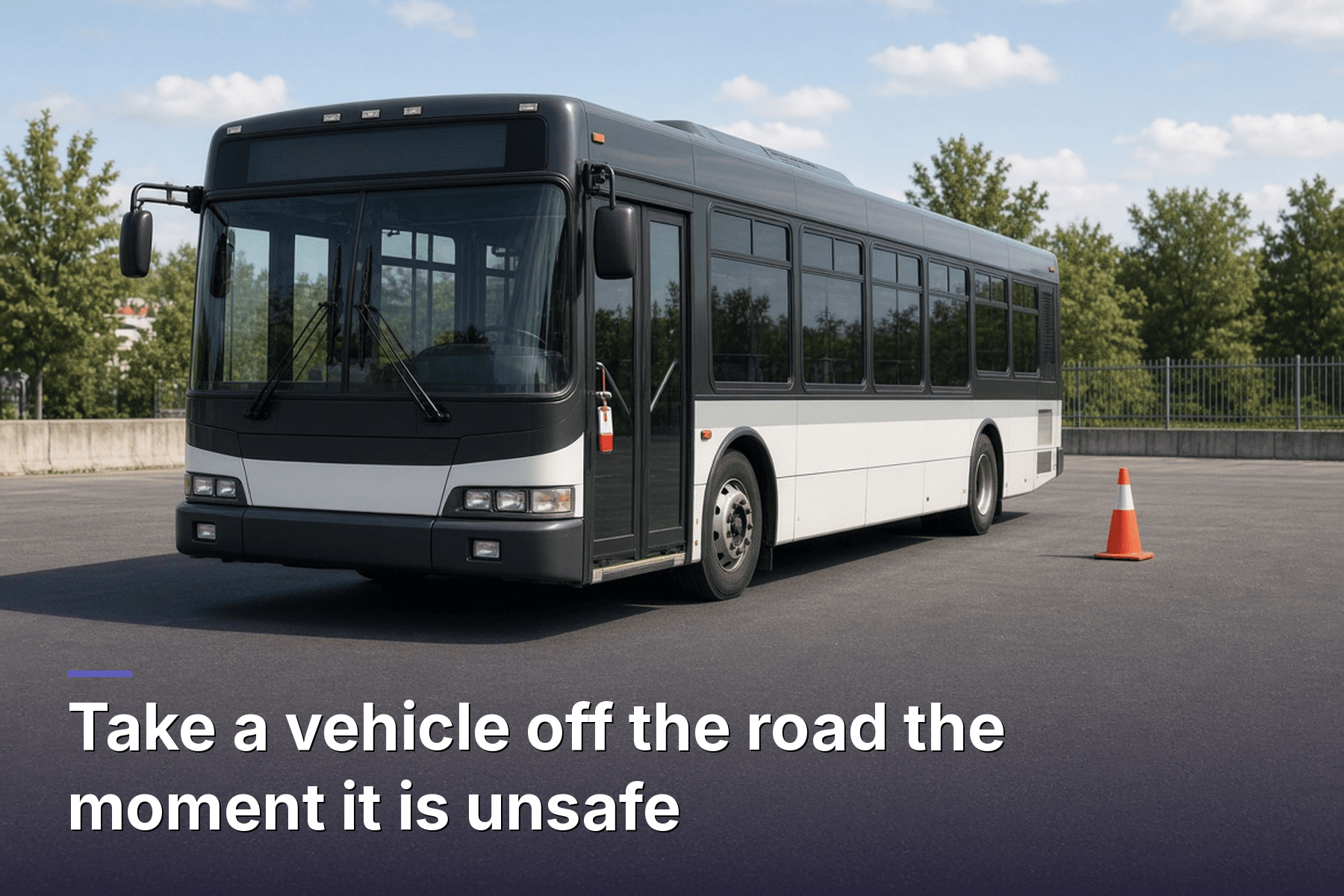
What happens after the driver taps Do not drive
Nothing in this sequence waits for a person to pass a message on.
The driver fails the item
A note and up to three photos go with the failed item. The driver makes the call, even where the app suggests Do not drive.
The vehicle goes Off road
The status changes at once, so the register and the dashboard stop counting the vehicle as available.
An urgent work order is raised
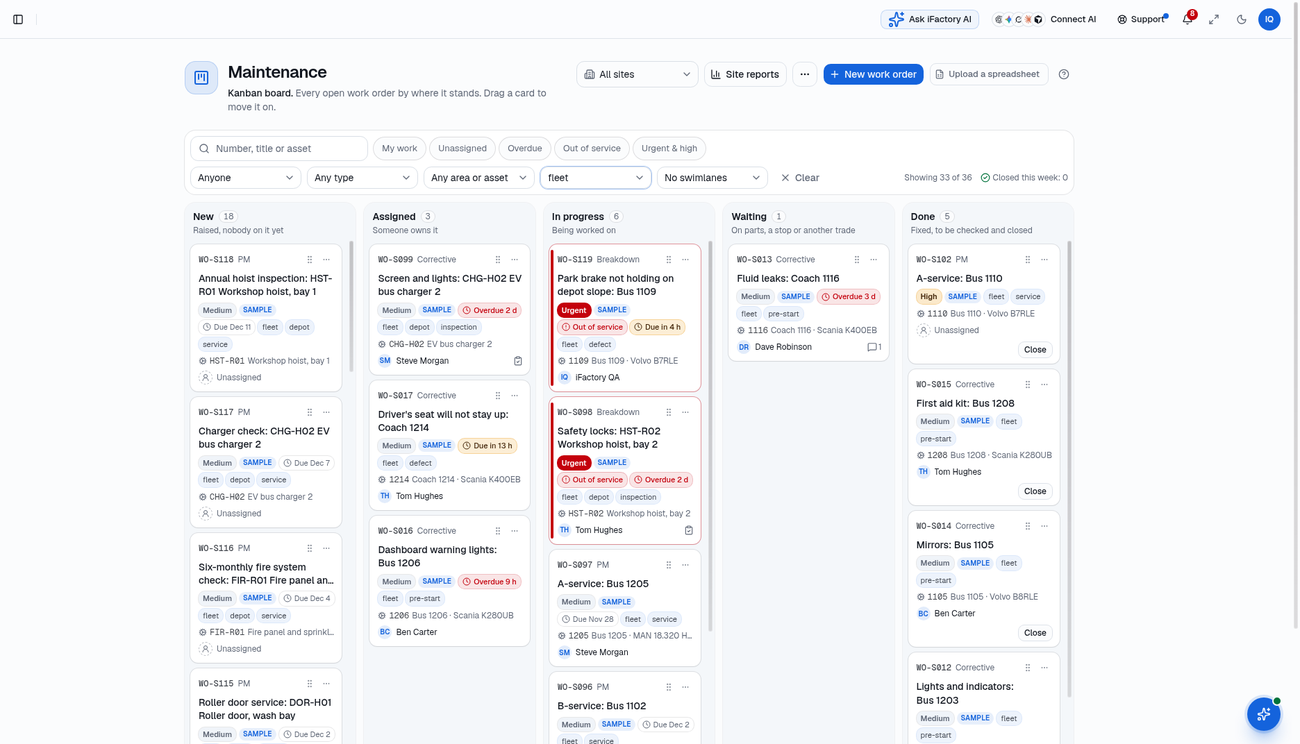
It is labelled fleet and defect, and the workshop is told in the app. In the walkthrough it was WO-S119 for bus 1109.
The order moves on the board
Fleet jobs share the Maintenance board with other work, filtered by the fleet label. WO-S119 moved from New to In progress.
The vehicle returns when fixed
Finishing the work order marks the defect Fixed, and a supervisor then checks it before the vehicle is available again.

One idea for vehicles and for depot equipment
The same rule exists for the equipment that keeps the fleet running.
Make the stop automatic
Do not rely on a phone call to take an unsafe vehicle out of service. The sample fleet shows the status, the order and the board moving together.
Items that suggest Do not drive when they fail
The app suggests it for these items, but the driver still decides, because they are the person at the vehicle.
Walk-around
Tyres, wheel nuts, lights and indicators, where a failure can make the vehicle unsafe to move.
In the cab
Brakes and air pressure, doors and interlocks, where a fault affects control or passenger safety.
Passenger safety
Emergency exits, which must work for the vehicle to carry people.
Trailers
Coupling and safety chains, which keep the trailer attached to the towing vehicle.
Using it well
The status only helps if drivers use it consistently, so these habits keep it meaningful.
Decide at the vehicle
The driver sees the fault, so the driver decides, with a note and photos to explain the choice.
Use the minor severity too
Safe to drive, report it keeps the vehicle in service and shows the defect on the Open list with its age.
Frequently asked questions
Does Do not drive really change the vehicle status?
Yes. Marking a defect Do not drive sets the vehicle to Off road at once, so the register and the dashboard stop counting it as available. An urgent work order is raised at the same moment, labelled fleet and defect, and the workshop is told in the app without anyone needing to pass on a message.
Who decides that a fault is Do not drive?
The driver does. Some checklist items suggest it when they fail, such as brakes, tyres, emergency exits or a trailer's coupling, but the choice stays with the person at the vehicle. They add a note and up to three photos so the workshop understands why the vehicle was stopped.
How does the vehicle get back into service?
It returns when its Do not drive defects are fixed. Finishing the linked work order marks the defect Fixed with who and when, and a supervisor then marks it Checked. Only after that does the register count the vehicle as available again, so a half-finished repair cannot be missed.
Is there a different severity for minor faults?
Yes. Safe to drive, report it keeps the vehicle in service and shows the defect on the Open list with its age. The workshop can raise a work order in one tap when it is ready, so a small fault is recorded and planned without taking the vehicle off the road unnecessarily.
Where do I read about the whole defect flow?
The vehicle defect reporting app page covers the full flow from the driver's report to the work order and the cost, and the Fleet Maintenance tool page lists every feature. Both use the same sample fleet, so you can follow one defect through each step in the app.
Can a depot asset be stopped in the same way?
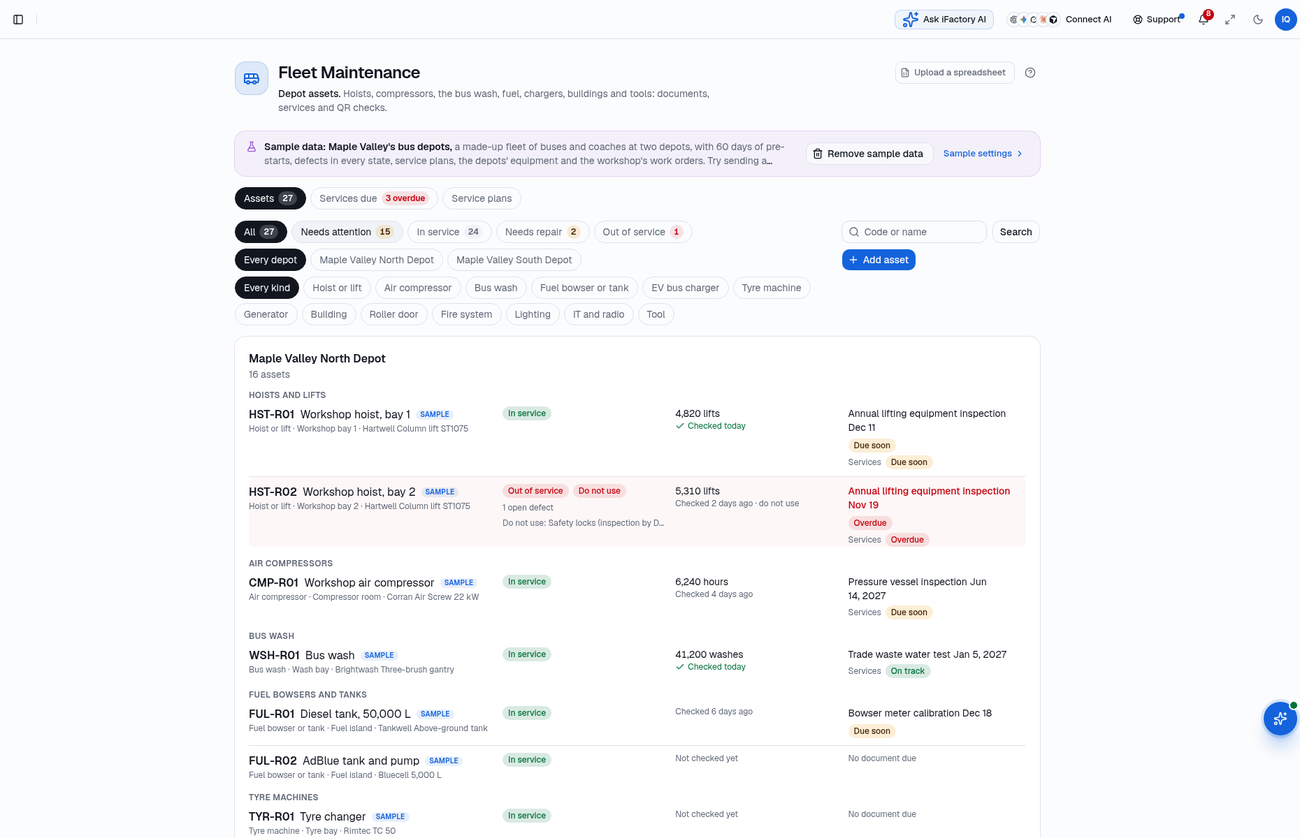
Yes. For equipment the equivalent is Do not use, which takes the asset out of service until it is fixed. In the sample, a workshop hoist was out of service for its safety locks. The asset has its own QR label, service plans and documents, so the stop and the repair are recorded like a vehicle's.
Keep unsafe vehicles off the road
The driver reports it, the workshop is told, and the vehicle status follows.
- Off road at once
- Urgent work order raised
- Linked defect and work order
14-day free trial