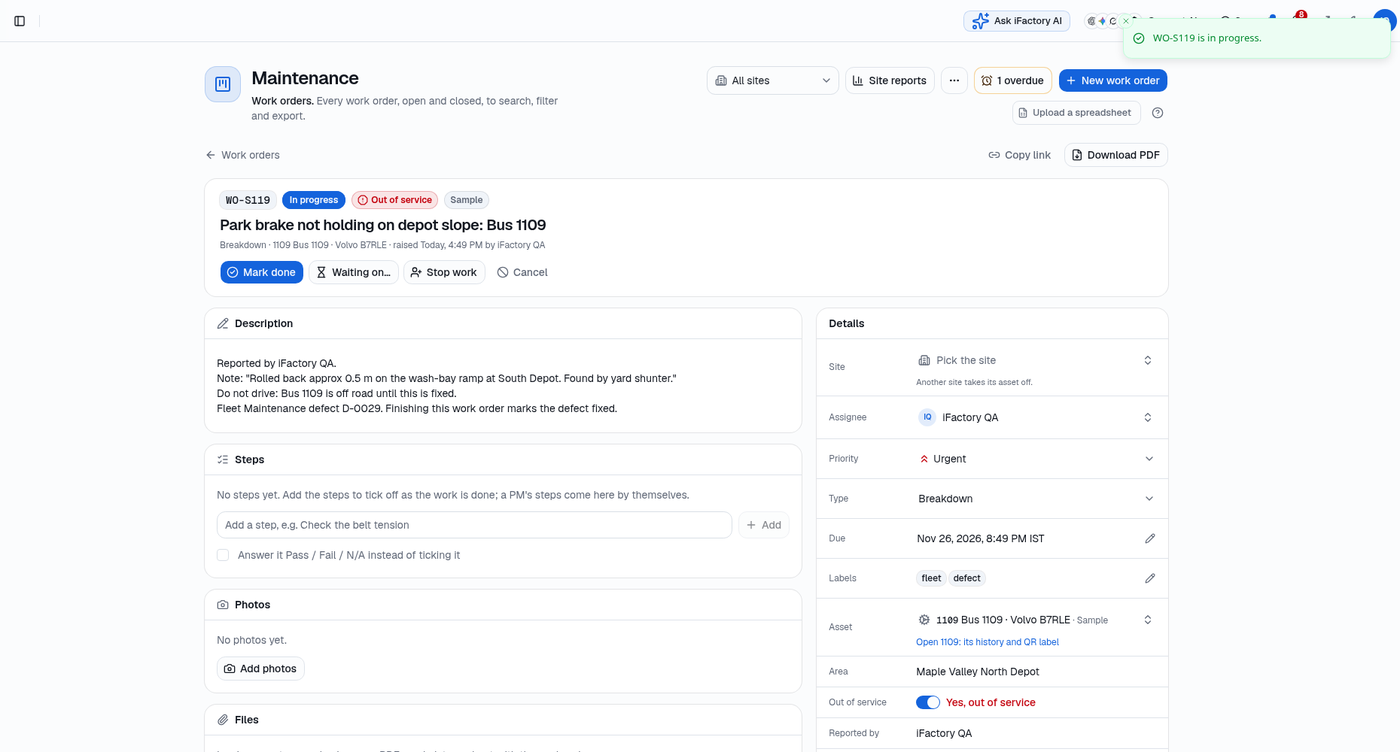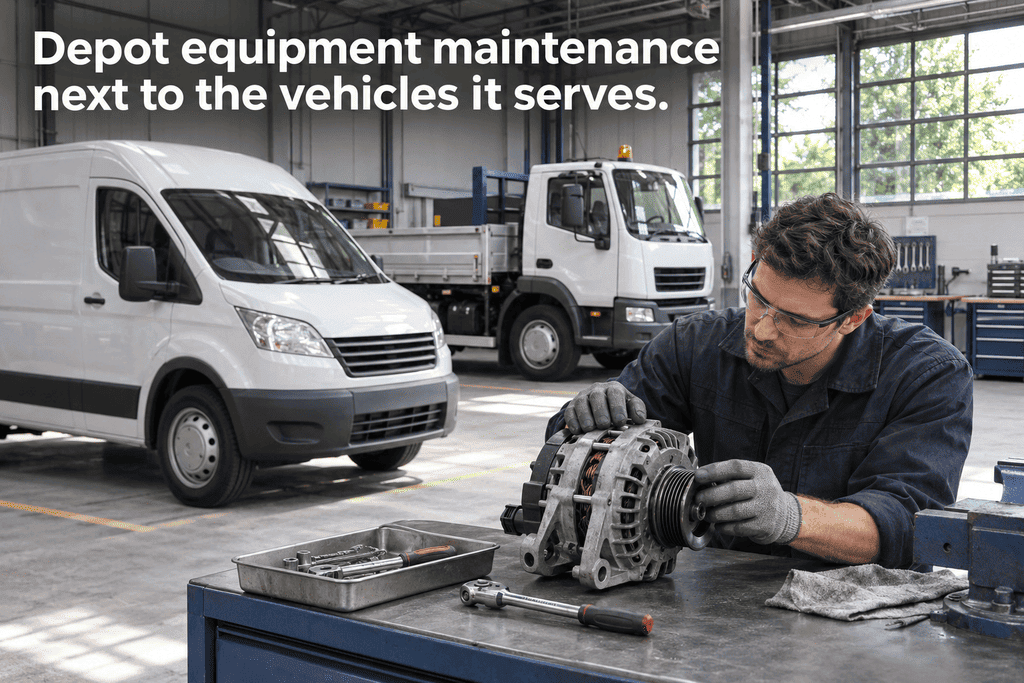
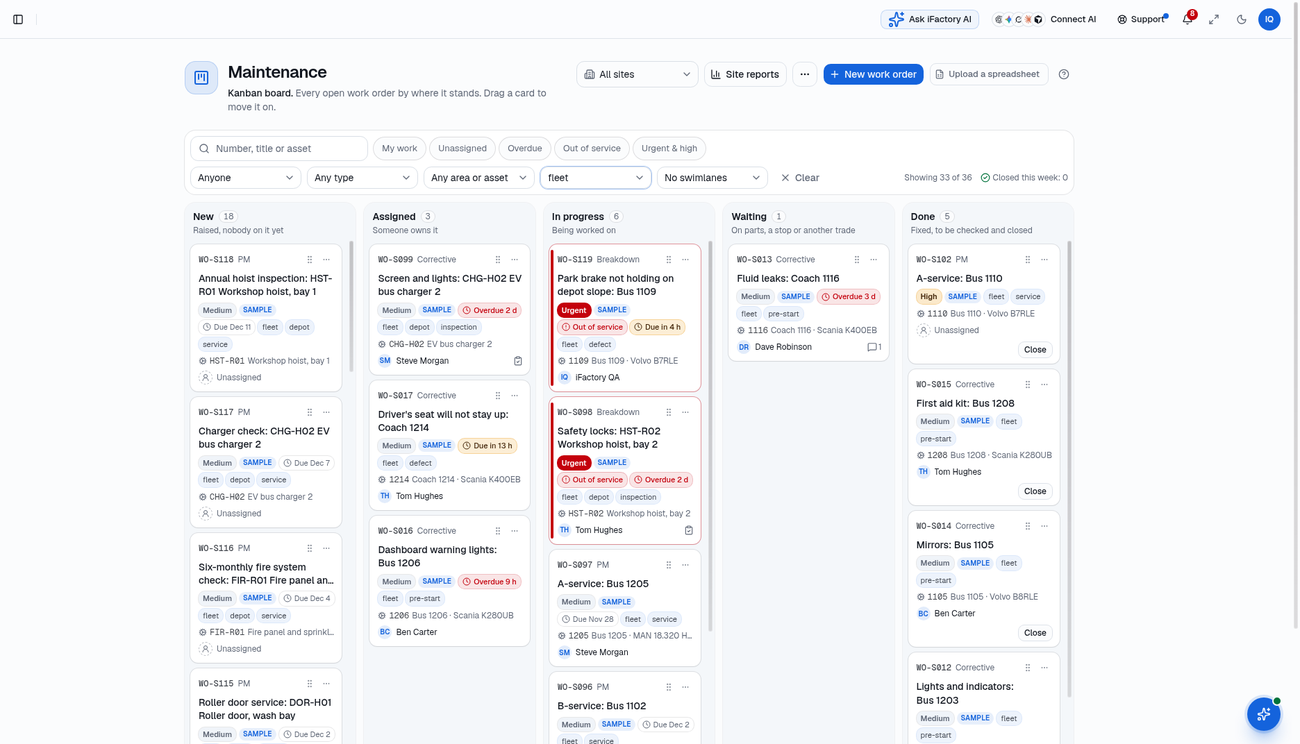
Service plans in Fleet Maintenance, the iFactory micro app, do not just remind you that a service is coming; they raise the job. A background check runs every 15 minutes and raises a work order for any service cycle that is due soon or overdue, once per cycle. You can see how automatic service work orders work in a sample fleet.
Fleet Maintenance · Services · Work orders
Automatic service work orders raised before the due date
Each plan raises one work order per cycle as the lead days, kilometres or hours are reached. The order carries the plan tasks and the estimated hours, appears on the Maintenance board under the fleet label, and rolls the plan over when the job is finished.

One cycle, one job
A service cycle moves through four states, and the same record follows it from the first warning to the next due point.
A plan nears its lead
Every plan has a lead set in days, kilometres or engine hours. When a vehicle reaches that lead, the cycle counts as due soon, and it is already visible on the services page.
The work order is raised
The 15-minute check raises a single work order for the cycle. Because it is raised once per cycle, a service never ends up with duplicate jobs on the board.
The workshop does the job
The technician opens the order and finds the plan tasks and the estimated hours already written in, so there is nothing to retype before the work starts.
The cycle rolls over
When the order is finished, the next due point is set from that day and the meters then recorded, and the next cycle begins counting from there.
Ways to raise a job
Most orders are raised automatically, but a person can bring one forward when the workshop has a free bay.

Let the plan raise the job
Nobody has to remember to schedule a routine service, because the plan raises the work order itself when the lead is reached. Open the sample fleet and see one waiting on the board.
What the order carries
Each work order is created with the details a technician needs, taken from the plan and the vehicle rather than typed again.
Plan tasks
The checks and jobs listed on the service plan are carried across, so the technician works from the same list every time.
Estimated hours
The hours you estimated on the plan are copied to the order, which helps the workshop lead book the bay and plan the day.
Fleet label
The order shows the fleet label on the Maintenance board, so a depot or team can filter to the jobs that concern it.
Vehicle
The order points to the vehicle it belongs to, and the cost of labour and parts booked on it is added to that vehicle.
Habits that keep plans reliable
Automatic orders are only as good as the plans behind them, so a few habits keep the schedule accurate.
Choose a useful lead
Set a lead that gives the workshop time to order parts and book a bay, since a work order raised the day before the due point is of little help.
Keep readings current
Plans that count kilometres or hours need recent readings, so enter them at the pre-start or import them, and the due point will not drift.
Close jobs promptly
Finish the work order as soon as the service is done, because that is what rolls the cycle over and sets the next due point from the real date.
Frequently asked questions
How often does the check run?
The background check runs every 15 minutes, so a plan that reaches its lead is picked up within a quarter of an hour. It looks for any service cycle that is due soon or overdue and raises a work order for it, which is why nobody has to schedule routine services by hand.
Can two work orders be raised for one service?
No. The system raises one work order per cycle, however many times the check runs. The 15-minute check does not raise a second order for the same service, and the cycle only starts again once the first order is finished and the plan has rolled over to its next due point.
Can I start a job before the lead is reached?
Yes. The services page has a Raise work order now action for exactly that case, such as when a vehicle is already in the workshop. It creates the same order with the same tasks and estimated hours, only earlier, and the cycle still counts once with no duplicate raised later.
What happens when the job is finished?
Finishing the work order records the service and rolls the cycle over. The next due point is set from that day and from the meters recorded at that time, so a late service does not make the following one late, and the history stays on the vehicle's page for later review.
Where is the lead set?
The lead is set on each service plan, in days, kilometres or engine hours, alongside the interval, the task list and the estimated hours. Different plans can have different leads, so a long brake inspection can warn earlier than a quick oil change. The fleet service reminders page explains reminders in more detail.
Never schedule a service by hand
Plans that raise their own jobs, with the tasks and hours already attached.
- Once per cycle
- Raise now if needed
- Tasks and hours carried
14-day free trial