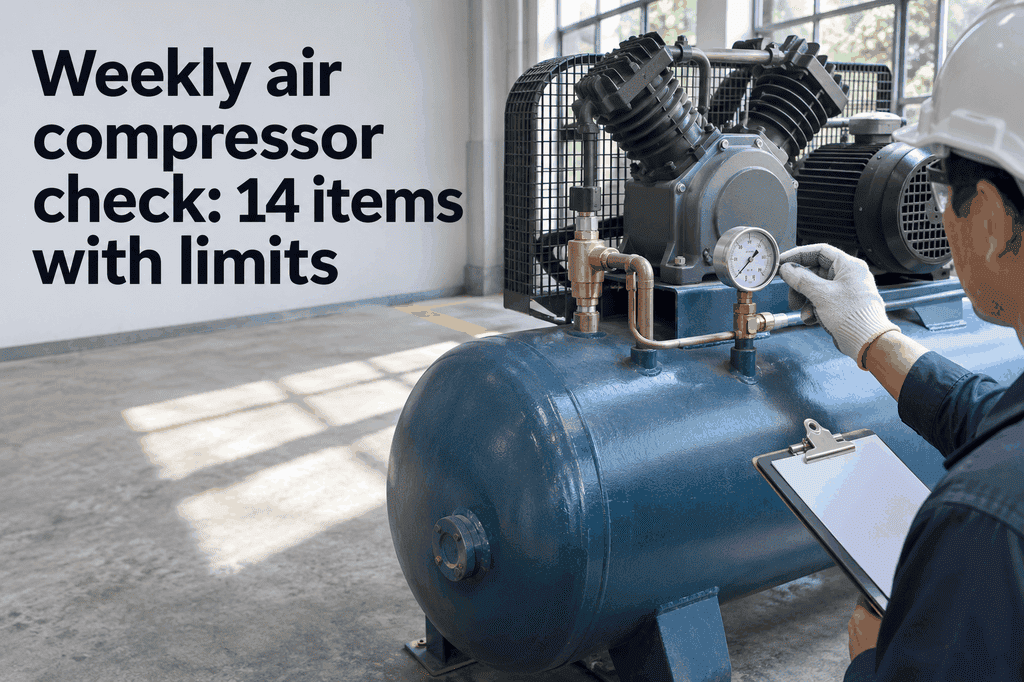
A rotary screw compressor that runs hot is telling you something. It may be short of oil, its coolers may be clogged or its inlet filter may be choked. The discharge temperature is the number that shows it first, so it earns its own item in the ready Air compressor weekly check in iFactory Inspection. This page covers the limit, the usual trip point and the checks on the same round that explain a high reading. Use your compressor maker's figures if they differ. Add the compressor check in your workspace once your company is set up.
Inspection · Discharge temperature
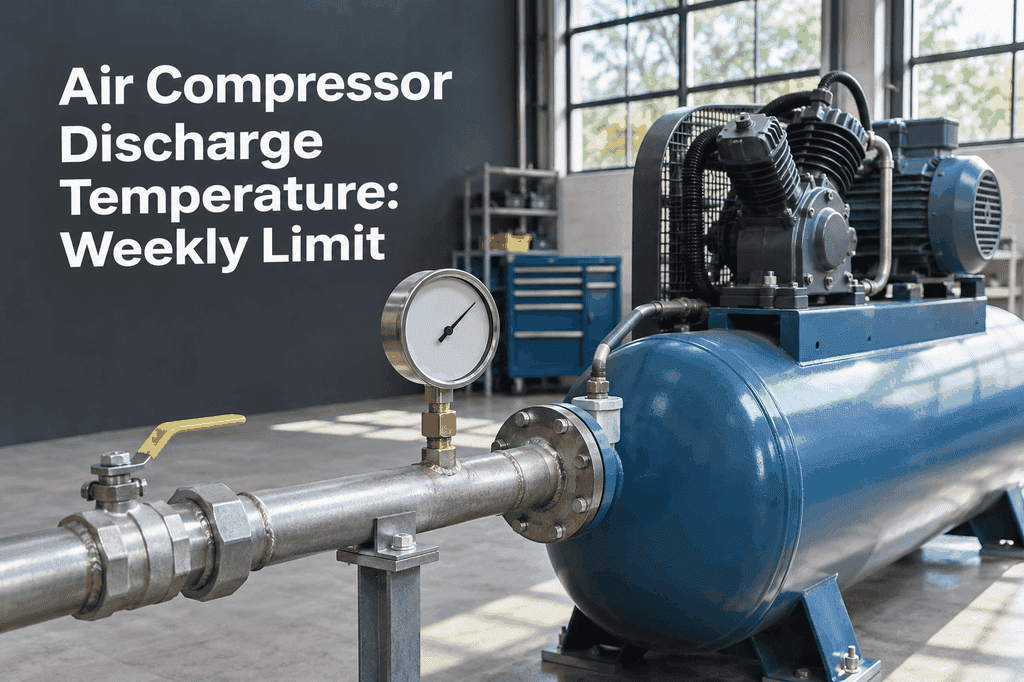
Air compressor discharge temperature: weekly limit
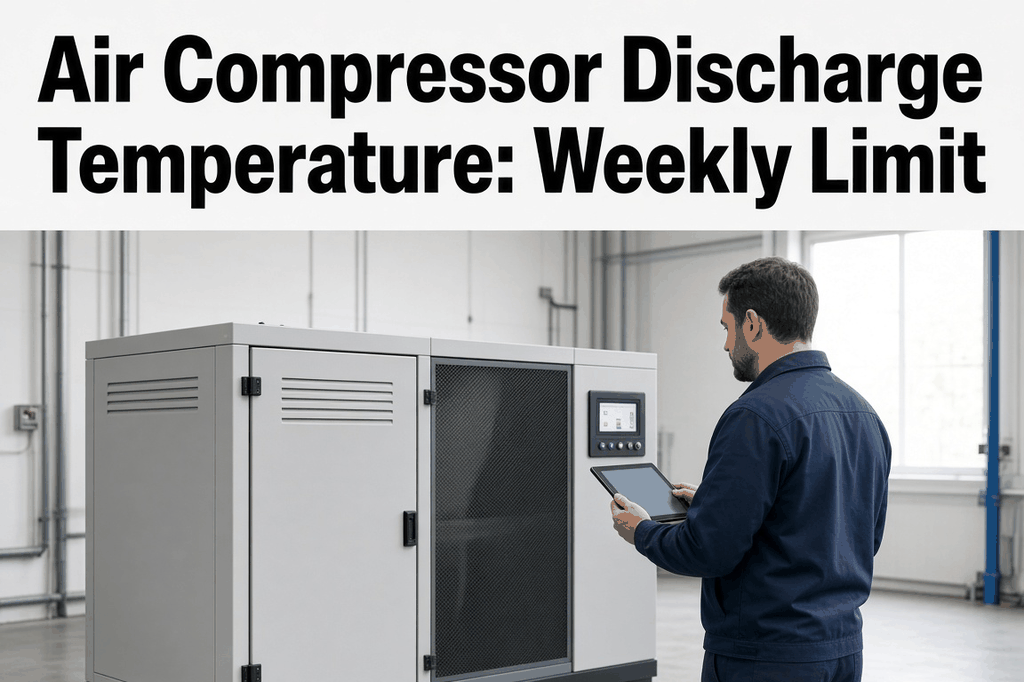
Read the controller at full load.
The limit in context
The limit is written for a rotary screw compressor, because that is the type the ready weekly check covers. Another type of compressor may have a different safe range.
A number with a margin
The pass limit is set below the temperature at which the compressor usually trips itself, so a technician gets a warning with room to act before the machine stops on its own.
What pushes the temperature up
Four other items on the weekly round explain most high readings. Checking them in the same visit tells maintenance where to start without sending someone back.
- Oil levelRead the sight glass with the unit loaded. Too little oil leaves the compressor short of cooling and lubrication, so it is the first thing to look at when the temperature climbs.The level should sit inside the green band on the glass. The oil item is High priority, so a low level raises a work order due in 24 hours.
- Oil cooler and aftercoolerLook at the face of the oil cooler and the aftercooler. Dust and oil mist can block the fins, and a blocked cooler cannot carry the heat away from the compressed air.At least 80% of the fins should be clear. This is a Medium item, so the work order is due in 72 hours, but a very dirty cooler is a likely cause of a hot reading.
- Inlet filterRead the inlet filter indicator. A choked filter makes the compressor work harder to draw air in, and that extra work turns into heat.A green indicator passes. Red, or a pressure drop above 0.05 bar, means the element needs changing before it adds to the discharge temperature.
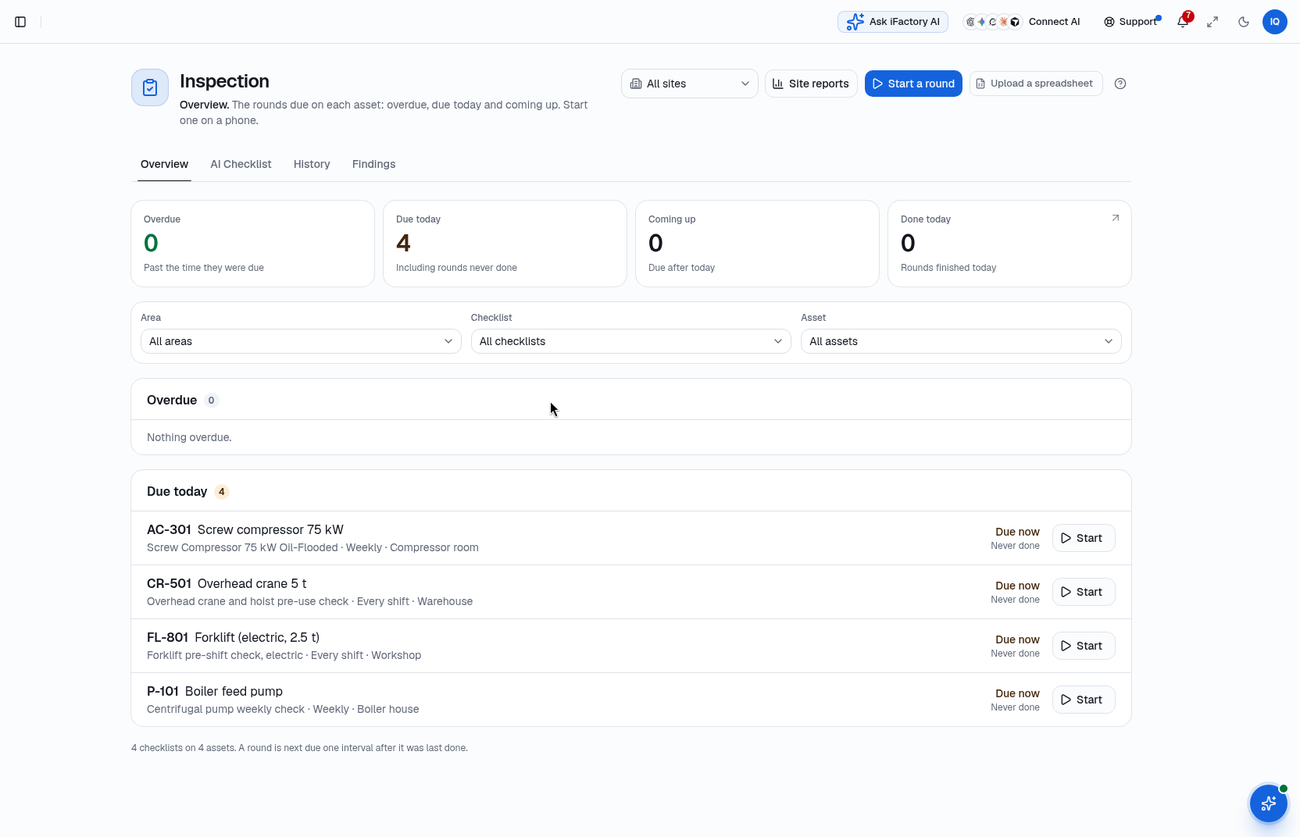
Compressors on the overview
The overview lists rounds due today, so the compressor round appears on the day it is scheduled and the technician can start it from there.
Limits of the item
These points are worth settling before relying on the item, because the limit is general and the app only asks the question and keeps the record.
Rotary screw only
The figures on the item are for a rotary screw compressor. Do not apply them to a piston or oil-free machine without checking the maker's limits.
Maker's figures
If the maker gives a different limit for your compressor, use the maker's figure and edit the item so that every later round checks against it.
OEM manual first
The 100 °C pass limit and the trip point are general figures. Compare them with your compressor's manual before the first round.
Reading it at full load
Discharge temperature is read from the controller with the compressor at full load. The item passes below 100 °C. The usual trip is 110 °C, so the check gives a 10 degree margin: a compressor sitting at 98 °C is passing, but one at 104 °C is already close to a trip and fails the item.
Take the reading at the same load each week. A compressor running lightly will read lower and hide a developing problem.
What a high reading points to
Several things push discharge temperature up: low oil, a dirty oil cooler, a clogged aftercooler, poor ventilation in the compressor room or a failing thermostatic valve. The other items on the weekly round help narrow it down: oil level in the sight glass, the cooler and aftercooler fins at least 80% clear, and the panels and guards closed so cooling air flows as designed.
A technician who fails the discharge temperature item should look at the oil level and the cooler face on the same visit, and write what they found in the note.
From failure to follow-up
The discharge temperature item is High priority, so a failure raises a work order due in 24 hours. The work order carries the item, the note, the limit and the how it is checked line.
The app records the answer and note only, so it will not show a temperature trend. If you want one, write the reading in the note each week, or log it yourself. Check the figures against the compressor's manual; the limits here are general values from the ready checklist.
Trends, trips and the margin between them
The 10 degree gap between the 100 °C limit and the usual 110 °C trip is the reason the item exists. A compressor that is tripping on temperature has already stopped and cost production. One that is passing at 99 °C every week is not in trouble, but one that moves from 88 to 98 over a month is telling you something.
Because the app stores OK or Failed rather than the number, put the figure in the note each week. After a few months, History gives you a series of weekly notes to read side by side, and the shape is usually clear without a chart.
A service technician will also ask when the problem started. A dated record of weekly passes and then a failure answers that, along with the oil level and cooler fin items from the same round.
Taking a consistent reading
Read the controller at full load and note whether the compressor was on the same pressure setting as the week before. Changes to the pressure setpoint or to demand can move the discharge temperature without anything being wrong. If the load has changed noticeably, say so in the note so the next reader can interpret the number.
Frequently asked questions
What is the discharge temperature check on a screw compressor?
It is a High priority item in the ready Air compressor weekly check in iFactory Inspection. The technician reads the controller display with the compressor at full load and compares it with the limit. It passes below 100 °C, which sits under the usual trip point so that a warning comes first.
Where and when do I read the temperature?
On the controller display, with the compressor running at full load. Read it at the same load every week, because a lightly loaded compressor reads lower and can hide a developing problem. The number is compared with the limit and the item is answered OK, Failed or N/A, with a note on a failure.
What else should I check if the reading is high?
Four items on the same round: the oil level in the sight glass, the oil cooler and aftercooler fins, the inlet filter indicator and the condensate drain. A low oil level, a blocked cooler or a choked filter are the usual causes. Checking them in the same visit saves a second trip.
How fast does a failed temperature item need action?
It is High priority, so a failure raises a work order due in 24 hours. The technician writes the reading in the note, and a photo of the display is optional. If the compressor is close to its trip point, tell the supervisor straight away, because the work order alone does not stop the machine.
Why is the pass limit lower than the trip point?
A margin gives time to react. If the limit equalled the trip, the first sign of trouble would be a machine that stops on its own. A pass limit of 100 °C against a usual trip of 110 °C lets the weekly round catch a rising trend while the compressor is still running safely.
What if my compressor maker gives different figures?
Use the maker's figures. The ready limits are general values for a rotary screw compressor, so check them against your manual before the first round and edit the item if they differ. The app does not decide the limit for you, and the checklist can be edited before you save it.
Watch the discharge temperature
Add the compressor check and catch a hot compressor before it trips.
- High priority item
- Work order due in 24 hours
- Causes checked on the same round
14-day free trial · no card needed