Bearing temperature limits are not the same for every machine. A pump bearing passes below 70 °C, a motor bearing below 80 °C, and some of the limits only make sense next to last week's reading. This page lists the bearing temperature limits written into the ready checklists in iFactory Inspection, shows how each is measured and explains why the comparison with last week matters as much as the number. See the limits in your workspace once your company is set up.
Inspection · Bearing temperature
Bearing temperature limits for pumps, motors and gearboxes
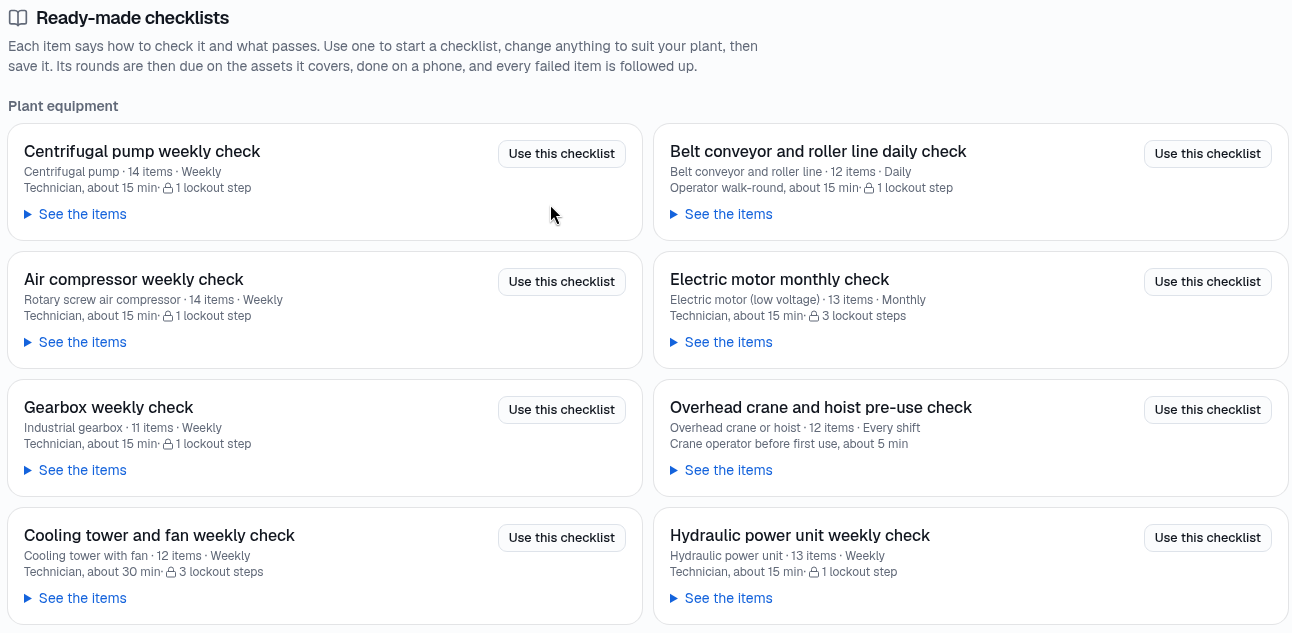
Read with an IR gun on the bearing housing.
The limits by asset
Each limit is checked by pointing an IR gun at the bearing housing on that asset. The four limits are different because the machines and their bearings are different.
The limits are written in °C and shown in your organisation's units. They are general figures, so check them against the maker's manual before using them on bearings of a different type.
The limit and the trend
The absolute limit and the comparison with last week sit in the same item, so the technician checks both in one reading and the failure note records which of the two was broken.
Why the comparison matters
A bearing at 65 °C looks fine against a 70 °C limit, but if it was 50 °C last week then something is changing. That is why the checklist asks for both the limit and the comparison.
Absolute limit
A bearing that is already too hot
Compared with last week
A steady rise that is not at the limit yet
What a failure carries
Every bearing temperature item is High priority. A failure raises a work order due in 24 hours, so the response is quick even though the item looks like a routine reading.
Priority
High
The work order is due in 24 hours and carries the note, the limit and the how-to-check wording so that whoever responds knows how the reading was taken.
Note
Required on a failed item
The note is required on a failed item, and it is where the temperature, the housing and the comparison with last week should be written.
Photo
Optional
A photo is optional, and the app shrinks it to under 1 MB so that a round done on a phone does not take long to save.
What the app does not store
It is worth being clear about what the app holds, so that nobody expects a temperature log it does not keep.
No number fields
A passing item is saved as OK. The app has no number field, so the temperature itself is not recorded when a bearing is within its limits.
Notes on failed or N/A items
The note field is required on a failed item and can be used on an N/A item. A passing item has none, so the failure note is the only place the reading is kept.
Your OEM limits
Limits can be edited before you save a checklist. If your bearings have a different recommended maximum, change the item once and every later round will use it.
Reading a bearing temperature properly
An IR gun is quick, but only if used consistently. Point it at the bearing housing, not the guard or the paint flaking off a cover, and take the reading after the machine has run for the time the item states, 30 minutes on the pump and an hour on the motor and gearbox. A reading taken on a cold machine tells you nothing.
The checklist tells you where to point: the drive-end and pump-end bearing housings on a pump, both bearing housings on a motor, and the gearbox case near each bearing.
Two conditions, not one
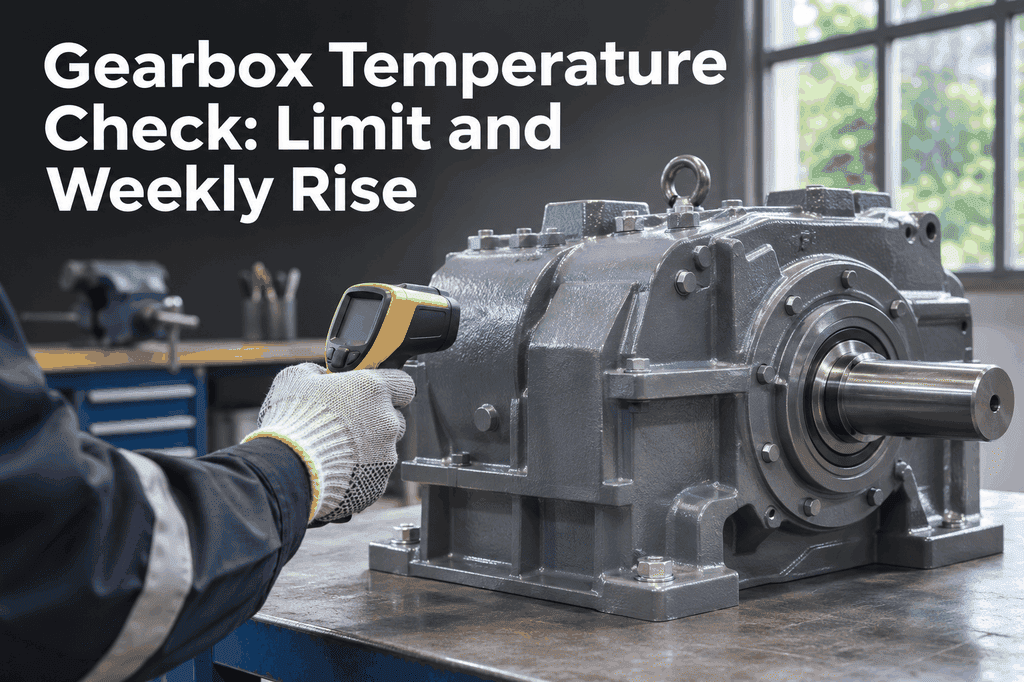
Each item has an absolute limit and a comparison. A pump bearing passes below 70 °C and within 10 °C of last week. A motor bearing passes below 80 °C and within 10 °C of the other bearing. A gearbox case passes below 80 °C and not more than 10 °C above last week. The absolute number catches a bearing that is simply too hot. The comparison catches one that is heading there.
A bearing that has gone from 52 °C to 66 °C in a week passes the first test and is telling you something. That is why the item carries both.
What to do with a hot reading
Mark the item Failed, write the reading and where you took it in the note, and add a photo of the housing or the gun display if it helps. A High item raises a work order due in 24 hours. Do not touch a hot bearing or carry out a repair without isolating the machine.
The limits are general figures from the ready checklists. Check them against the manual for your own bearings and edit the item so that the checklist matches what the maker recommends.
Choosing the measuring spot
Read the bearing housing, not the nearest cover or guard. The housing is the closest accessible point to the bearing itself. Use an infrared thermometer pointed at bare metal, or a contact probe, because paint and dirt change infrared readings.
Keep to the same spot each time. A reading one hand-width away can differ by several degrees, and the comparison with the last reading is only meaningful if the spot is the same.
Where a bearing sits inside a guard you cannot remove while running, ask maintenance to mark a point on the housing and write it on the tag.
Frequently asked questions
What is the bearing temperature limit for a pump?
A pump bearing passes below 70 °C and within 10 °C of last week's reading in the ready Centrifugal pump weekly check in iFactory Inspection. The technician reads the drive-end and the pump-end housing with an IR gun. The item is High priority, so a failure raises a work order due in 24 hours.
What is the limit for an electric motor?
A motor bearing passes below 80 °C and within 10 °C of the other housing in the ready Electric motor monthly check. The technician reads both bearing housings with an IR gun. The limits are general figures, so check them against the motor maker's manual and edit the item if your motor differs.
Why does the comparison with last week matter?
A bearing can sit under its absolute limit and still be drifting upwards. A steady rise is often the earliest sign of lost lubrication or wear, so the item asks for the limit and the comparison. The first catches a bearing that is already too hot, the second catches one that is heading there.
Does the app store the temperature I read?
No. The app records OK, Failed or N/A and has no number fields, so a passing reading is not kept. On a failed item the note is required, so write the temperature, the housing and last week's figure there. If you want a history of the numbers, keep your own record alongside the app.
How urgent is a failed bearing temperature item?
All four bearing temperature items are High priority, so a failure raises a work order due in 24 hours. The work order carries the note and the limit. A photo of the housing or the IR gun display is optional. If a bearing feels dangerously hot, tell the supervisor straight away.
How should I choose the measuring spot?
Read the same spot on the bearing housing each time, so that this week's reading can be compared fairly with last week's. Where a bearing is inside a guard that cannot come off while running, ask maintenance to mark a point on the housing and write it on the equipment tag.
Put bearing limits on every round
Use the ready checks and edit limits to match your equipment.
- Limits in every item
- Week-on-week comparison
- Work order on failure
14-day free trial · no card needed