Most inspection checklists fail the same way: the items say what to look at but not how, or what counts as a pass. Two technicians then give different answers to the same item. This page describes how to write an item so that does not happen, using the fields in the iFactory Inspection checklist editor as the template: a check, a how-to with a limit, a priority, a section and a lockout flag. It also shows the size limits and what happens to past rounds when you edit a checklist. Open the checklist editor in your workspace once your company is set up.
Inspection · Writing checklists
How to write an equipment inspection checklist that gets the same answer from everyone
A good item is built from four things: one check, a way to carry it out, a limit that defines a pass, and a priority that sets how fast a failure must be dealt with.

A vague item and a usable one
The same inspection can be written so that it depends on who is looking, or written so that anyone gets the same answer. The difference is in the how-to and the limit.
Vague
Check the bearing
Check it is OK
Depends on who looks
Usable
Drive-end bearing: check temperature
IR gun on the housing after 30 minutes running
OK below 70 °C and within 10 °C of last week
The five parts of an item
Each item in the checklist editor is made of the same six fields. Filling in every one is what turns a list of things to look at into something two technicians can do the same way.
Check text
What to look at, one thing only
Up to 200 characters.
How to check it
Method and the pass limit
Up to 300 characters.
Priority
Sets the due time of a work order if the item fails
Urgent, High, Medium or Low.
Section
Groups items on the round
Safety, Mechanical, Lubrication, Electrical, Instruments and Housekeeping by default.
Lockout flag
Marks steps that need the machine isolated
Tick it for those items.
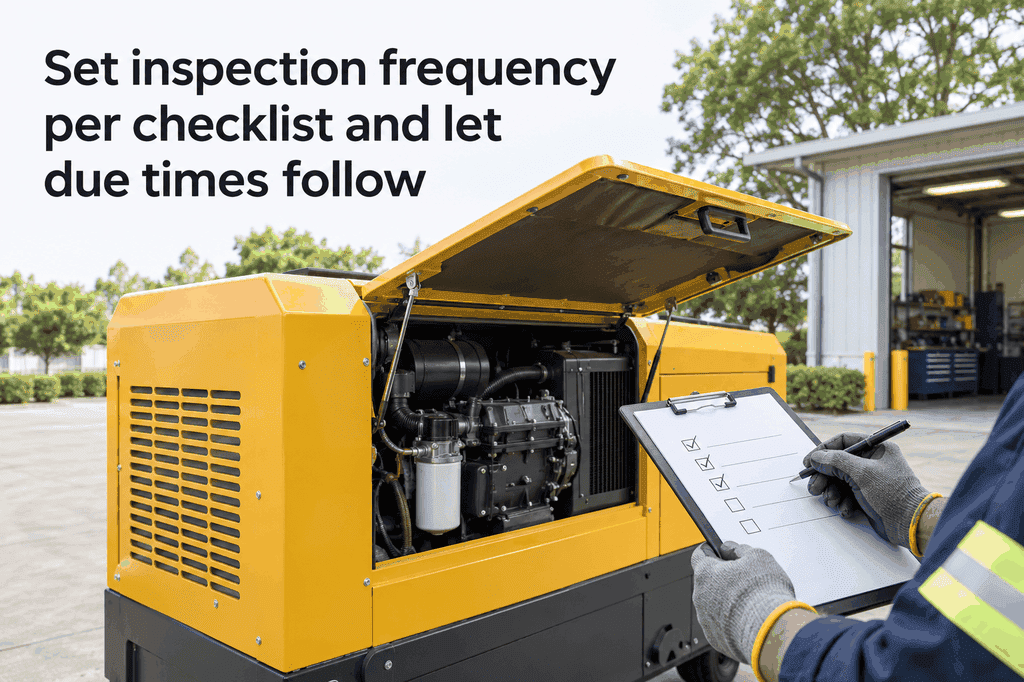
Frequency
Set once for the whole checklist
Every shift, daily, weekly or monthly.
Write the item once, run it every round
Editing a checklist does not rewrite history. A round done last month keeps the version it used, so the record shows what was actually asked at the time.
Size limits worth knowing
The checklist form has a few size limits. They are generous, but they are also a useful discipline, because an item that does not fit in 200 characters is probably two items.
A checklist can apply to every asset of a type, or only to chosen assets, and it can be limited to one site. The 500-asset limit applies to chosen assets.
A quick way to write one
There are four steps, and the quickest start is a ready checklist that already fits your equipment. Edit it rather than beginning from a blank page.
Start from something
Pick a ready checklist from the library, let iFactory AI draft one from a description of the machine, or write one by hand. Any of the three can be edited afterwards.
Say how to check it
Say which tool to use, such as an IR gun, or what to look at, and say where on the machine to do it, so the technician does not have to guess.
Write the limit
Use a number the technician can measure, taken from the maker's manual, rather than a word like normal. A number turns an opinion into a pass or a fail.
Set priority and lockout
Give Urgent only to items where a failure is a real hazard, and flag every step that needs the machine isolated so the lockout reminder shows up on the round.

Start from the failure, not from the form
The usual way to write a checklist is to sit down with a blank page and list everything about the machine. A better way is to ask what has actually gone wrong with it. Pull the last few repair records, ask the technician who knows the machine, and write an item for each failure that a person walking past could have caught: a seal that dripped for a fortnight, a guard that was left off, a bearing that ran hot.
Then add the checks that protect people, which the repairs will not tell you about: the guard fitted, the e-stop working, the lockout point identified. The result is shorter than the form you would have invented, and every item has a reason you can explain to the person asked to do it.
Make each item answerable in one glance
An item is only useful if two different people would answer it the same way. Name the place to look, the action, and the pass condition in the same line. Look at the seal gland with a torch: dry or less than one drop a minute passes, a steady drip or spray fails. That wording leaves nothing to judgement beyond what the person can see.
Put the limit in the item rather than in a manual nobody carries. If the limit comes from the OEM manual, say so when you write it and check it against the manual. Group items by section, give each a priority that reflects what happens if it fails, and flag the ones that need the machine locked out first.
Keep it short enough to be done
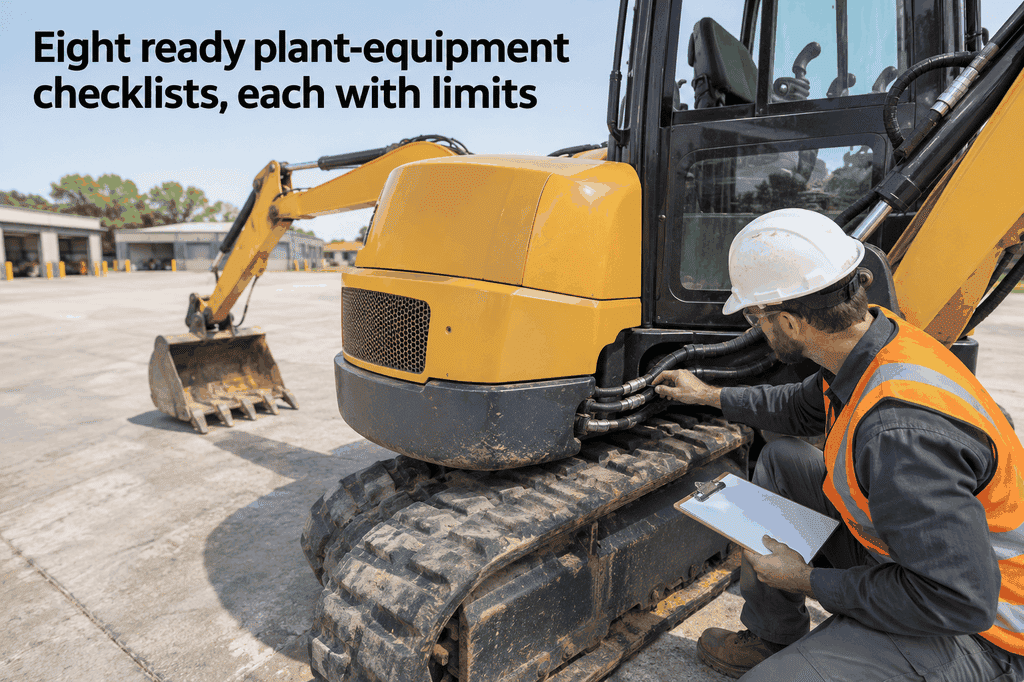
A checklist that takes an hour will be ticked without looking. The ready checklists in the library run about 15 minutes for most equipment, about five for the crane pre-use check and about 30 for the cooling tower, and the sizes are a useful guide when you decide how much to include.
After a month of use, read the history. An item that has failed several times needs a tighter limit or a shorter interval; an item that is always answered N/A probably does not belong. Suggested checklist changes can point at both.
Frequently asked questions
What should an inspection checklist item contain?
One check, a way to carry it out, a pass limit and a priority. In the iFactory Inspection editor these are the check text, the how-to-check field, the priority and the section, plus a lockout flag for steps that need the machine isolated. Writing a number in the limit, rather than the word normal, is what makes the answer repeatable.
How long can an item and its how-to be?
An item can be up to 200 characters and its how-to-check text up to 300 characters. If you cannot fit the check and the limit in that space, the item is probably covering more than one thing and should be split into two. Short items are also easier to read on a phone during a round.
How many items can a checklist have?
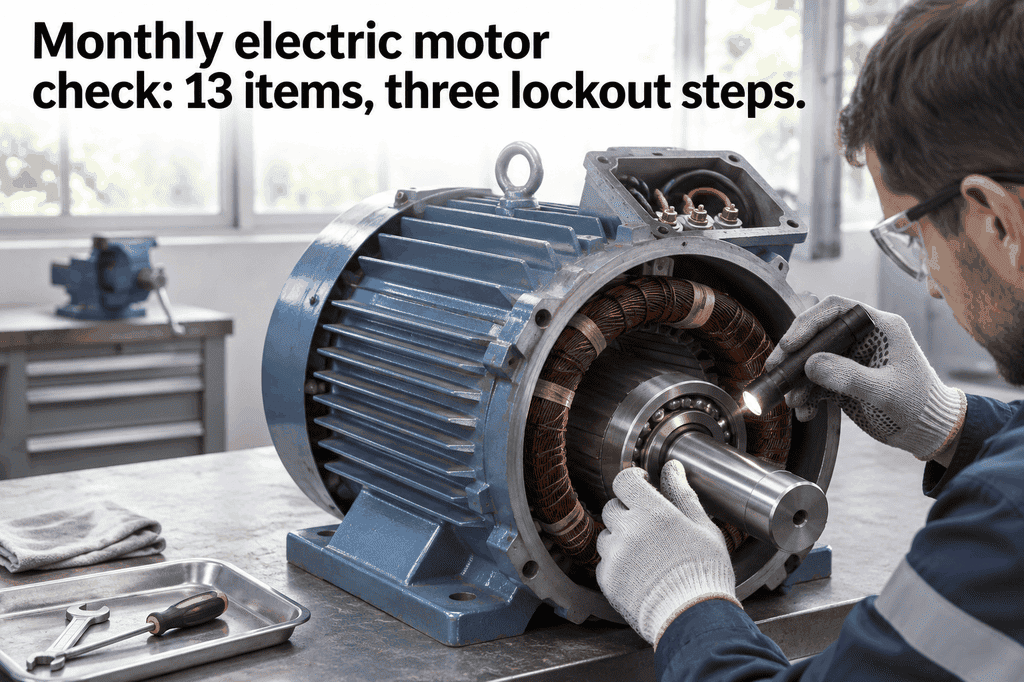
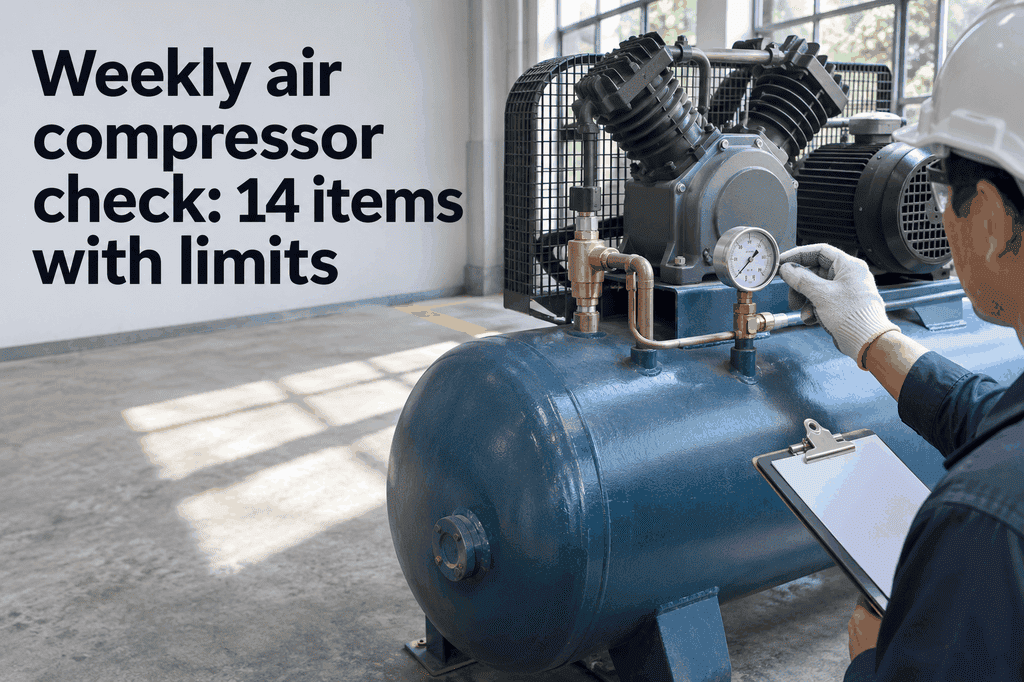
Between 1 and 60 items, and a checklist can cover up to 500 chosen assets. The ready pump, compressor, motor and gearbox checklists have between 11 and 14 items each, which is about what a technician can do in a round of around 15 minutes. If a list grows beyond that, consider splitting it by frequency.
What happens to past rounds if I edit a checklist?
Nothing. Past rounds keep the version they used, so the record shows exactly what was asked on the day. A new version applies to rounds started after you save it. That makes it safe to improve a checklist after you learn what the technicians find hard to answer.
Do I have to write every checklist myself?
No. You can start from a ready checklist in the library, let iFactory AI draft one from a description of the machine, or write one by hand. A draft or a ready checklist is only a starting point, so a person has to check every limit against the maker's manual and save it.
Who should review a new checklist?
The person who knows the machine best, usually a senior technician or the maintenance supervisor, should read it against the maker's manual before the first round. They check that the limits are right and that every item can be answered in one glance. Doing a trial round together is the quickest test.
Write your first checklist in minutes
Start from a ready checklist or write your own, then apply it to the assets that need it.
- Limit and priority on every item
- Lockout flag where needed
- Applies to a type or chosen assets
14-day free trial · no card needed