A motor that runs hot has a reason, and the temperature shows it before the motor fails. There are two quick readings: the frame and the bearings. In iFactory Inspection they are two separate items in the ready Electric motor monthly check, both High priority. A technician takes them with an IR gun after the motor has been running. This page covers both limits, what a failure does and the clean-motor items on the same round, because dirt keeps heat in. Add the motor check in your workspace once your company is set up.
Inspection · Motor temperature
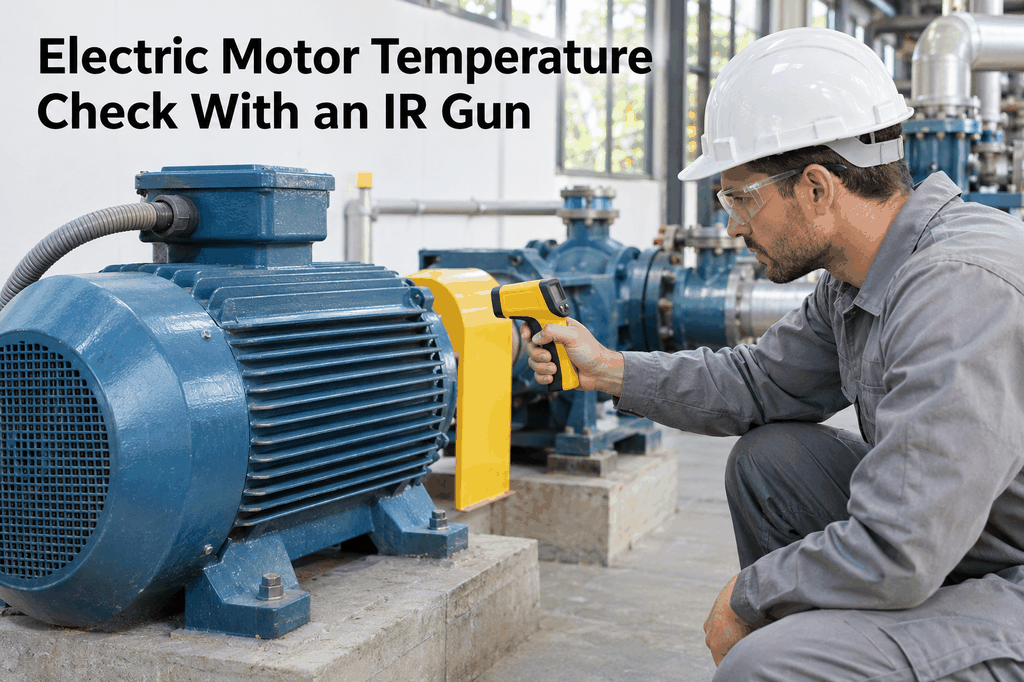
Electric Motor Temperature Check With an IR Gun
Two High priority items, frame and bearings.
The two items
Both readings are taken with an IR gun after the motor has been running. One is on the frame and the other is on the two bearing housings.
Two readings and a clean body
A hot motor usually has one of a few causes: blocked cooling, an electrical problem, a load that is too high or a failing bearing. The readings and the clean-motor items help separate them.
When an item fails
Both items follow the same steps when they fail, so a technician who has handled one knows how to handle the other.
Mark it Failed
The app will not save a failed item without a note, so the technician has to say what they found before the work order can be raised.
Write the reading
Write the reading, the position of the gun and how long the motor had been running in the failure note, because the app does not store the number itself.
Work order
Both items are High priority, so the work order is due in 24 hours and carries the note, the limit and the how-to-check text.

What keeps the heat in
These two items stop heat from escaping, so they are on the same round. A motor that fails on temperature often has one of them to blame.
Fan cowl and inlet mesh
Look at the cowl
The fan cowl should be secure and undamaged, and the inlet mesh should not be blocked by dust or rags. A blocked inlet starves the fan of air and the motor cannot cool itself.
Motor body
Look at the frame
The dust layer on the frame should be under 1 mm and there should be no oil on it. A thick layer of dust acts like a blanket and holds the heat in.
The ready motor check
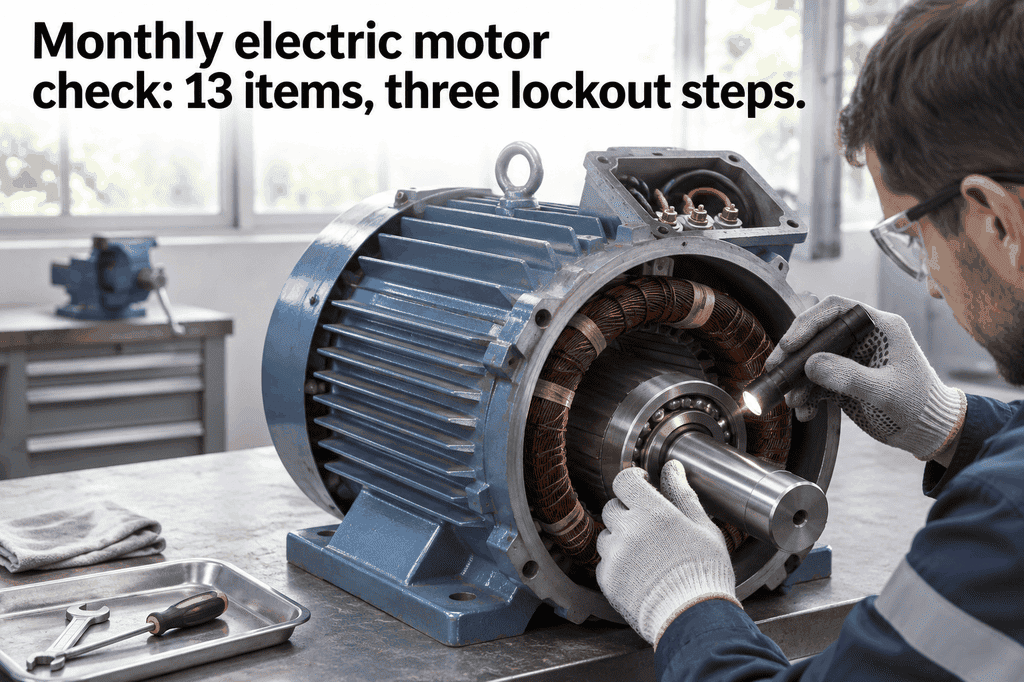
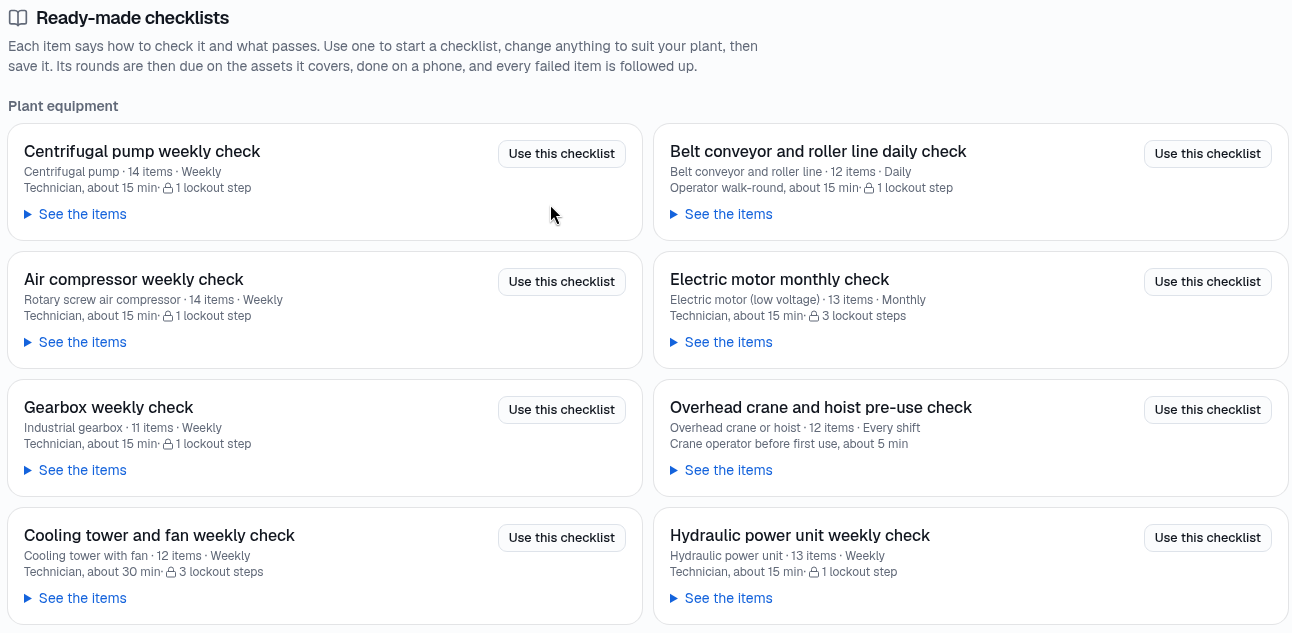
The temperature items are two of the 13 in the ready Electric motor monthly check, which sits in the checklist library with the other ready checks.
Cautions
Before the first round.
Insulation class
The limits assume a typical insulation class. If your motor has a different class, use the maker's figures and edit the items before you save.
OEM manual
The 80 °C and bearing figures are general. Compare them with the motor's nameplate and manual before the first round.
A record
The app asks the question, keeps the record and raises the work order. Finding and fixing the cause of the heat stays with maintenance.
Frame and bearings
The motor check reads temperature in two places. The frame should stay below 80 °C, or no more than 40 °C above room temperature after an hour of running. The bearing housing should also be below 80 °C and within 10 °C of the same reading last time. Use an infrared thermometer or a contact probe.
Read at the same spot each time and at normal load. A motor that has only just started will not have reached its steady temperature, so the one-hour rule helps.
What each reading tells you
A hot frame points to overload, poor cooling, a blocked fan cover, a high ambient temperature or winding problems. A hot bearing housing points to lubrication or bearing trouble, or misalignment. Reading them separately lets the technician see which is hot.
If the bearing is hot while the frame is normal, look at the grease and the coupling. If the frame is hot and the bearing normal, look at current and air flow.
Related checks
The cooling air path item asks that the fan cover and the fins are clear. The current item checks the three phases are within 5% of each other and within nameplate amps. The vibration item uses a limit of 2.8 mm/s for motors up to 15 kW.
A motor that fails on temperature and current together usually has an electrical or load problem. One that fails on temperature and vibration has a mechanical one.
Recording it
The temperature items are High priority, so a failure raises a work order due in 24 hours. Write the reading and the place in the note. The app does not store the number.
The history shows which motors fail often, so you can look at load, cooling or the installation.
Doing the temperature items quickly
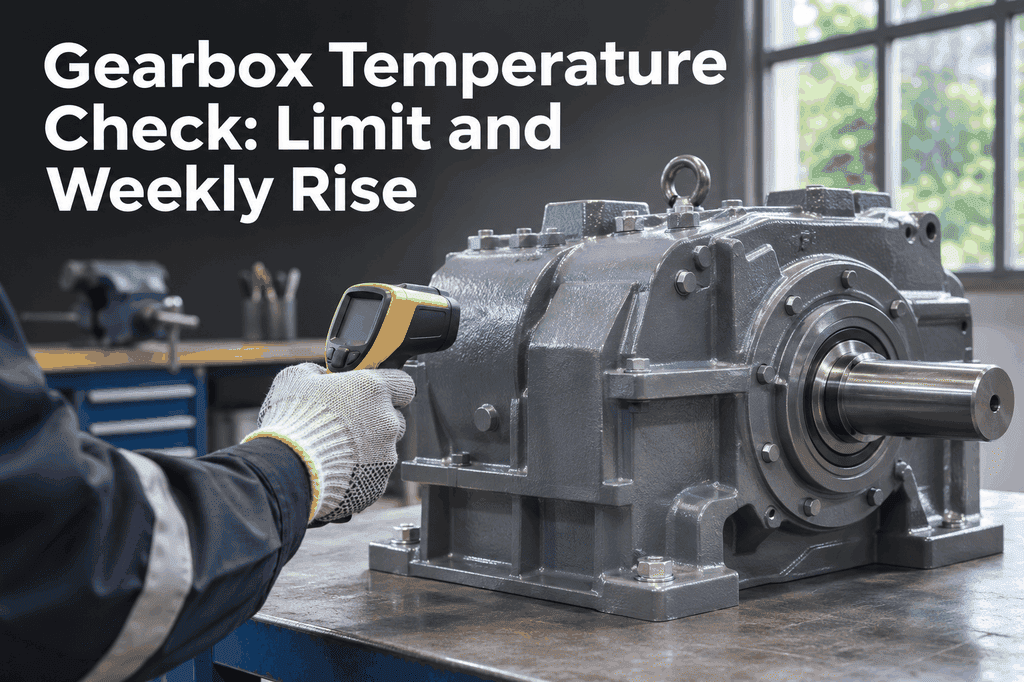
Both temperature items use an infrared gun, so you can read the frame and both bearing housings in a couple of minutes. Aim at the middle of the frame for the frame reading, and at each bearing housing separately for the bearings.
Because the frame reading depends on an hour of running, plan it for a motor that has been on for a while, not one that has just started for the round. If the motor only runs in short bursts, note that in the failure or pass comment so the next reader knows what the reading means.
The monthly motor check takes about 15 minutes in total, so read the temperature items early, while the motor is warm, and do the locked-out items last.
Frequently asked questions
What are the motor temperature items?
There are two High priority items in the ready Electric motor monthly check in iFactory Inspection: the frame temperature and the bearing temperature. Both are read with an IR gun after the motor has been running, and each has its own limit. The technician writes the reading in the note if either one fails.
What frame temperature passes?
A frame that reads below 80 °C, or less than 40 °C above the room temperature, passes. The technician reads it with an IR gun after the motor has been running for an hour, so the temperature has settled. Reading it earlier gives a lower figure and can hide a motor that is running hot.
What bearing temperature passes?
Both bearing housings must be below 80 °C and within 10 °C of each other. A big difference between the two usually means one bearing is working harder than the other. Read both with the IR gun on the bearing housing and not on the fan cowl, so that the two figures can be compared fairly.
How fast is a failed temperature item due?
Both items are High priority, so a failure raises a work order due in 24 hours. The technician writes the reading in the note and can add a photo. If the motor is too hot to touch or smells of burnt varnish, tell the supervisor straight away instead of waiting for the work order.
What if my motor has a different insulation class?
Use the maker's figures. The limits on the ready check assume a typical insulation class, so a motor with a different one may be allowed a different frame temperature. Check the nameplate and the manual before the first round, and edit the item before you save the checklist.
What else should I check if the motor runs hot?
The fan cowl and the inlet mesh, which should be secure and clear of dust and rags, and the motor body, which should have a dust layer under 1 mm and no oil. A motor that fails on temperature and current together has an electrical or load problem, and one that fails on temperature and vibration has a mechanical one.
Check the motor temperature monthly
Add the motor check and keep the reading with the failure.
- Frame and bearing items
- Work order due in 24 hours
- Reading in the failure note
14-day free trial · no card needed