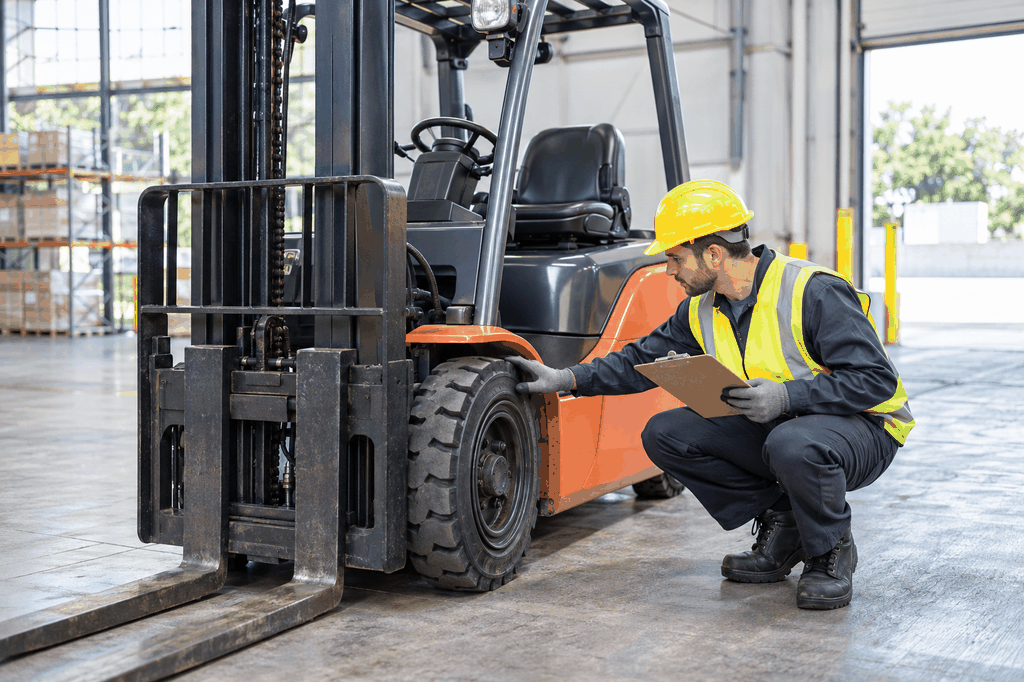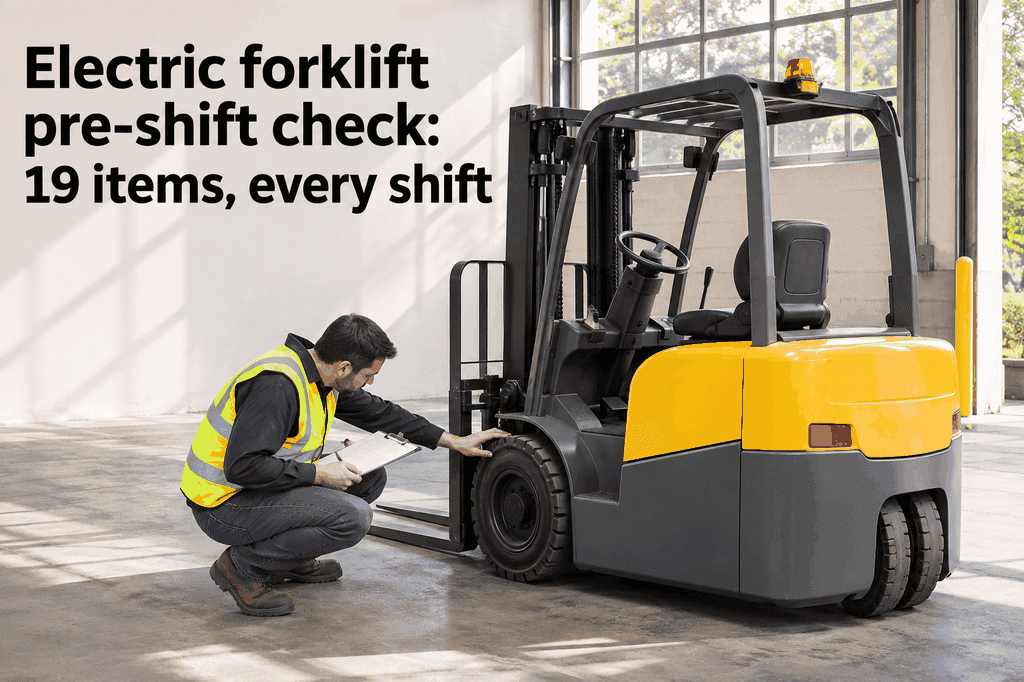
A forklift that is examined at the start of every shift is a forklift whose defects are found before they matter. The harder part is what happens afterwards: who checked which truck, what failed, and whether anyone fixed it. The ready Forklift pre-shift check, electric in iFactory Inspection is set to every shift and ran with 19 items on an electric 2.5 t truck in our test. This page sets out what the OSHA rule asks for, what the app records and what it does not do. Add the forklift check in your own workspace once your company is set up.
Inspection · Forklift
Electric forklift pre-shift check: 19 items, every shift
The examination is done on a phone at the truck, and every failed item turns into its own work order. Nobody has to carry a paper form back to the office.
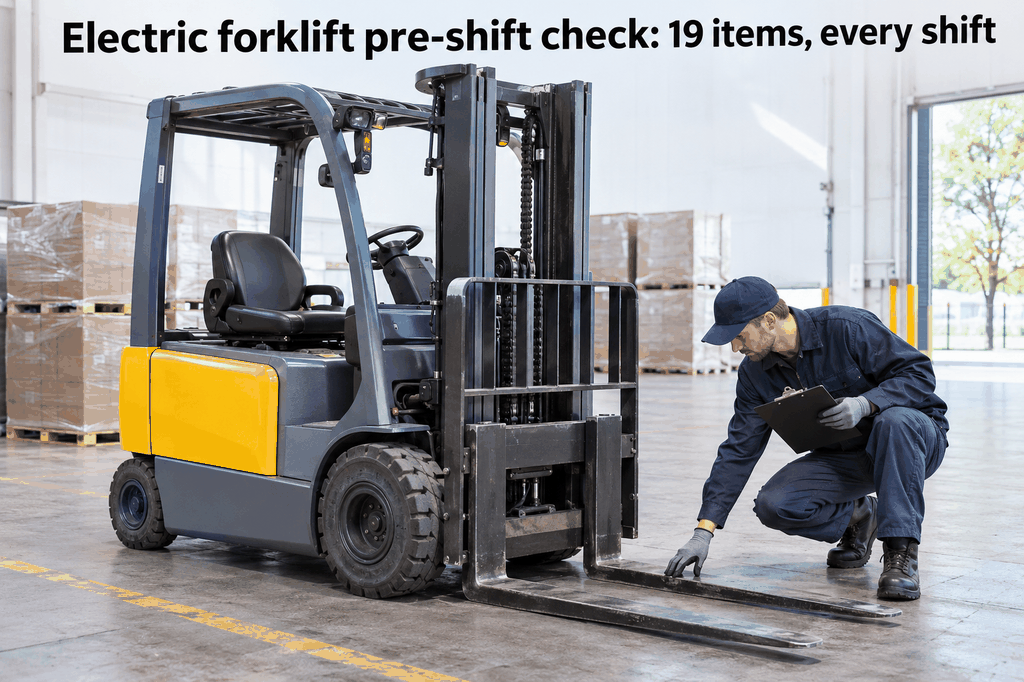
What the rule says and what the app keeps
The rule at 29 CFR 1910.178(q)(7) covers powered industrial trucks. It asks for an examination before a truck is put into service and for defects to be dealt with.
The rule
Trucks are examined before being placed in service
At least daily, or after each shift when used round the clock
Reported and corrected
What the app keeps
Who checked which truck and when
OK, Failed or N/A
A note and an optional photo, then a work order
The app records the examination and the follow-up. It does not make anyone compliant, and it cannot stop a truck from being driven after an item has failed.
Examine, record, follow up
The record shows who checked which truck and when, which is the evidence that the examination is really happening every shift.
One round, start to follow-up
Here is what happens over one shift, from the moment the round appears on the overview to the work order that follows a failure.
- Before the shiftThe truck, FL-801 in our test, appears under rounds due today on the overview, so the operator can start the round from there.The checklist is set to every shift, so a new round falls due at the start of each shift.
- On the truckThe person doing the round works through the 19 items at the truck, answering each one on a phone as they go.Each item is answered OK, Failed or N/A, and N/A is used for an item that does not apply to this truck.
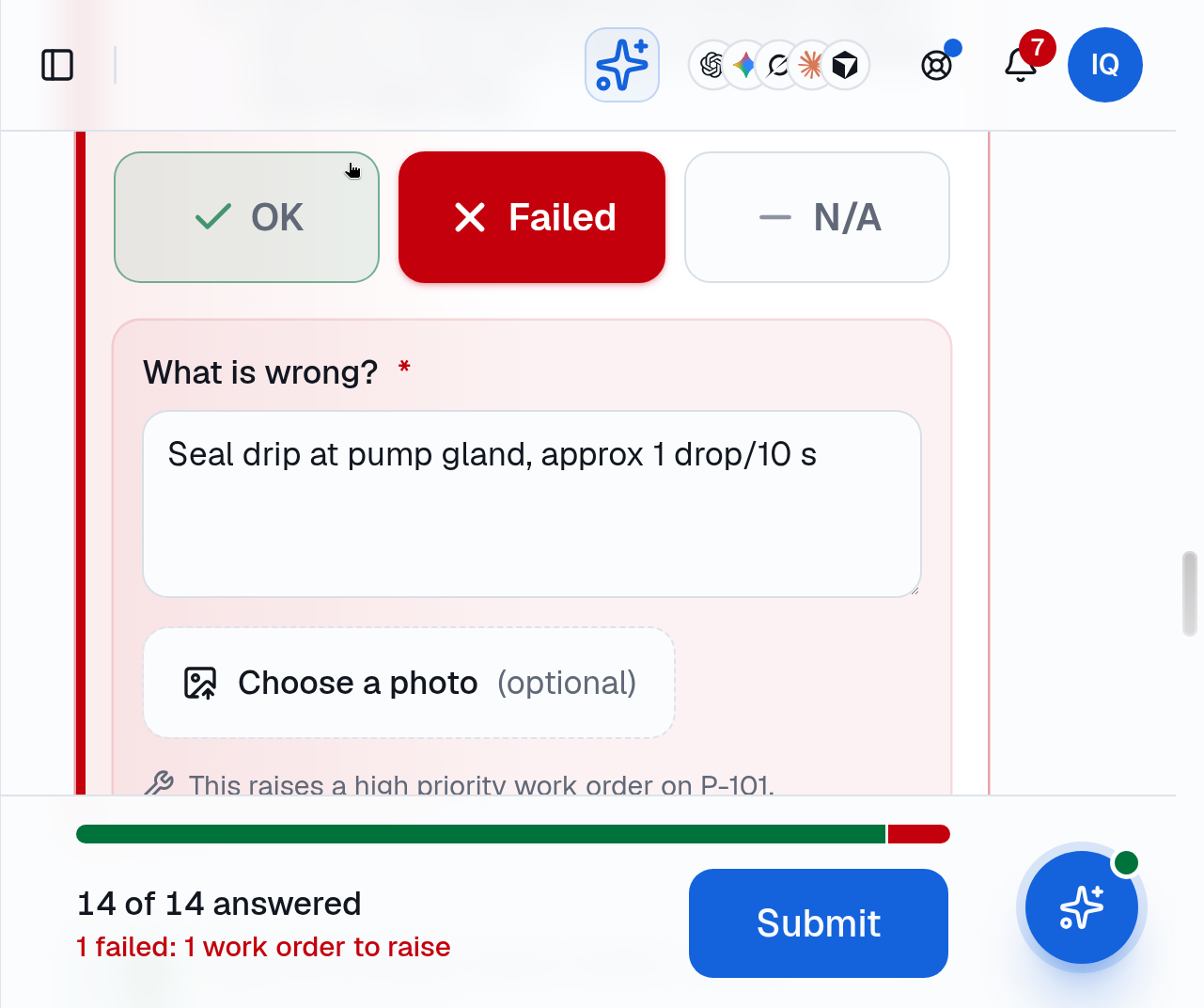
- On a failureA failed item needs a note that says what is wrong. A photo is optional but helps the mechanic see the problem.Photos are shrunk to under 1 MB so that saving a round on a phone does not take long.
- After submittingOnce the round is submitted, each failed item raises its own work order, due according to the item's priority.Urgent is due in 4 hours, High in 24 hours, Medium in 72 hours and Low in 14 days.
- LaterHistory and the CSV export list every round for each truck, so you can see how often a truck was checked and how often it failed.Filter by asset to look at one truck, or export to compare trucks.
The truck in the test round
In our portal walkthrough FL-801, an electric 2.5 t truck in the workshop, ran with 19 items and one failed item, Data plate legible (Medium). That one failure raised WO-0003. This is test data in a QA account, not a customer result.
19 items
The electric truck checklist ran with 19 items in our test round on a 2.5 t truck.
One failure
One item failed in the test, and it raised its own work order as designed.
Test data
The test was run in our QA account on 26 Nov 2026, and the figures are from that round.
What the forklift check does not do
The app is honest about what it is. It records the examination and the follow-up, and it has no control over the truck.
No lock-out
After an item fails, nothing in the app stops the truck from being driven. Your own rules and supervisors must take it out of service.
No compliance claim
Compliance is a matter for your own site and procedures. The app records that the examination was done and what was found.
Your own rules
Add or edit items so the checklist matches your truck and your site, for example for a different truck type or attachment.
Who does it and when
The pre-shift check belongs to the driver. It is done at the start of every shift, before the truck is used, by the person about to use it. The ready electric forklift checklist has 19 items and is set to every shift, so it appears on the due list for each truck whenever a shift is due.
Because the check is done by the operator and not by a technician, the items are written in plain terms and each says how to check and what passes. That is the difference between a tick-box and a check: the driver knows what to look for and what a pass looks like.
What happens when something fails
If the driver marks an item Failed, they add a note describing what they found and, if they want, a photo. The failed item raises a work order for maintenance with the priority of that item. The work order carries the item, the how-to-check line and the limit, so maintenance knows what was being checked and what the pass was.
The decision whether to take the truck out of service is a workplace rule and a supervisor's call; the app records the failure and routes it. We do not describe the checklist as meeting any particular regulation, and you should check your own rules and the manufacturer's instructions when you edit it.
A note on our own test round
In our QA account the forklift round was run on an electric truck and recorded one failed item. We noticed the note and the failed item did not match, so we do not use that round as an example of any particular check. The point for you is simple: read the item you are marking before you add the note, and use the history to spot a note that landed on the wrong line.
Frequently asked questions
What does the rule say about forklift examinations?
29 CFR 1910.178(q)(7) covers powered industrial trucks. They are examined before being placed in service, at least daily, or after each shift when used round the clock, and defects are reported and corrected. The ready check in iFactory Inspection is set to every shift, and keeps a record of who examined which truck and when.
Does the app make me compliant?
No. It records the examination and the follow-up, and the record shows who checked which truck, when, and what failed. Whether your site meets the rule depends on your own procedures and supervision. The app is a record, not a control, and it is honest about that so nobody relies on it for more than it does.
Can the app stop a truck being driven?
No. After an item fails, nothing in the app stops the truck from being driven. The failure raises a work order, and your own site rules and supervisors have to decide whether the truck stays in service. Tell the supervisor at once if the failed item is a safety one such as the brakes or steering.
How many items are on the electric forklift check?
The ready Forklift pre-shift check, electric has 19 items. In our test it ran on an electric 2.5 t truck, FL-801, in the QA account on 26 Nov 2026. The checklist is set to every shift, and you can add or edit items to match your own truck, attachments and site.
What happens when a forklift item fails?
The operator marks the item Failed, writes a note and can add a photo. The failed item raises its own work order, due by priority: Urgent in 4 hours, High in 24 hours, Medium in 72 hours or Low in 14 days. The finding is tracked in the Findings tab, and History shows the round per truck.
Can I add items to the forklift checklist?
Yes. A ready checklist opens as a new checklist that you can edit, so you can add items for an attachment, change a limit, or remove an item that does not apply to your truck. Set the priority and how to check each new item. Past rounds keep the version they used, so editing never changes the record.
Run the forklift check every shift
Add the check for each truck and keep a record of every round.
- 19-item electric truck check
- Work order per failed item
- History per truck
14-day free trial · no card needed