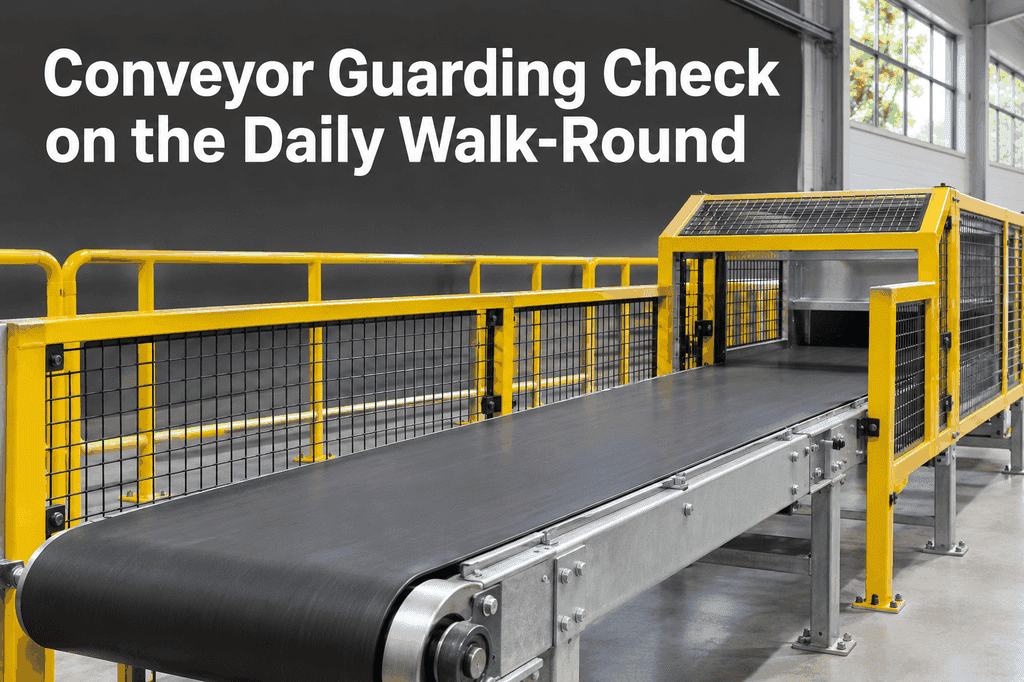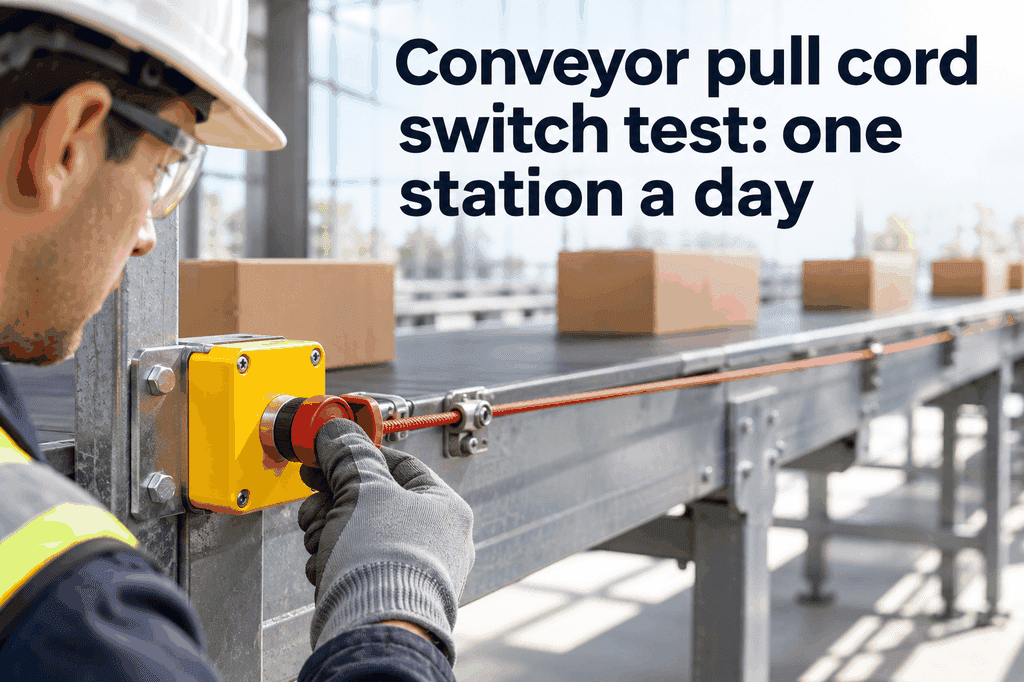
A pull-cord switch is only useful if someone knows it works. The test takes seconds, and it is the first item on the ready Belt conveyor and roller line daily check in iFactory Inspection. The operator tests one switch a day, a different one each time, so over a few weeks every switch on the line gets pulled. This page describes the test, what passes, how fast a failure has to be dealt with and what the record does and does not show. Add the conveyor check in your workspace once your company is set up.
Inspection · Pull-cord test
Conveyor pull cord switch test: one station a day
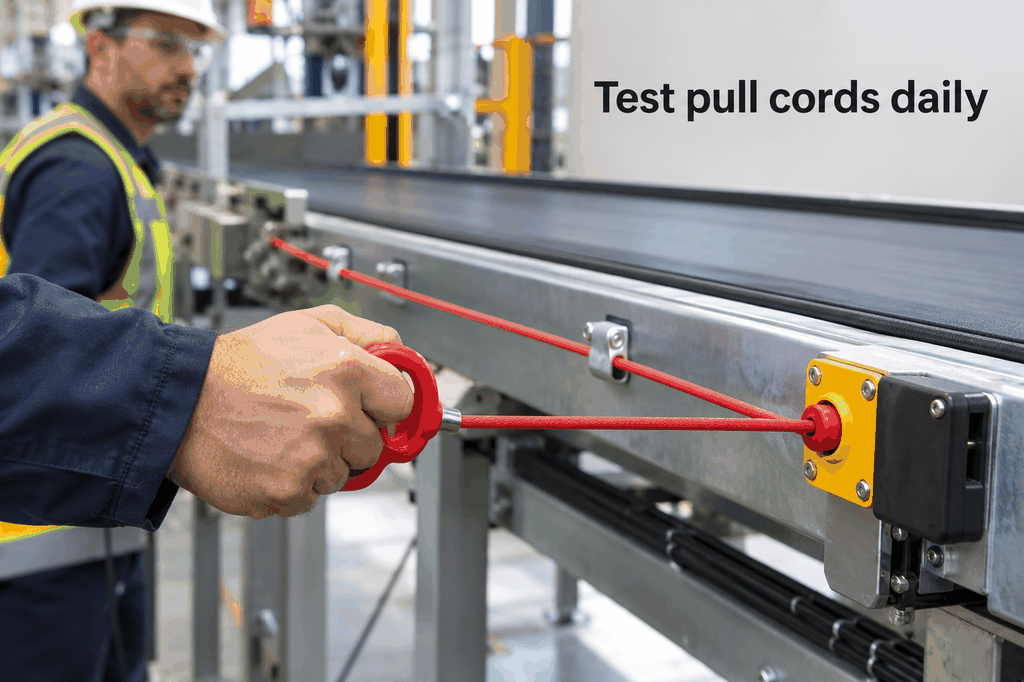
The pull-cord test is the first item on the ready daily walk-round, because it is the most important safety check on the line. It takes seconds, so there is no reason to leave it until the end of the round.
How the test is done
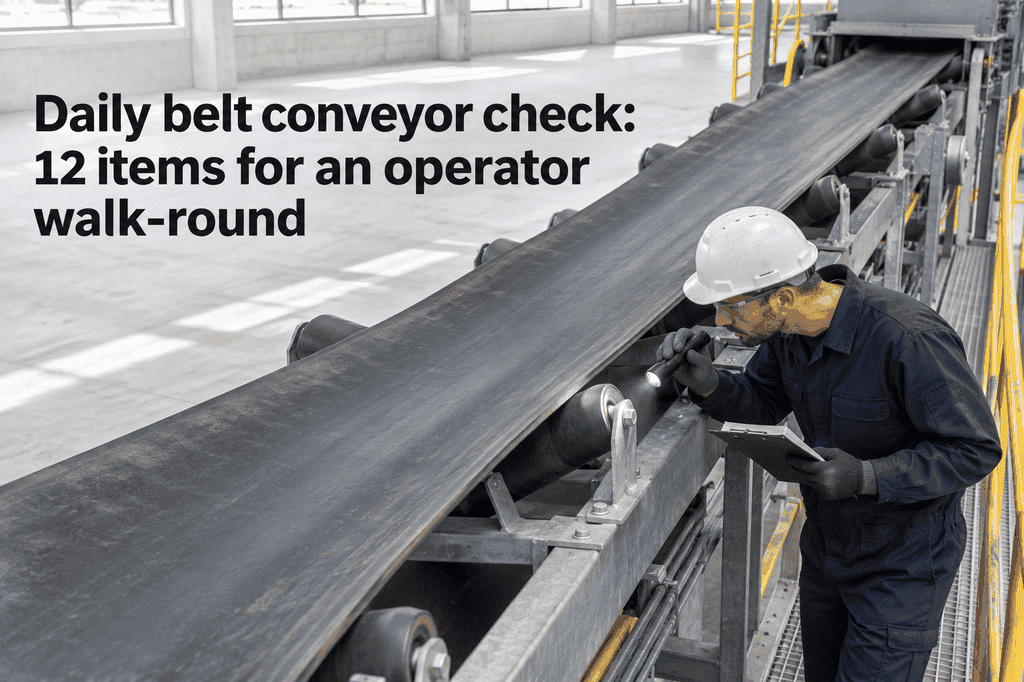
On the operator's walk-round of about 15 minutes.
Pick a station
The operator picks a different station each day. Testing every switch every day on a long line would take too long and would soon be skipped, while rotating means each switch is proven in turn.
Pull the cord
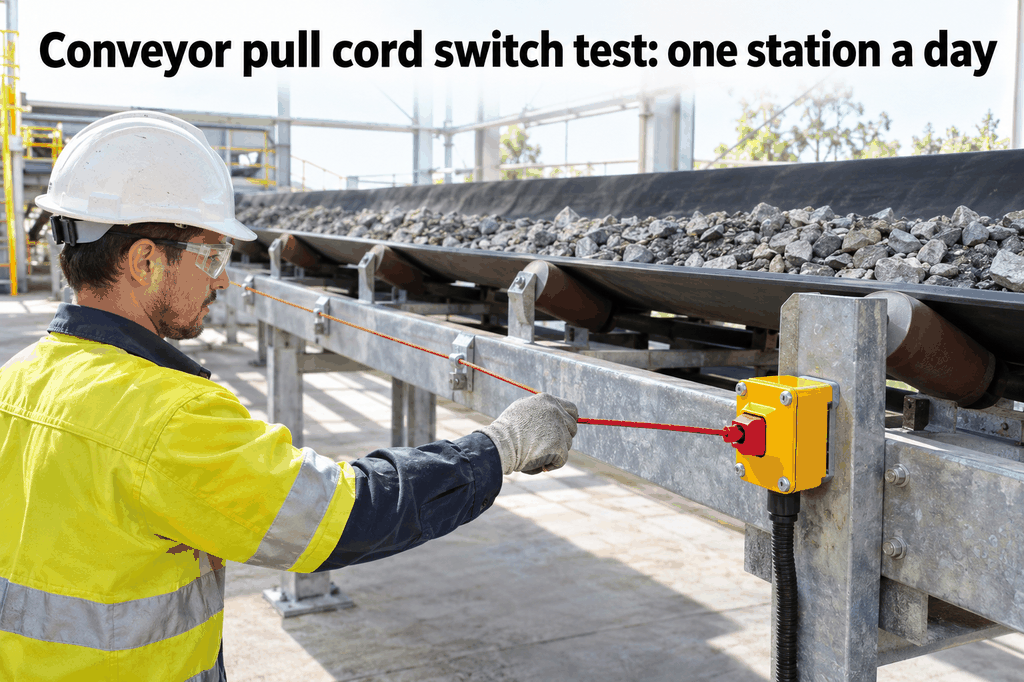
Pull the cord at the chosen station and keep your eyes on the belt. If the line is long, pull it at the point where the cord is easiest to reach, and note which station it was.
Watch the belt
A pass is a belt that stops at once. A belt that keeps running, coasts on, or only slows down fails the item, however briefly the delay lasts.
Try to restart
The belt must also stay stopped after you let go of the cord, until the switch is reset. A belt that restarts on its own would put anyone clearing a jam at risk, so it counts as a failure too.
Test one cord, every day
A failed pull-cord is an Urgent item, so the work order is due in four hours. It carries the note that names the station, which tells the electrician exactly which switch to go to.
Pass and fail
The item asks whether the belt stopped and stayed stopped. The answer is either yes, and the operator carries on with the walk-round, or no, and a work order starts.
Pass
Stops at once
Not until the switch is reset
Fail
Keeps running or slows
Mark Failed with a note and the station
What a failure sets in motion
The item is Urgent.
What the record shows
The record shows that the test happened and what happened when it failed. It does not show more than that, and it is worth being clear about what it leaves out.
Failures are noted
Write the station on every failed test, and say what the belt did, for example kept running or restarted. A note like that lets the next person find the switch and the fault without asking.
Passing rounds do not log the station
A passed item is recorded as OK without a note. If you want to prove which stations were tested, you can write the station in the note on an OK item too, but nothing requires it.
No compliance claim
Being compliant depends on how the line is built and maintained, which the app cannot see. It keeps evidence that the daily test was done and a trail for failures.
Why one station a day
A conveyor can have many pull-cord stations along its length. Testing all of them every day would take too long, so the checklist item asks the operator to pull one cord a day and to choose a different station each day. Over a few weeks every station has been tested without anyone spending long on the round.
This is the only Urgent item on the daily conveyor check, and it sits at the top of the round because nothing else on the walk matters if the belt cannot be stopped from where people are working.
Doing the test and recording it
Pull the cord at the station you have chosen. The belt should stop at once and must not restart until the switch is reset. Reset it, confirm the belt runs again and move on. If the belt does not stop, or restarts without a reset, mark the item Failed.
Write which station you tested in the note, particularly on a failure, so maintenance goes straight to the right switch. The failed item raises an Urgent work order due in four hours.
What the record gives you afterwards
The History tab shows who tested a cord and when. If you keep the station in the note you can check, at the end of a quarter, whether every station has been covered. That is something a paper sheet makes hard.
The app does not know where your stations are or enforce the rotation. The operator chooses the station, and a supervisor can check coverage from the notes.
Why one switch each day
The pull-cord item asks the operator to test one switch each day, at a different station each time. Testing every switch daily on a long line would take too long, and the operator would stop doing it. Rotating through the stations means every switch is tested in turn, and any switch can be called on to prove itself at any time.
Pull the cord and watch the belt. It should stop at once, and it should not restart until the switch is reset. A belt that coasts on, or that restarts on its own when the cord is released, fails the item.
Because the item is Urgent, a failure raises a work order due in four hours. Note which station you tested, so that the next person tests a different one, and the history shows which switch failed.
What to do with a failed switch
A pull-cord switch that fails the test is an emergency stop that does not stop the belt. Report it at once, record which station it was and do not run the line without the protection if your rules say the line must have working stops.
Check the cord itself, which might be slack, snagged or disconnected from the switch, before assuming the switch is faulty. Write what you found in the note.
Frequently asked questions
What does the conveyor pull-cord test check?
It checks that a pull-cord switch stops the belt. The operator pulls the cord at one station and the belt must stop at once and not restart until the switch is reset. It is the first item on the ready Belt conveyor and roller line daily check in iFactory Inspection.
Why test only one station each day?
Testing every switch daily on a long line would take too long, so it would be skipped. The item asks for one station a day, a different one each time, so over a few weeks every switch on the line has been pulled. Any switch can still be called on to stop the belt at any moment.
What is the right way to record the station tested?
The app does not have a station field. When a test fails, write the station and what the belt did in the note, so the electrician can find the switch. If you also want a trail for passes, write the station in the note on OK items and use History to check coverage.
What happens when the belt does not stop?
The operator marks the item Failed and adds a note with the station. The item is Urgent, so a work order is raised, due in four hours, carrying the note, the how-to-check line and the pass condition. Whether the line keeps running while it is open is a decision under your own rules.
What should I check before blaming the switch?
Look at the cord itself, which might be slack, snagged, or disconnected from the switch, before assuming the switch has failed. Write what you found in the note. A broken cord and a faulty switch need different repairs, and the work order is more useful if it says which one it was.
Does the test replace other conveyor safety checks?
No. It is one item in a daily walk-round of about 15 minutes that also covers guards, walkways, chain, belt tracking and rollers. The pull-cord item proves the stop function, and the others look at the condition of the line. The app keeps the record but does not certify the conveyor.
Test your pull cords every day
Add the daily conveyor check and let each failure become a work order.
- Urgent pull-cord item
- Work order due in 4 hours
- Daily round on a phone
14-day free trial · no card needed