People ask whether they need inspections or preventive maintenance, as if one replaced the other. They do different jobs. A preventive task does planned work at an interval: grease the bearing, change the filter. An inspection looks at condition and decides: is the bearing below its limit, is the filter drop under the change point. This page sets the two side by side, shows where the ready checklists blend them and explains how a failed inspection item reaches the work-order board. Run inspections in your workspace once your company is set up.
Inspection · Inspection vs PM
Inspection vs preventive maintenance: how they connect
Planned work and condition checks do different jobs, and both are tied to the same asset list, so a machine has one history whichever kind of work was done.

What each one does
On the same asset the two ask different questions. Preventive maintenance asks what work is due, and inspection asks what condition the machine is in.
Preventive maintenance
Is it time to do the task?
Grease the bearing
Maintenance and PM Scheduler
Inspection round
Is it within the limit?
Bearing below 70 °C
iFactory Inspection
Two jobs on one asset
When an inspection item fails, it becomes a finding on the work order board, where it sits next to the planned work for the same asset.
How a failed item reaches the board
iFactory Inspection and iFactory Maintenance share work orders, so a failed item does not have to be retyped into another system.
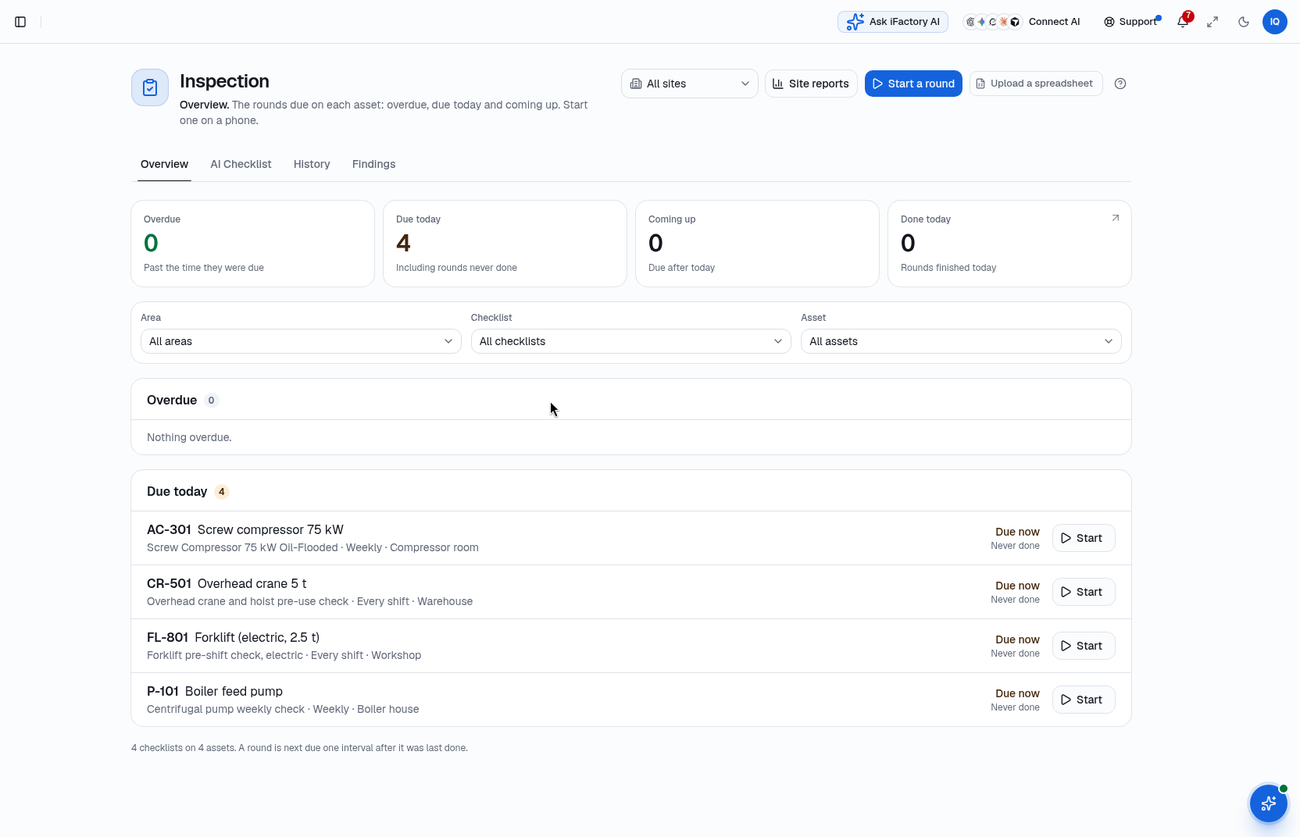
- RoundA technician runs the check on a phone and answers each item OK, Failed or N/A.Inspection.
- Failed itemAn item is marked Failed with a note, and the how-to-check text and limit go with it.The item's priority sets the due time of the work order: Urgent in 4 hours, High in 24 hours, Medium in 72 hours or Low in 14 days.
- FindingThe failed item becomes a finding with its own work order, so it is tracked like any other job.The finding appears in the Findings tab of Inspection, where it can be assigned, started, put on hold and closed.
- Maintenance boardWhen both apps are in use, findings show on the Maintenance board as well, so the planner and the fitter work from one list.Maintenance.
- FixThe planner or the fitter closes the job once the repair is done, and the closure is recorded against the asset.Planned work is raised by the PM Scheduler or by hand, and it comes from the calendar and the intervals and not from the result of a check.
Where the ready checklists blend the two
Two ready checklists show where the two blend, because some items check a condition and also pass planned work on to the planner.
Electric motor check
Bearings: grease if due
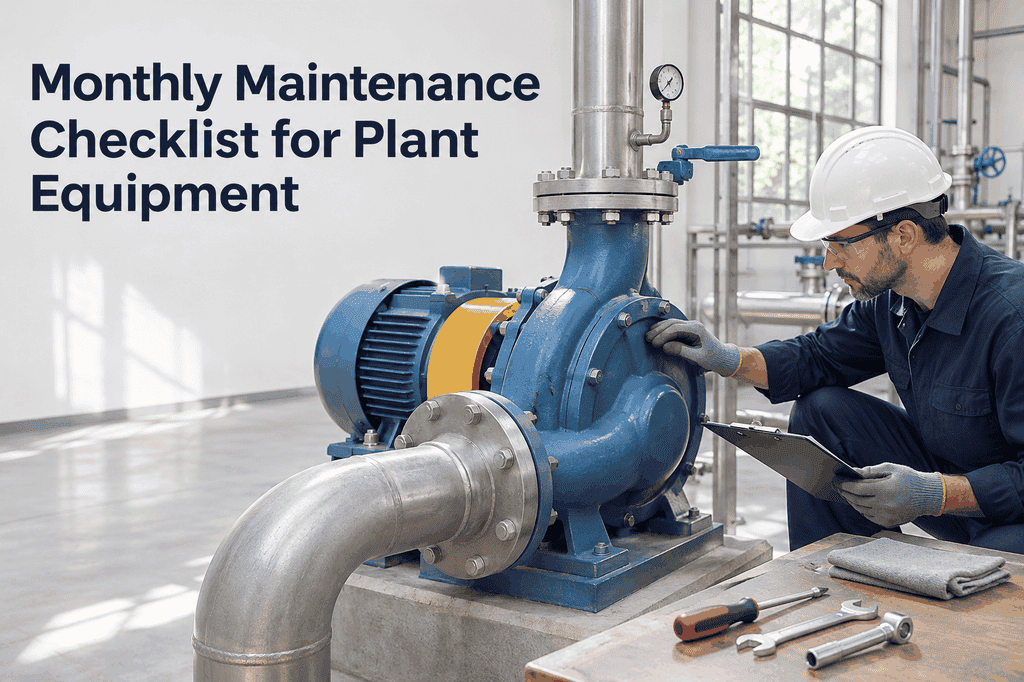
On the pump, an item asks the technician to check the grease plate or log and, if a regrease is due, add the stated amount and log it.
Air compressor check
Running hours
On the compressor, an item that finds a service due within 200 hours passes it to the planner so the work gets scheduled.
What this means for you
You can use inspections alone, and many plants start that way before they add planned maintenance.
Inspection works alone
You do not need iFactory Maintenance to run rounds, record failures and follow them up in the Findings tab.
Both apps share data
When both are in use, you get one asset list and one set of work orders, which saves entering the same equipment and the same job twice.
PM stays PM
Inspection does not schedule planned tasks. If you want a task to come round every 500 hours or every year, that is a job for the PM Scheduler.
Two different questions
Inspection asks: is it all right today? A person looks, listens and measures against a limit and records OK or Failed. Preventive maintenance asks: what work do we do on a schedule so it stays all right? It is the lubrication, the filter change, the belt replaced at an interval whether or not it looks worn.
They support each other. Inspections find the problems that the schedule did not prevent, and the preventive tasks stop the problems the inspection would otherwise keep finding. A plant that does only one tends to be surprised by the other.
Where the two meet in practice
Several ready checklist items touch both. The motor check includes grease the bearings if due, which is a maintenance task caught during an inspection round. The compressor check logs running hours and tells the planner when a service is due within 200 hours. Those items let the round feed the preventive schedule without a second visit.
When an inspection item fails, the finding becomes a work order that appears on the Maintenance board where that app is in use. That is where an inspection finding turns into maintenance work, with a priority, a due time and a status.
Choosing which to use for a task
Use an inspection for anything that is judged against a limit or a condition: a temperature, a leak, a guard, a sound. Use a preventive task for anything done to the machine on a time or hours basis: a change, a grease, a replacement. If the same fault keeps being found, add a preventive task for it; if a preventive task is always done and nothing is ever found, ask whether it needs to be done so often.
How the two connect
Inspection and preventive maintenance work best as a loop. Preventive maintenance does the planned work at set intervals: changing oil, replacing filters, greasing bearings. Inspection looks at the condition between those jobs and finds what the plan did not expect: a seal that has started to weep, a belt that is glazed, a bearing running hotter than last week.
A failed inspection item becomes a work order. If it is a fault the PM plan should have prevented, that is a reason to review the plan. If it is something new, it may point to a new task in the plan.
Neither replaces the other. Doing only PM means jobs are done on time but condition is unknown. Doing only inspection means you know condition but nothing planned keeps it there.
Frequently asked questions
Is inspection the same as preventive maintenance?
No. A preventive task does planned work at an interval, such as greasing a bearing or changing a filter. An inspection looks at condition and decides, such as whether the bearing is below its limit or the filter drop is under the change point. Neither replaces the other, and plants that do only one tend to be surprised by the other.
Do I need both apps?
No. You can use iFactory Inspection alone to run rounds, record failures and follow them up in the Findings tab. If your company also uses iFactory Maintenance, you get one asset list and one set of work orders, and findings show as cards on the maintenance board. Many plants start with inspections and add planned maintenance later.
How does a failed item get to the work-order board?
When a round is submitted, each failed item raises its own work order, due by the item's priority, with the note, the how-to-check text and the limit. It appears in the Findings tab. When both apps are in use, it also shows on the Maintenance board, so the planner and the fitter see the same job.
Do the ready checklists include planned maintenance tasks?
Some items blend the two. On the pump, an item asks the technician to check the grease plate or log and, if a regrease is due, add the stated amount and log it. On the compressor, an item that finds a service due within 200 hours passes it to the planner. Inspection does not schedule planned tasks itself.
Can an inspection finding start a maintenance job?
Yes. A failed item is a finding with its own work order, and when both apps are in use it shows on the Maintenance board next to planned work on the same asset. The planner or fitter picks it up, and closes it once the repair is done. The record keeps the link back to the round and the asset.
Which one should I start with?
Start with whichever gap hurts more. If jobs are done on time but nobody knows the condition of the machine, start with inspections. If you know the condition but nothing planned keeps it there, add preventive maintenance. Doing only PM means condition is unknown, and doing only inspection means nothing planned maintains it. They support each other.
Add inspections to your maintenance routine
Run the condition checks on a phone and let failures reach the board.
- One asset list
- Failures become work orders
- Works alone or with Maintenance
14-day free trial · no card needed