A pre use inspection is only worth doing if it happens before the equipment is used, every time, by the person who is about to use it. In iFactory Inspection that means a checklist set to the Every shift (8 hours) frequency, so a round falls due each shift. This page uses the ready Overhead crane and hoist pre-use check as the example, shows how a failed Urgent item is followed up and says plainly what the app does not do. Set up a pre-use round in your workspace once your company is set up.
Inspection · Pre-use checks
Pre Use Inspection Checklist Every Shift on a Phone
A pre-use checklist is set to fall due each shift, so the operator always has a fresh round before the first use of the equipment.

The ready crane example
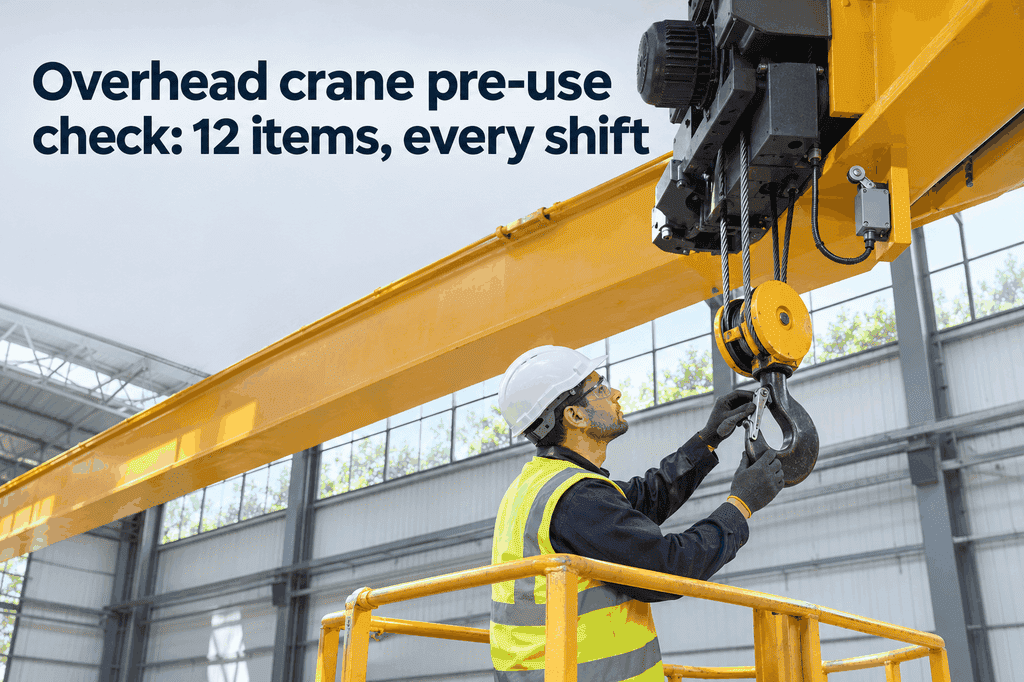
The ready Overhead crane and hoist pre-use check is the example, and it has 12 items, six of them Urgent.
Before the equipment is used
The round falls due at the start of each shift, so a new one is waiting for the next operator without a planner raising it.
What the Urgent items cover
The Urgent items run from the controls to the hoist brake. Each is a quick physical test that the operator can do in a minute.
- Pendant and E-stopThe first is the pendant or radio: press every button, then the E-stop, to make sure everything works and stops.Urgent.
- Upper limit switchThe second is the upper limit switch: raise the empty hook slowly to the top, so that the switch does the stopping and not the operator.Urgent.
- Hook, wire rope, load chainThe hook and the wire rope or load chain are checked by looking at each one carefully for the faults that the item describes.Urgent.
- Hoist brakeThe last is the hoist brake: lift a light load about 100 mm, stop, and watch that it holds.Urgent.
When an Urgent item fails
What follows a failed item matters as much as the check itself, so here is how an Urgent failure is handled.
Item
Marked Failed
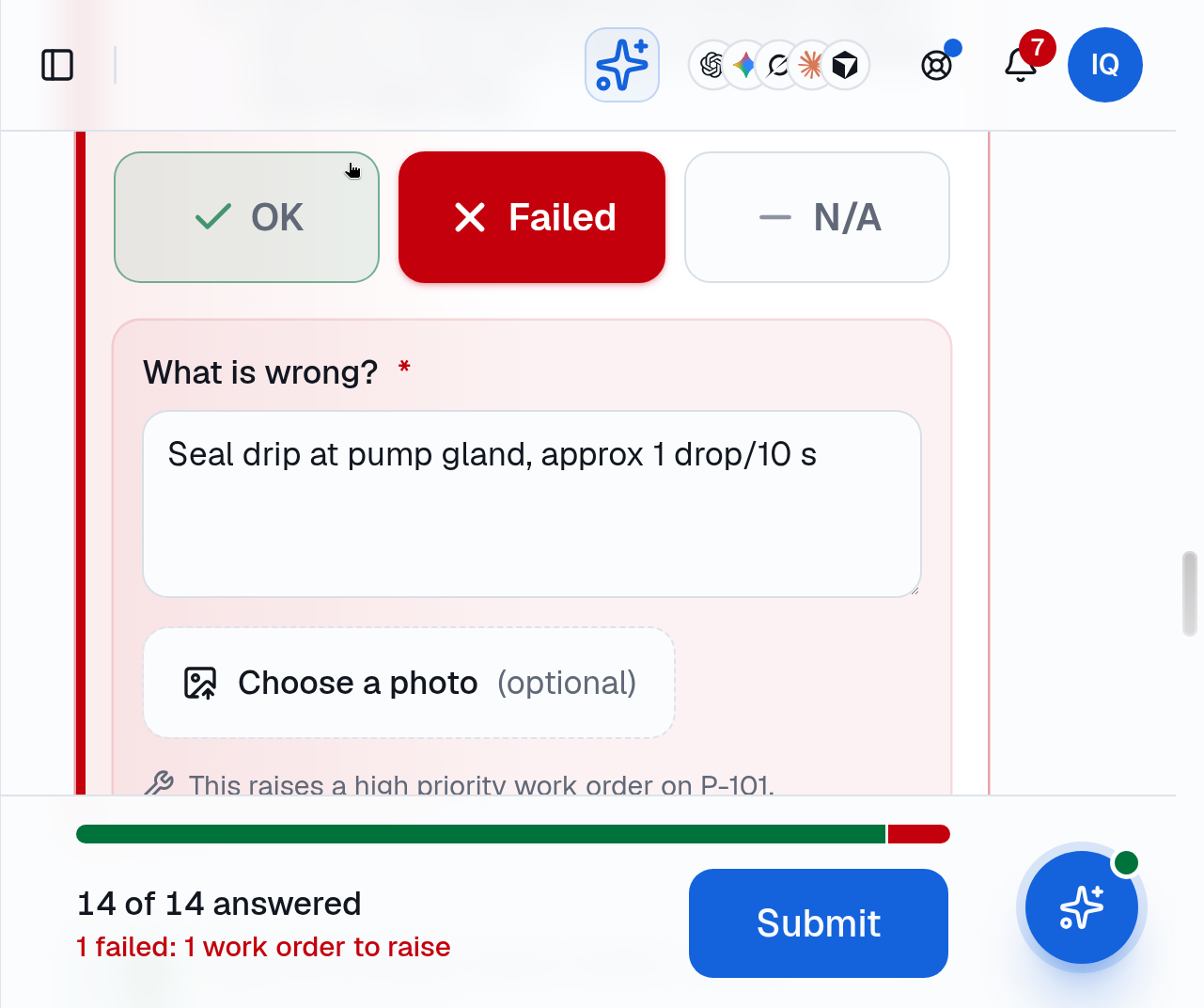
The app asks what is wrong on every failed item, so the operator writes a note before the item can be saved.
Work order
Due in 4 hours
The item is Urgent, so a failure raises a work order due in 4 hours with the note, the limit and the how-to-check text attached.
Lockout
Not done by the app
The app records the round and follows up the failures. It is the record of the check and the hand-off to maintenance.
The round on a phone
The operator runs the round on a phone and fails an item with a note, and the work order is raised when the round is submitted.
What the app does not do
The app is a record and not a lockout, and it is clear about that so nobody relies on it for something it cannot do.
No lockout
The app cannot stop a machine being used until the check is done, so your own rules and supervisors have to enforce that.
Follow-up
The app records the round and follows up the failures. It is the record of the check and the hand-off to maintenance.
A forklift check
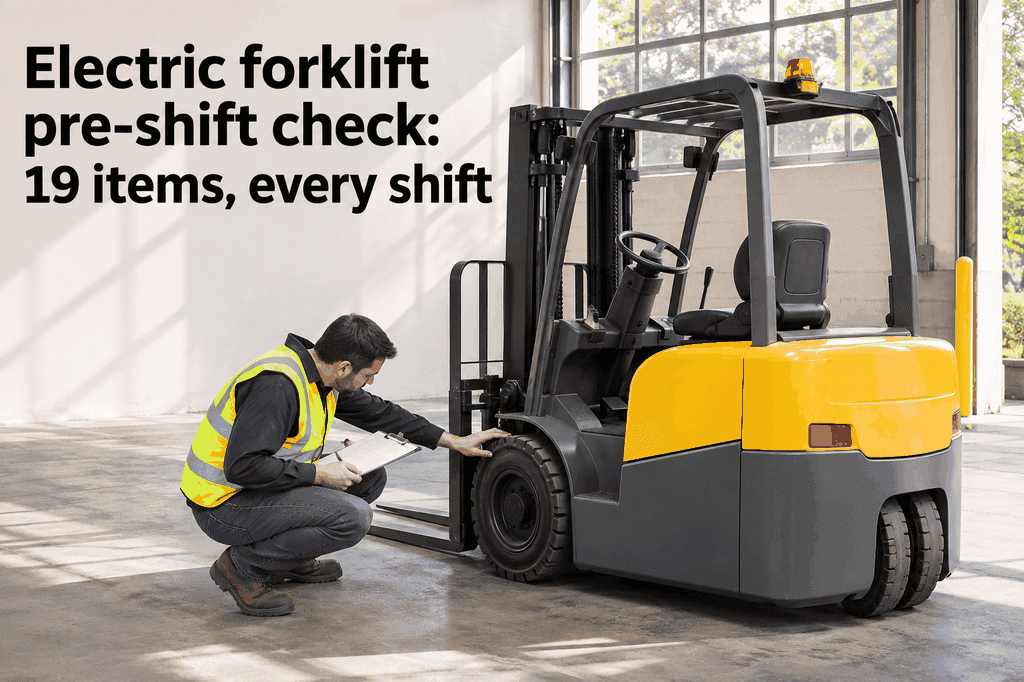
A ready electric forklift checklist is also in the library, with 19 items set to every shift, as another example of a pre-use check.
What pre-use means
A pre-use inspection is done by the operator immediately before the equipment is used, not by a technician on a weekly or monthly round. In the ready library the pre-use check is the overhead crane and hoist check, and the forklift pre-shift check follows the same idea. Both are short: the crane check takes about five minutes.
Because they are done before every shift or use, they are written to be quick and to catch the faults that matter most: brakes, steering, hoist brake, limit switch, hook latch and emergency stop.
Urgent items and what they mean
Pre-use checks are where most Urgent items appear. A failed item at this priority raises a work order due in four hours, and the operator should not use the equipment until it is dealt with. The checklist tells the operator what each item looks like when it passes and when it fails.
The app records the answer and the work order. It does not lock the machine. Your own rules decide whether a failed item means a tag-out.
Running it on a phone
The operator opens the round on a phone, goes down the list and taps OK or Failed. A failed item asks for a note and allows a photo. At the end the operator submits, and the result goes to History.
Because the checklist is on the phone, the operator does not need a clipboard. A supervisor can see at the start of the shift which equipment has been checked and which has not.
Keeping it useful
A pre-use check that gets ticked without being done is worse than none. Keep the lists short, keep the items physical, and let operators fail things without being penalised for it.
Review the failed items weekly. A forklift that fails the same item every Monday needs a different fix than another round.
Why short lists work
A pre-use list has to fit into the start of a shift. The crane one has 12 items and is written to take about five minutes, which is short enough that operators will do it every time. Each item has a clear OK line, so there is no need to interpret anything.
Keep the language physical: press each button, lift the hook, raise slowly and look. A list of vague statements such as "equipment in good condition" does not help an operator who has to decide quickly.
If you add items of your own, keep the count down. Every extra item makes it more likely that the whole check is rushed.
Frequently asked questions
What is a pre-use inspection checklist?
A checklist that is done before equipment is used, every time, by the person who is about to use it. In iFactory Inspection it is a checklist set to the Every shift frequency of eight hours, so a round falls due each shift. It is short and physical and aims to catch the faults that matter most, such as brakes, steering, hoist brake and limit switch.
What is the ready pre-use example?
The Overhead crane and hoist pre-use check, with 12 items for the operator, six of them Urgent. It takes about five minutes before the first lift of the shift. A ready electric forklift pre-shift check is also in the library, with 19 items. Both can be edited to match your own equipment and rules.
How fast is an Urgent failure due?
A failed Urgent item raises a work order due in 4 hours, with the operator's note, the limit and the how-to-check text. The app asks what is wrong on every failed item. The operator should also tell the supervisor straight away, because the work order does not stop the equipment being used.
Does the app lock a machine out?
No. The app records the round and the work order, and it cannot lock equipment out or tag it out. Your own rules decide whether a failed item means a tag-out, and supervisors have to make sure the machine is not used. That is why the note and the quick message to a supervisor matter.
How long do pre-use checks take?
They are written to be quick. The crane check takes about five minutes and is done by the operator before the first use of each shift. A longer list is more likely to be rushed, so if you add items of your own, keep the count down. Keep the language physical, such as press each button and lift the hook.
How should I review pre-use results?
Review the failed items weekly. A forklift that fails the same item every Monday needs a different fix from a one-off failure. A supervisor can see at the start of each shift which equipment has been checked and which has not. Let operators fail items without being penalised, or the checks become a tick-box exercise.
Run your pre-use checks on a phone
Set a checklist to every shift and follow up the failures.
- Every-shift frequency
- Urgent work orders in 4 hours
- Runs on a phone
14-day free trial · no card needed