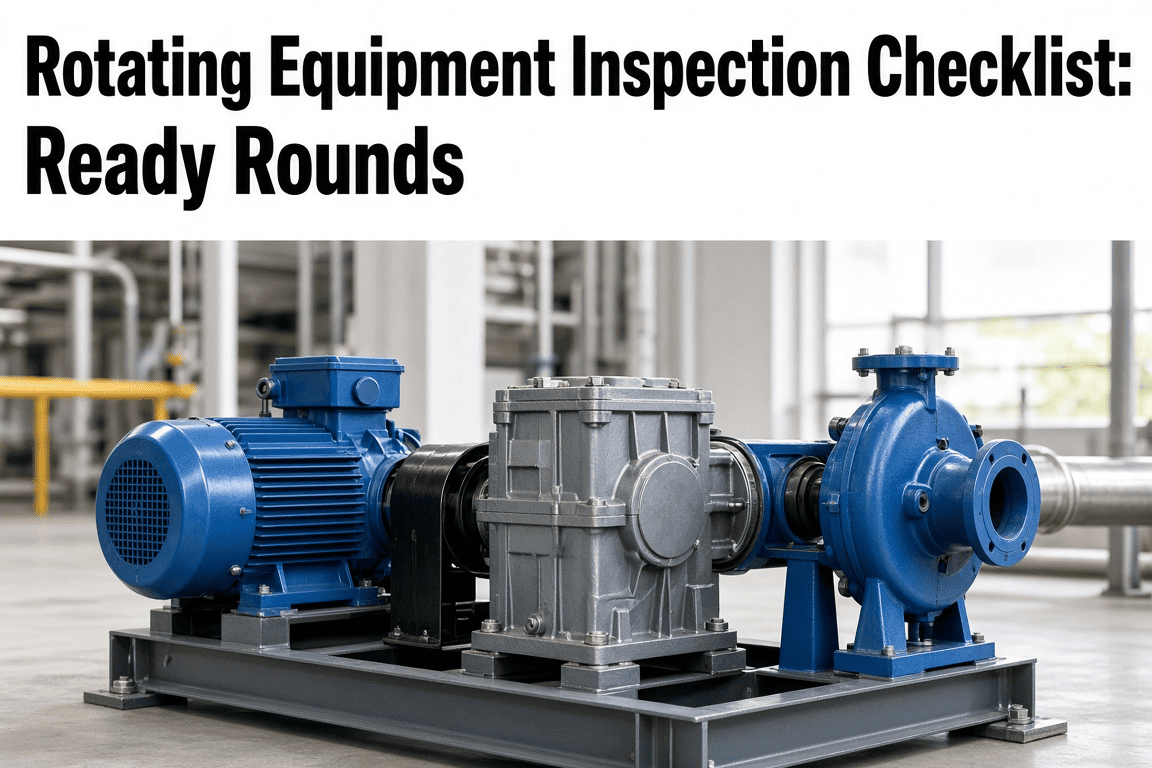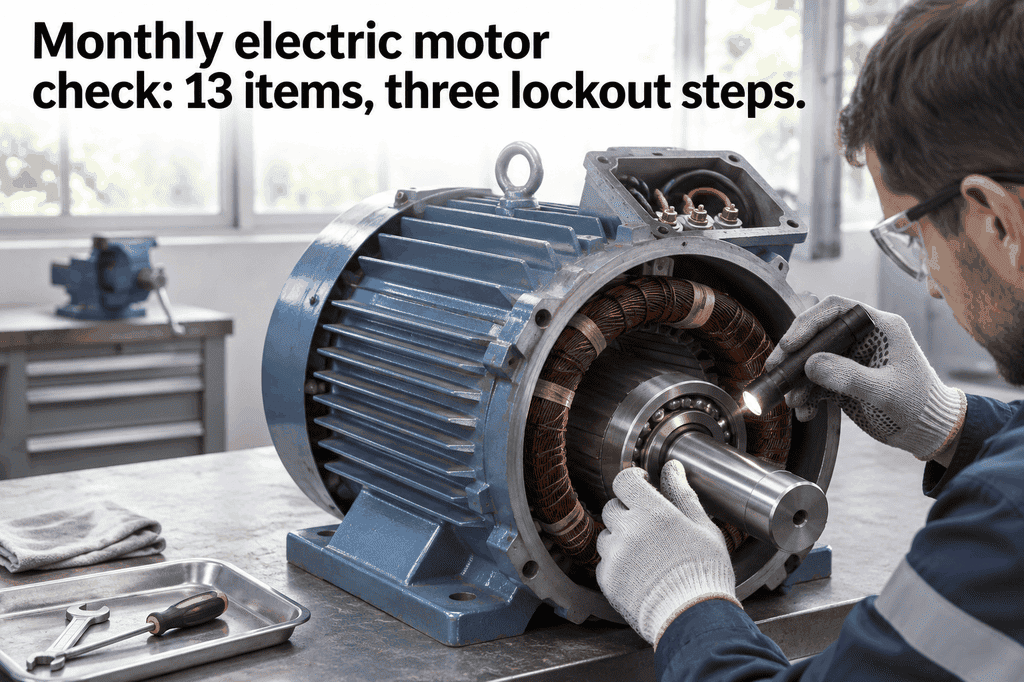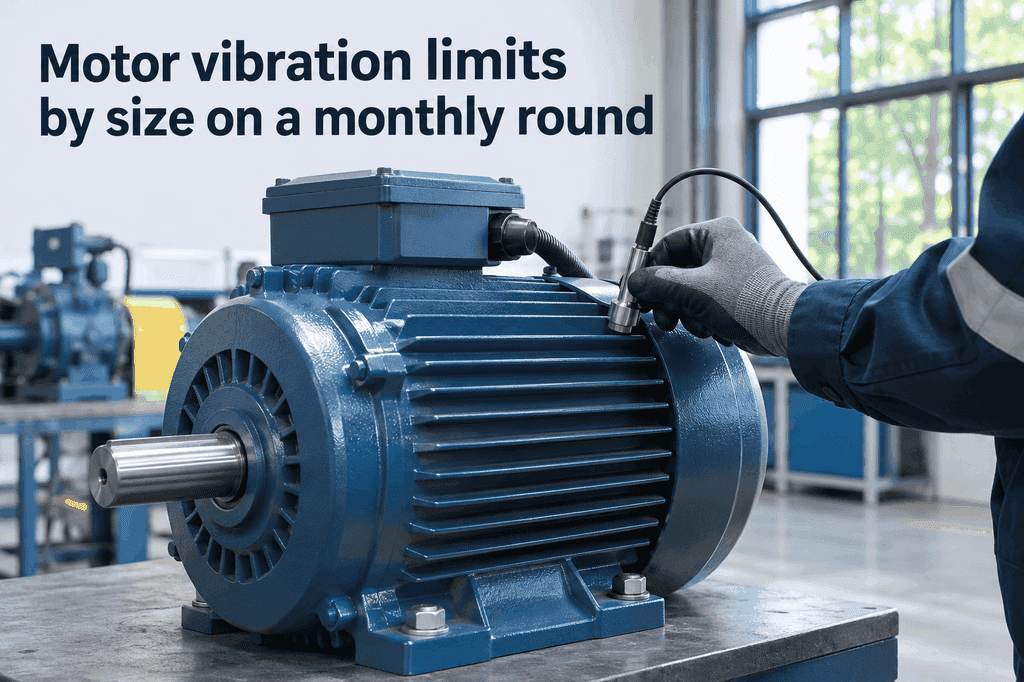
A small motor and a large motor do not vibrate the same way, so one limit for both would be wrong. The ready Electric motor monthly check in iFactory Inspection splits it by size: below 2.8 mm/s up to 15 kW, below 4.5 mm/s above that. This page explains the item, what a failure does and which other items on the monthly round show whether the vibration is a motor problem or something nearby. See the motor check in your workspace once your company is set up.
Inspection · Motor vibration
Motor vibration limits by size on a monthly round
Two limits, split at 15 kW.
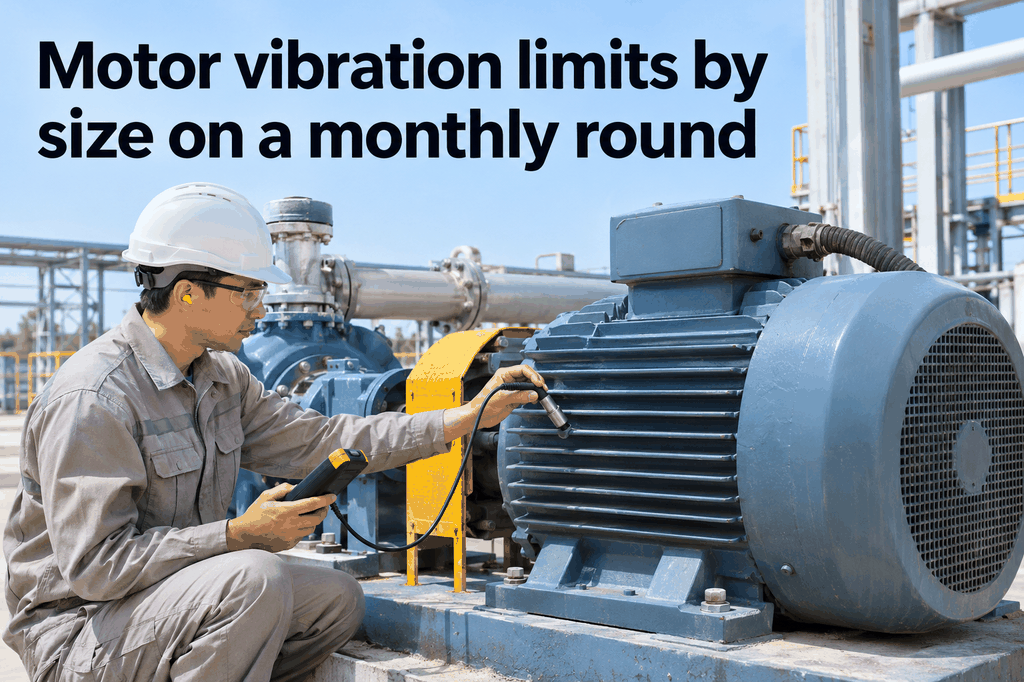
Two limits, one item
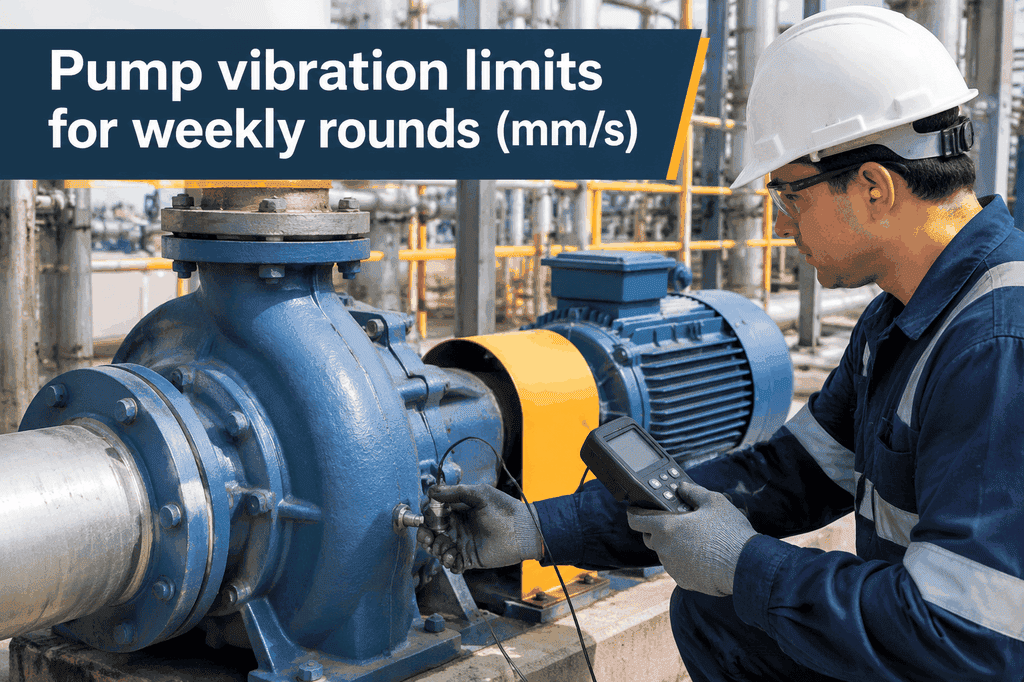
Hold the vibration pen on each bearing housing, take one reading across the shaft and one up, and compare the highest figure with the limit that fits the motor's size.
Up to 15 kW
2.8 mm/s
Above 15 kW
4.5 mm/s
The limit depends on the motor
The item gives both limits in its how-to-check line, so the technician does not need to remember which one applies. The size of the motor decides which figure the reading is compared with.
Context on the same round
A vibration number is easier to understand next to the other items on the monthly round. These are the four that most often explain a high reading.
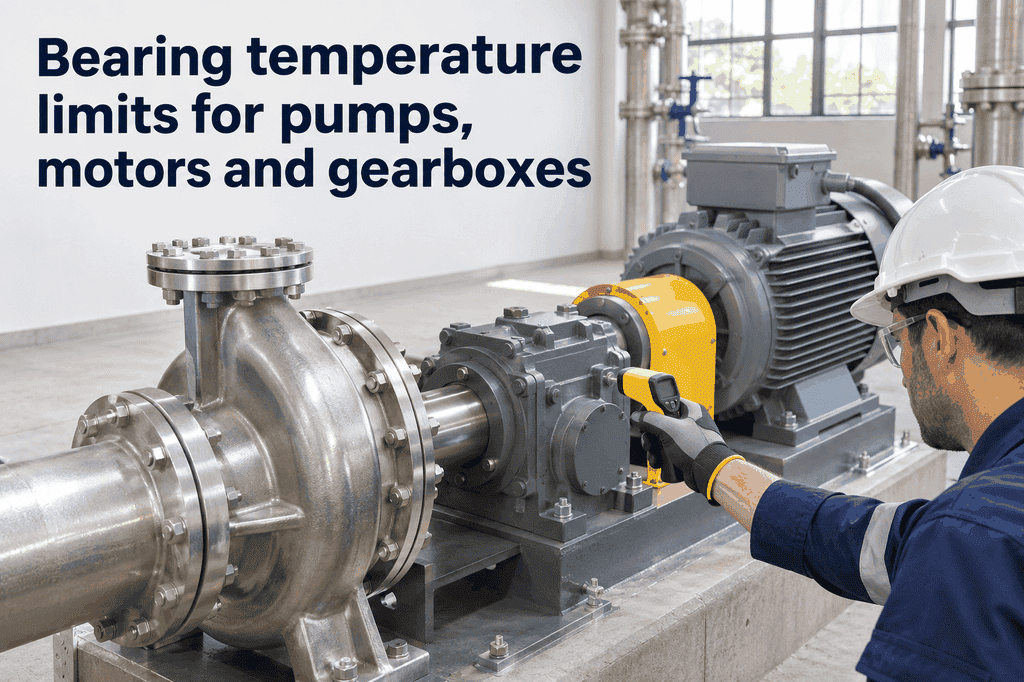
Bearing temperature
Both housings
A passing motor has both bearing housings below 80 °C and within 10 °C of each other. One hot housing with high vibration points at that bearing rather than at the whole motor.
Noise
Listen
A passing motor gives a steady hum. Grinding, rumbling or a buzz that changes with load suggests a bearing or an electrical fault, and it adds context to a high vibration reading.
Hold-down bolts and coupling
Motor locked out
With the motor locked out, check the hold-down bolts are tight, the key is in place and the coupling insert is not cracked. A loose foot is a common cause of high vibration.
Running current
Clamp meter on each phase
The three phase currents should be within 5% of each other and at or below the nameplate amps. Unbalance and overload both add heat and vibration to a motor.
What a failure sets in motion
The vibration item is High priority, so a failure raises a work order due in 24 hours. The note should say which limit was used and what the reading was.
What the item does not do
This is a monthly check with a handheld pen. It is a routine item and does not replace condition monitoring or a vibration survey on a critical motor.
Readings in the note
The app asks what is wrong on every failed item. Write the reading, the bearing and the direction in that note, because that is the only place the figure is recorded.
Not stored as numbers
When the item passes, the app records OK and nothing else. No number is saved, so it cannot show a monthly trend for you.
AI suggestions
If the same item fails in three or more of the last ten rounds, iFactory AI suggests a checklist change. A person decides whether to apply or dismiss it, and the checklist is never changed automatically.
Why the limit depends on size
A small motor and a large one do not vibrate the same, so the item gives two limits. Up to 15 kW the bearing vibration should be below 2.8 mm/s. Above 15 kW the limit is 4.5 mm/s. That distinction avoids passing a small motor that is shaking harder than it should because it is under the larger limit.
Check the motor's power on the nameplate, or on the asset page if you have recorded it, before deciding which limit applies. Do not guess the size from the frame.
Taking the reading
Hold the vibration pen against each bearing housing, across and up, as the item says. Do both ends. Take the reading with the motor at its normal load and in the same position each month, since a reading at a different point will not compare.
Read the vibration with the other items on the round. A motor with a hot bearing, a rumble or a buzz that changes with load and a high vibration reading is pointing at the same problem; a high vibration alone with a clean, cool motor may be a loose foot or a soft base, which the hold-down bolts item checks.
When the item fails
Mark it Failed, write the reading and the bearing in the note and add a photo if useful. The item is High priority, so the work order is due in 24 hours. The how it is checked text and the limit travel with it, so the repairer can see what was measured.
The app records the answer but not the number, so it will not draw a monthly trend. Keep your own readings alongside it if you want to see the figures month by month.
Reading it properly with a pen
The motor vibration item uses a vibration pen on each bearing, taken across and up. Hold the pen firmly against the bearing housing, square to the surface, and read the value when it settles. Take the same positions every time so that readings can be compared.
The limit depends on size: below 2.8 mm/s for motors up to 15 kW and below 4.5 mm/s above that. These are general figures from the ready checklist. If the manufacturer gives a different value for your motor, edit the item so the round uses your figure.
Vibration is a High item, so a failure raises a work order due in 24 hours. Add the reading, the bearing and the direction in the note. Looking at the motor and the load at the same time, with the coupling and the foot bolts items on the same check, usually shows whether the cause is mechanical.
Why the second limit exists
Above 15 kW the limit rises to 4.5 mm/s because larger motors have more mass and normally vibrate somewhat more. Using the small-motor limit on a large motor would produce false failures, and using the large one on a small motor would miss problems.
Frequently asked questions
What are the motor vibration limits?
The ready Electric motor monthly check in iFactory Inspection has one vibration item with a limit that depends on size. A motor up to 15 kW passes below 2.8 mm/s, and a motor above 15 kW passes below 4.5 mm/s. The item is High priority, and the limits are general figures to check against the maker's manual.
How is the vibration measured on a motor?
With a vibration pen held on each bearing housing, once across the shaft and once up. The technician compares the highest reading with the limit that fits the motor's size. Read the same points every month, so that the readings can be compared fairly with the previous round.
How often is motor vibration checked?
Monthly, because it is an item in the ready Electric motor monthly check. The frequency is set when you save a checklist, so you can make a shorter, more frequent checklist for a critical motor without changing the ready one. The pass limits do not change with the frequency.
How urgent is a failed vibration item?
It is High priority, so a failure raises a work order due in 24 hours. The note is required and should say which limit was used, the reading, the bearing and the direction. A photo is optional. Tell the supervisor if the motor feels unsafe, because the work order alone is not a stop instruction.
Which other items help explain a high reading?
Bearing temperature below 80 °C and within 10 °C between housings; noise, which should be a steady hum; the hold-down bolts, key and coupling insert with the motor locked out; and the running current within 5% between phases. A high vibration with one of these failing usually shows where to look first.
Why do small and large motors have different limits?
A larger motor is heavier and is allowed a higher reading than a small one before it is considered to be running badly. The ready item uses 2.8 mm/s up to 15 kW and 4.5 mm/s above, so check the motor's power first. Confirm the figures with the maker's manual and edit the item if needed.
Check motor vibration every month
Use the ready motor check and edit the limits for your motors.
- Limits split by size
- Work order due in 24 hours
- Context from other items
14-day free trial · no card needed