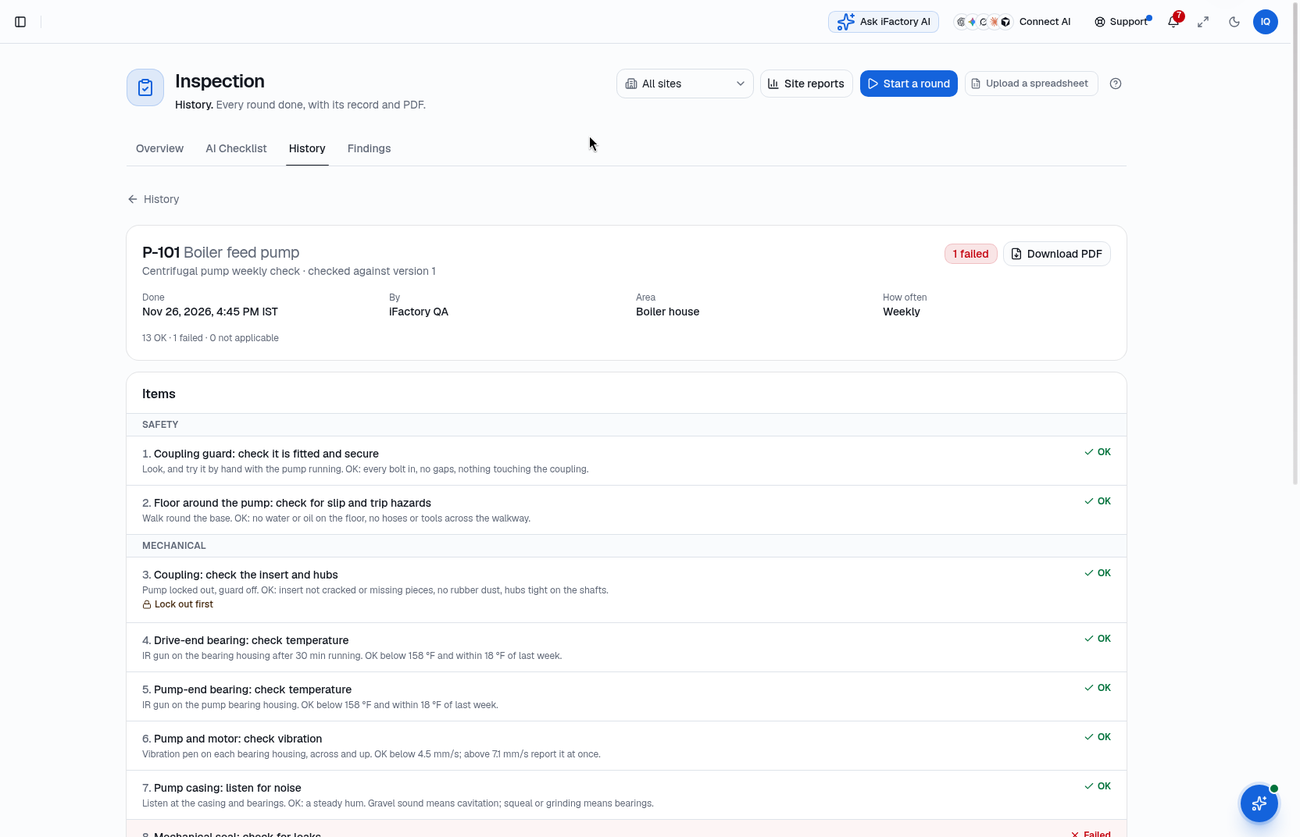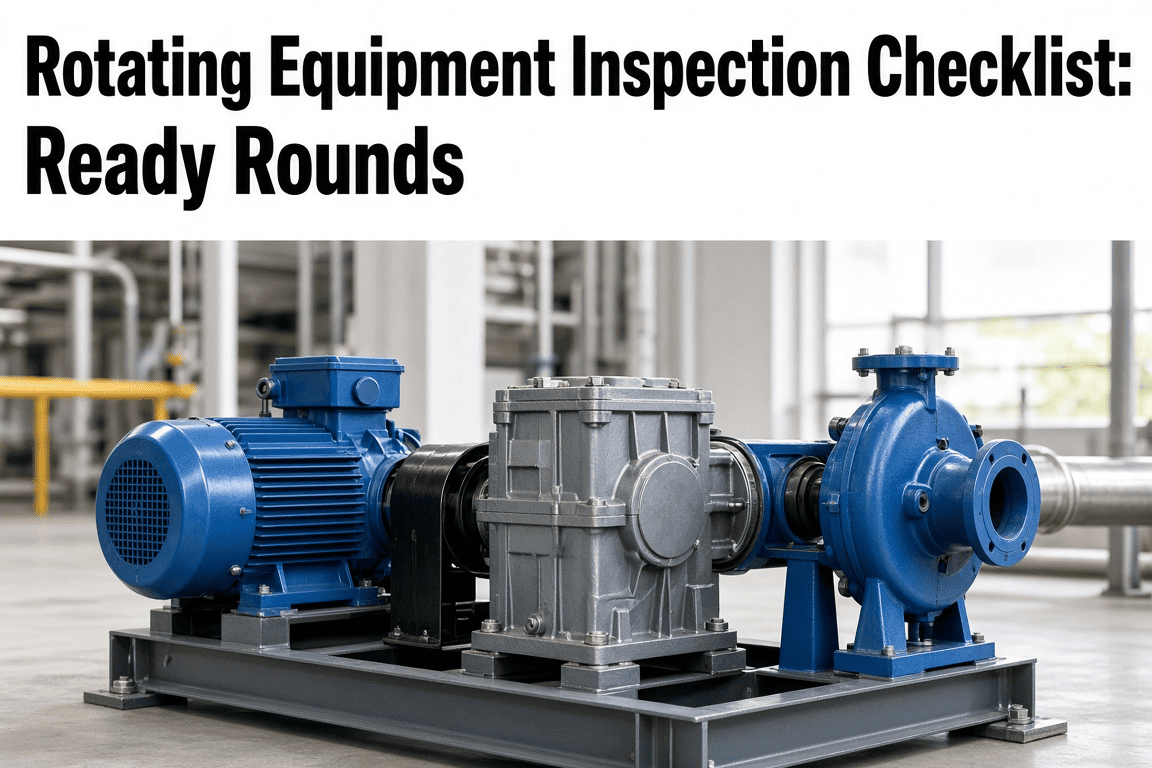
A vibration reading only means something against a limit. The ready Centrifugal pump weekly check in iFactory Inspection writes two into one item: below 4.5 mm/s passes, and above 7.1 mm/s is reported at once. This page sets out how that item is checked, what the numbers do when a reading is over, and which other items on the same round give a high reading its context. It is about the routine check, not condition monitoring. See the pump check in your workspace once your company is set up.
Inspection · Pump vibration
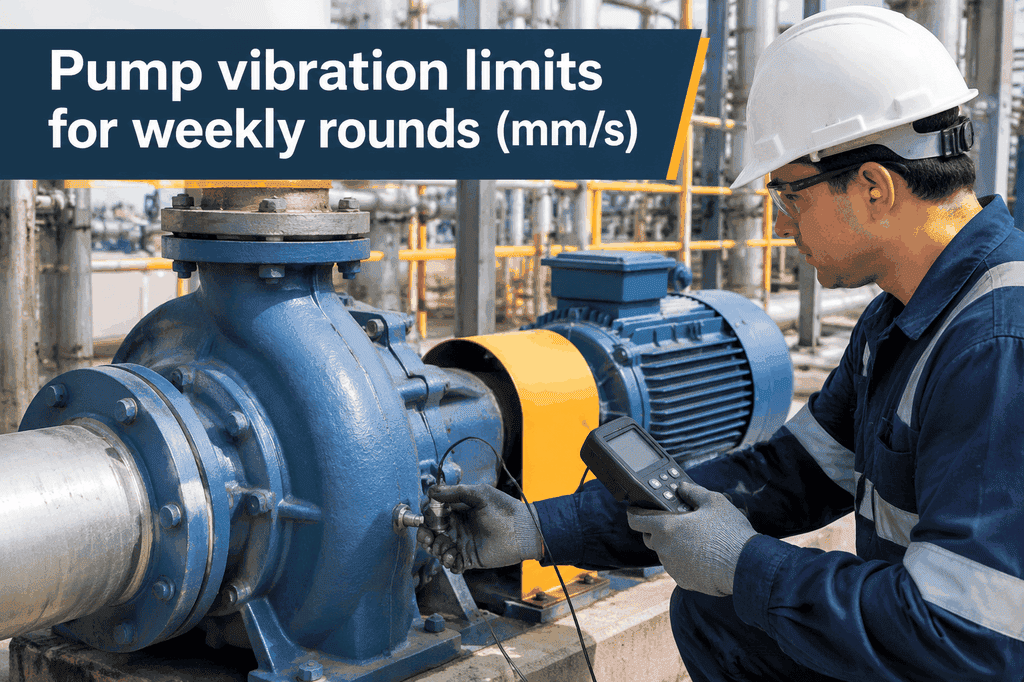
Pump vibration limits for weekly rounds (mm/s)
The weekly pump check carries both limits in a single High priority item, so the technician gets one clear instruction for the reading and the team gets one clear record of the result.
The two limits on the item
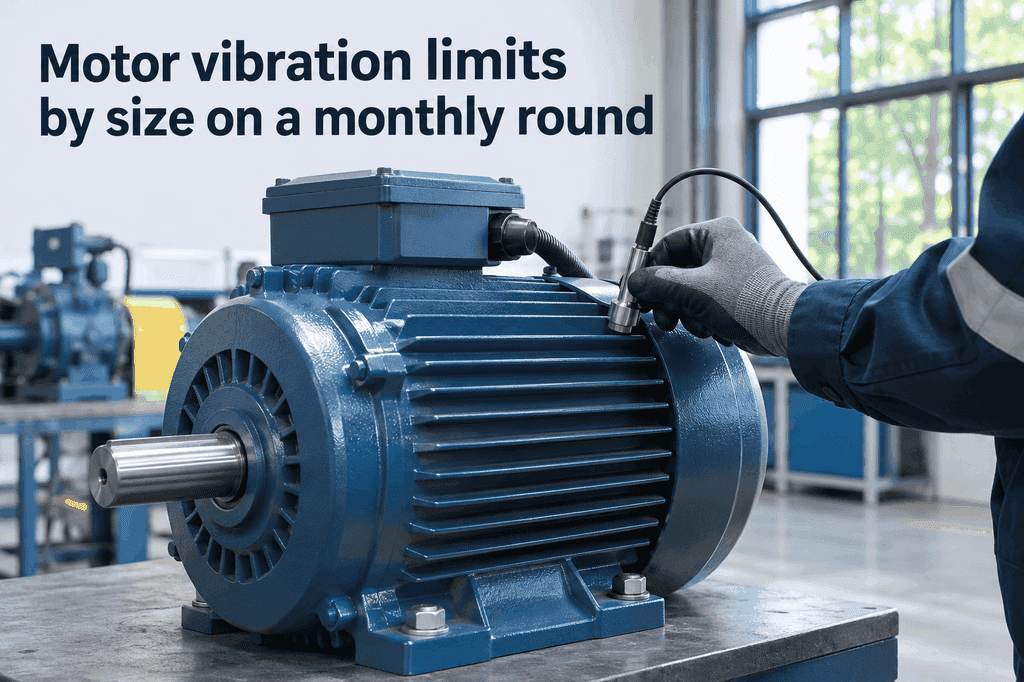
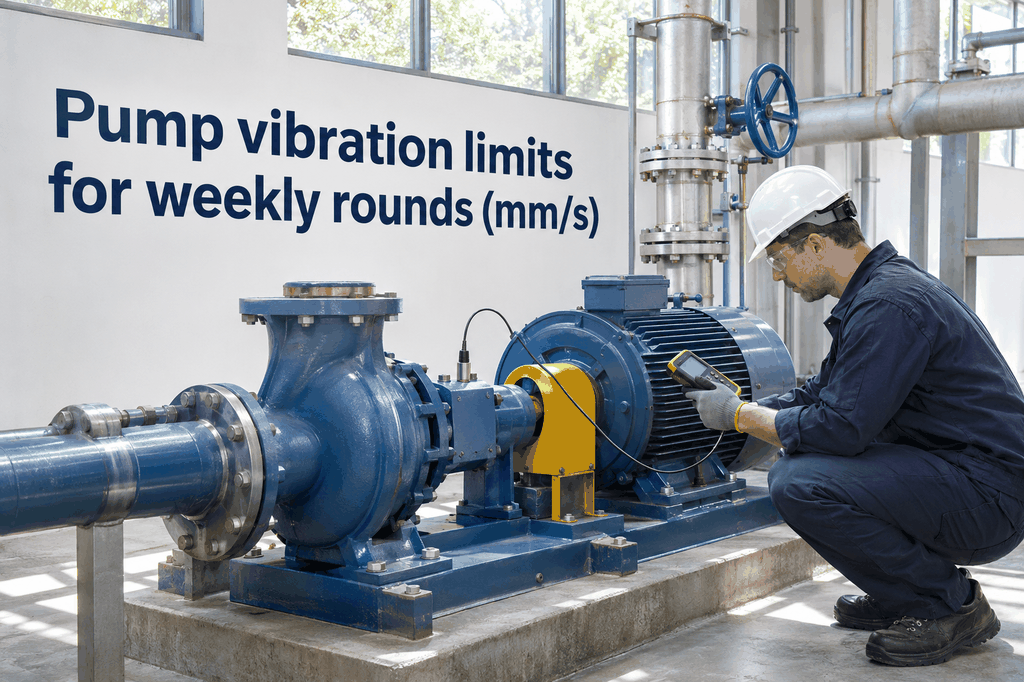
Put the vibration pen on each bearing housing of the pump and the motor, and take a reading across the shaft and one up. Use the highest figure when you compare it with the two limits.
Pass
Below 4.5 mm/s
OK
Report
Above 7.1 mm/s
Report it at once
A reading between 4.5 and 7.1 mm/s is neither a pass nor an emergency, so the call belongs to your team. Check both limits against the maker's manual and your site standard before relying on them.
A vibration limit on every pump round
When the item fails, the work order carries the limit and the technician's note, so the person who repairs the pump knows what number the reading was compared with.
What a failure sets in motion
The vibration item is High priority, which means a failure raises a work order due in 24 hours. That is a much shorter response time than a typical condition finding.
Items that give the reading context
A vibration number is easier to read next to the other items on the weekly pump round. These four are the ones that most often explain a high reading.
Bearing temperatures
Read both bearing housings with an IR gun, one at the drive end and one at the pump end, because a rise at one of them points to where the problem sits.
A passing bearing is below 70 °C and within 10 °C of the reading from last week. A bearing that is cool but climbing fast can still be the cause of rising vibration.
Noise at the casing
Listen at the casing while the pump is running, because cavitation and bearing wear both make a noise before the vibration limit is reached.
A passing pump runs without the crackle of cavitation or the growl of a worn bearing. A noise on top of a high reading tells maintenance where to start looking.
Mechanical seal
Shine a torch on the gland to look for leakage, because a seal wearing from shaft movement often shows up as a drip when the vibration is rising.
The gland should be dry or leaking less than one drop a minute. A bigger leak alongside a high reading suggests the shaft is moving more than it should.
Motor running current
Read the running current from an ammeter or the drive display, because a pump working against a blockage or a worn impeller also changes its vibration.
The current should be at or below the full-load amps on the nameplate. A high current with a high vibration reading points to a hydraulic or mechanical load problem.
What the vibration item does not do
This item is a quick weekly look with a pen. It is a routine check and should be described that way, so nobody mistakes it for a full vibration analysis.
No stored reading
The app records OK, Failed or N/A and does not store a number. When the item fails, write the reading, the location and the direction in the note so the figure stays with the work order.
Not condition monitoring
The weekly check takes one reading each round. It does not monitor vibration continuously and it will not draw a trend line from the figures you note.
Your OEM limits
The 4.5 and 7.1 mm/s limits are general figures. Compare them with the pump maker's guidance before the first round and edit the item if your pump has its own limits.
How the reading is taken
The pump vibration item is done with a vibration pen on each bearing housing, across and up. The technician holds the pen against the housing, reads the velocity in mm/s and compares it with the limit written in the item: below 4.5 mm/s passes, and above 7.1 mm/s the item says to report it at once. Do the pump and the motor, since the item covers both.
Take the reading in the same places each week. A pen on the wrong face of the housing or on a cover rather than the housing will give a different number, and the comparison from week to week is where the value is.
What sits between OK and urgent
The numbers leave a middle band. A pump at 5.5 mm/s has not passed the first limit but is not at the report-at-once line either. The item fails, a work order is raised with the priority of the item, and the technician writes the reading in the note so the planner can see how far over it was.
Pair the reading with the items around it. A rising vibration with a hot bearing, a noisy casing or a gravel sound points to bearings or cavitation, while a steady hum and a stable reading suggest the high number is a reading problem rather than a machine problem.
What the app does and does not hold
The app records OK or Failed against the item and the note on a failure. It does not have a field for the reading, so it does not draw a trend line of mm/s. If you want a trend, write the reading in the note when you answer Failed and read History; or keep your readings in the tool you already use for vibration.
Check the limit against the OEM manual and your own site standard before relying on it. Edit the item if your pump has its own figure.
Two limits, two responses
The pump check has two figures. Below 4.5 mm/s passes. Above 7.1 mm/s should be reported at once. Between the two the item fails but there is a little more time to deal with it.
The check is High, so a failure is due in 24 hours. The report-at-once value is a prompt for the technician to speak to a supervisor or maintenance lead without waiting for the work order to be read.
Take the pen reading on each bearing housing, across and up, for both the pump and the motor. Write the highest value in the note so the response can be judged.
Frequently asked questions
What are the pump vibration limits on the ready checklist?
The Centrifugal pump weekly check in iFactory Inspection has one vibration item with two limits. A reading below 4.5 mm/s passes, and a reading above 7.1 mm/s is reported at once. The item is High priority, and the figures between the two are a judgement call for your team.
How is the vibration reading taken?
With a vibration pen held on each bearing housing of the pump and the motor, once across the shaft and once up. The technician compares the highest figure with the limits. Check the limits against the maker's manual and edit the item if your pump has different figures.
How fast does a failed vibration item need action?
The item is High priority, so a failure raises a work order due in 24 hours. A note is required on the failed item, and the technician should write the reading, the housing and the direction. A photo is optional and can be added at the same time.
Where do I write the reading?
In the note on the failed item. The app records OK, Failed or N/A and does not store the number from a passing item. That is why the note matters, because it keeps the figure, the location and the direction with the work order so the repairer can see what the technician saw.
What other pump items help explain a high reading?
Bearing temperatures, which should be below 70 °C and within 10 °C of last week; noise at the casing; the mechanical seal, which should be dry or under one drop a minute; and the motor running current against the nameplate. Together they show whether the cause is bearing, hydraulic or mechanical.
Does the app trend the vibration readings?
No. It takes one reading a week as a pass or fail and does not store the figure or draw a trend line. It is not condition monitoring. If you want a trend, keep your own record of the readings, or use the note on a failed item as the place where the figure is kept.
Check pump vibration every week
Add the weekly pump check and give every pump the same limits.
- 4.5 and 7.1 mm/s limits
- Work order due in 24 hours
- Context from other items
14-day free trial · no card needed