"Looks OK" is not a decision. Two inspectors can look at the same bearing and disagree, and neither can be proved wrong. Acceptance criteria fix that by writing the pass limit into the item. Every ready checklist in iFactory Inspection does it in the how-to line, and a failed item carries that line, with your note, into the work order. This page shows how a good limit is written, with examples from the ready library, and what the app does with it. See the ready limits in your workspace once your company is set up.
Inspection · Pass limits
Inspection acceptance criteria: writing pass limits
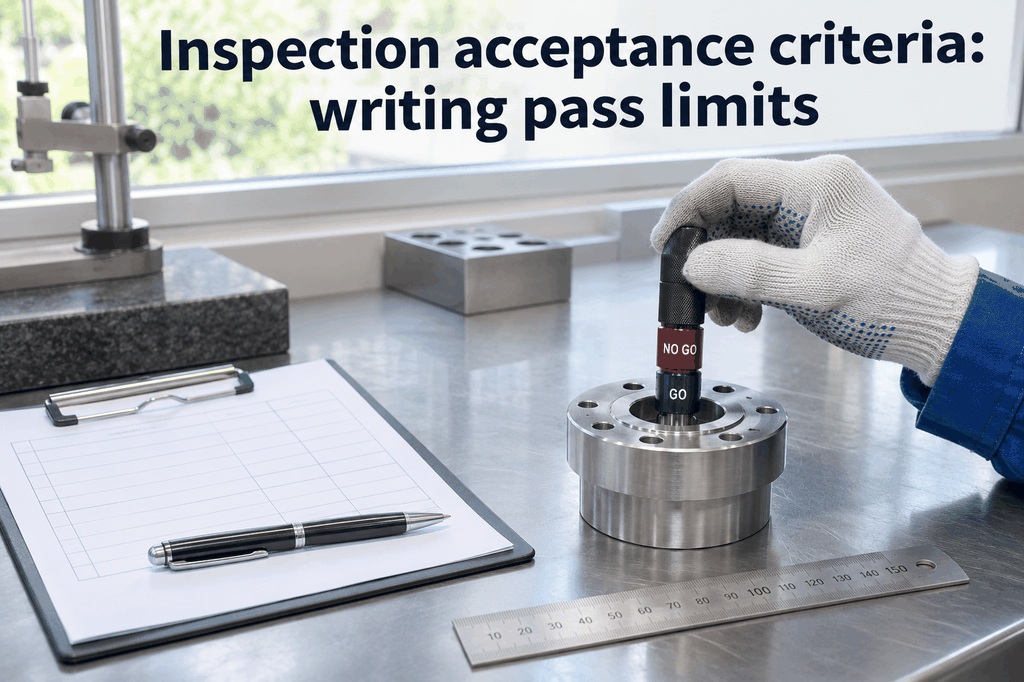
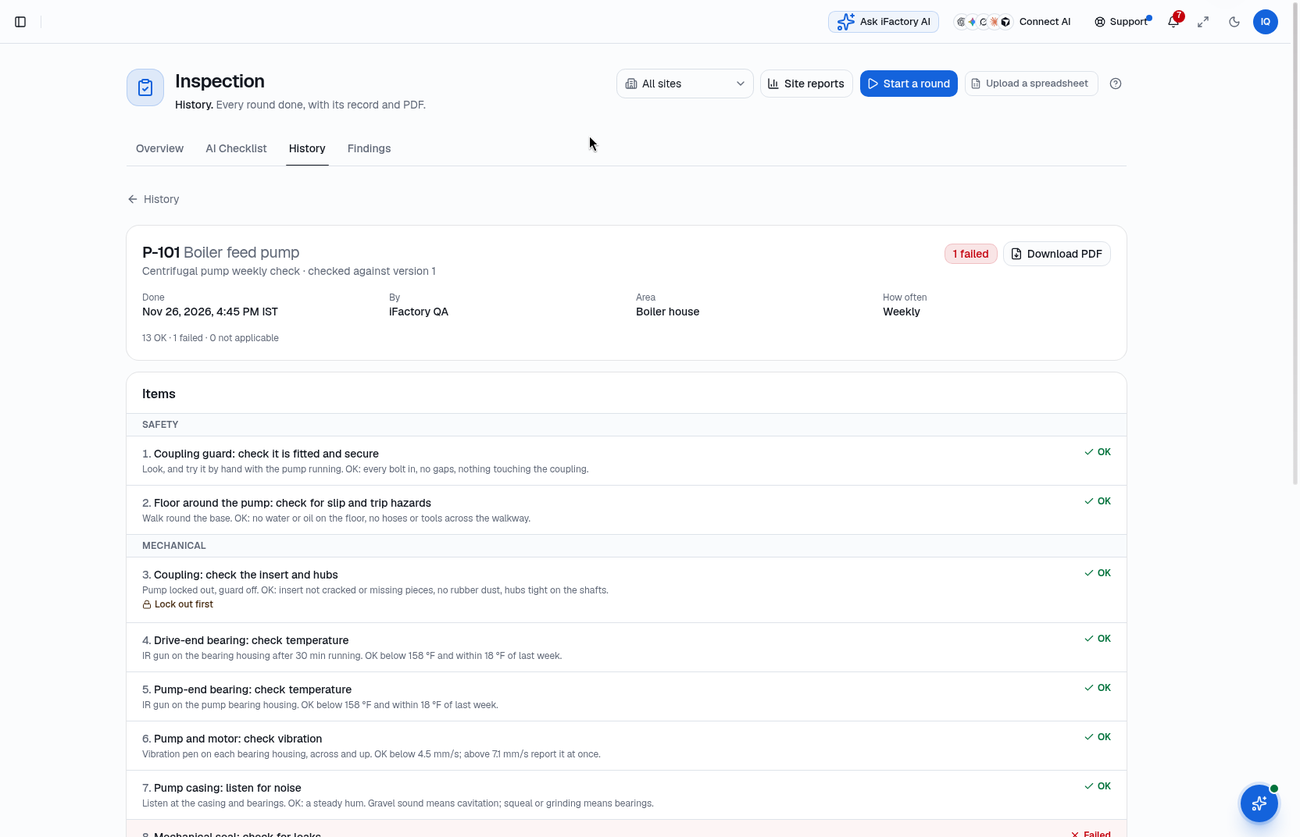
Replace the phrase looks OK with a limit that anyone can repeat. These examples from the ready library show how a good limit is written.
Limits from the ready library
Each of these is written into the how-to line of an item, so the technician sees the method and the limit together at the moment of the check.
Pump bearing
IR gun on the bearing housing after 30 minutes running
OK below 70 °C and within 10 °C of last week.
Pump vibration
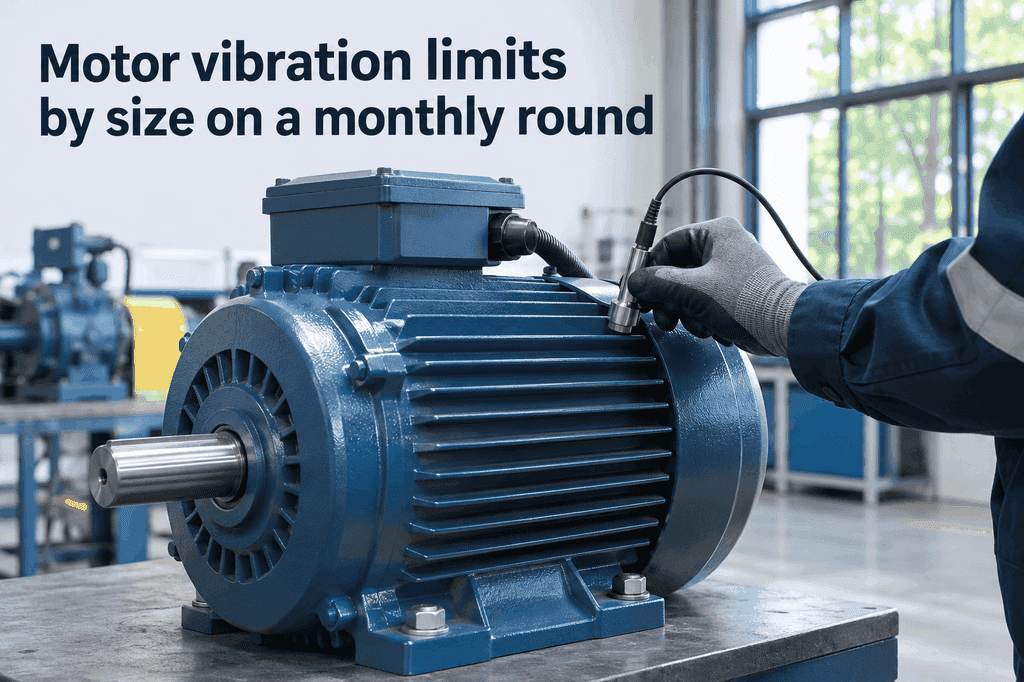
Vibration pen on each bearing housing
OK below 4.5 mm/s; above 7.1 mm/s report it at once.
Crane hook
Look at the hook
Fails if the throat is more than 15% wider than new.
Compressor inlet filter
Read the filter indicator
Green is OK; red, or above 0.05 bar drop, means change the element.
Make every item a decision
When an item fails, the limit goes with it, so the person who gets the work order knows what the inspector was holding the reading up against.
An absolute limit and a trend limit
Some items carry both an absolute limit and a trend condition, such as a temperature below 70 °C and within 10 °C of last week.
Absolute
Below 70 °C
A part that is already too hot
Trend
Last week's reading
A rise before it reaches the limit
Results are saved as OK, Failed or N/A, and the reading itself is not stored as a number. That is why the limit and the note are so important.
What happens to the limit after a failure
The limit is not lost when the round is submitted, because it travels into the work order along with the inspector's note.
The item fails
The inspector adds a note that says what was seen or measured, so the failure is described in the inspector's own words.
The work order is raised
The work order carries the how-to-check text and the limit as well, so nothing has to be looked up.
The fitter sees both
The person doing the repair knows what was measured and what would have counted as a pass, so they know when the fix is good enough.
The record shows your units
Limits convert to your organisation's units, such as °C to °F and bar to psi, on the record and PDF.
What the limits are not
The limits in the ready library are starting points, and they are written to be general so that they can be edited for your own machines.
Not the OEM manual
Take limits from the maker's manual first, because the library values are only starting points for machines in general.
Not stored readings
The app records OK, Failed or N/A and not the measured number, so write the figure in the note when an item fails.
Yours to edit
You can change any limit before you save a checklist, and a new version is created if you change one later.
Where a good limit comes from
A pass limit is a decision that someone wrote down. The best ones come from three places: the manufacturer's manual for the machine, the site's own rule where it is stricter, and the equipment's history where it shows what normal looks like. The ready checklists carry general limits such as 70 °C on a pump bearing or 4.5 mm/s of vibration, and say to check them against the OEM manual.
Write the limit as a condition that can be answered with a yes or a no: below 80 °C, no cracks, wire seated in the grooves, dry or less than one drop a minute. Avoid words such as acceptable or satisfactory, which push the decision back onto the person.
Three answers, and why N/A is not a fourth pass
Each item is answered OK, Failed or N/A. N/A is for an item that does not apply to this machine, such as an oil cooler that is not fitted. It is not a way to skip an item you did not get to. If an item is answered N/A often, that is worth reviewing, and suggested checklist changes flags an item answered N/A in eight or more of its last ten rounds.
A Failed answer asks for a note and optional photo and raises a work order. The priority on the item sets how soon it is due: Urgent four hours, High 24 hours, Medium 72 hours and Low 14 days.
Fixing a criterion that does not fit
Ready criteria are general. If your pump has a different vibration limit in its manual, or your gearbox runs normally at a higher temperature, edit the item and change the OK line. The checklist then uses your figure, and the work order will quote it.
Make the change in the checklist, not in the technician's head. A limit that exists only as habit is applied differently by each person, and the history cannot show what was meant. When a criterion changes, note why in the checklist so a later reader understands the shift.
Review criteria after a few months of results. If an item fails every week and nothing is wrong, the limit is probably too tight. If nothing ever fails, check that it is being read honestly.
Frequently asked questions
What is an inspection acceptance criterion?
It is a written limit that defines a pass, so two inspectors reach the same answer. In iFactory Inspection it sits in the how-to line of each item, for example OK below 70 °C and within 10 °C of last week. A failed item carries that limit, with the inspector's note, into the work order.
Where does the app put the limit?
In the how-to-check line under each item, so the technician sees the method and the limit together. When the item fails, the limit goes with the note into the work order and onto the record and PDF. Limits convert to your organisation's units, such as °C to °F and bar to psi.
What is a trend limit?
A condition that compares this reading with the last one, for example a temperature within 10 °C of last week. Some items carry both an absolute limit and a trend limit. The trend catches a bearing or gearbox that is drifting while the figure is still acceptable. Last week's figure comes from the notes.
Can I use the library limits as they are?
Treat them as starting points. They are general figures, and the manual for your machine is the better source. Take limits from the maker's manual first, then edit any limit before you save a checklist. Past rounds keep the version they used, so changing a limit never rewrites the record of what was asked.
What does N/A mean on a round?
N/A means the item does not apply to this machine on this round, and it is not a fourth kind of pass. An item that is N/A in 8 of the last 10 rounds can be flagged by the checklist review as a candidate for removal. Use N/A honestly.
How soon is a failed item due?
It depends on the priority of the item: Urgent in four hours, High in 24 hours, Medium in 72 hours and Low in 14 days. A Failed answer asks for a note and an optional photo, then raises a work order. Review criteria after a few months of results.
Write limits anyone can repeat
Start from a ready checklist and edit each limit to match your equipment.
- Pass limit in every item
- Trend limits where they help
- Limit carried into the work order
14-day free trial · no card needed